Search models, users, collections, and posts

Dragon Glass

Print Profile(2)

0.2mm layer, 2 walls, 100% infill
Designer
1.9 h
1 plate

Smaller and Thicker - Coaster Size

2.1 h
1 plate
Open in Bambu Studio
Boost
62
136
8
3
46
25
Released
Description
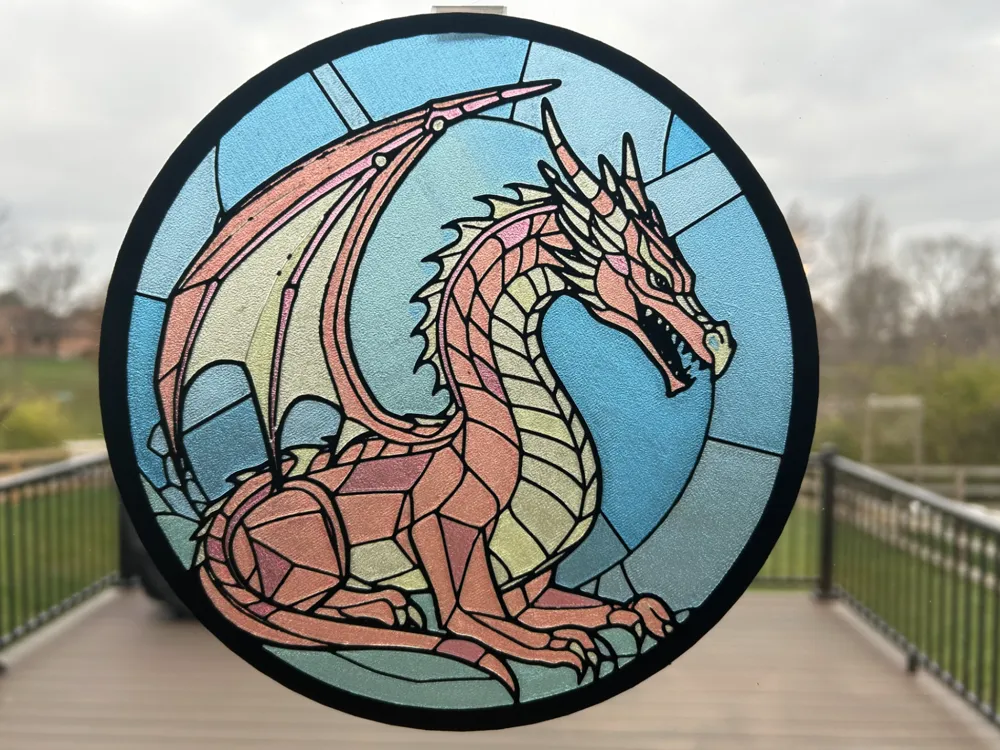
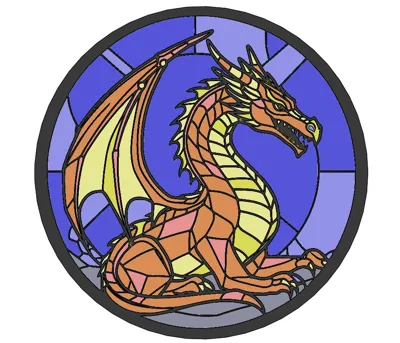
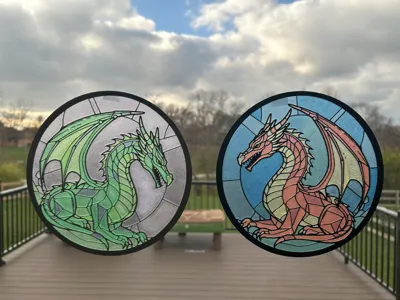
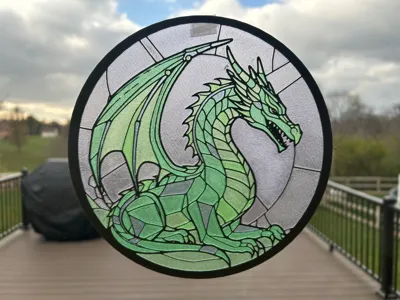
I wanted to see if I could make additional colors with overlapping translucent red, blue, and yellow in a stained glass piece.
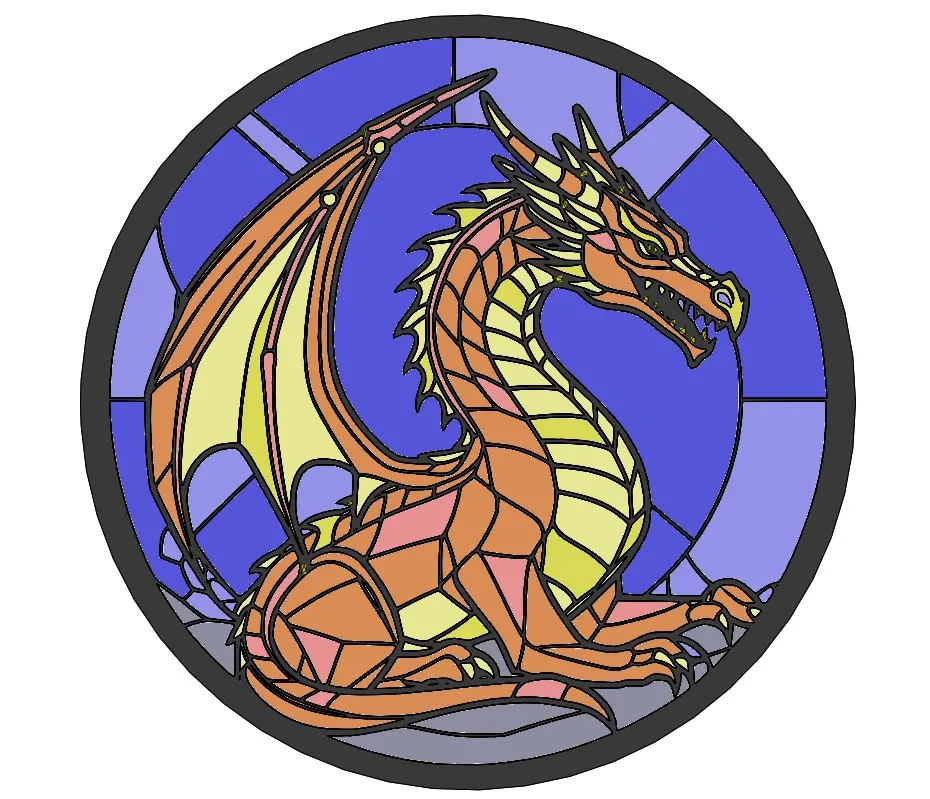
I found the image of the dragon online and imported it into Inkscape to get the outline. I imported the dxf of the outline into SolidWorks and extruded all the various sections by the colors and depths I wanted them to be.
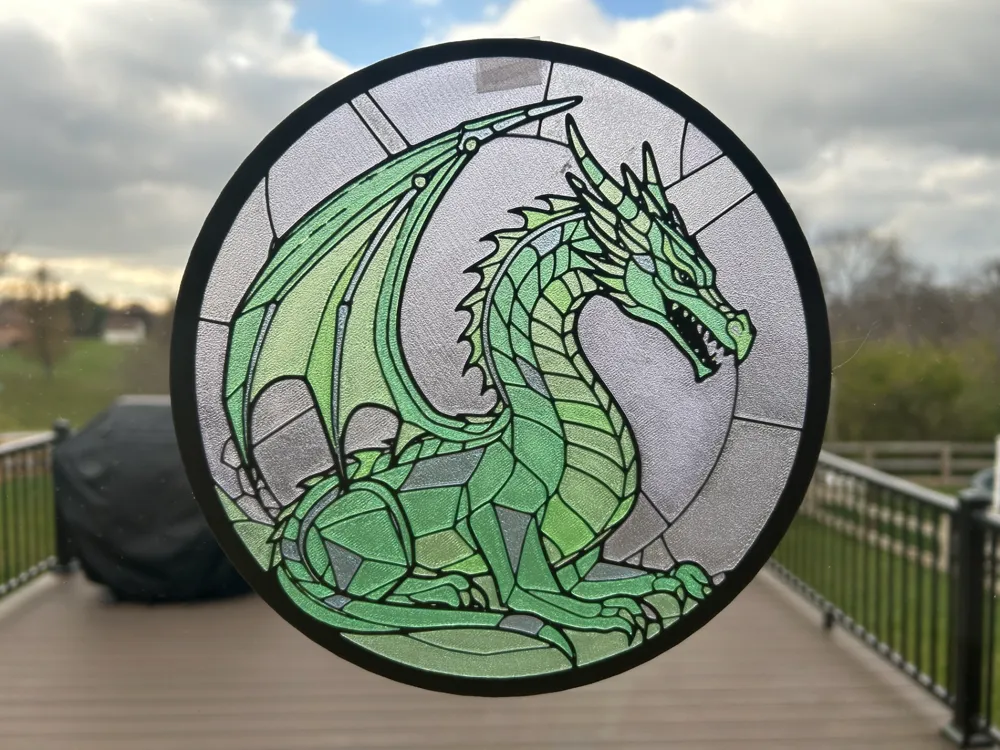
I don't think this would work with opaque colors. I used translucent red, yellow, and blue on the first one. I'm printing a second with green, blue, and purple just to see what it looks like.
- All of these mixed layer prints will give a warning about floating objects. It is because the various layers are supported by other colors underneath them.
License

This user content is licensed under a
Creative Commons Attribution-Share Alike


Comment & Rating (8)