
Fanatec F1 Wheel - Phone Mount

Print Profile(1)

Description
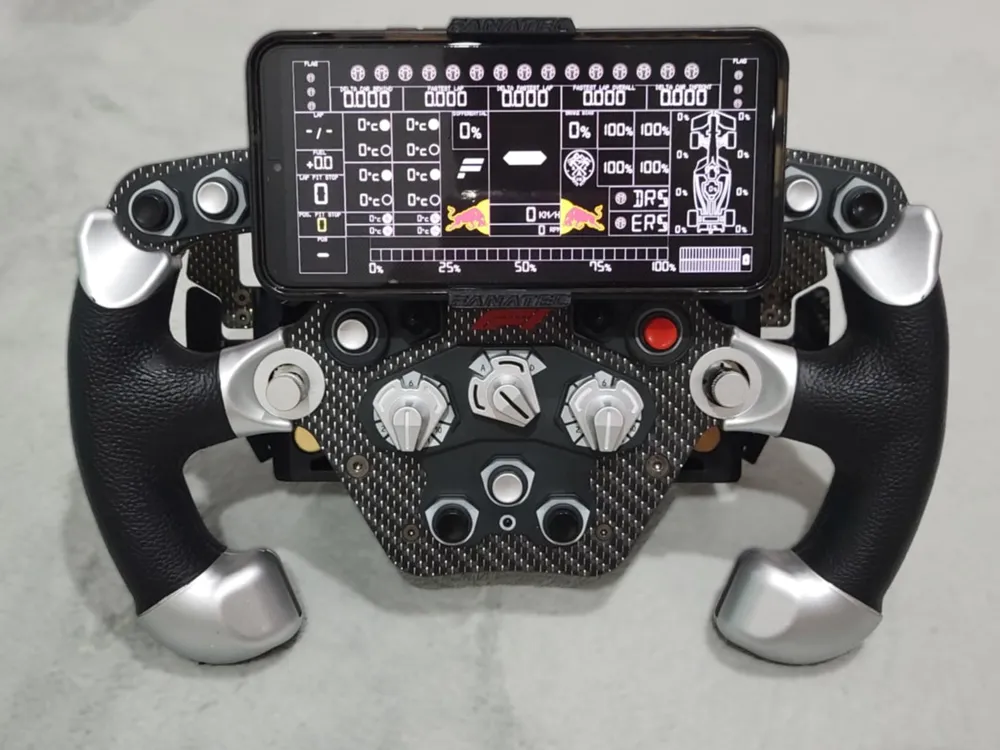
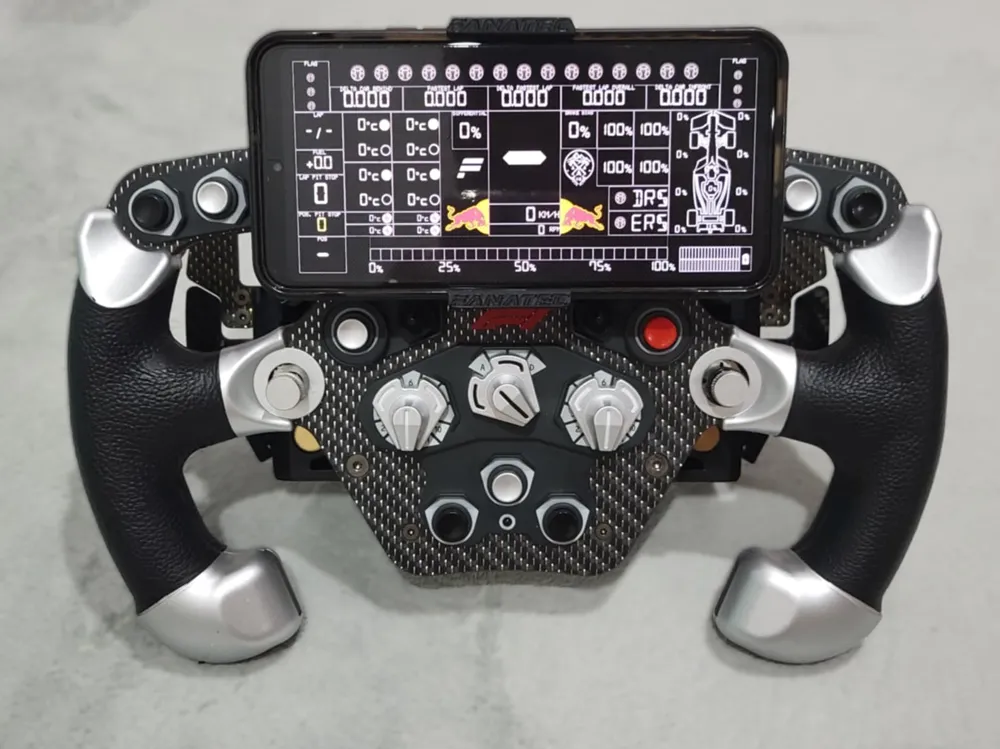
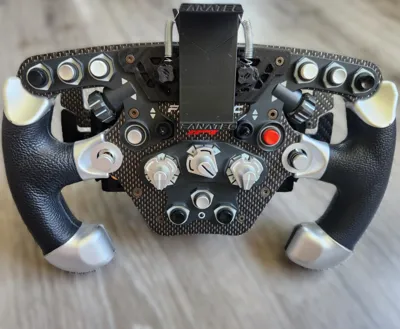
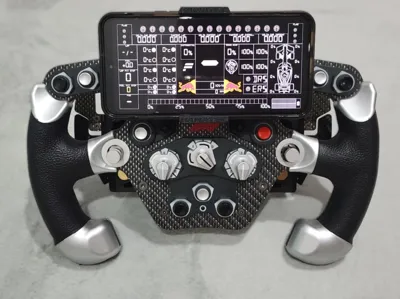
Put a Sim Dashboard on your F1 Wheel!
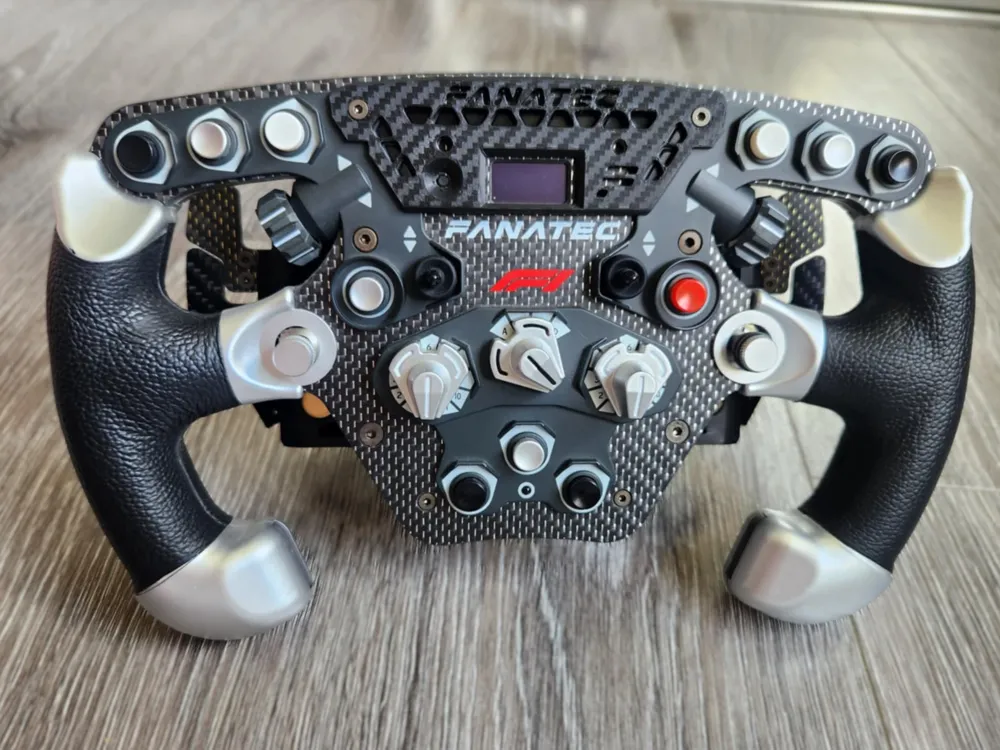
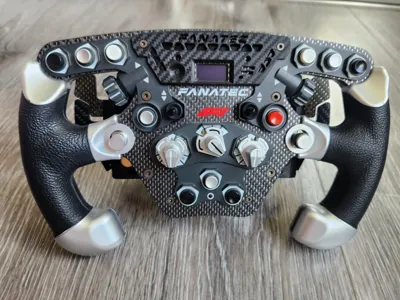
This is a phone mount to a Fanatec F1 Sim wheel. This will mount on most F1 Wheels by Fanatec, including the very common V2.5 as well as other limited edition f1 Wheels.
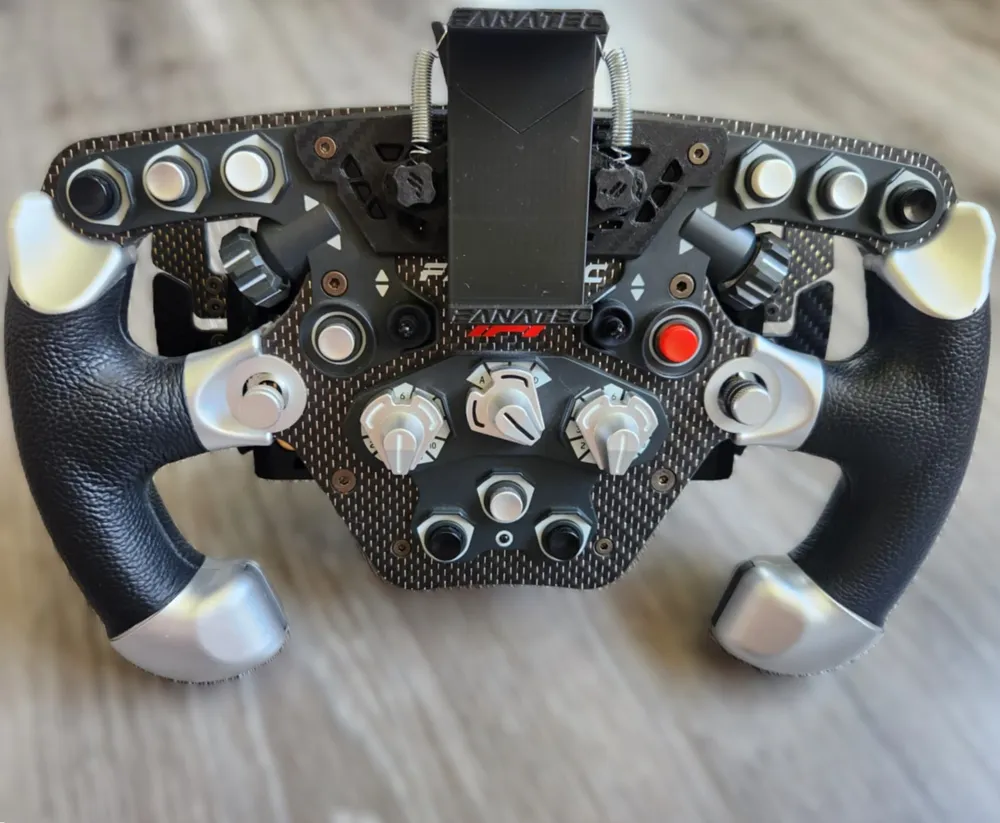
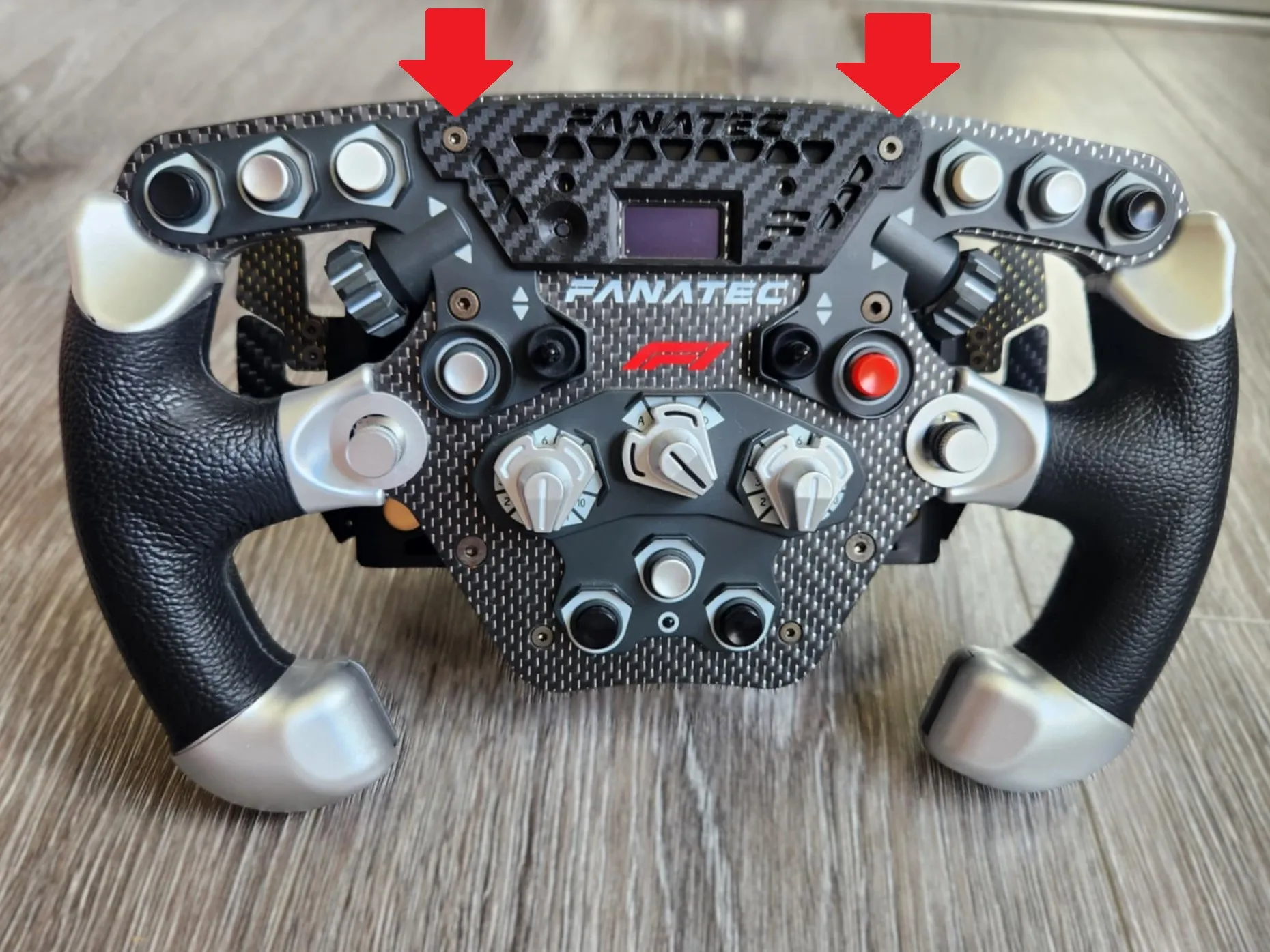
No damage is caused to the wheel and it is mounted using two screws that already are in the wheel holding the faceplate on.
This mount allows the phone to be on the wheel, making it look like a real Wheel with the screen mounted.
The phone mount is sturdy and can withstand high force feedback.
Applications can be downloaded for free to add telemetry to your dashboard (E.g. Sim Dashboard)
I printed the copy in the photos on a carbon fibre baseplate to match my wheel. It would suit the Formula 1 2.5 Wheel perfectly!
The phone mount can be quickly removed with no tools if you want to use your wheel without your phone!
External parts required:
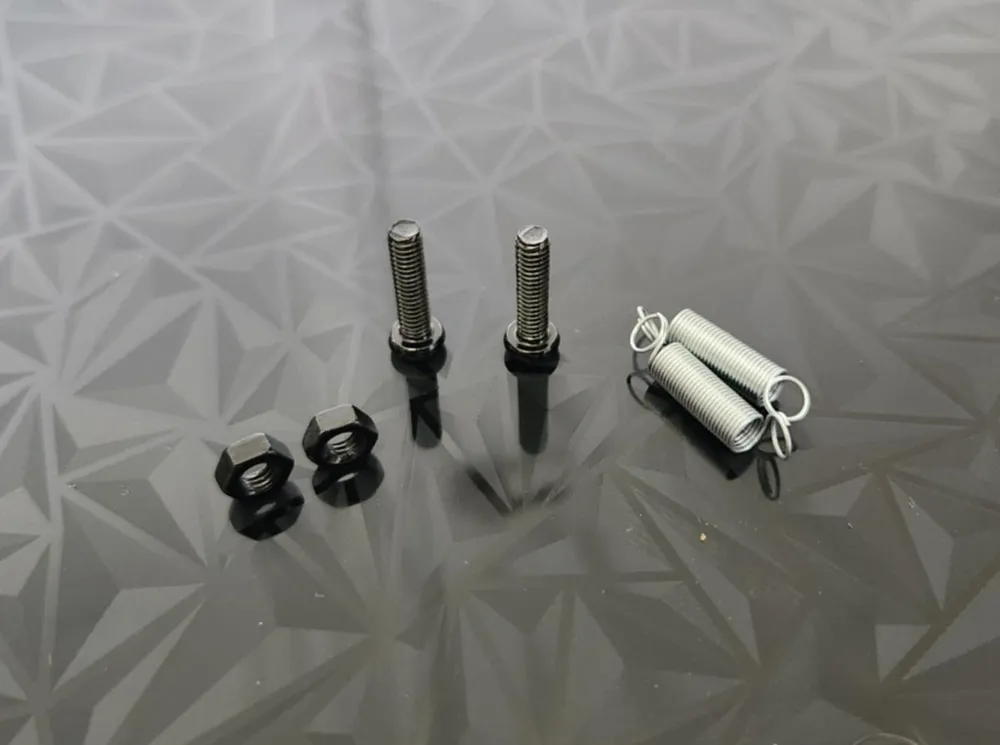
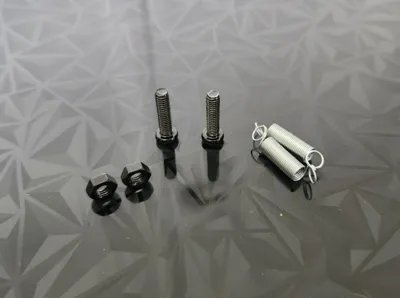
- 2x M3 bolts (10mm - Max 13mm long after mounting the grip, see instructions for more specifics)
- 2x M3 Nuts
- 2x Extension springs (I used 14mm long with a thin diameter, but you can make most work)
- Glue
INSTRUCTIONS:
Obtain your purchased parts detailed above. The screws can be filed down to the perfect size if required.
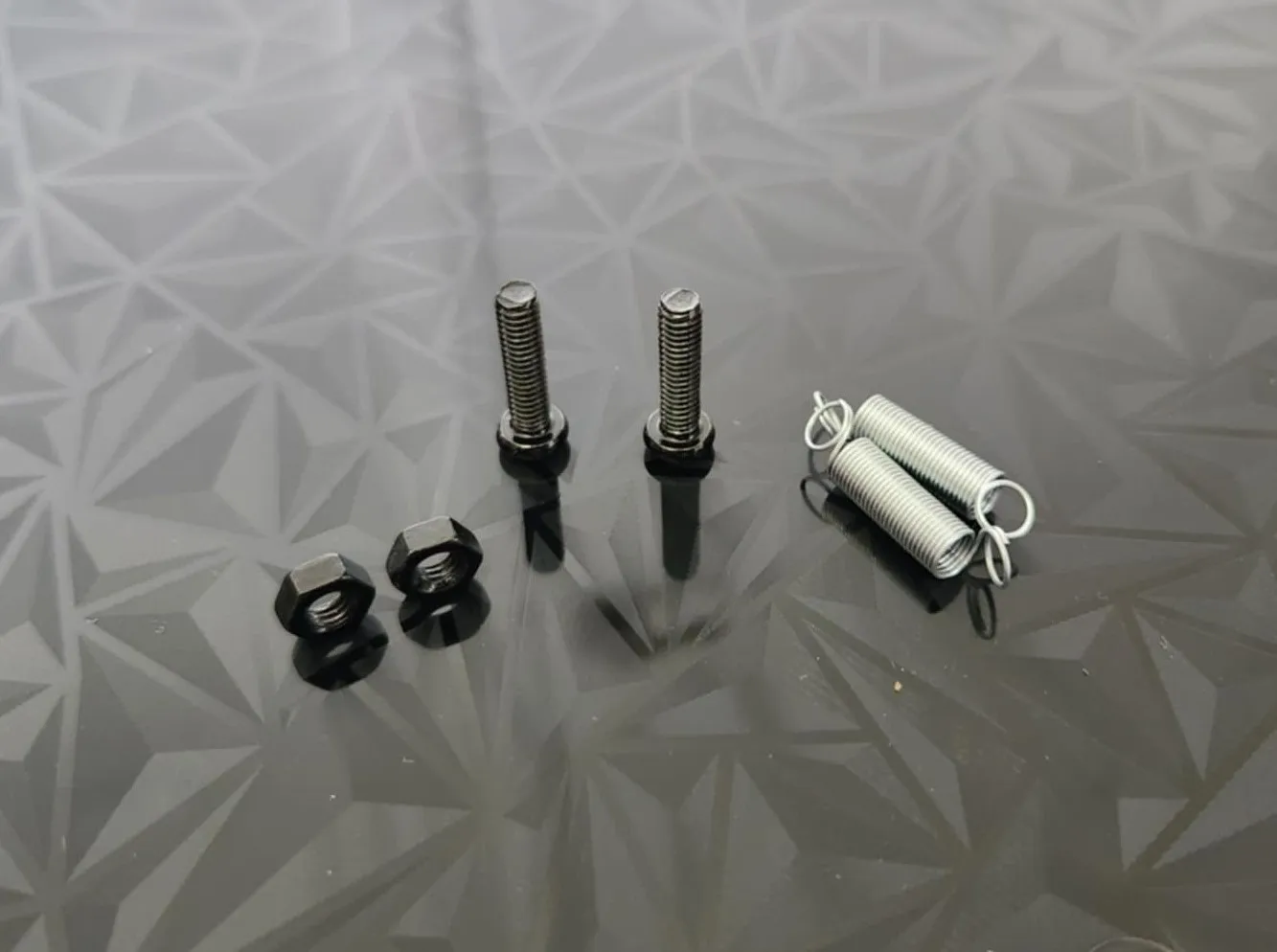
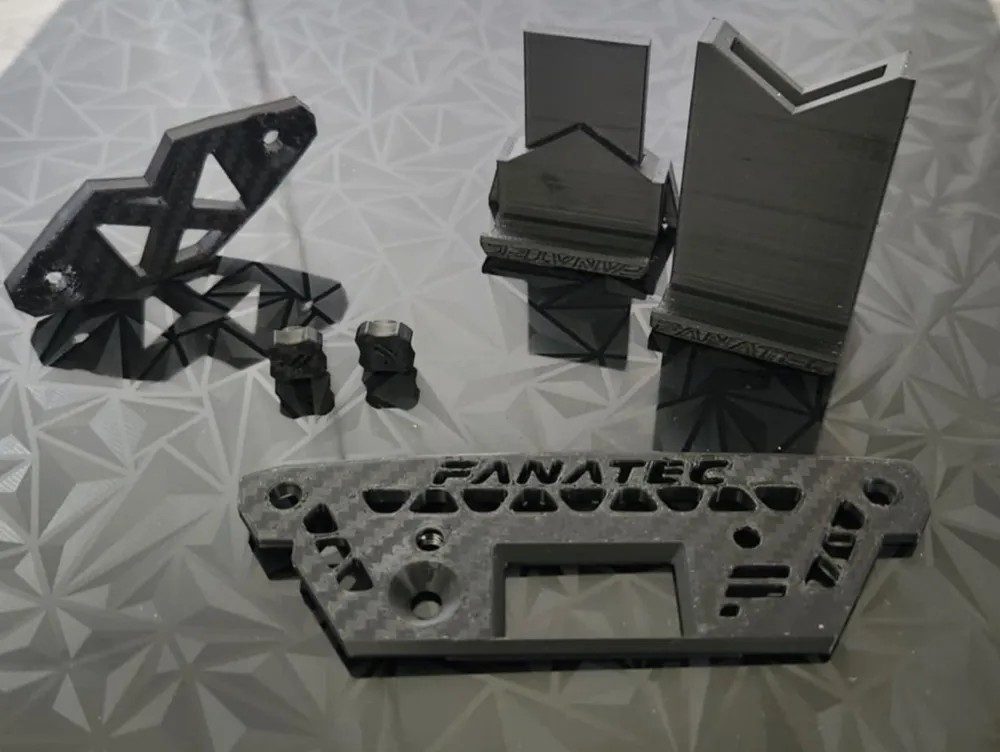
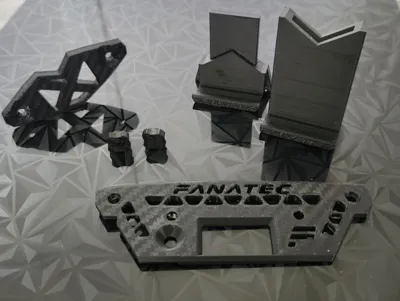
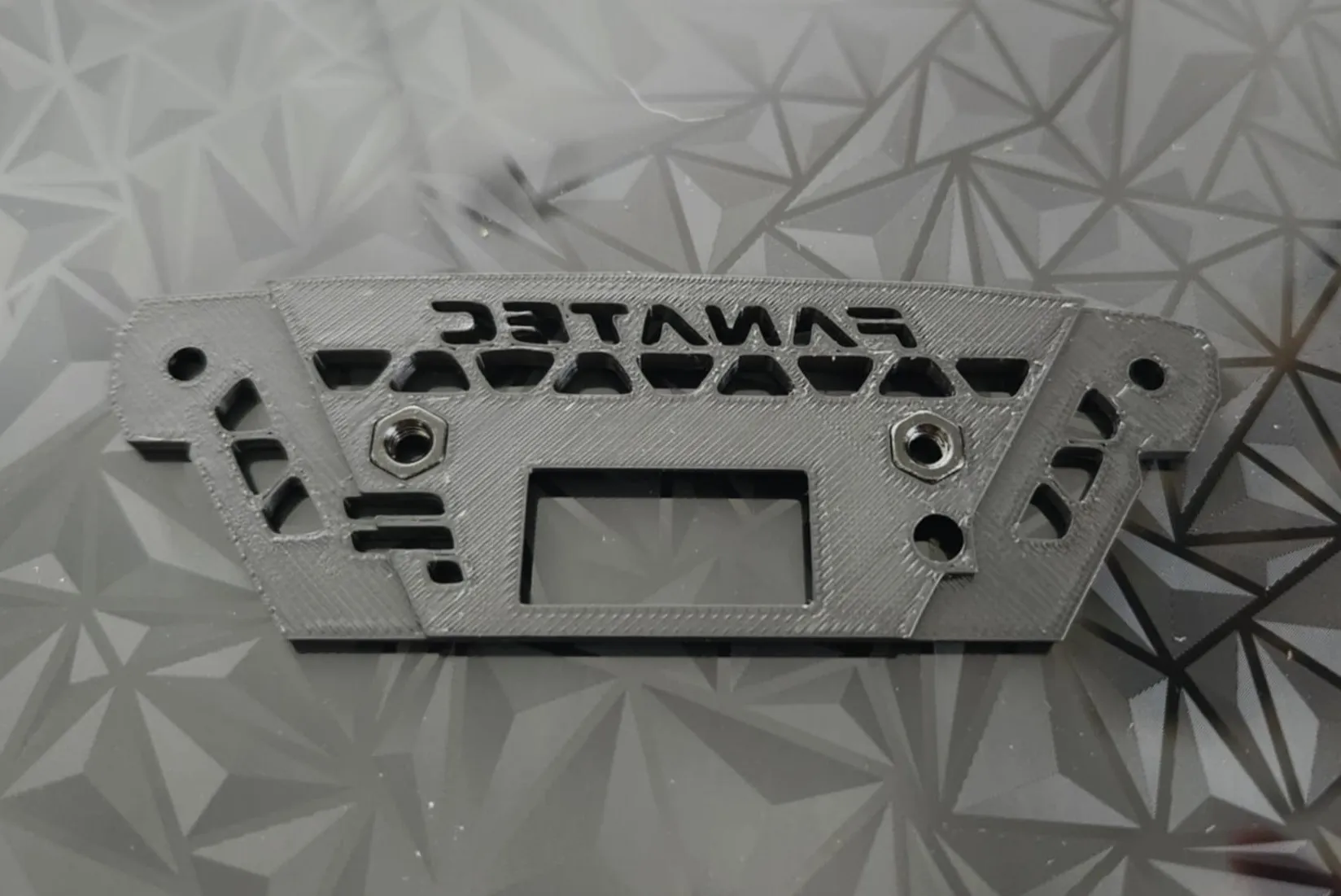
Press the M3 nuts into the slots on the back of the Mounting Plate. No glue is required. You can heat up the nuts and press them in but it is not necessary.
Unscrew the two screws on your F1 Wheel, shown in the image below using a hex tool. Place the baseplate on the wheel and secure it using the same screws.
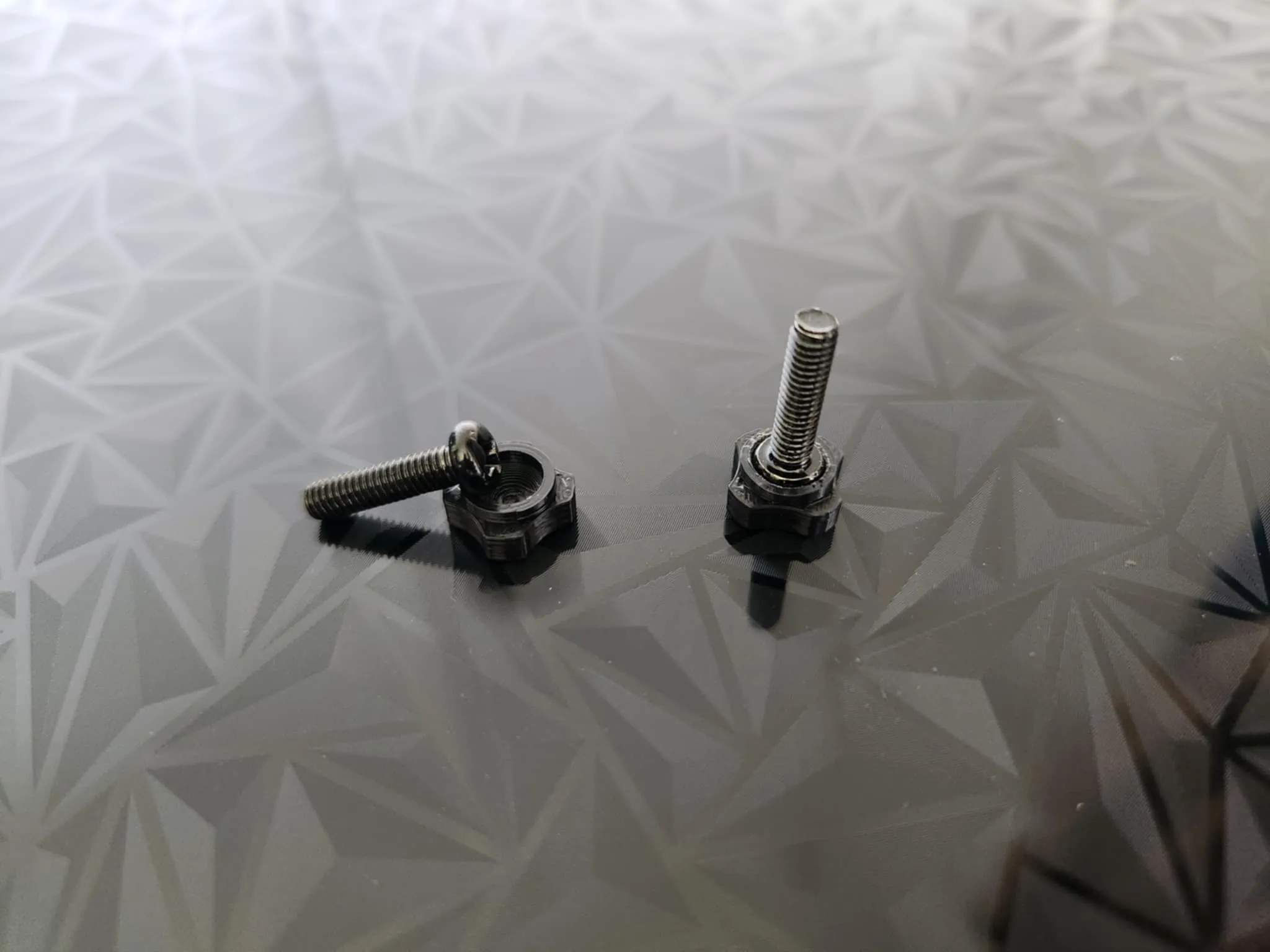
Glue or heat up and press the M3 bolts into their holders.
On the phone connector, make a little cut in the bridging between the hook at the plate that the springs can slot through. This will make it harder for the springs to pop out during assembly.
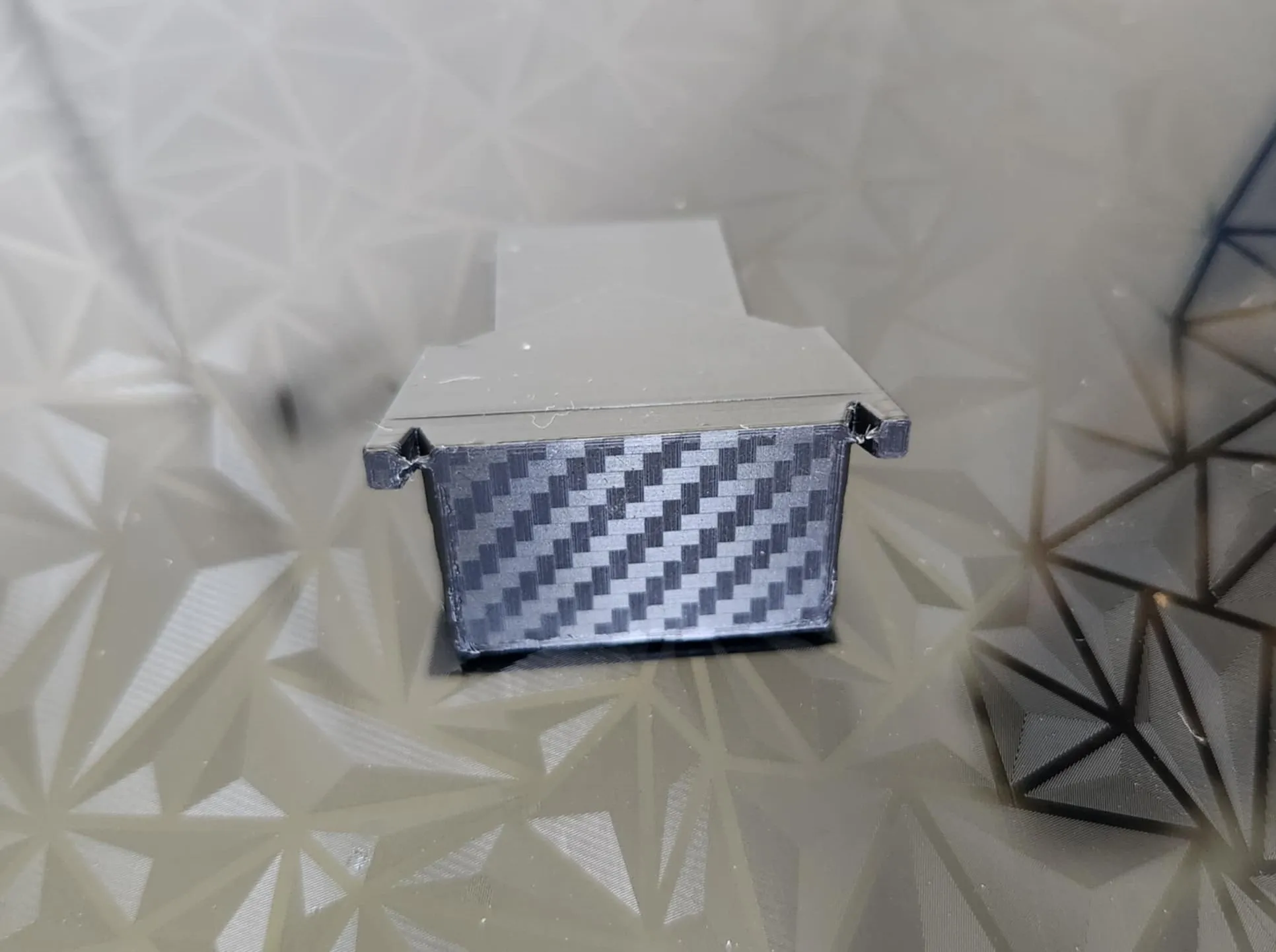
Glue the backing mount onto the phone holder, ensuring the flat side is facing out.
This will be automatically centered with the cutout in the phone holder.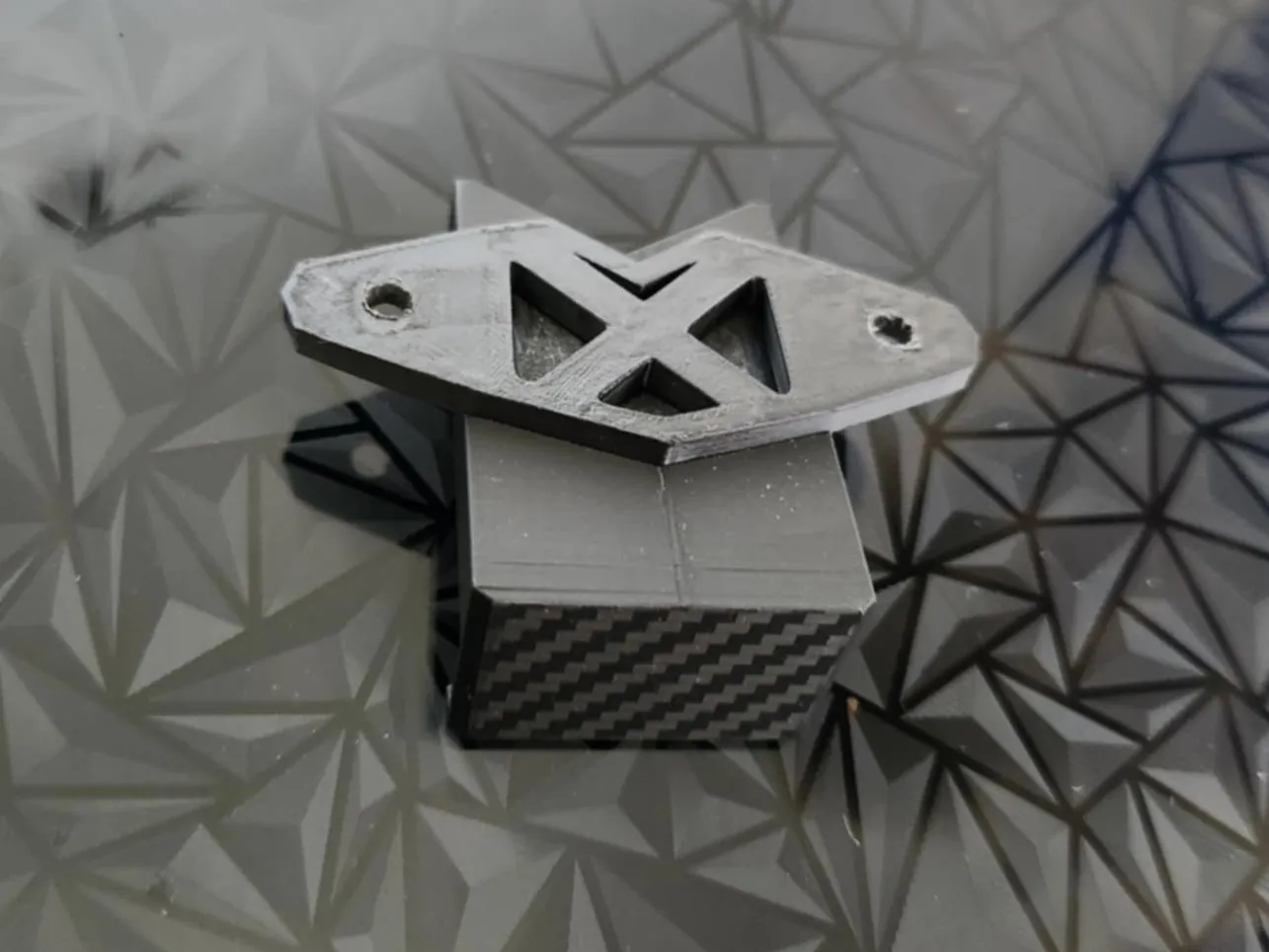
Attach the springs to the top hooks of the phone mount, then feed the bolts though the spring and the holes in the phone mount.
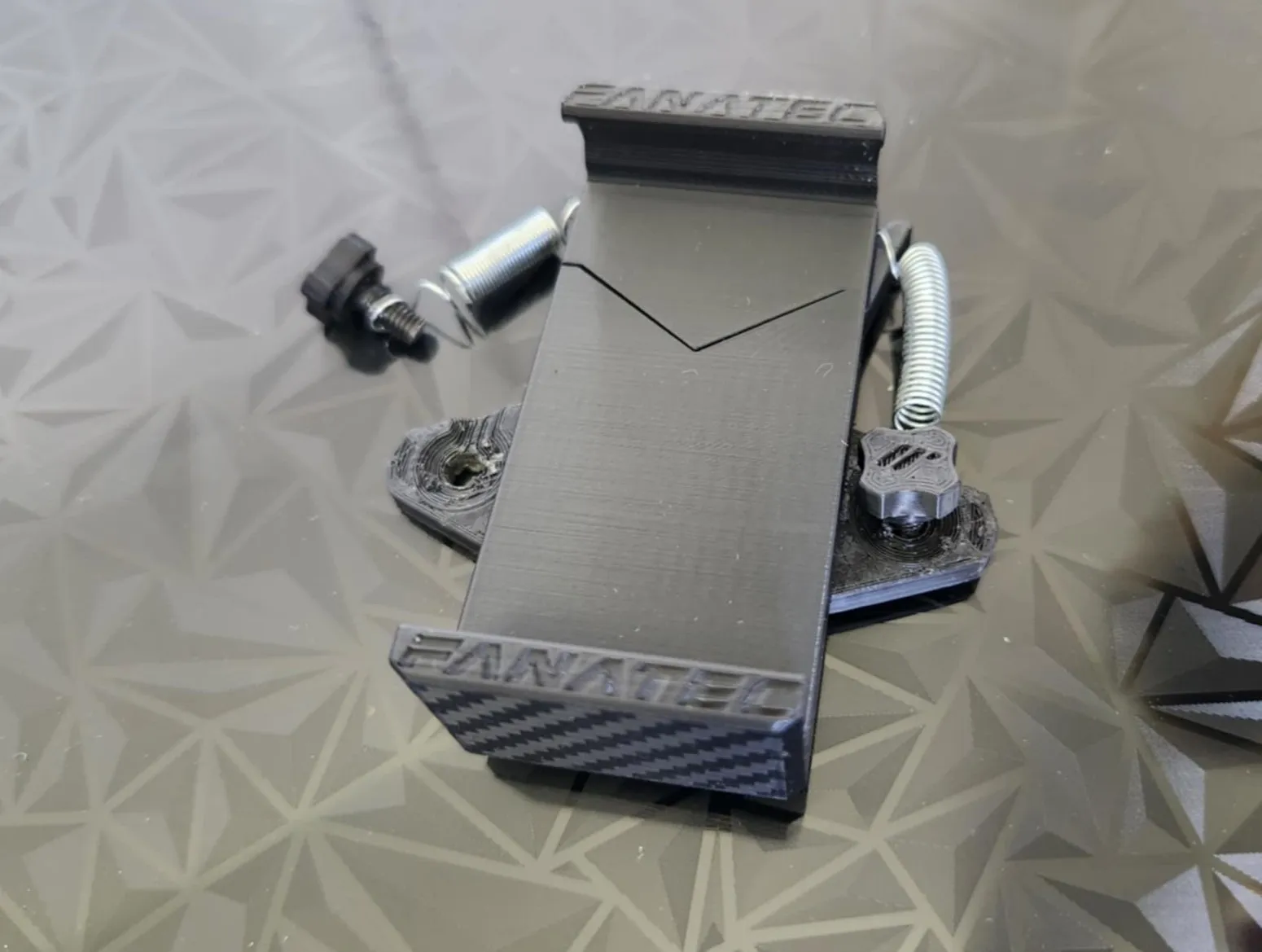
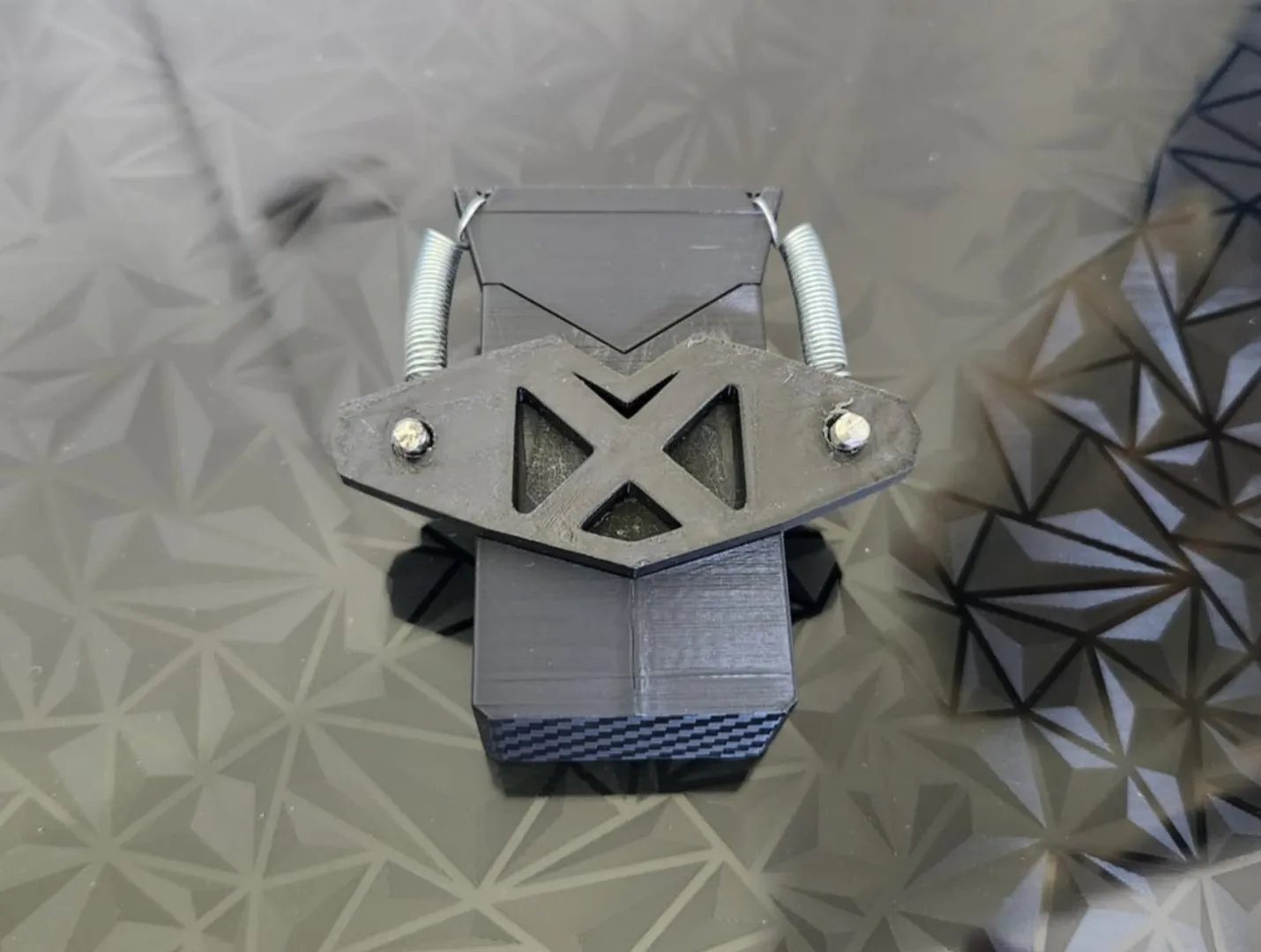
- Screw the phone holder onto the base plate. No tools are needed with the knobs on the screw heads.
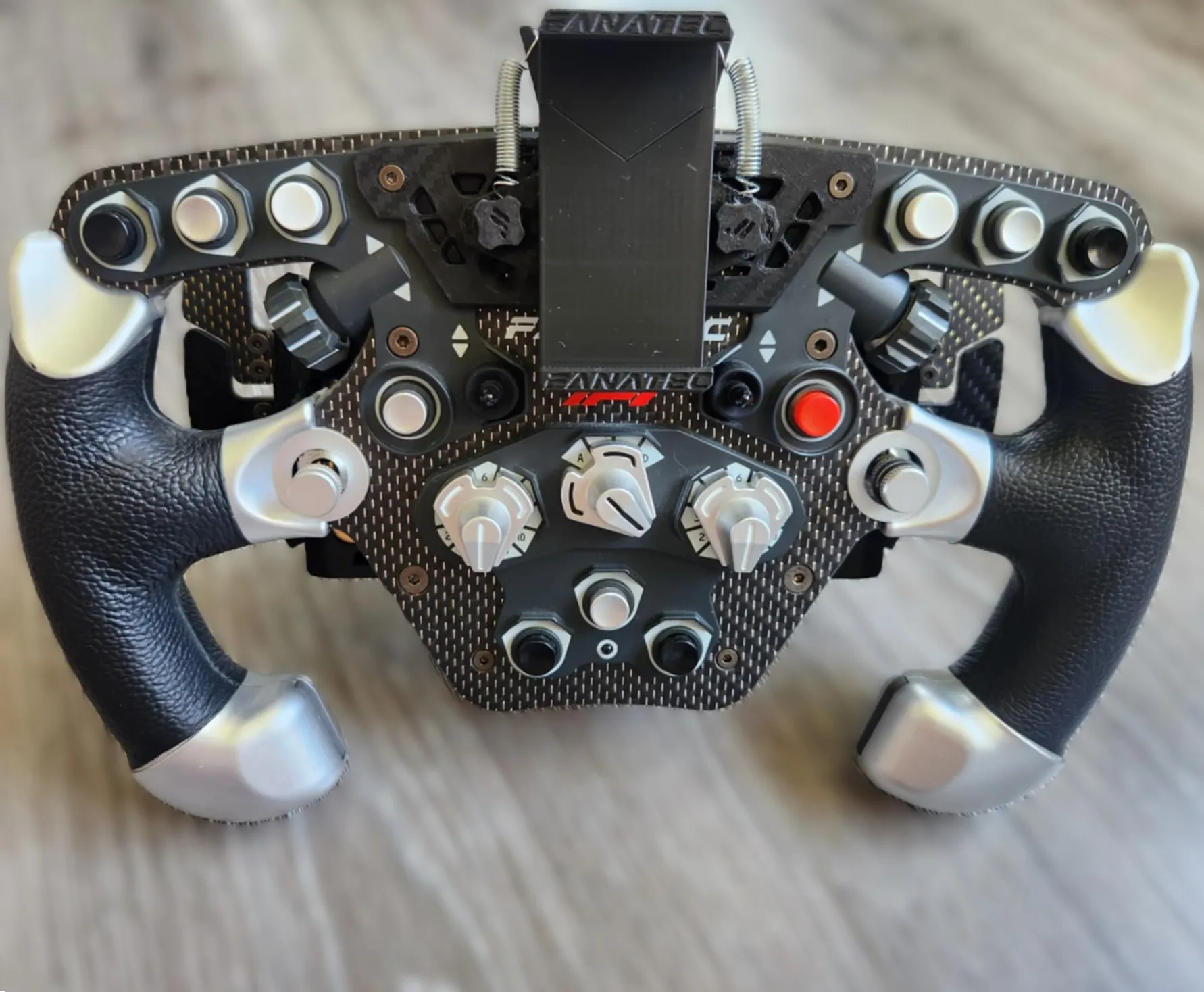
Slide open the mount and place your phone in!
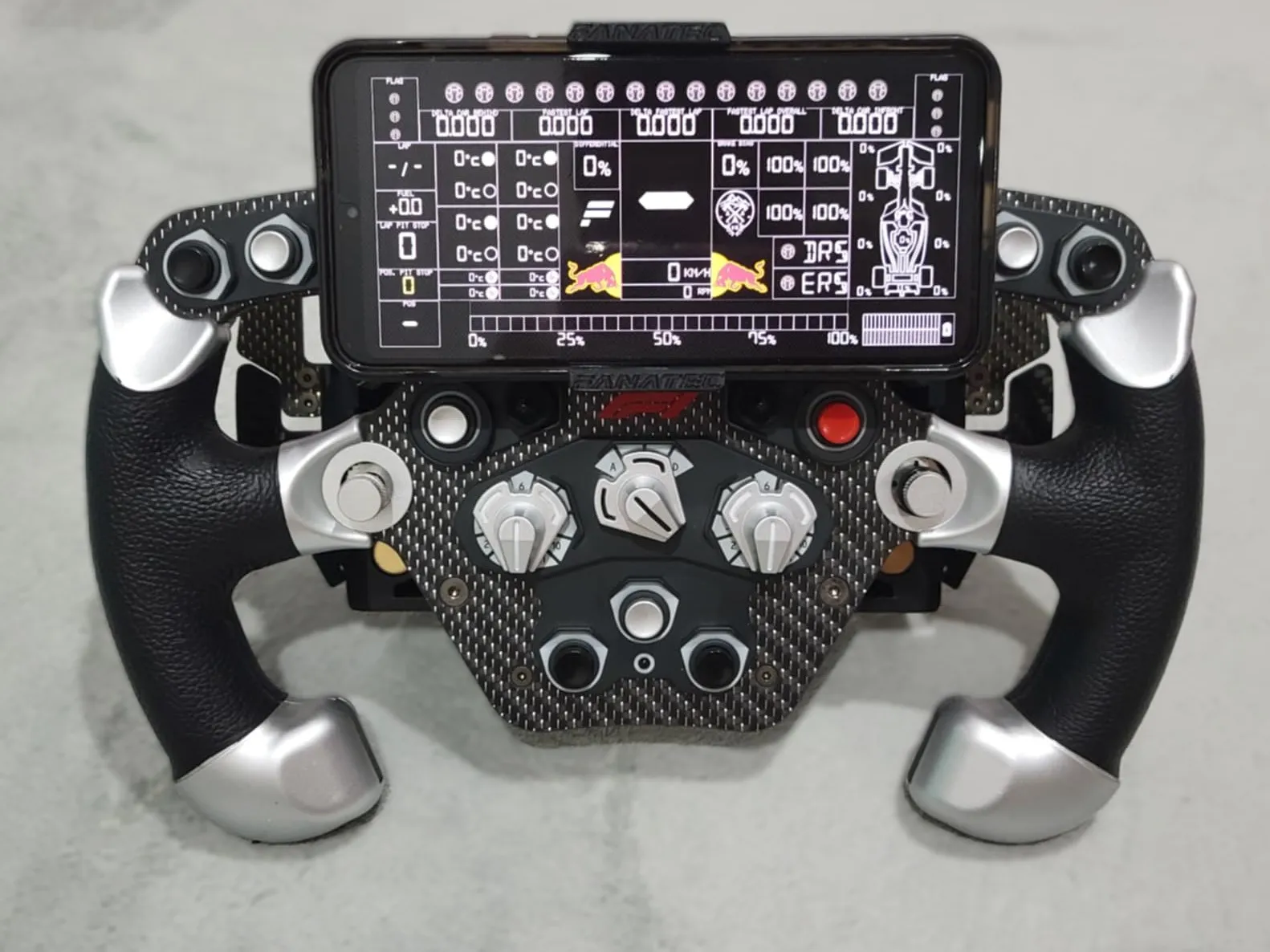
- You can take your phone out and continue to race, or unscrew the phone mount and still see all the shift lights and screen without needing any tools!
License

You shall not share, sub-license, sell, rent, host, transfer, or distribute in any way the digital or 3D printed versions of this object, nor any other derivative work of this object in its digital or physical format (including - but not limited to - remixes of this object, and hosting on other digital platforms). The objects may not be used without permission in any way whatsoever in which you charge money, or collect fees.


Comment & Rating (8)