
PikaClicker
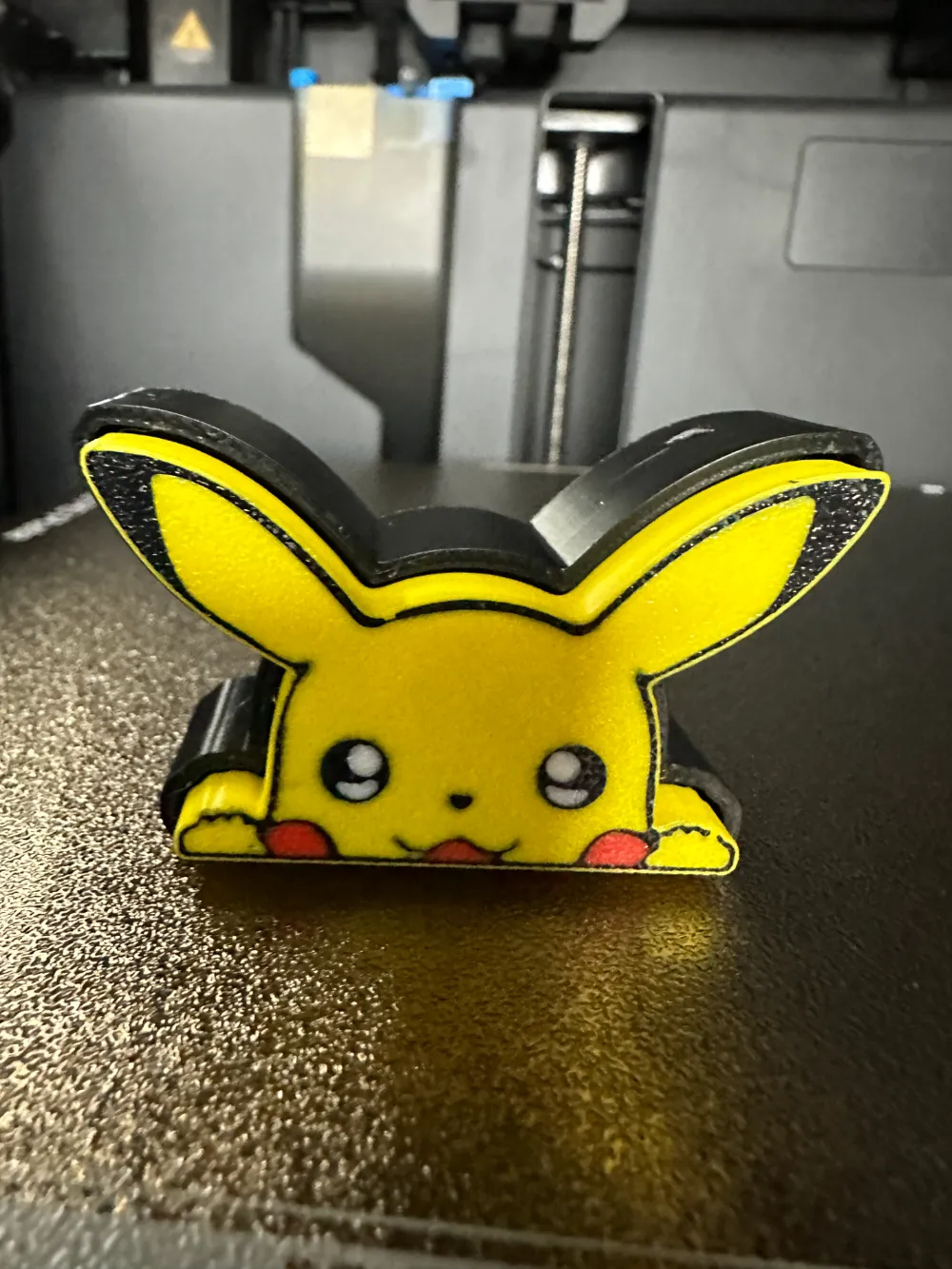
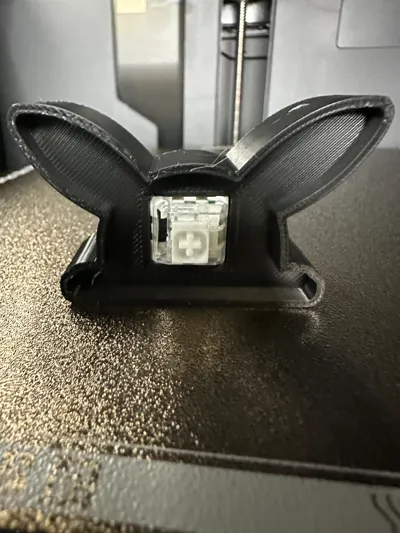
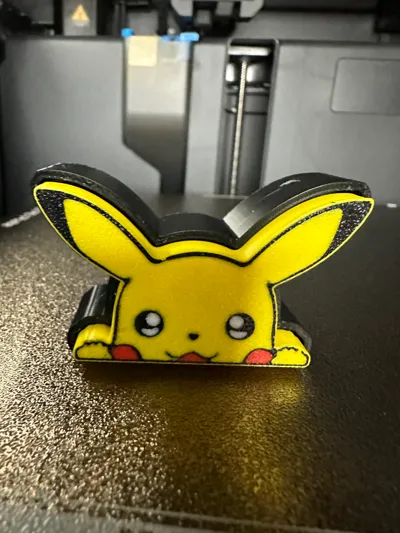
Print Profile(1)

Bill of Materials
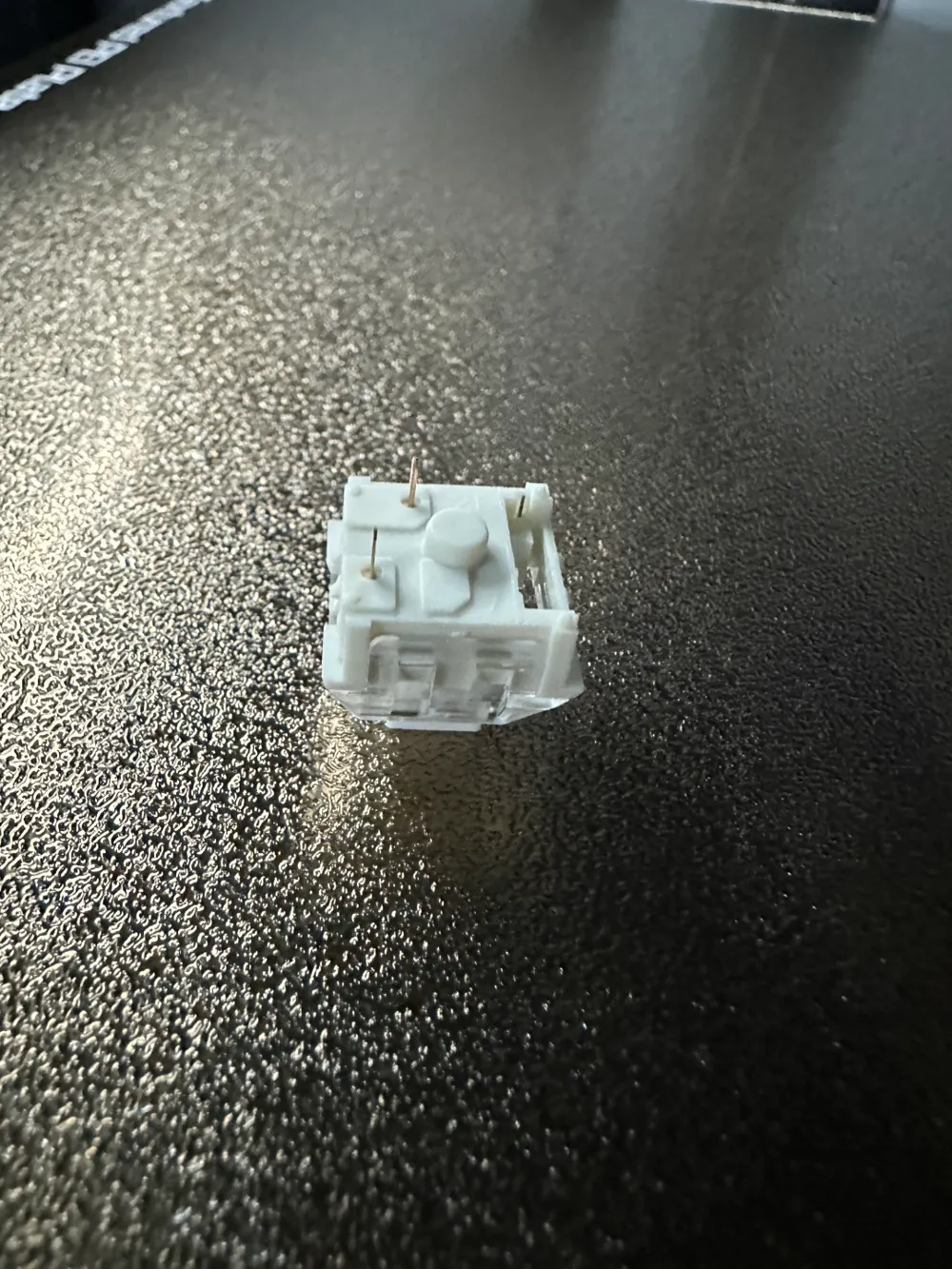
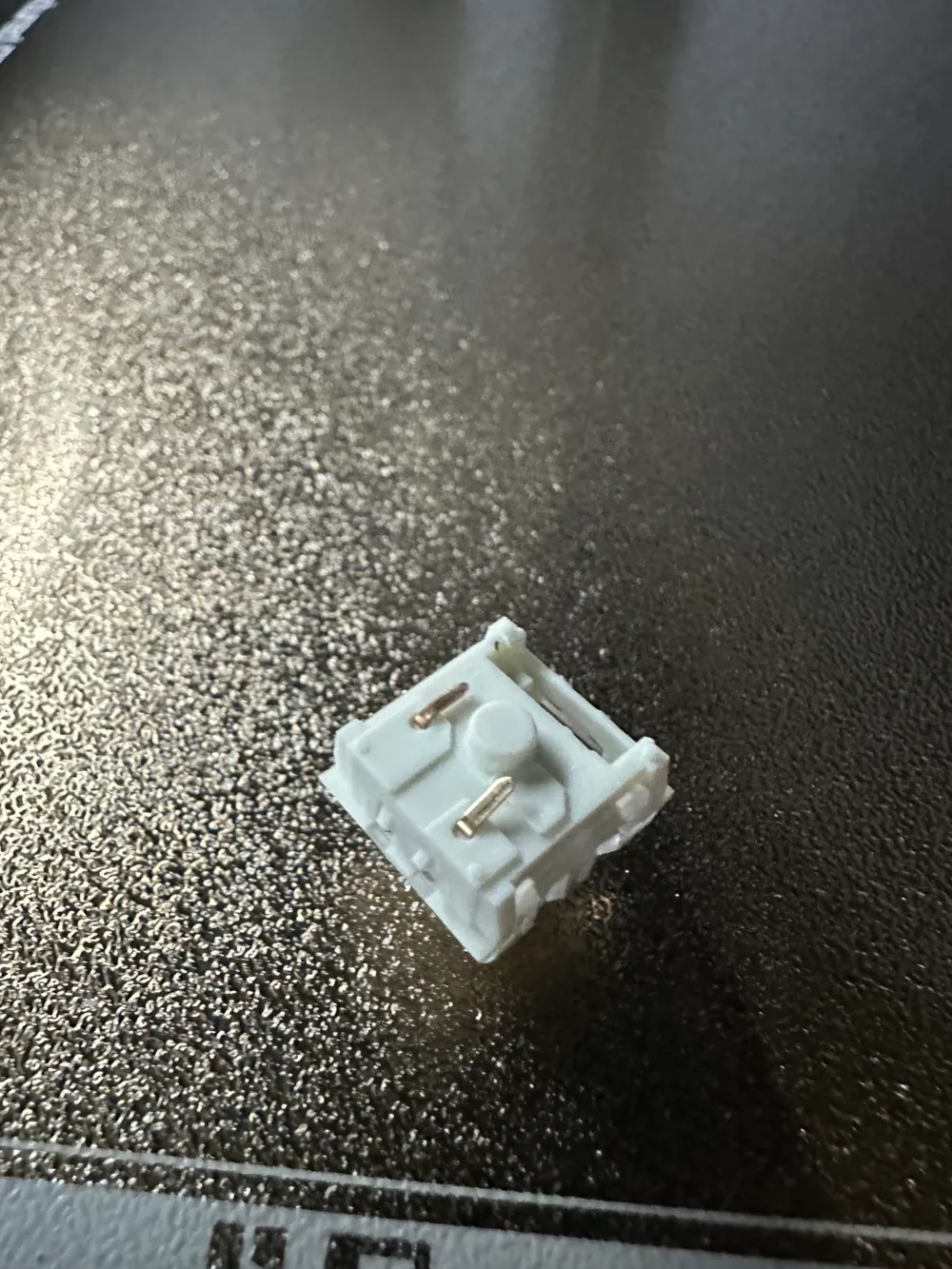
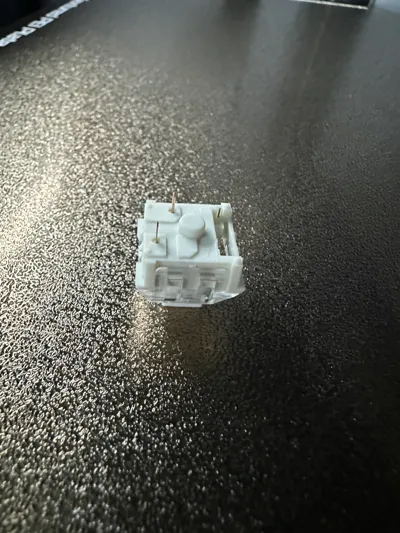
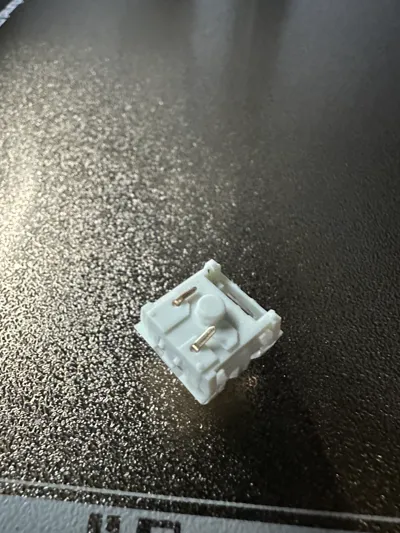
- Kailh White Mechanical Keyboard Switch x 1: https://a.co/d/iN3WAEu
- 2.4mm Ball Bead Chain x 1: https://a.co/d/2ii2fJB
Description
**AMS REQUIRED**
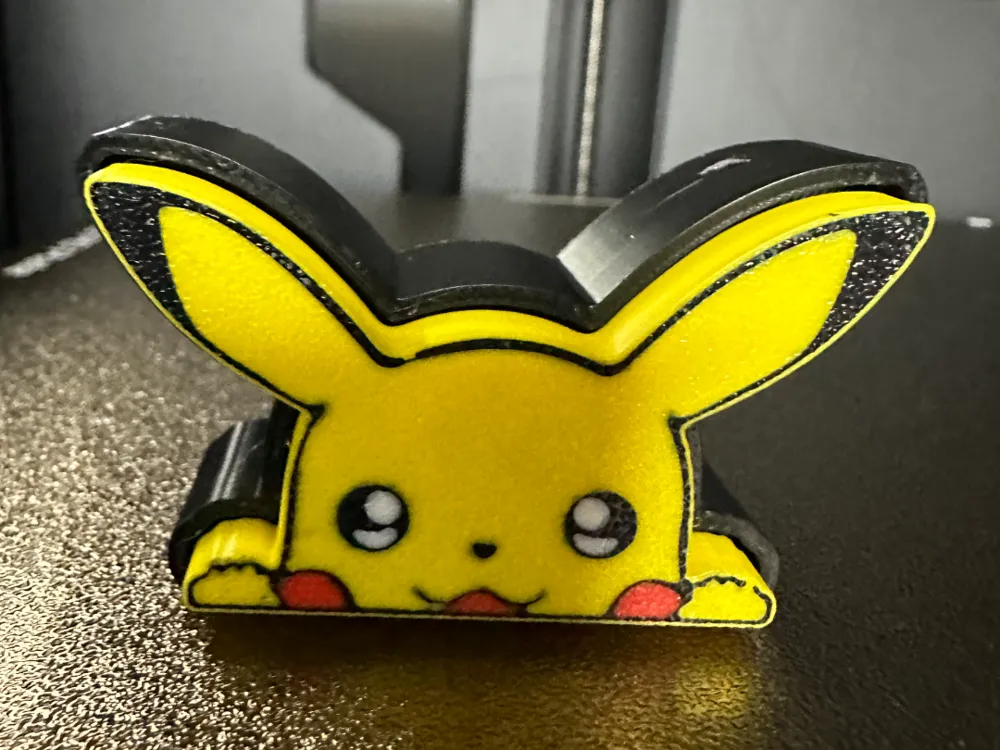
I would like to introduce you to my new series of fidget toys the Fidget Clicker.
The first clicker in the series I have designed is Pikachu. My design software of choice for this was Fusion 360.
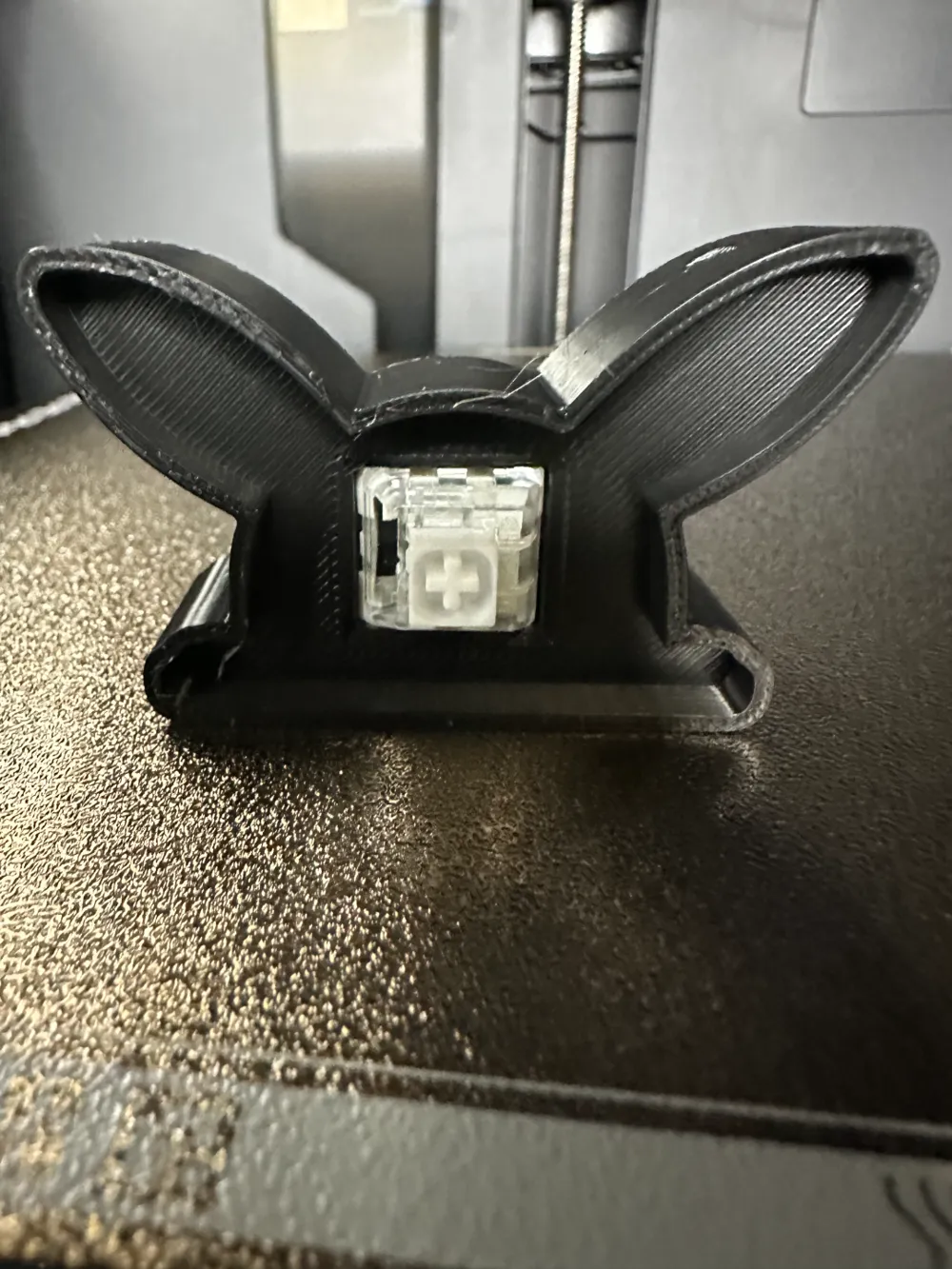
Each clicker requires one mechanical keyboard switch. The switches I used for the design are Kailh White Switches, you will need to bend the copper posts on the switch or cut them off. There is an optional base to turn the clicker into a keychain using 2.4mm Ball Chain.
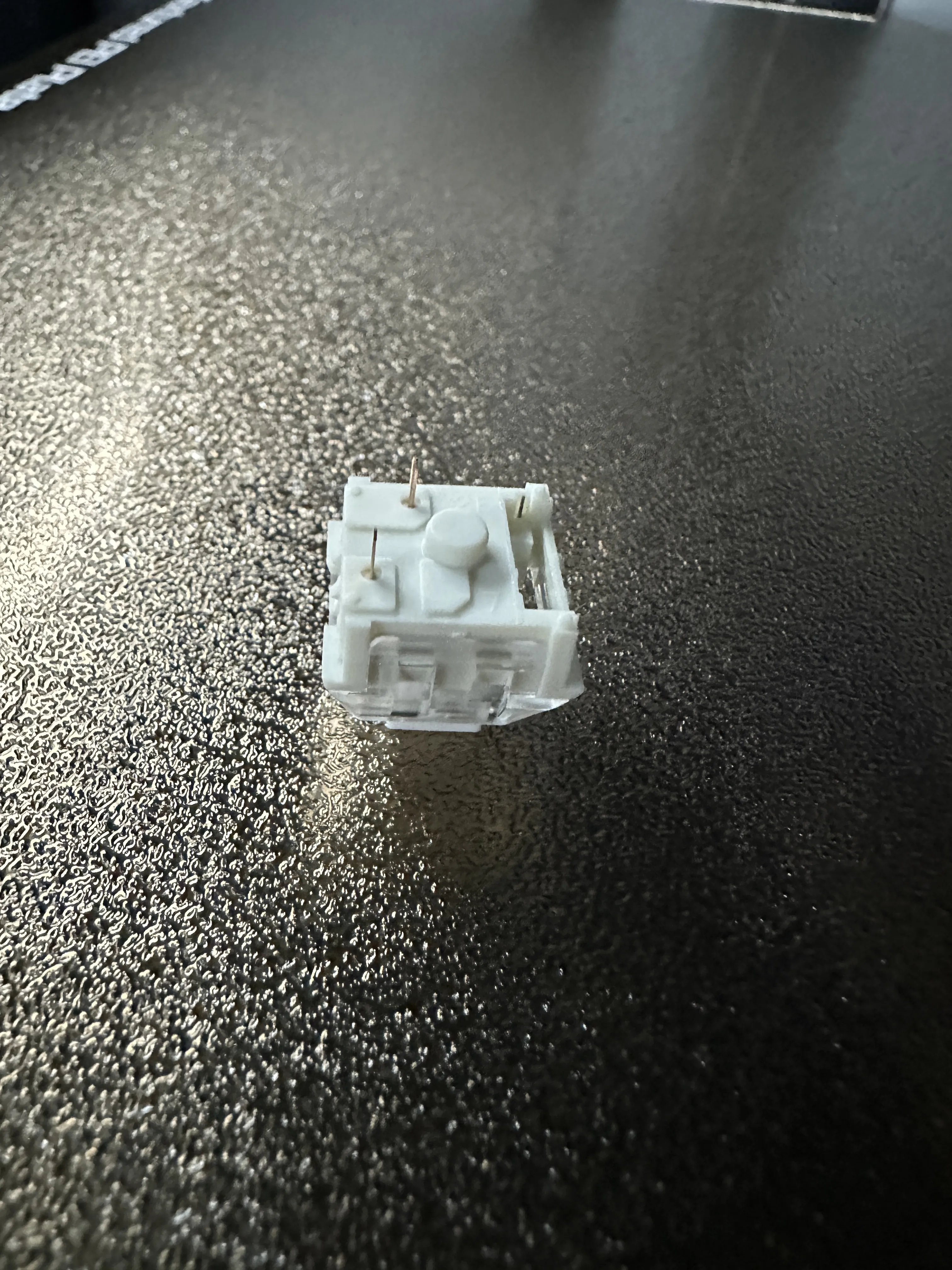
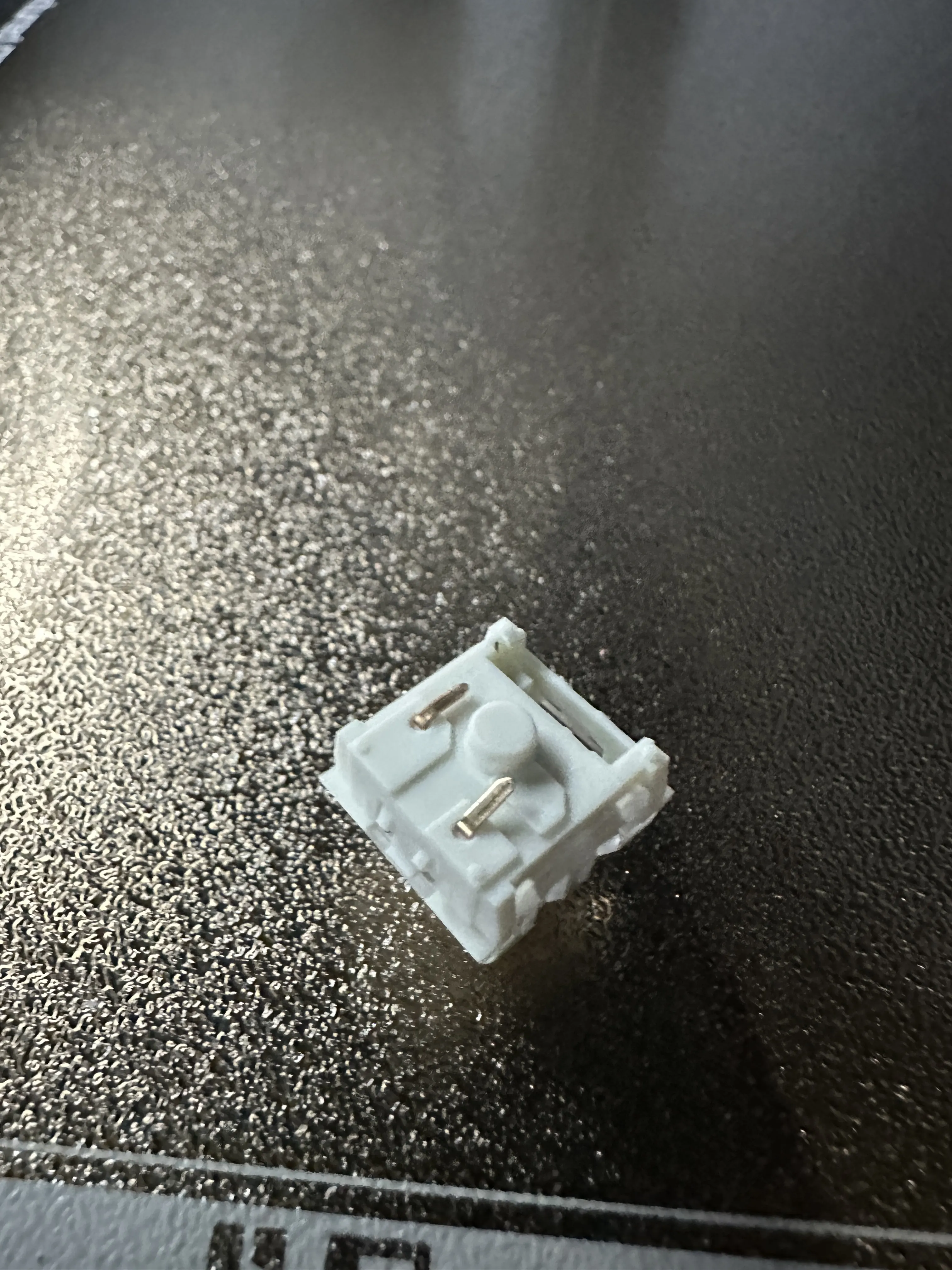
For printing you will need good bed adhesion as the clicker caps are printed face down to provide a nice surface to click. If there is any color bleeding try increasing your flushing values. Other than that these are simple and quick to print.
Keep an eye out for the next clicker in the series.
Boost Me (for free)
If you like my design please leave a boost as it helps me keep creating great designs. Thank you!
For a Commercial License or to just buy me a coffee!
License

You shall not share, sub-license, sell, rent, host, transfer, or distribute in any way the digital or 3D printed versions of this object, nor any other derivative work of this object in its digital or physical format (including - but not limited to - remixes of this object, and hosting on other digital platforms). The objects may not be used without permission in any way whatsoever in which you charge money, or collect fees.

Comment & Rating (1)