
Bambu Scraper Grip extended remix

Print Profile(1)

Bill of Materials
- Ring magnets10x4x3 x 5: CC003
- Bambu Scraper x 1: FAC002-N
Description
Description
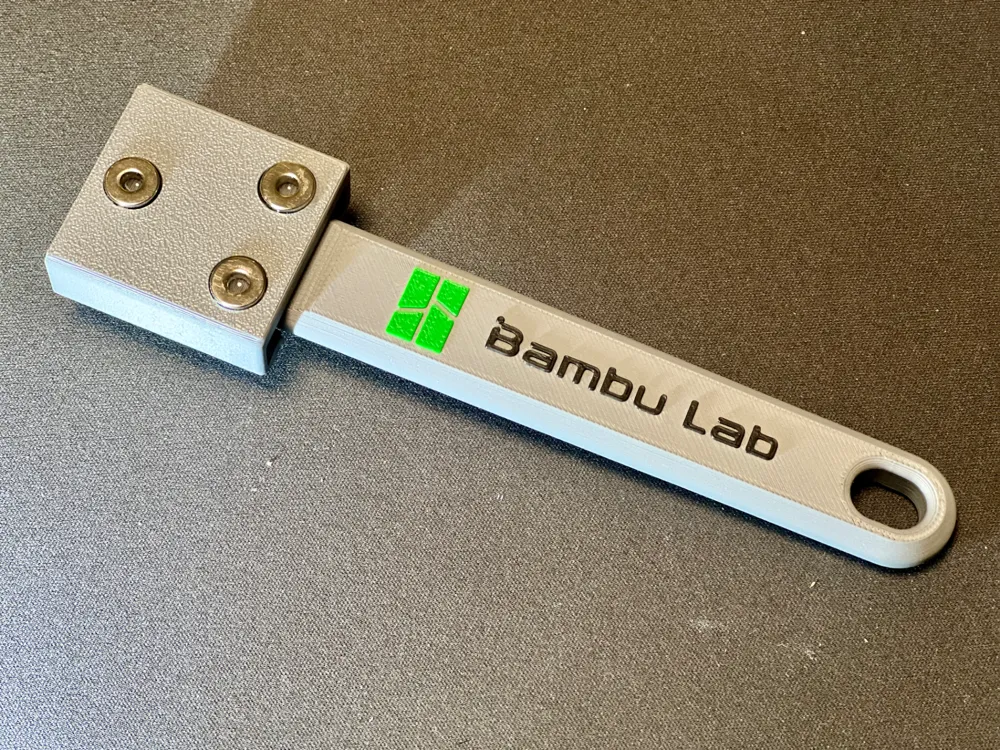
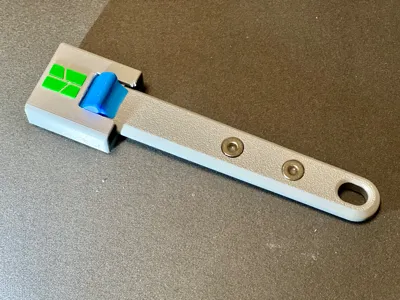
This is a remix of the original Bambu scraper grip. It’s a useful tool that I really like. However, while using the original design, I realized that a few modifications could improve it, at least for the way I use it.
What has changed?
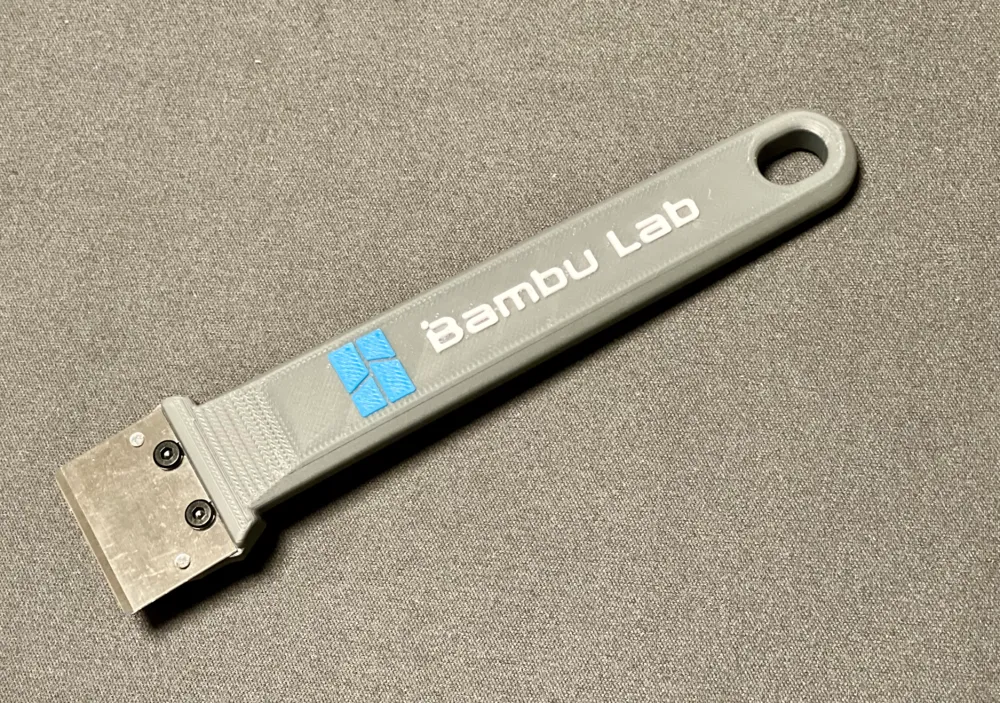
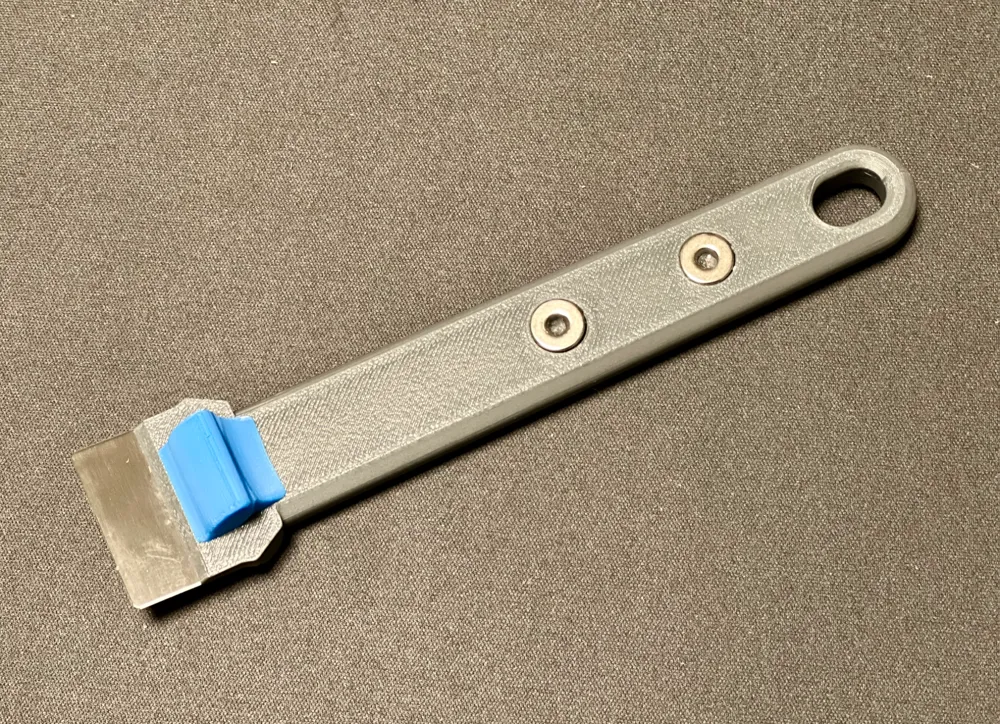
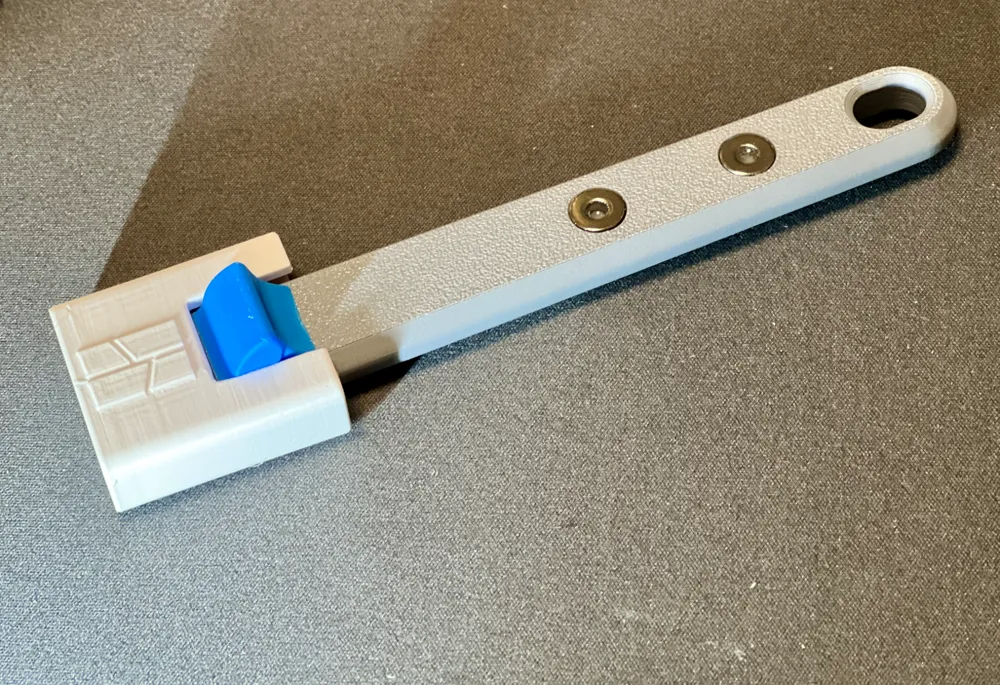
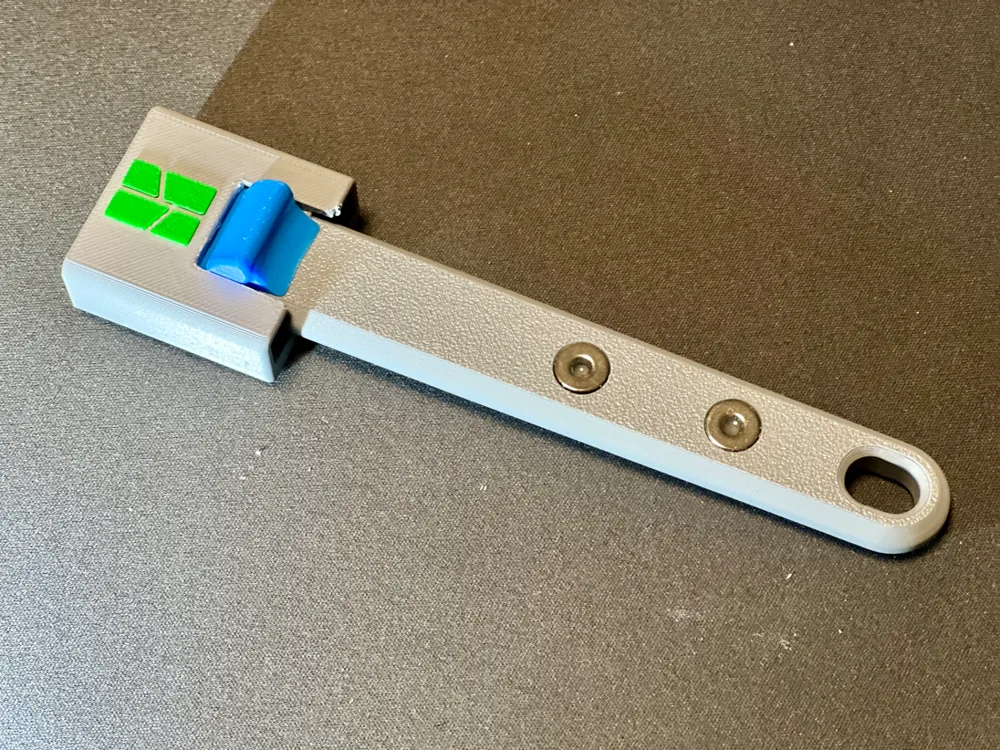
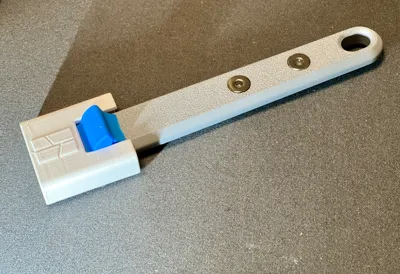
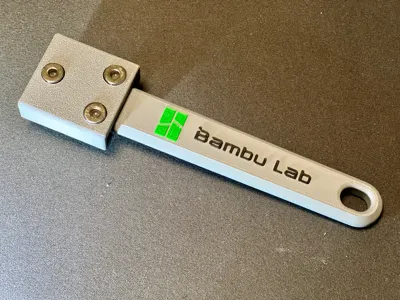
First of all, I added an opening at the end of the handle so it can be hung on any hook.
In this remix, the use of the magnetic pads included with the printer purchase is not intended. I find their magnetic strength too weak, so I decided to use 10x3 toroidal magnets instead.
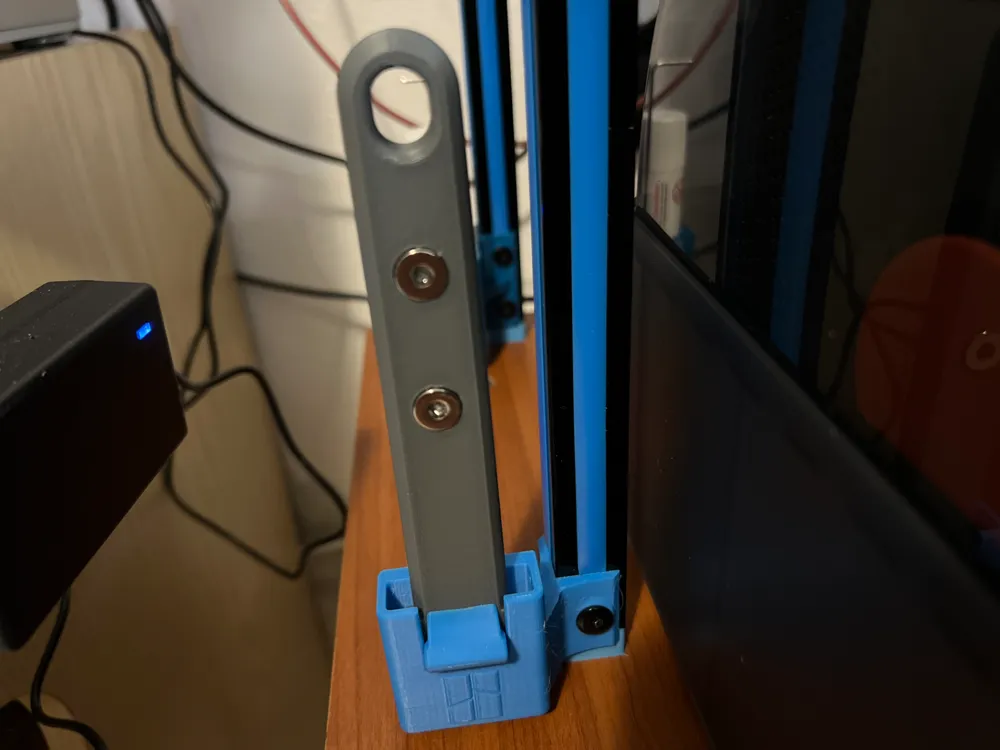
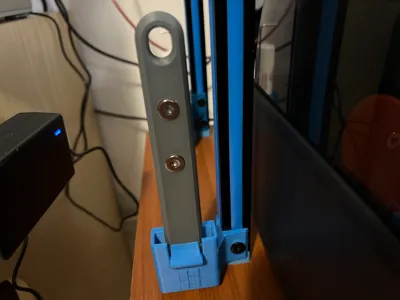
Additionally, I created a stand to attach to 2020 aluminum extrusions, which are commonly used in 3D printer construction and which I use to elevate my AMS units.
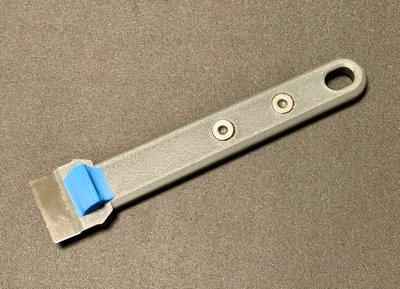
I also designed a lightweight cover, which is preferable if you use the scraper handle magnets to attach it to the frame.
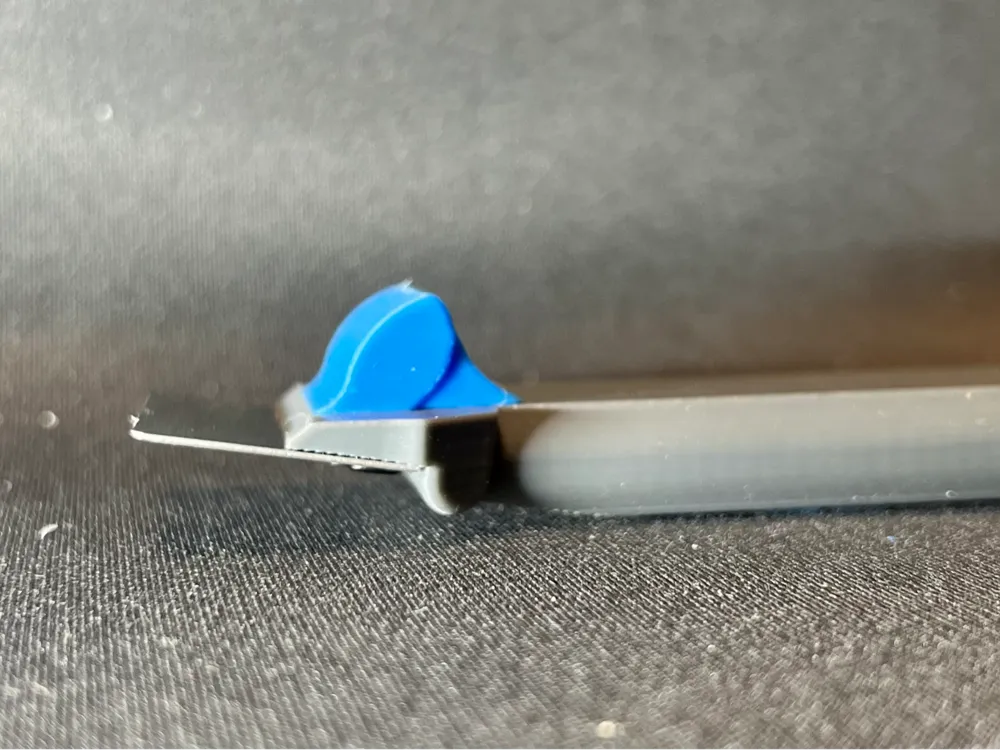
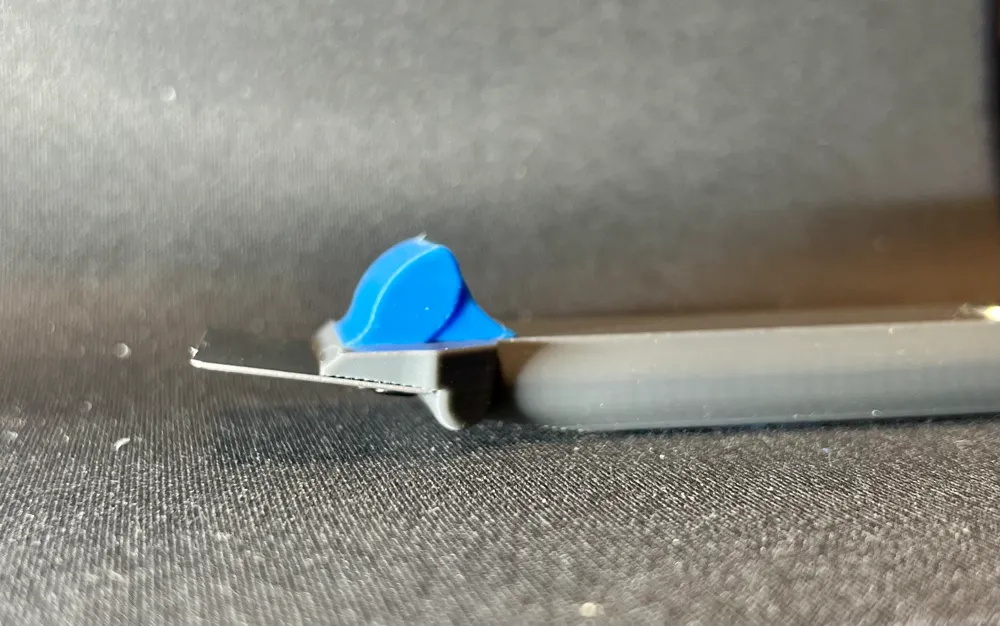
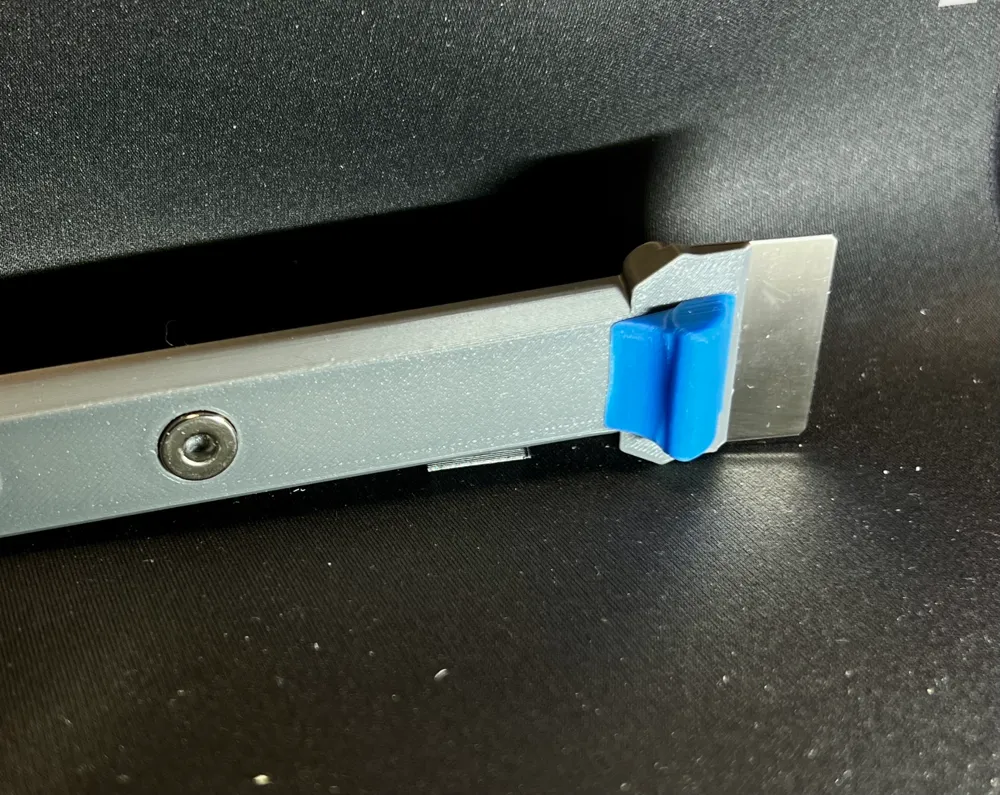
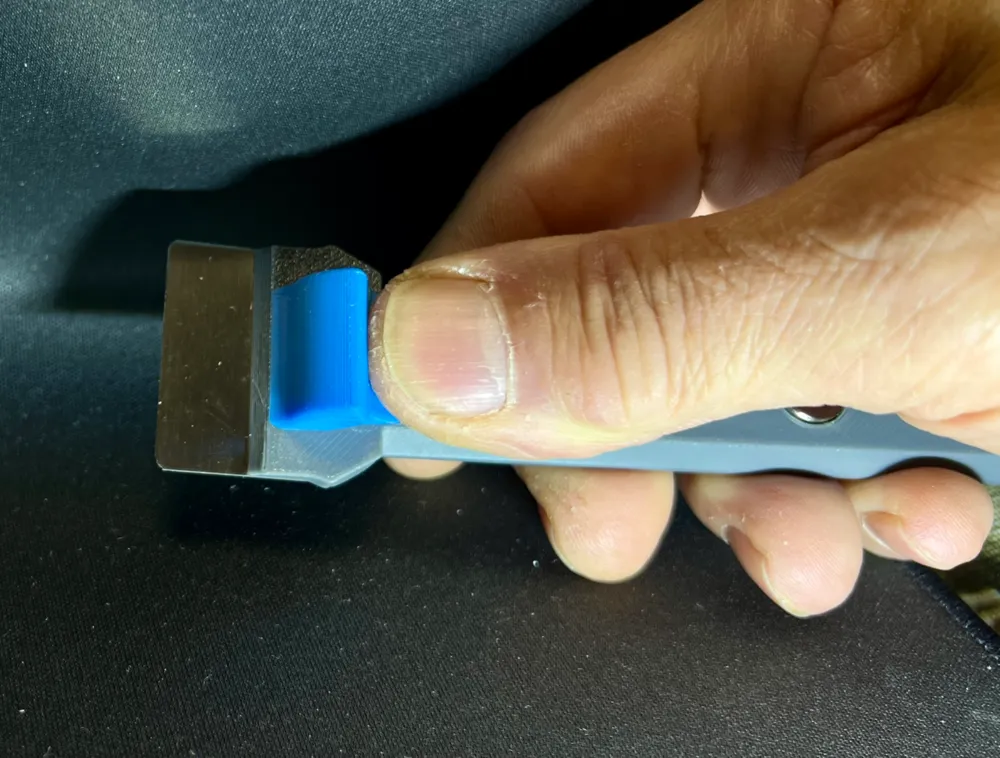
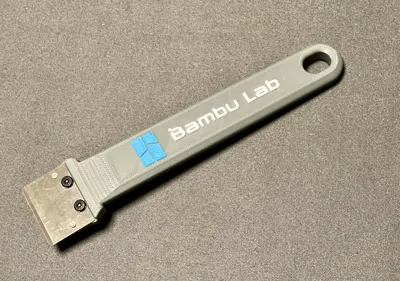
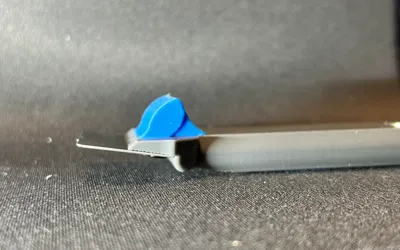
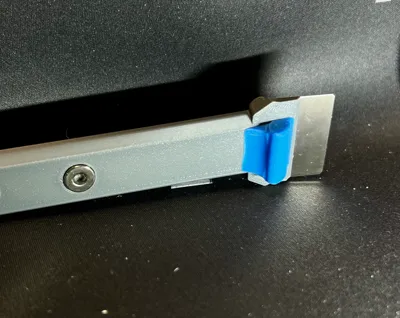
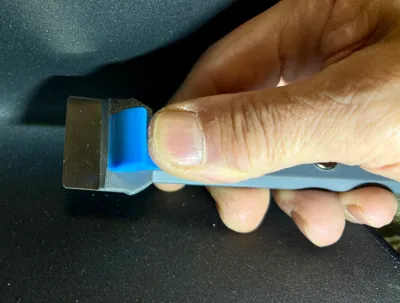
Finally, I significantly modified the blade holder. It is wider so that the mounting holes are not flush with the walls. This change makes it incompatible with the original stand. I also curved the thumb rest for better ergonomics. However, the most functional modification is in the front area, where a rounded edge prevents calibration skirts from snagging during removal.
Printing options included in the profile
Plate 1: mag version- no color
The scraper grip designed for toroidal magnets and the blade holder. Embossed text and logo.
Can be printed in a single color or two colors, using the layer height modifier (not pre-set).
The magnet slots face the build plate, so I included snug-type supports. However, if your filament handles bridges well, you can disable supports in the global settings.
Plate 2: mag version - color - by object
The scraper grip designed for toroidal magnets and the blade holder. Flat text and logo.
Set up for three-color printing. If you want to speed up the print, fill in the text or logo with the same color using the bucket tool.
The magnet slots face the build plate, so I included snug-type supports. However, if your filament handles bridges well, you can disable supports in the global settings.
The differently colored blade holder doesn’t add extra time because the print is sequential.
Plate 3: no mag - no color
As Plate 1, but without toroidal magnet option.
Plate 4: no mag - color - by object
As Plate 2, but without toroidal magnet option.
Plate 5: mag stand
A stand designed to be magnetically attached, so I opted for a slimmer design to save time and material.
I enabled slim tree supports for the arches of the magnet slots, but many of you may prefer to disable them.
Plate 6: blade cover
For those who will attach the scraper magnetically, a simple blade protector without magnets and thinner than the magnetic stand might be more interesting.
Plate 7: 2020 - scraper holder
I created this variant for those who want to attach the scraper holder to 2020 aluminum extrusions, commonly used in the construction of 3D printers. The need arose because I elevate my AMS units with a frame made from these extrusions.
Left and right versions, with the right version disabled.
This remix is based on


License



Comment & Rating (1)