
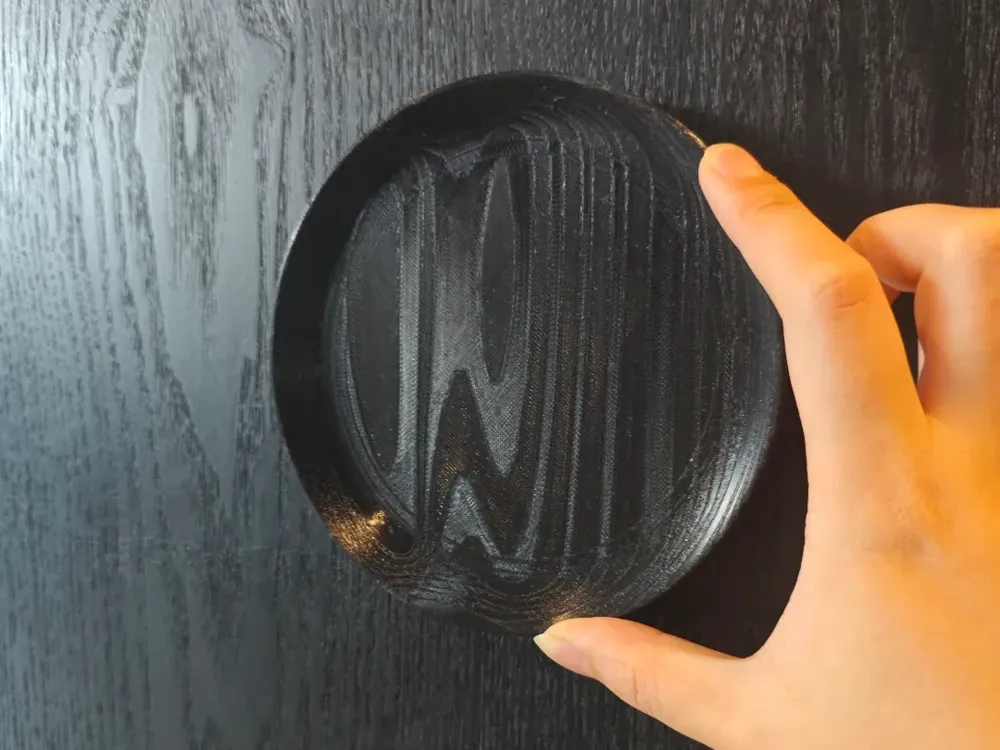
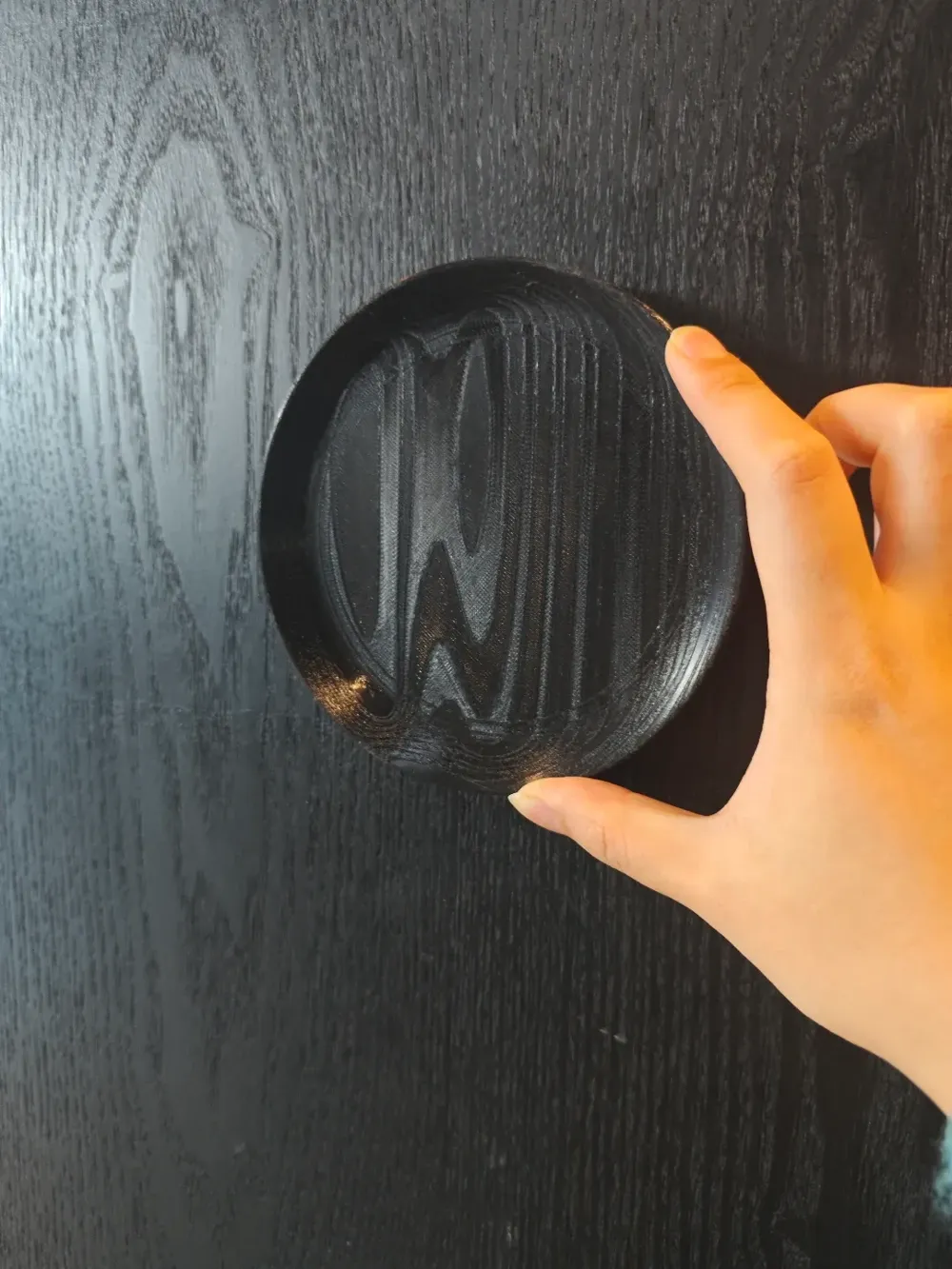
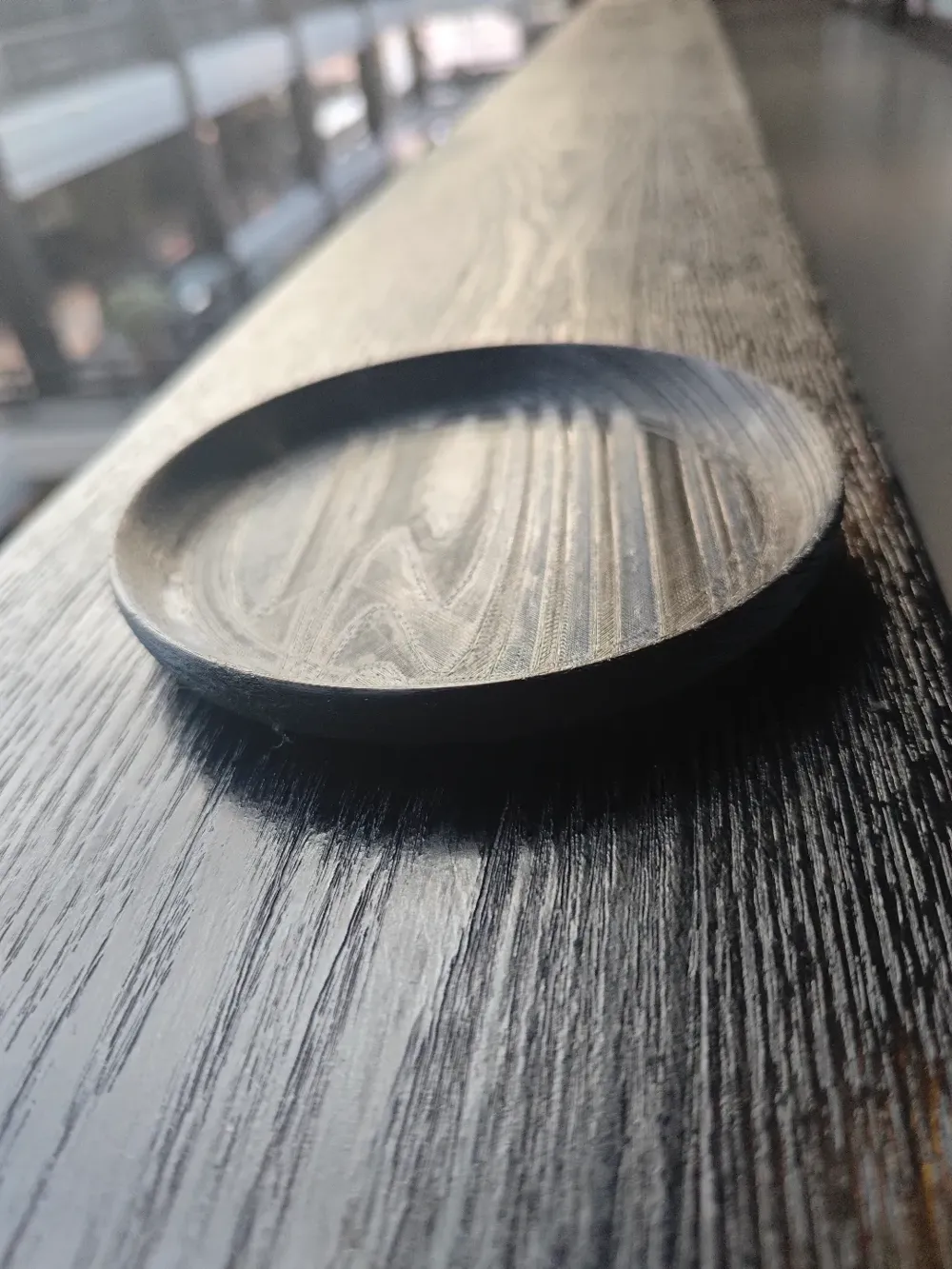
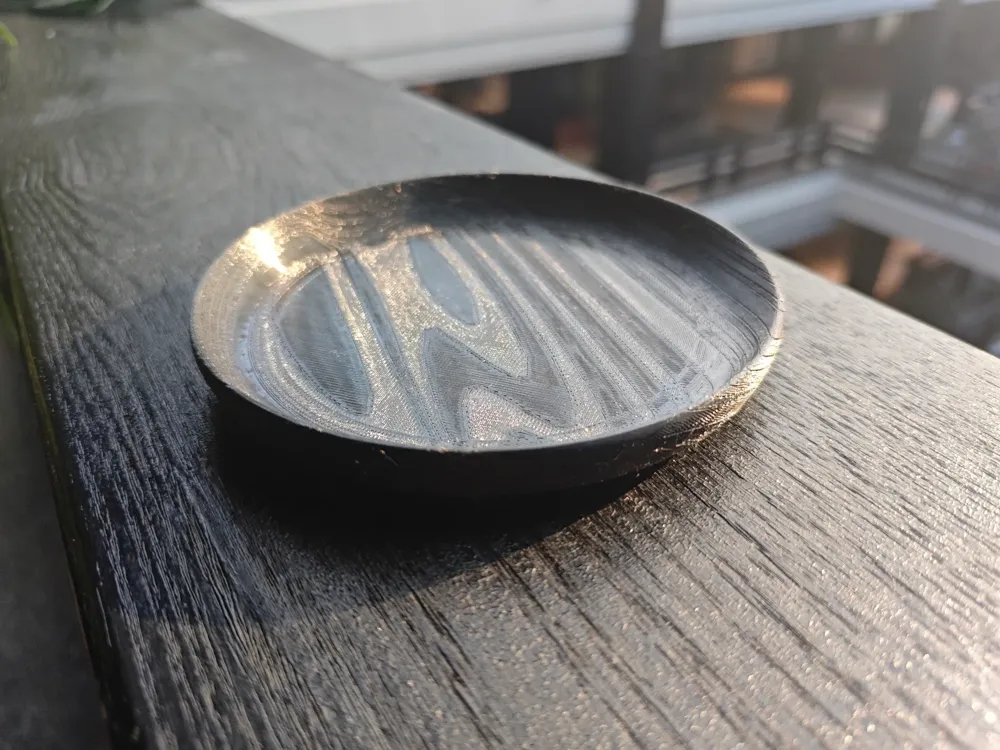
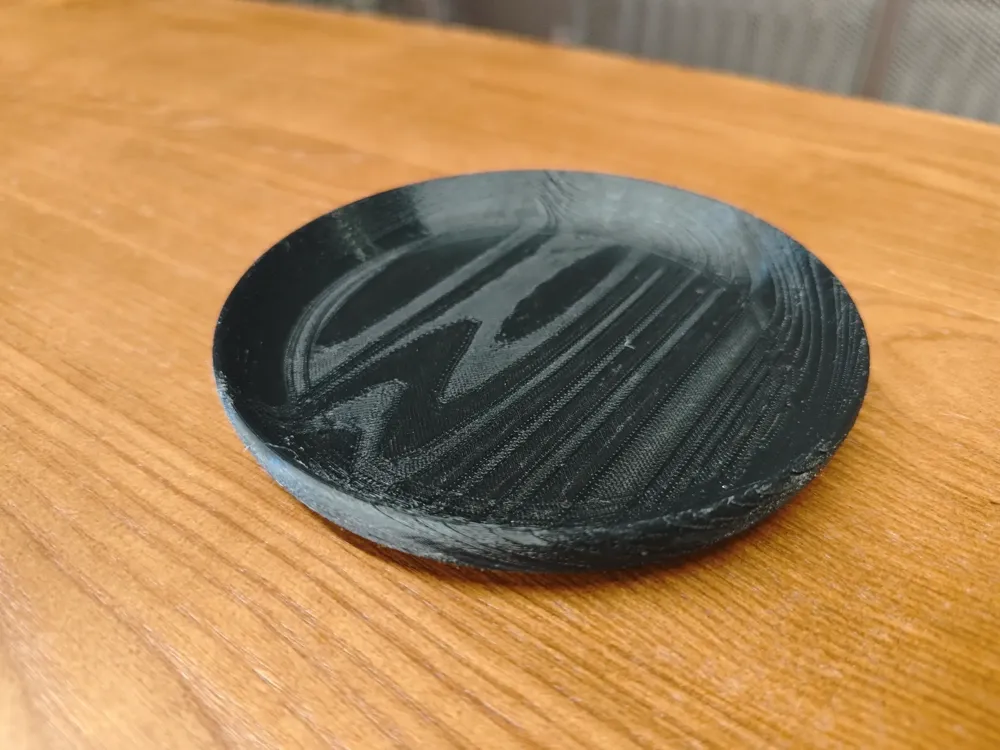
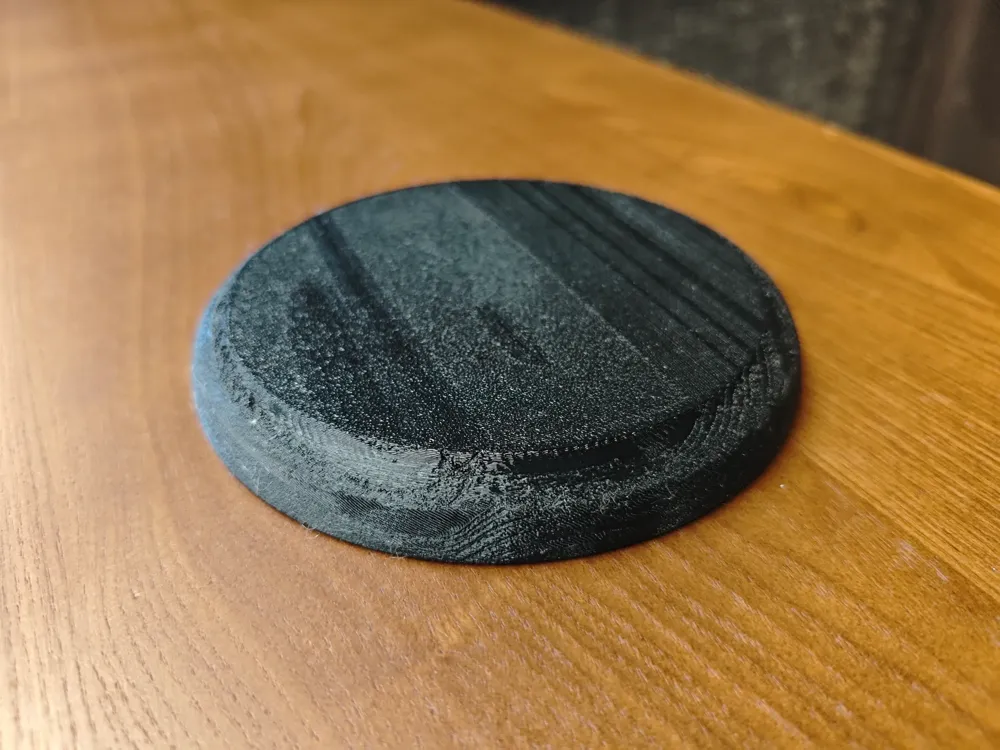
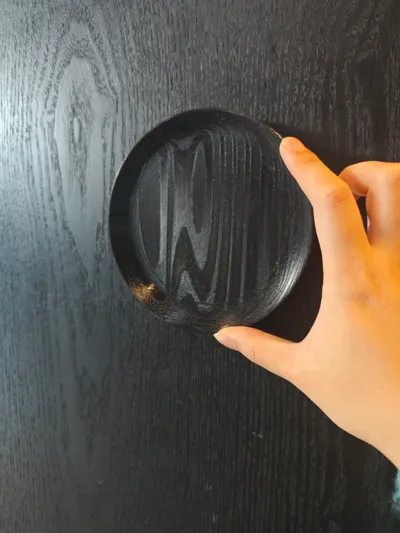
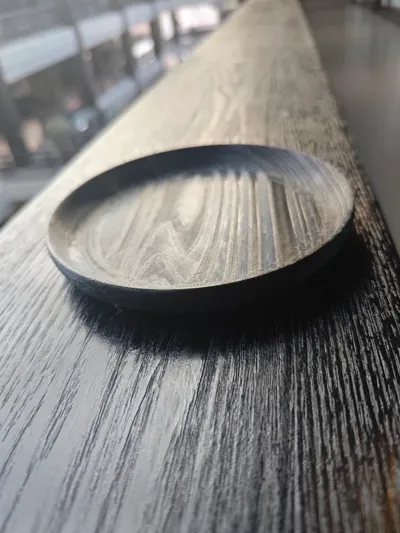
Add Wood Grain Effects to Your Models - Using a Small Plate as an Example


Print Profile(4)
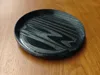


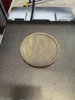

Description

Updated on 2026.04.21, since Bambu Studio updated, fuzzy skin surfaces no longer generate outer walls inside the object Therefore, printing directly with previous parameters will yield different results Here are two parameter adjustments I recommend
- Adjust the ripple amount of the fuzzy skin surface to be relatively large (for example 0.2mm), which will create a more distinct side differentiation for the Print in Place wood grain technique
- Change the modifier's wall count to 3, which will achieve the previous effect
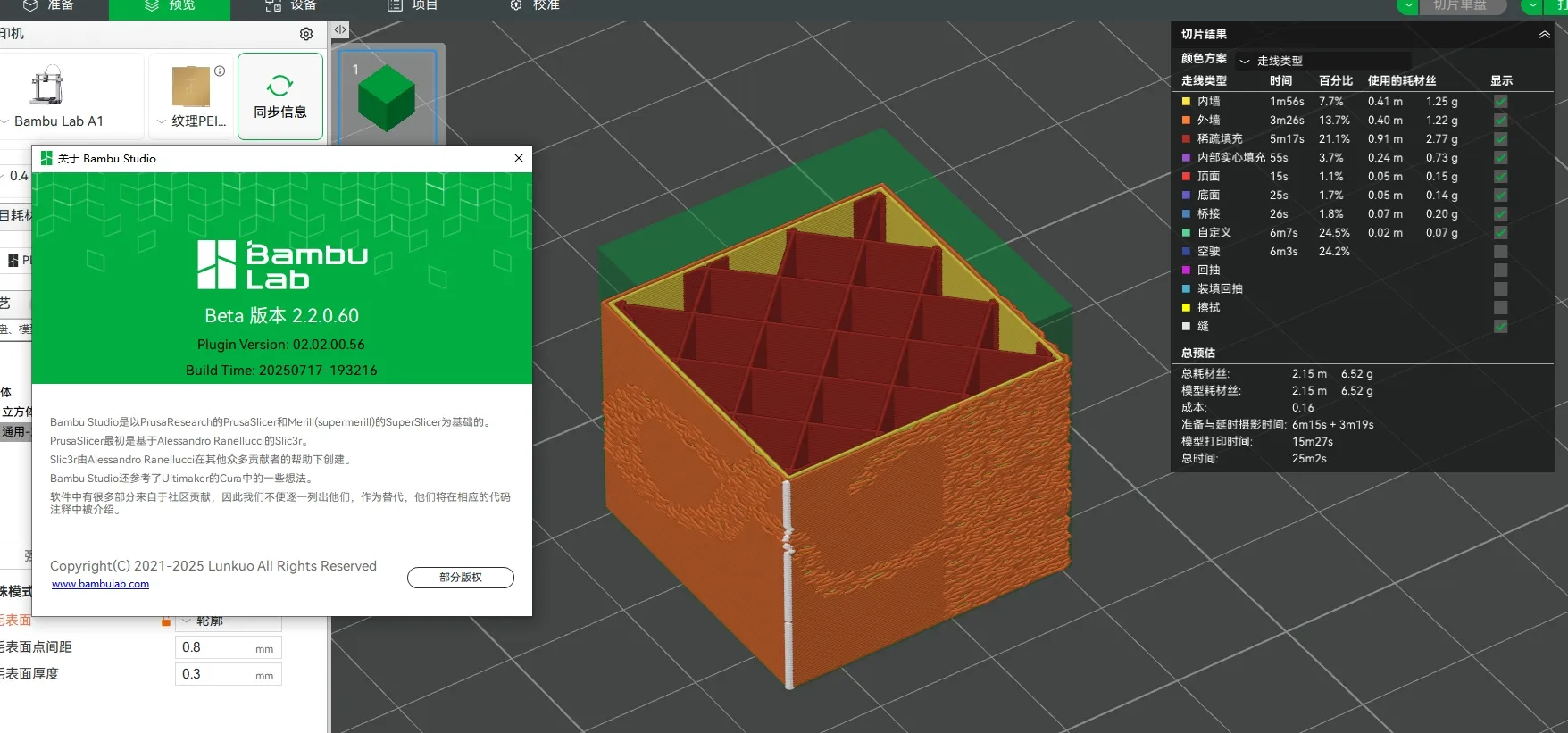
Updated on 2025.07.20, I have updated to the latest Bambu Studio Beta version, which is 2.2.0.60 In this version, by default, fuzzy skin surfaces no longer generate outer walls internally, and a new brush painting function to add fuzzy skin surfaces has been added, which you can try
__________________________________________________________________________________________
Updated on 2025.03.25, I have uploaded an instructional video The video requires a separate wood grain annual ring STL file, which I will upload to the model source files
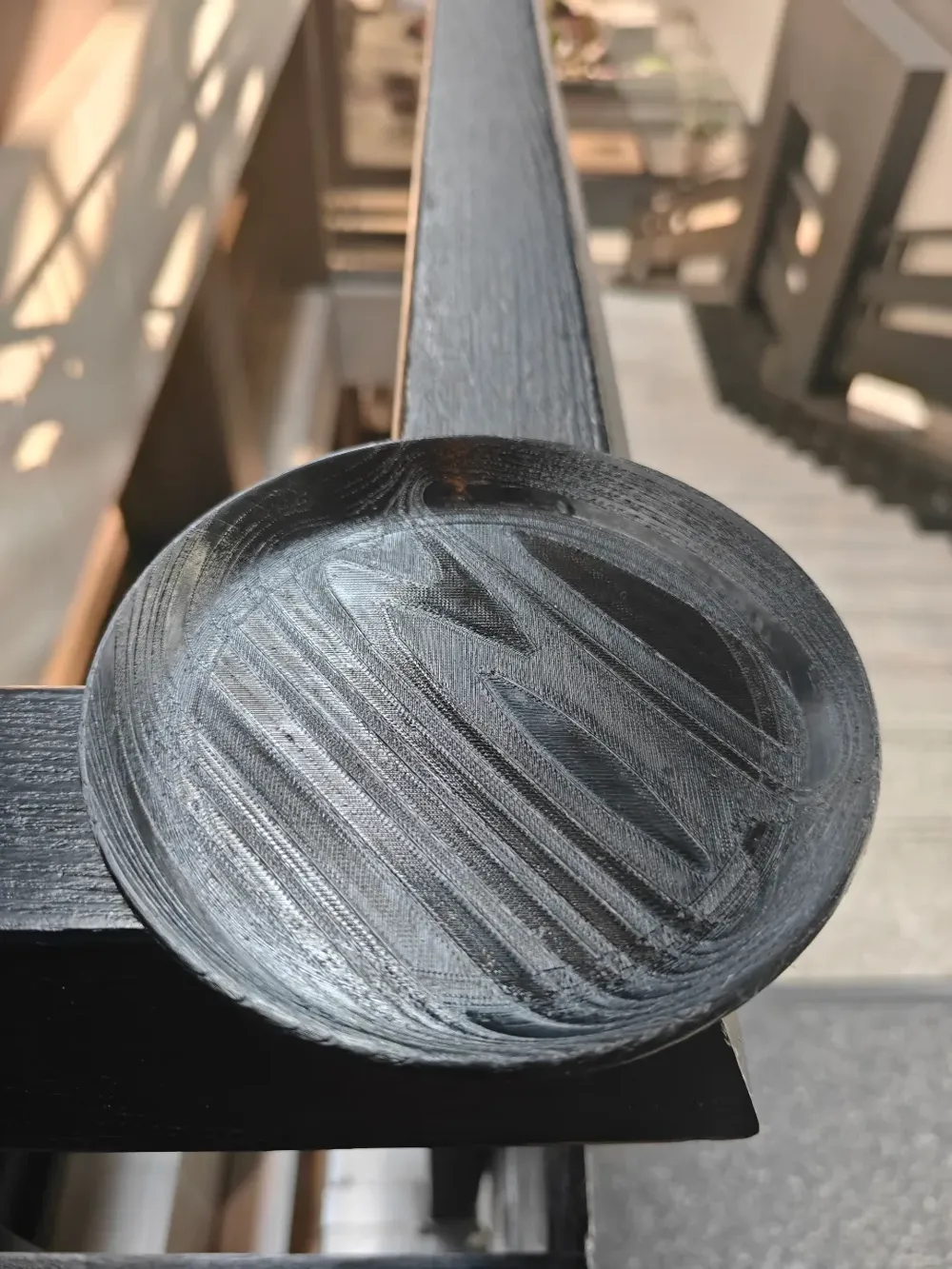
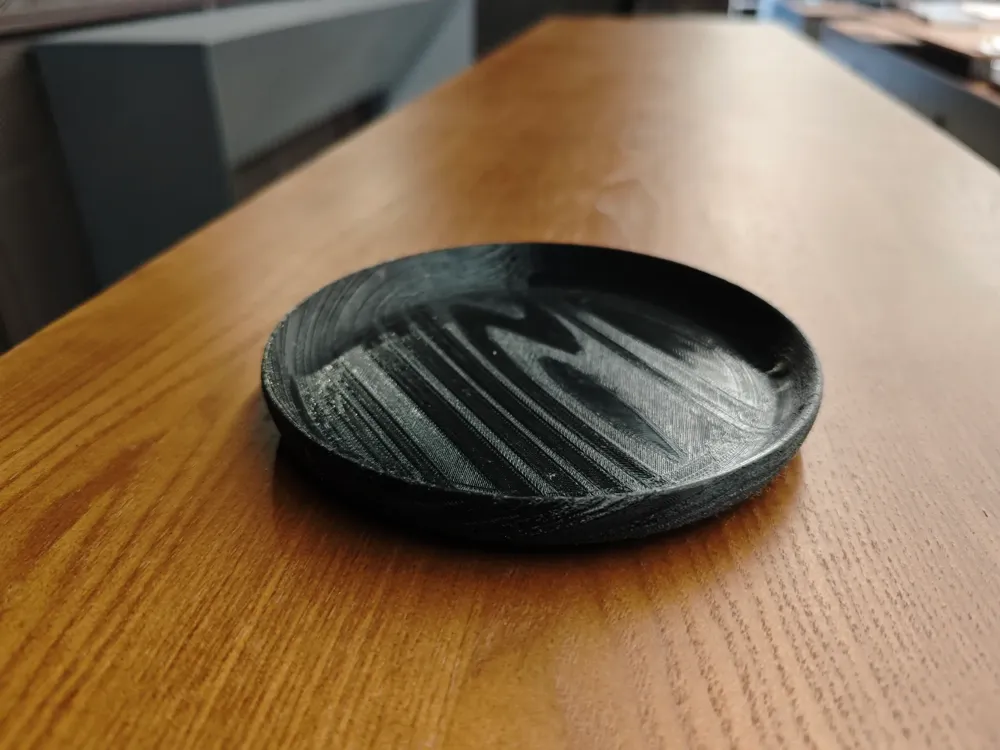
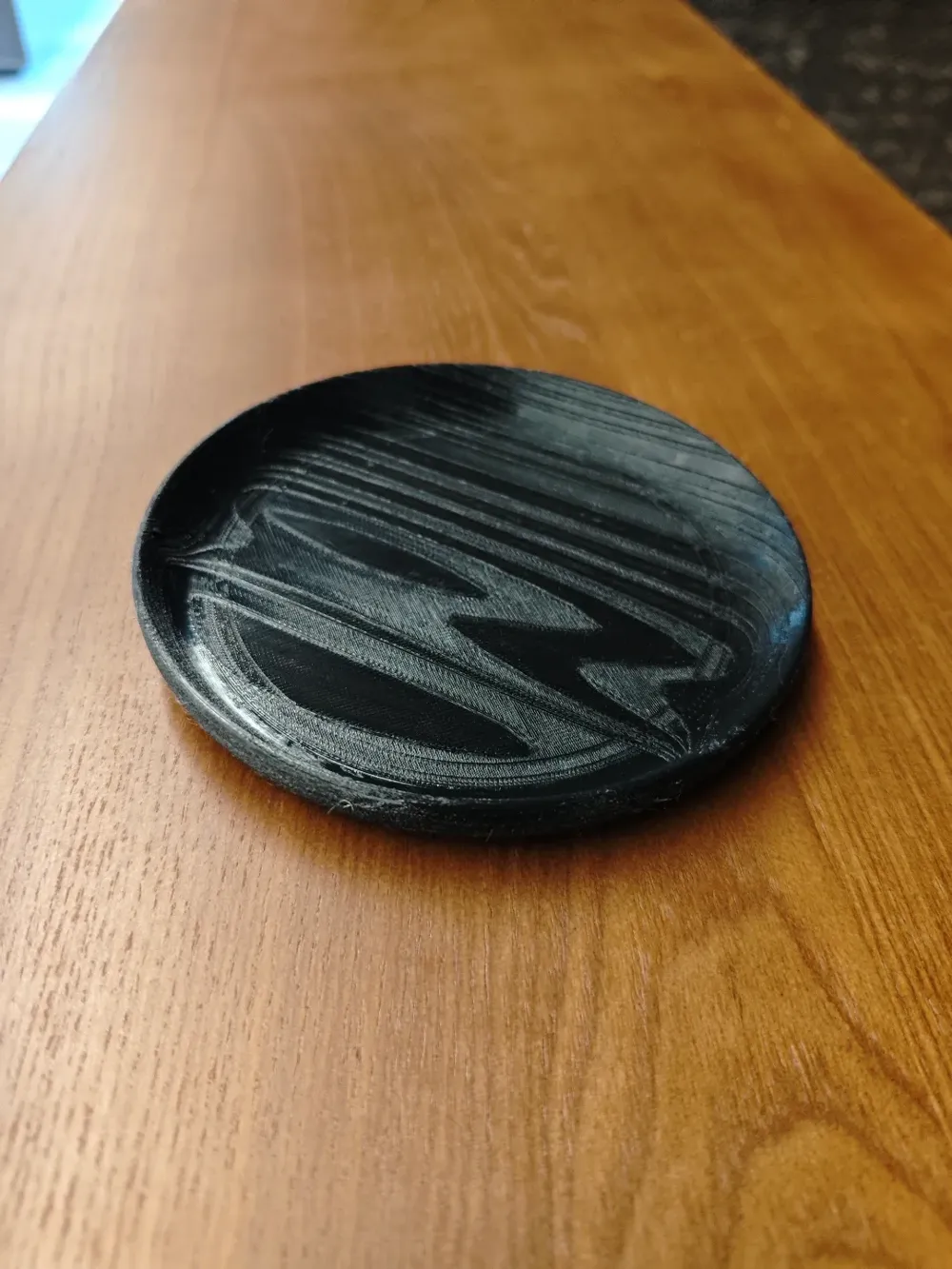
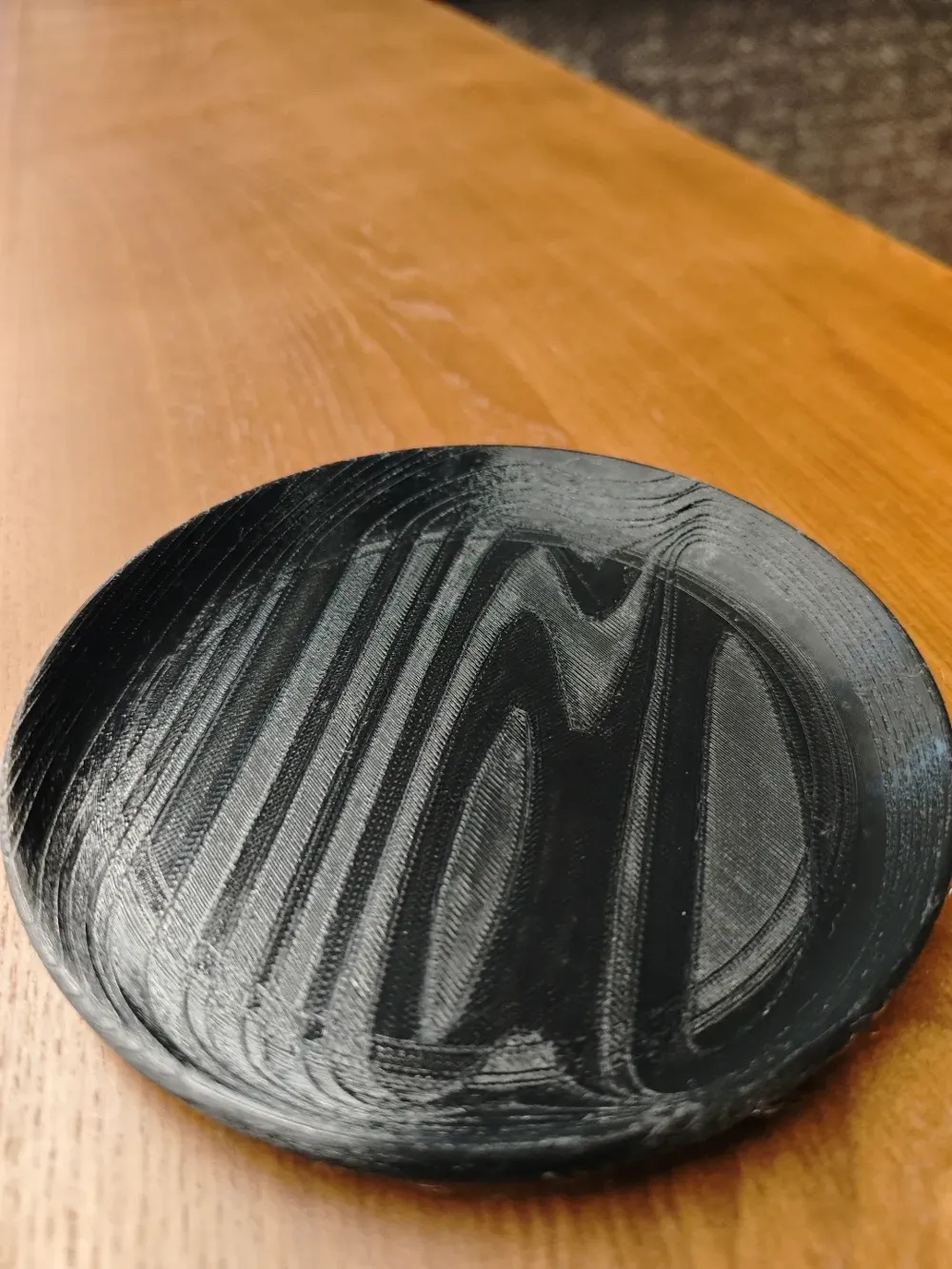
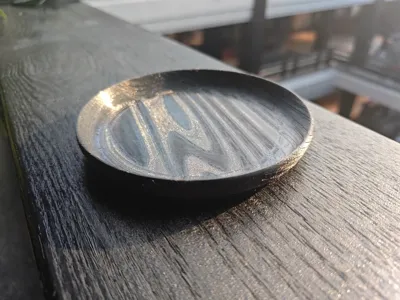
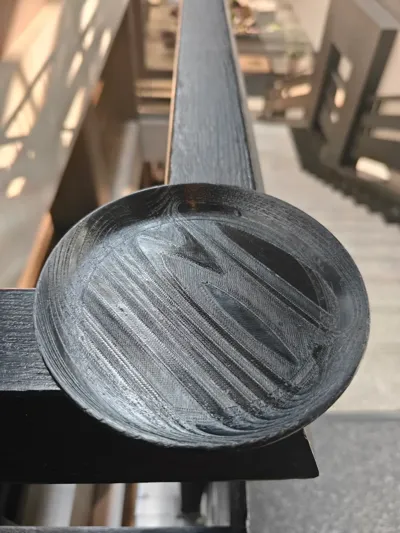
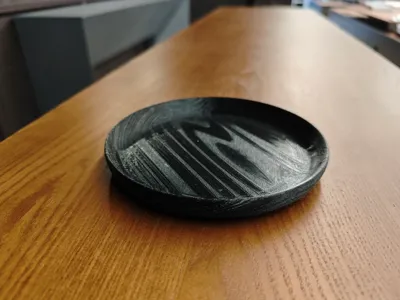
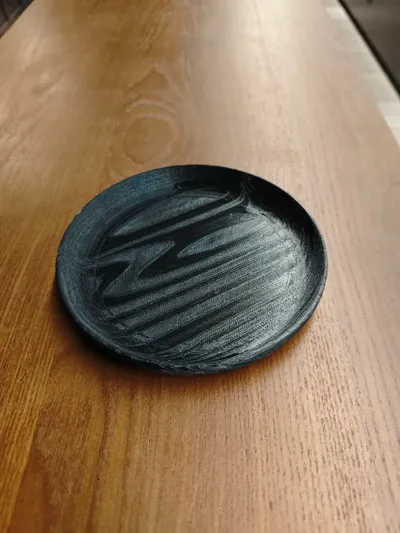
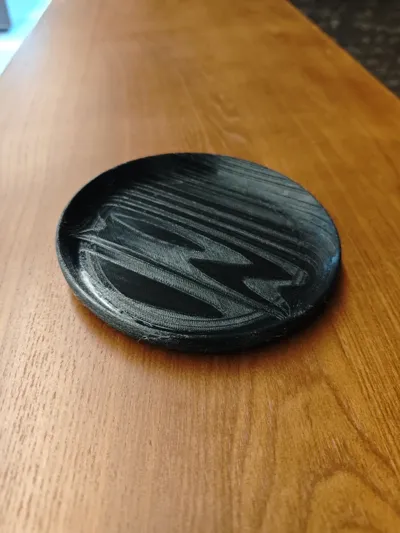
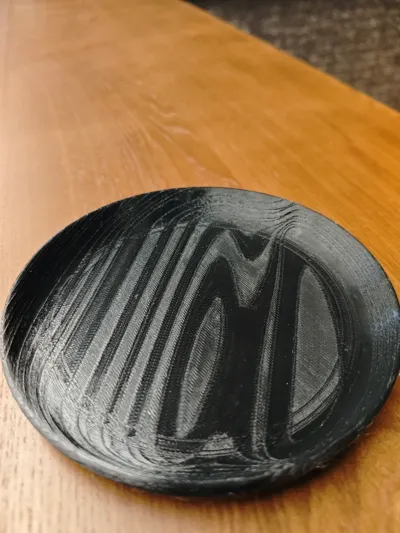
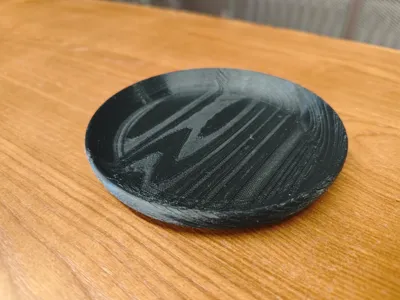
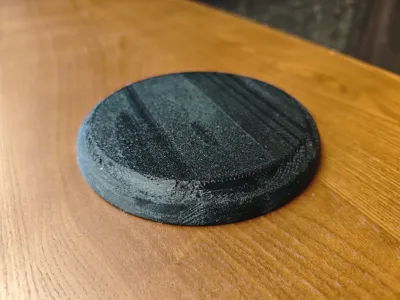
Hello everyone, this is a model I personally really like, by downloading this model and extracting the modifier from it, adding it to your model, you can give your model files a wood grain effect!!! The description text will be quite long, thank you for your patience in reading it
This stems from my desire to create a wood product effect, but Bambu's wood PLA material prints with a uniform material effect, which does not meet my requirements Wood grain modeling is very time-consuming, and model files are sometimes difficult to modify, so I wanted to achieve the effect using a modifier
I created an annual ring model and imported it into the software as a modifier By adjusting its intersection with the model, you can cut out the wood grain texture
- First, it is best to import the model into my 3mf file and delete the small plate, keeping my modified print parameters
- The modifier can be moved, rotated, and scaled, but it is not recommended to scale it too small
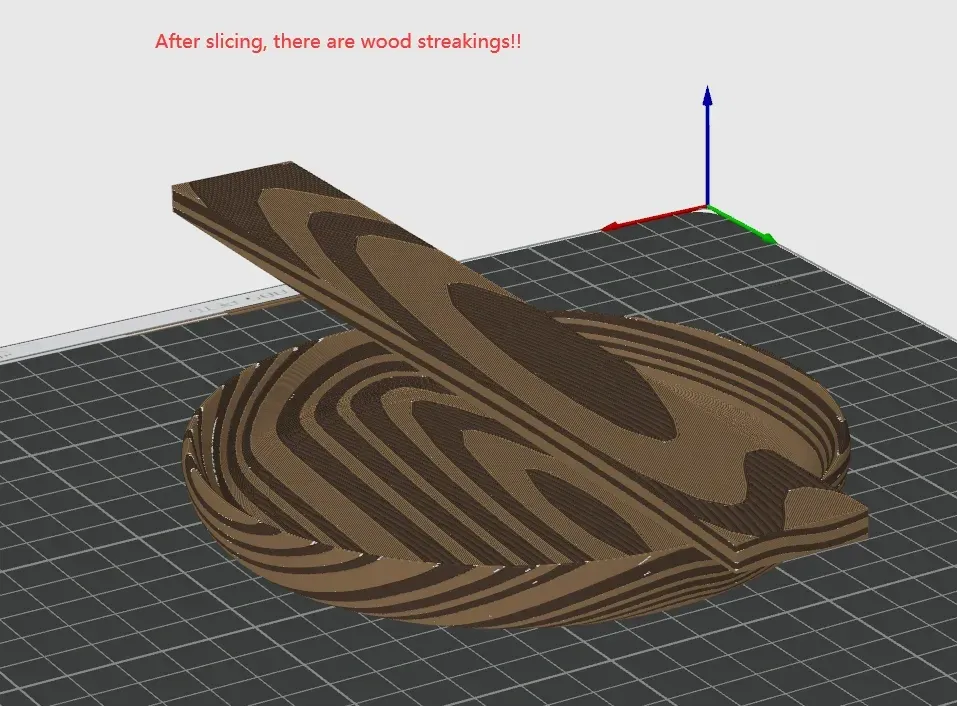
- After slicing, be sure to check the wood grain effect to see if you are satisfied If not, you can move the modifier's position and re-slice
- Models in the wood grain series will achieve the best results when using wood filament
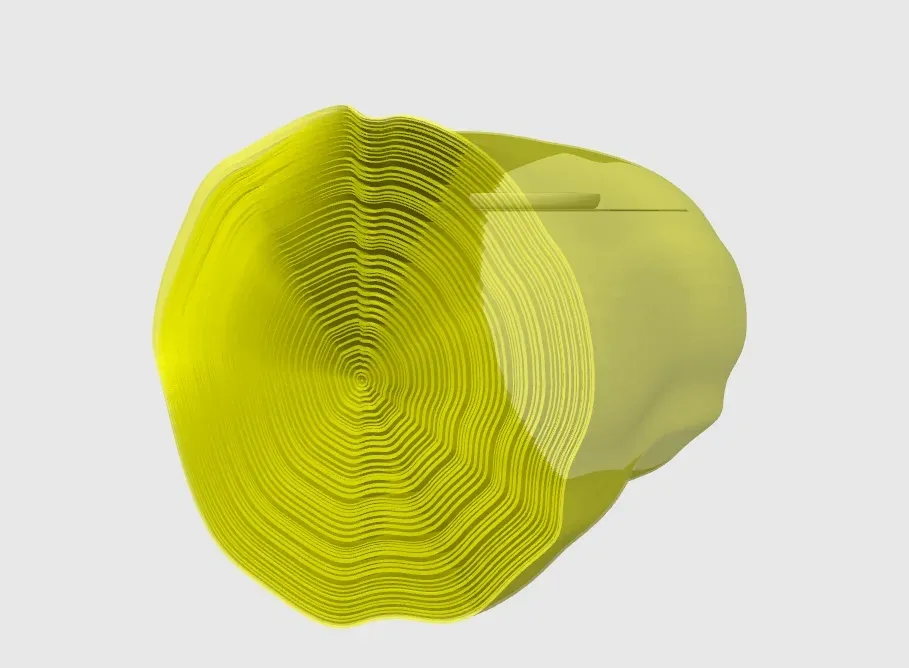
Then, change the top surface direction of the model to linear alignment, the infill direction for global parameters to 45°, and the infill direction for modifier parameters to 135° This way, a wood grain effect will appear on the top surface
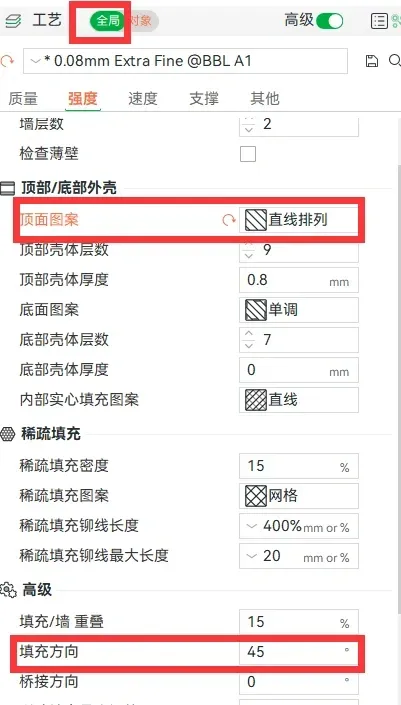

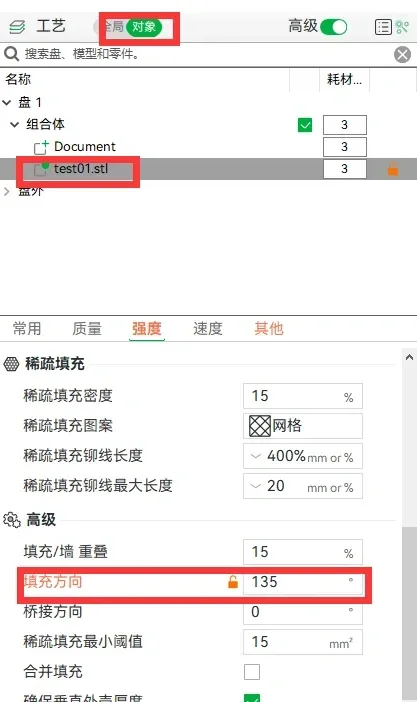
Next, add a fuzzy skin effect to the modifier, which will create a wood grain effect on the sides
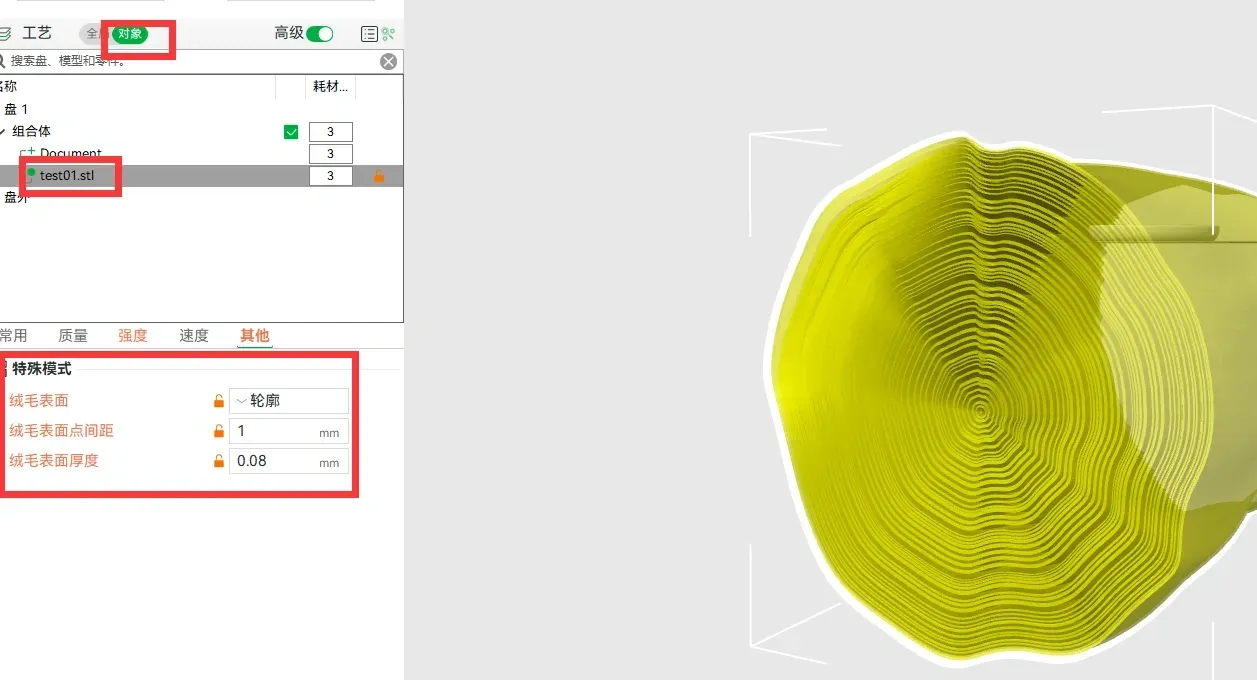
Special note, due to the fuzzy skin surface causing internal division, many outer walls will be generated internally, therefore, print time and filament consumption will significantly increase This is a current limitation of the slicer software As shown below, the area with the added fuzzy skin surface is actually independent of the main body and has its own outer walls

Finally, the print head path will also become exceptionally cumbersome and complex, increasing the risk of failure Please test and use it, Happy printing!!!
Boost Me (for free)
Those who read to the end are true fans
——————————————————————————————————————————————————————————————
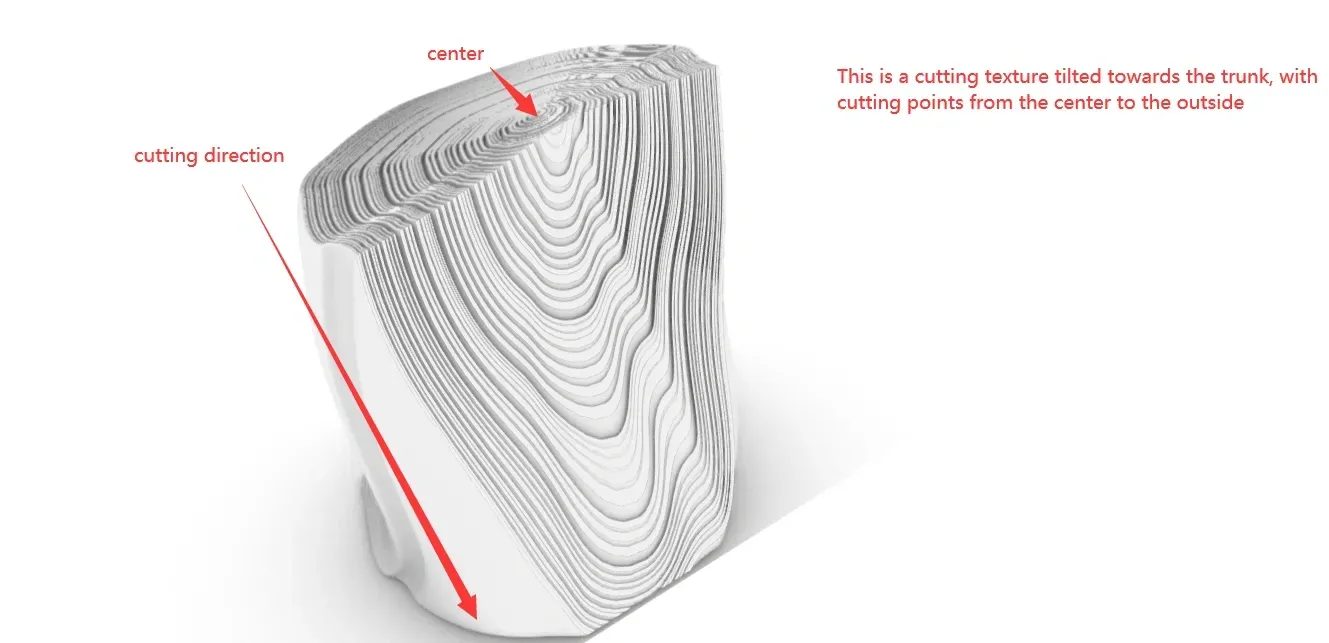
Updated on 2024.12.12, added image explanations for the basic principle


Boost Me (for free)
Thanks for Boost!!!
License

You may create derivative works based on this object, provided that all such derivative works are published exclusively on the MakerWorld platform and include proper attribution to the original creator. You may not share, upload, host, distribute, or publish this object—or any derivative work of this object—on any other digital platform, marketplace, or distribution channel. Commercial use of this object and any derivative works is strictly prohibited. This includes, but is not limited to, selling, renting, sublicensing, or using the object in any context in which you receive monetary compensation or other financial benefits.


Comment & Rating (1276)