
Death Star Light-Up Ornament

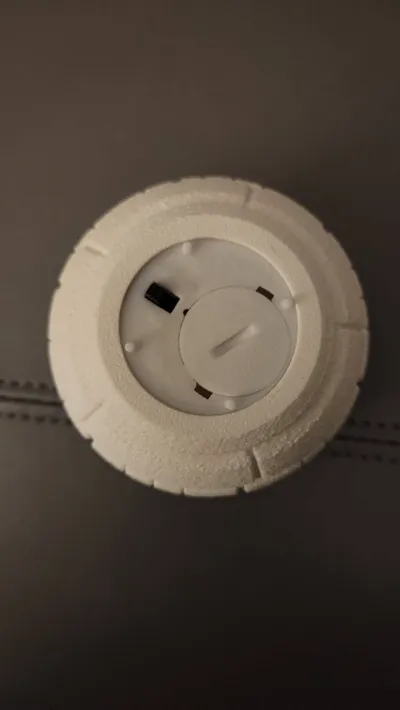
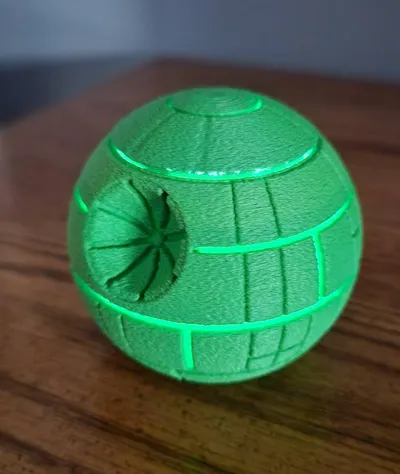
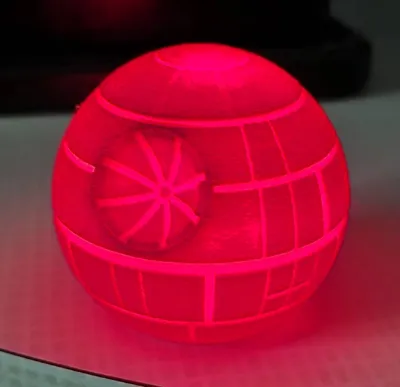
Print Profile(1)

Bill of Materials


Description
Boost Me (for free)
If you like the design, do me a solid and boost me! It costs you nothing and it makes us both feel good! That and I really appreciate it.
Boost Me (for free)
If you like the design or if you simply think I'm a swell guy, why not give me a Boost? It doesn't cost you anything and it'll make us both feel better!

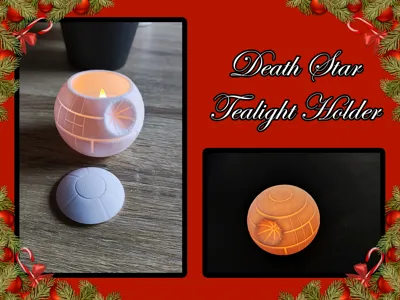
Join the Dark Side and print your very own light-up Death Star to put on your tree this Christmas!
While there are plenty of Death Star ornaments out there on MakeWorld and other community sites, I wanted on that lit-up to put on my Christmas tree this year. After days of searching (ok… likely hours or even minutes but it felt like an eternity), I didn't find exactly what I was looking for so I decided to try creating my own.
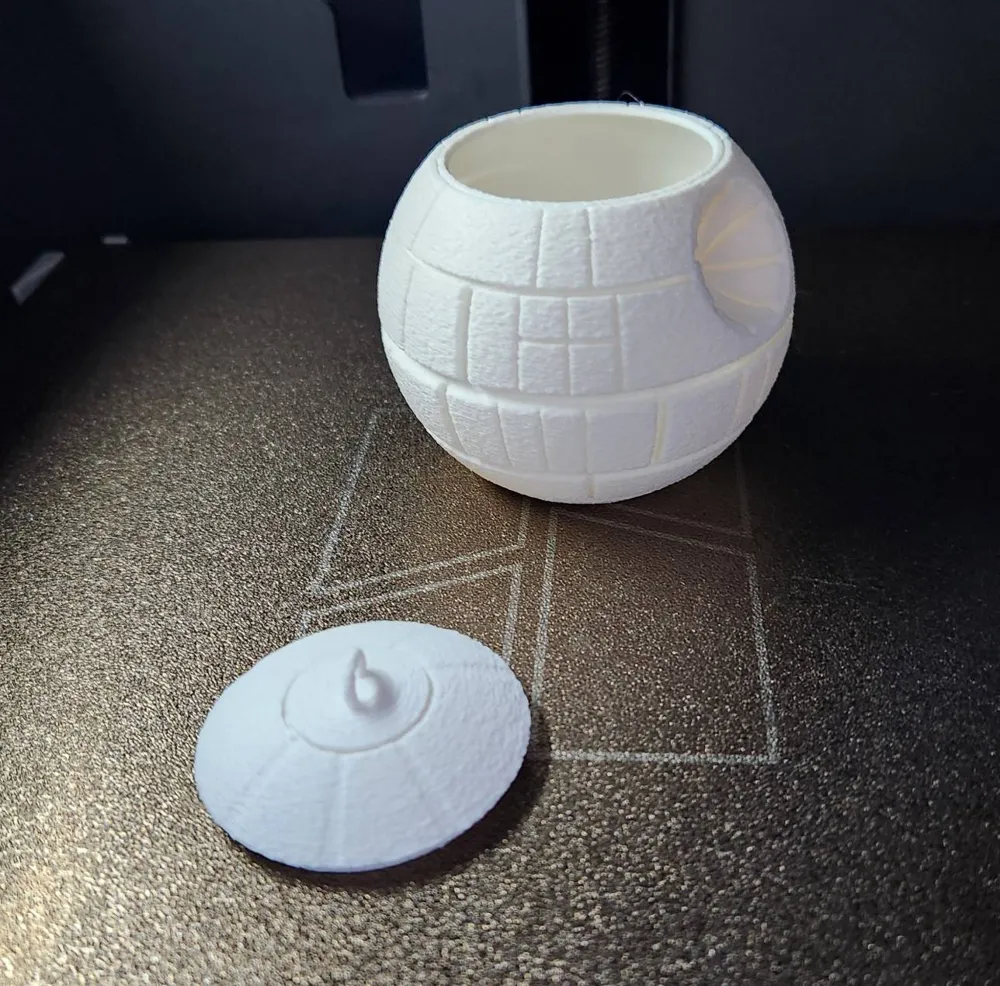
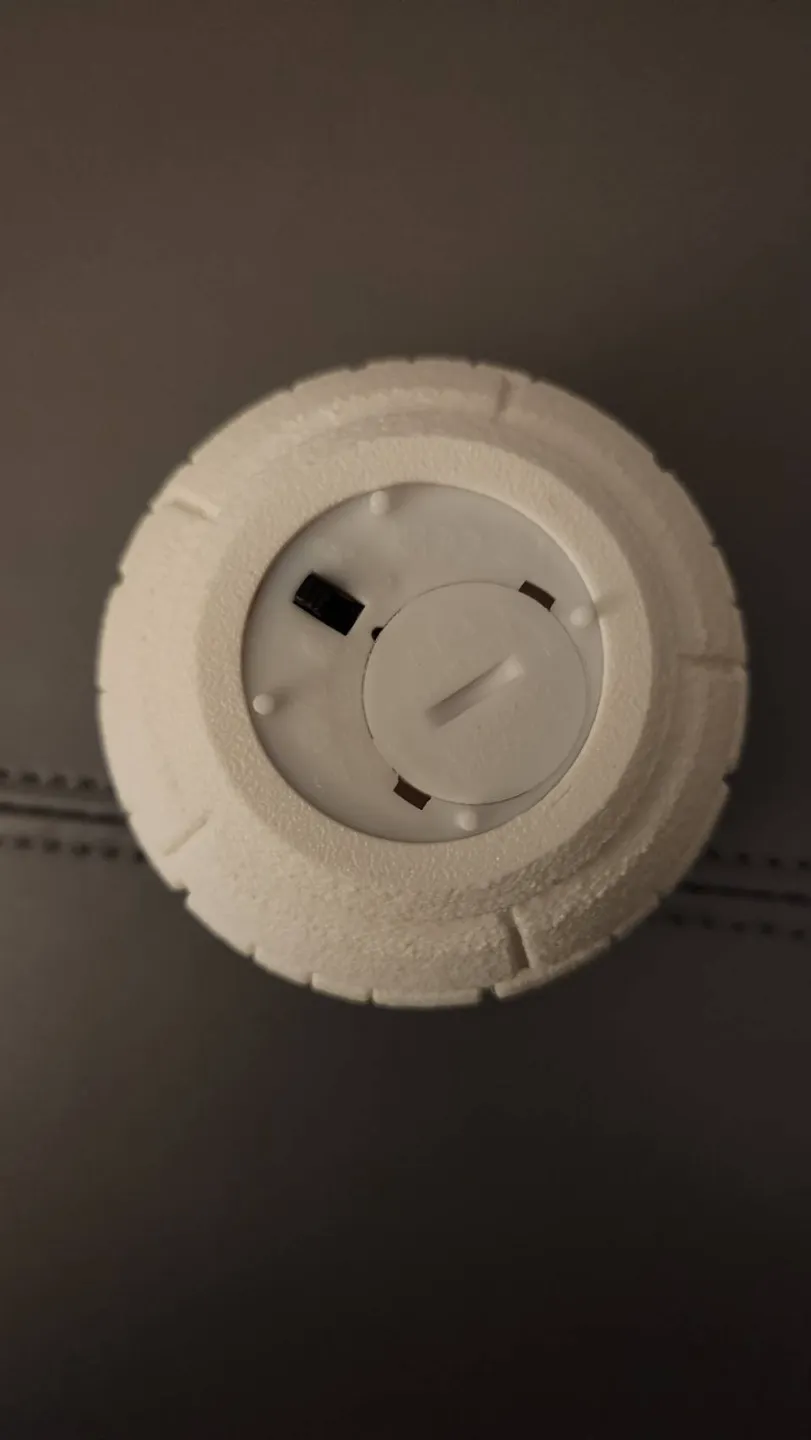
I took two projects created by Henselakis (the Death Star Tealight Holder and the Death Star Christmas Ball) and decided to work on combining both in to one product. While not overly complicated to add a loop to the top of the tealight holder and call it a light-up ornament, I wanted something that I could easily turn on and off without having to take it apart to get to the tea light inside.
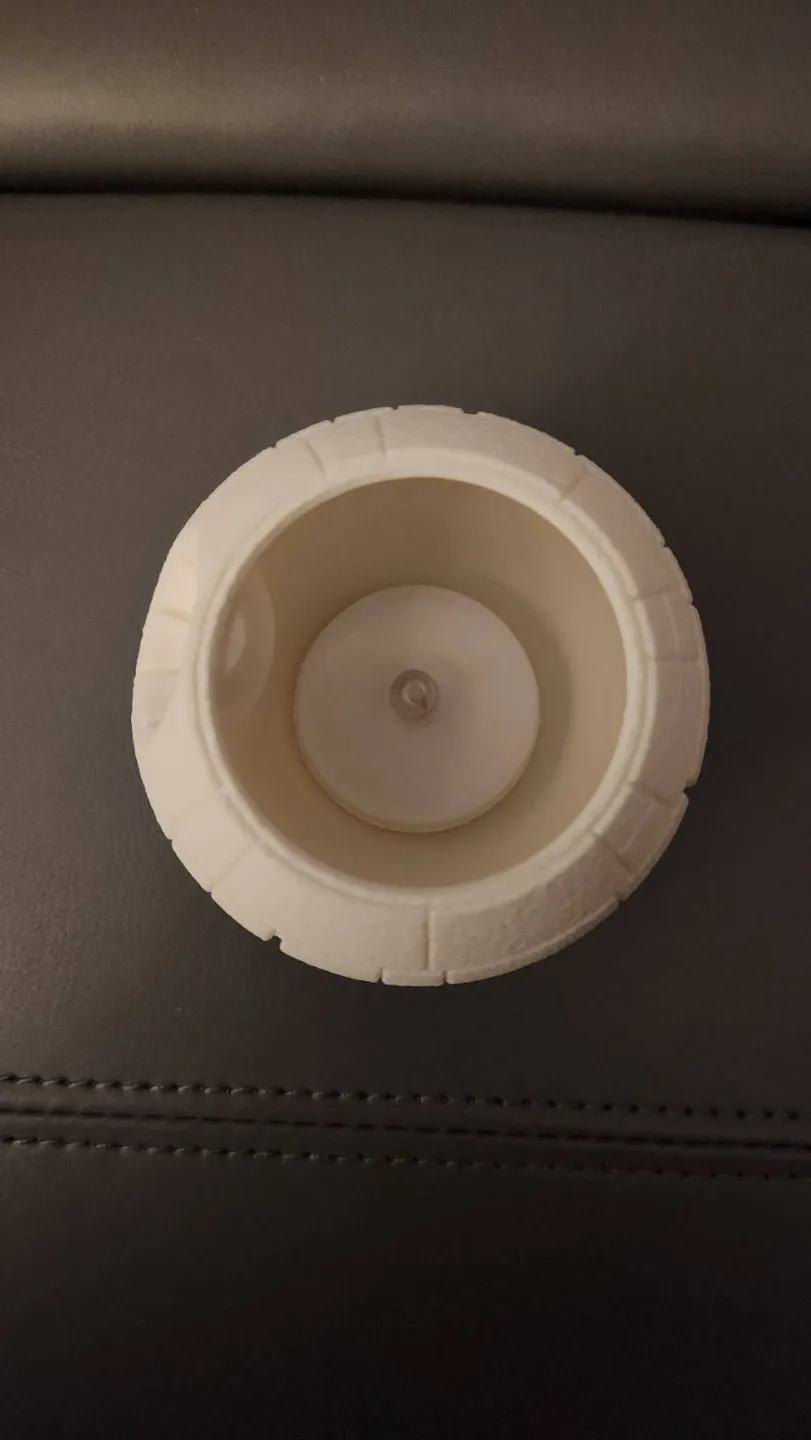
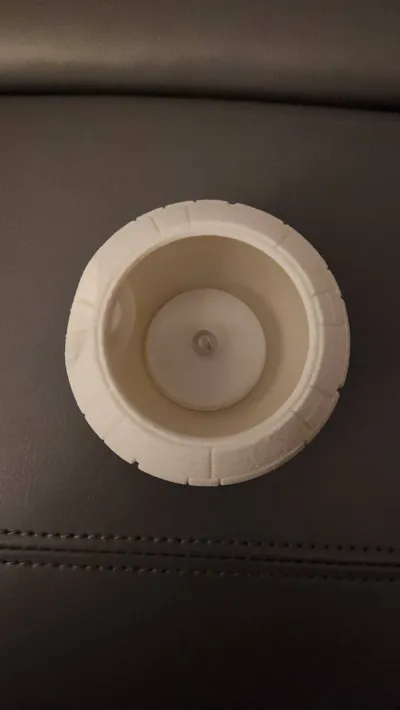
After several false starts, and over complicating creating a clip that would hold the tea light firmly in place while giving access to it from the outside of the ornament, simplicity won out.
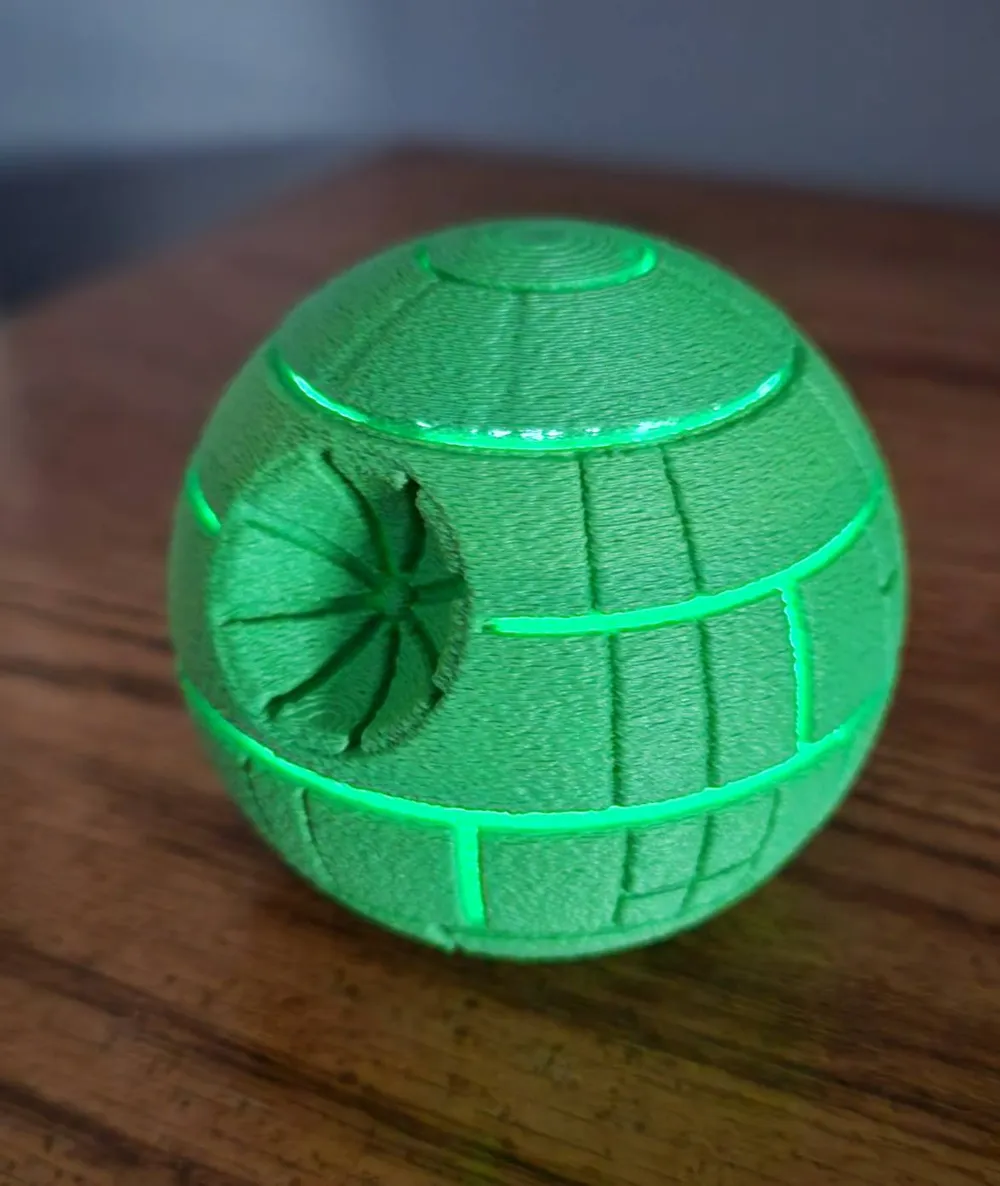
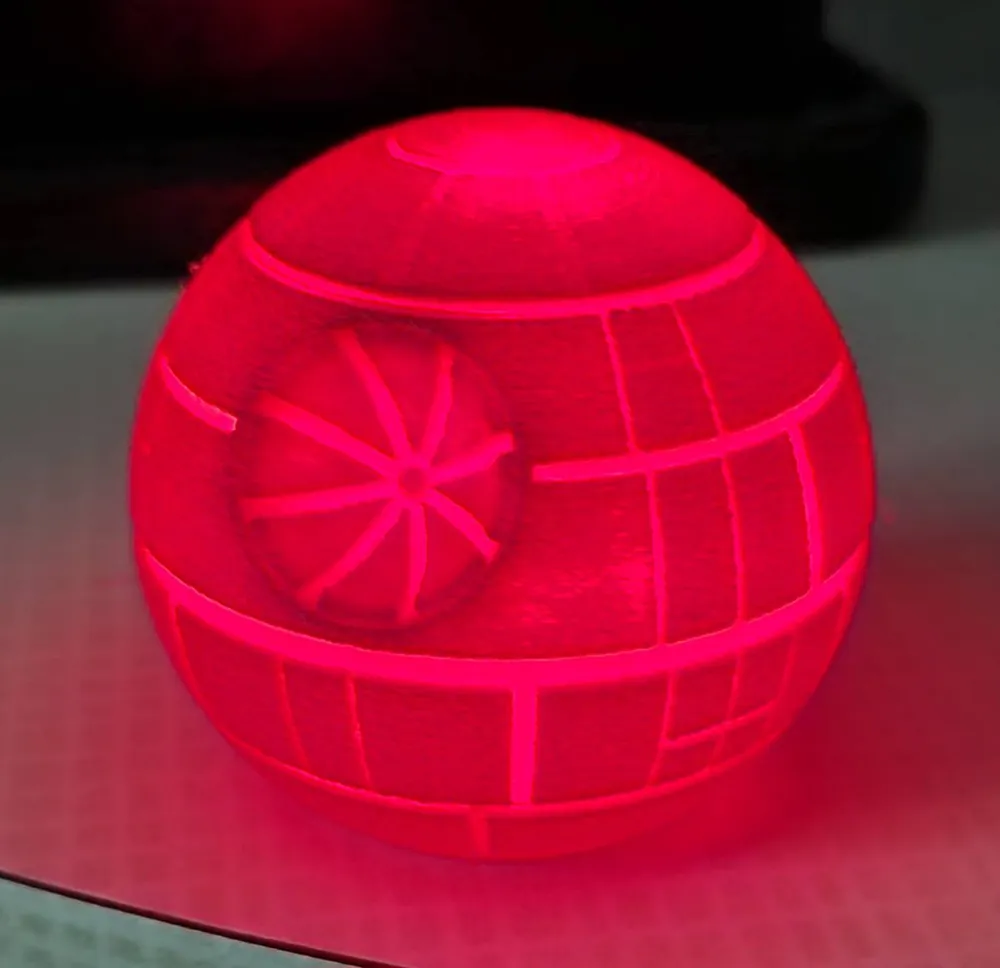
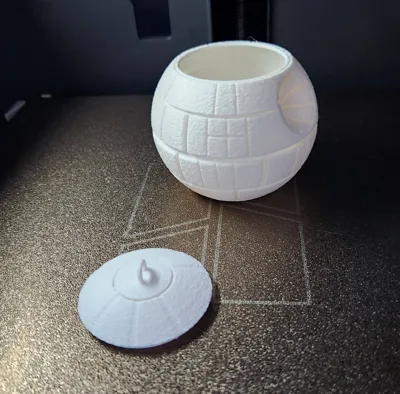
The pictures show the finished result printed on a PS1 (but the size of it should allow it to be printed on a single sheet on the A1 and A1 mini but I don't have a machine to test it on) with 0.4 harden steel nozzle, using Ivory White Bambu PLA Matte filament (but feel free to print in a variety of festive colours or whatever colour the voices of the Force tells you you should use). I tried a red and green while testing the design (pictures attached is of how the colours look but it's not using the the final design product) but I found that white has the best light bleed through.
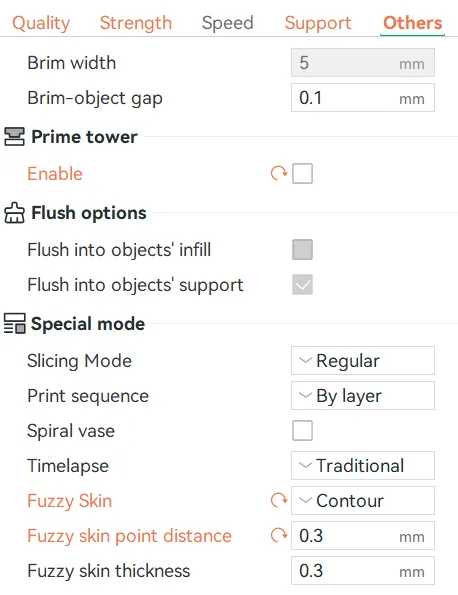
I also used Fuzzy Skin, simply because I prefer it. It helps hide layer lines and and minor print flaws.
** WARNING **
I used the tea lights available from Bambu for this print and the clip to hold the tea light in place inside the ornament is specific to the dimensions of this product. While other tea lights may have the same, or similar, dimensions as this product, I cannot guarantee them to work properly. I've included an STL file of the clip I designed and the body of the ornament separately so you can adjust it to whatever size you need and re-merge it with the ornament. Adjusting the size of the body of ornament may be necessary if you do this.
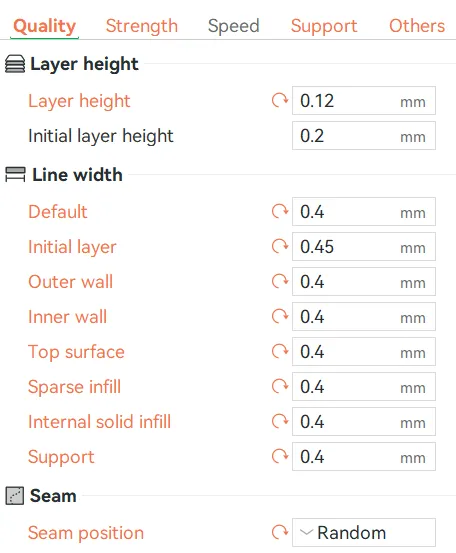
Settings:
Quality:
Strength:
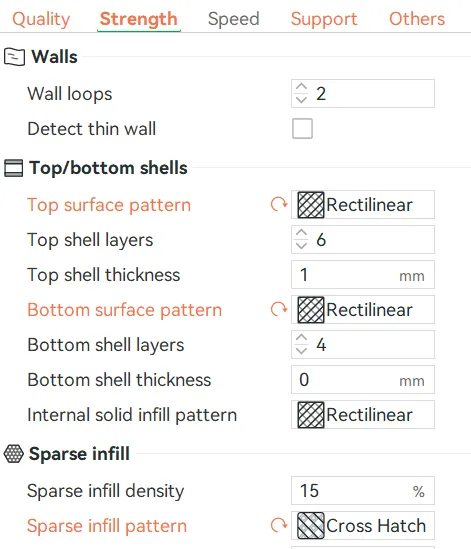
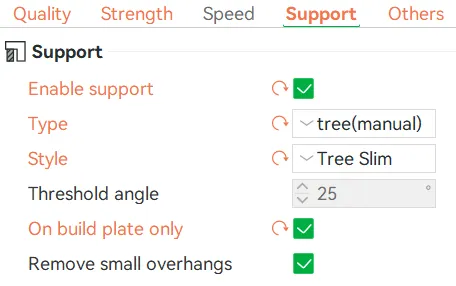
Support:
* Please note that this prints ok without supports but under the top part of the lid tends to be a bit messy. I added manual supports under the lid to fix this since I'm a bit OCD but feel free to disable Supports if you don't care.
Other:
* Personal preference to disable the Prime tower and use Fuzzy Skin. Feel free to enable/disable either or.
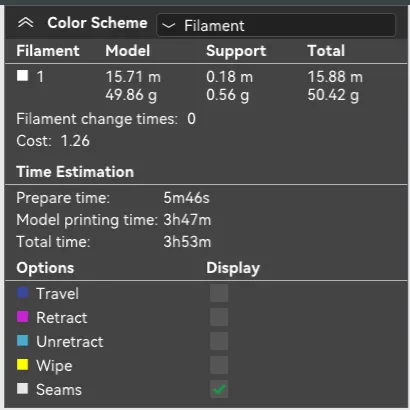
Filament and Time:
This remix is based on


License



Comment & Rating (39)