
Sim Racing Wheel Button Box
Print Profile(1)

Description
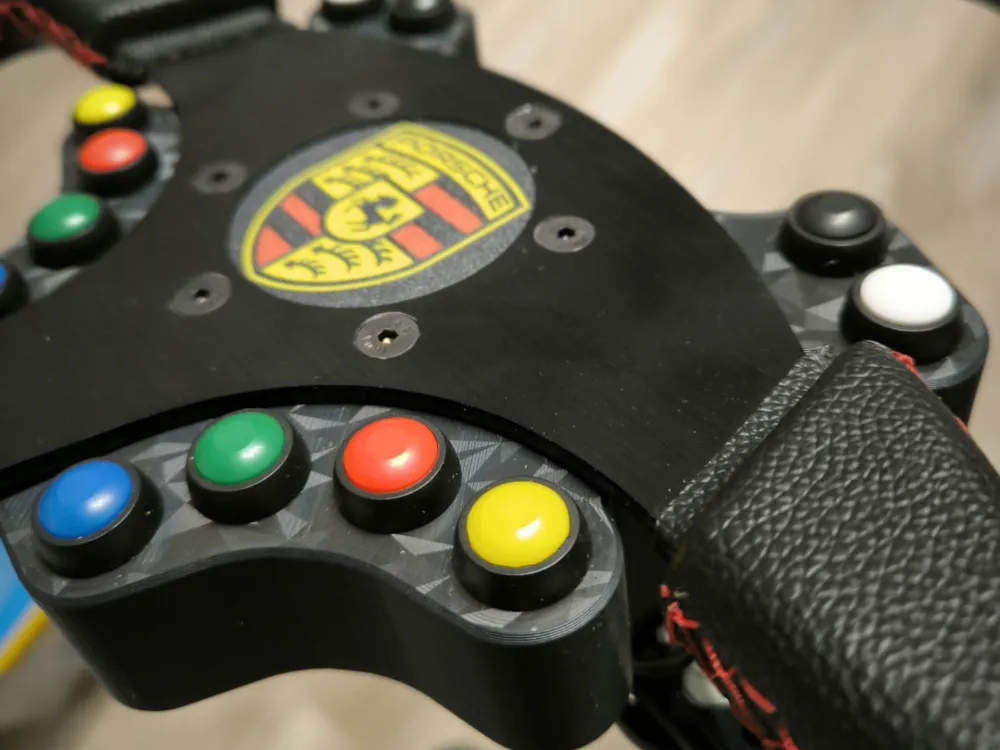
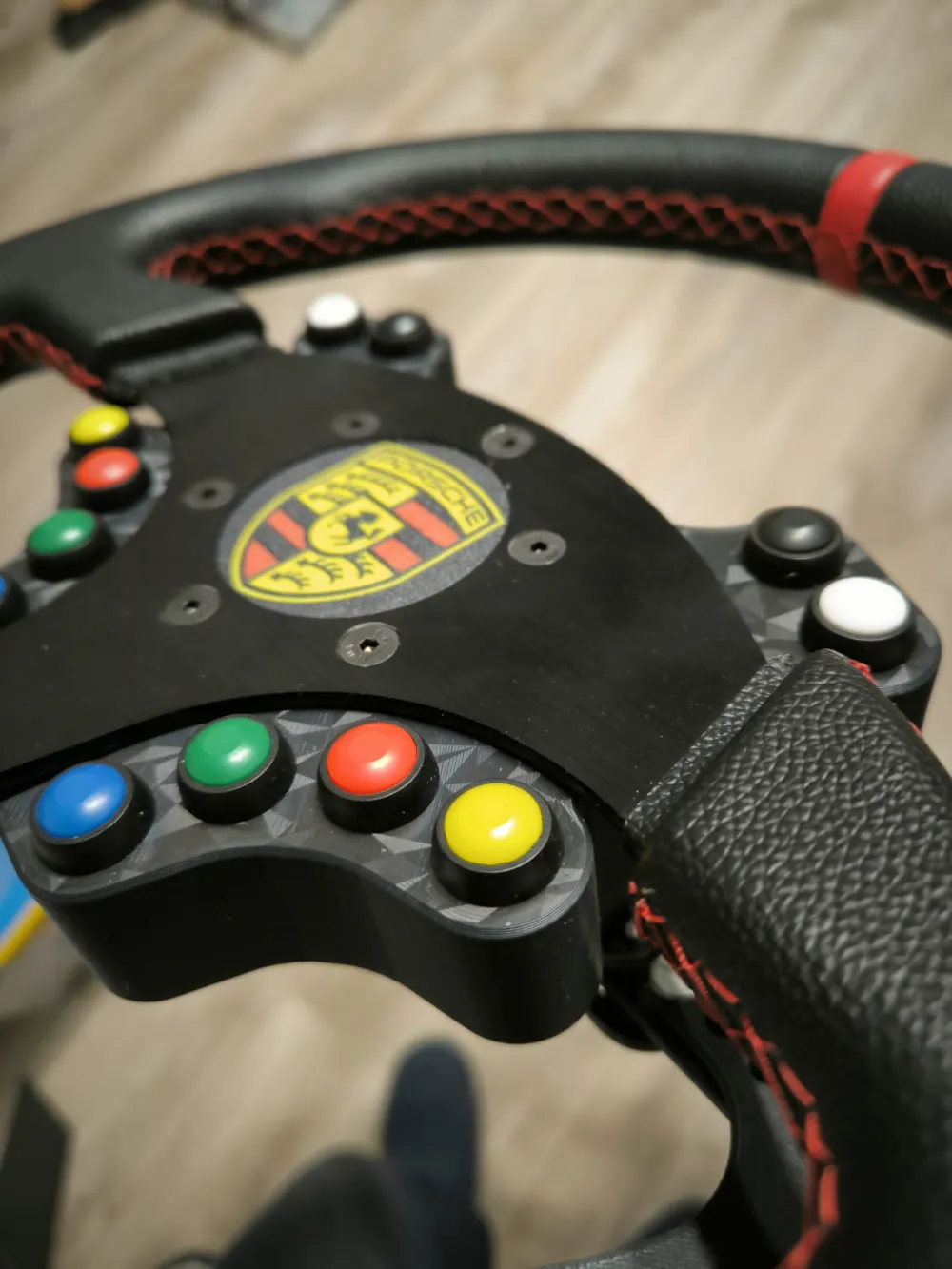
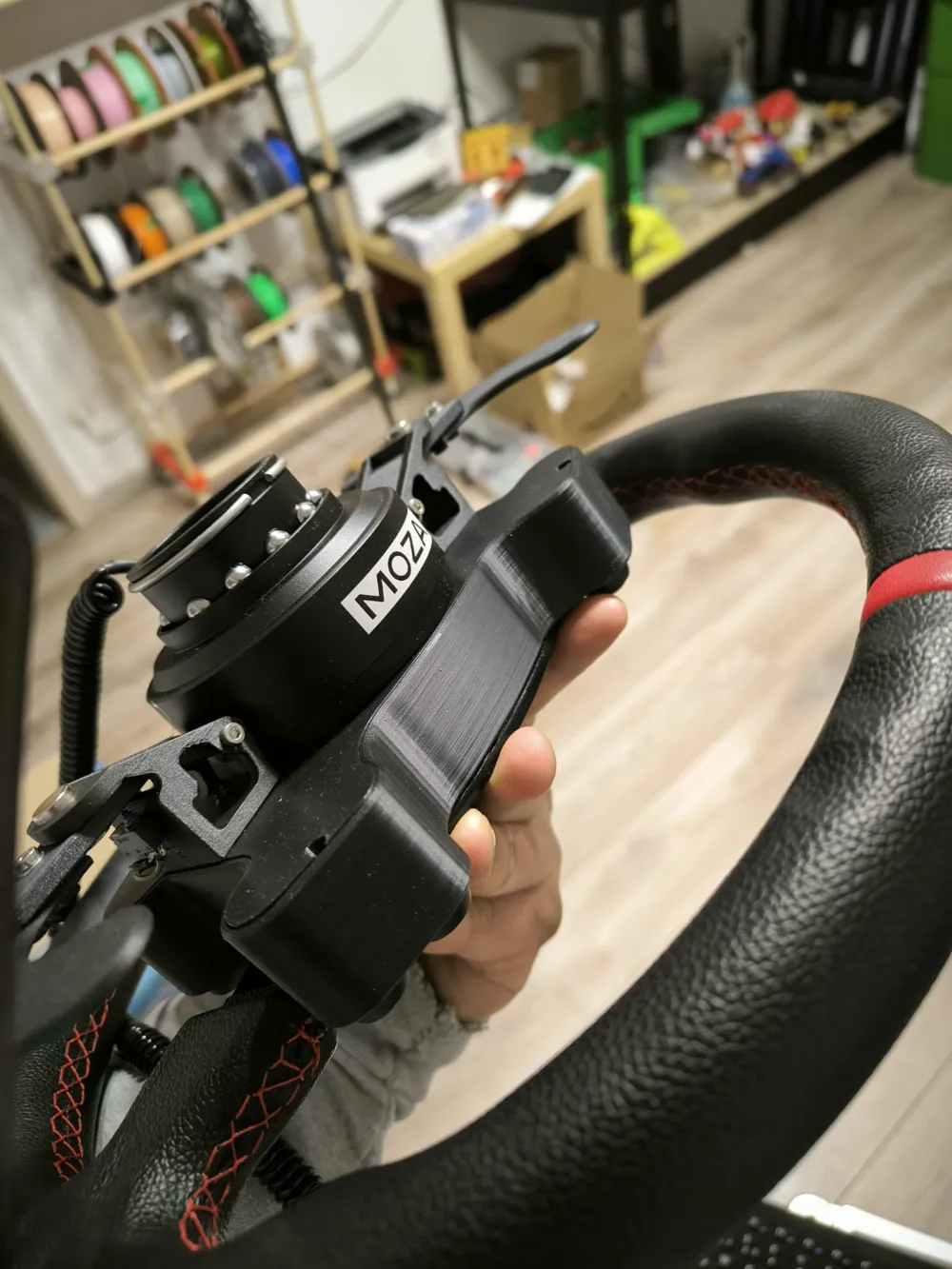
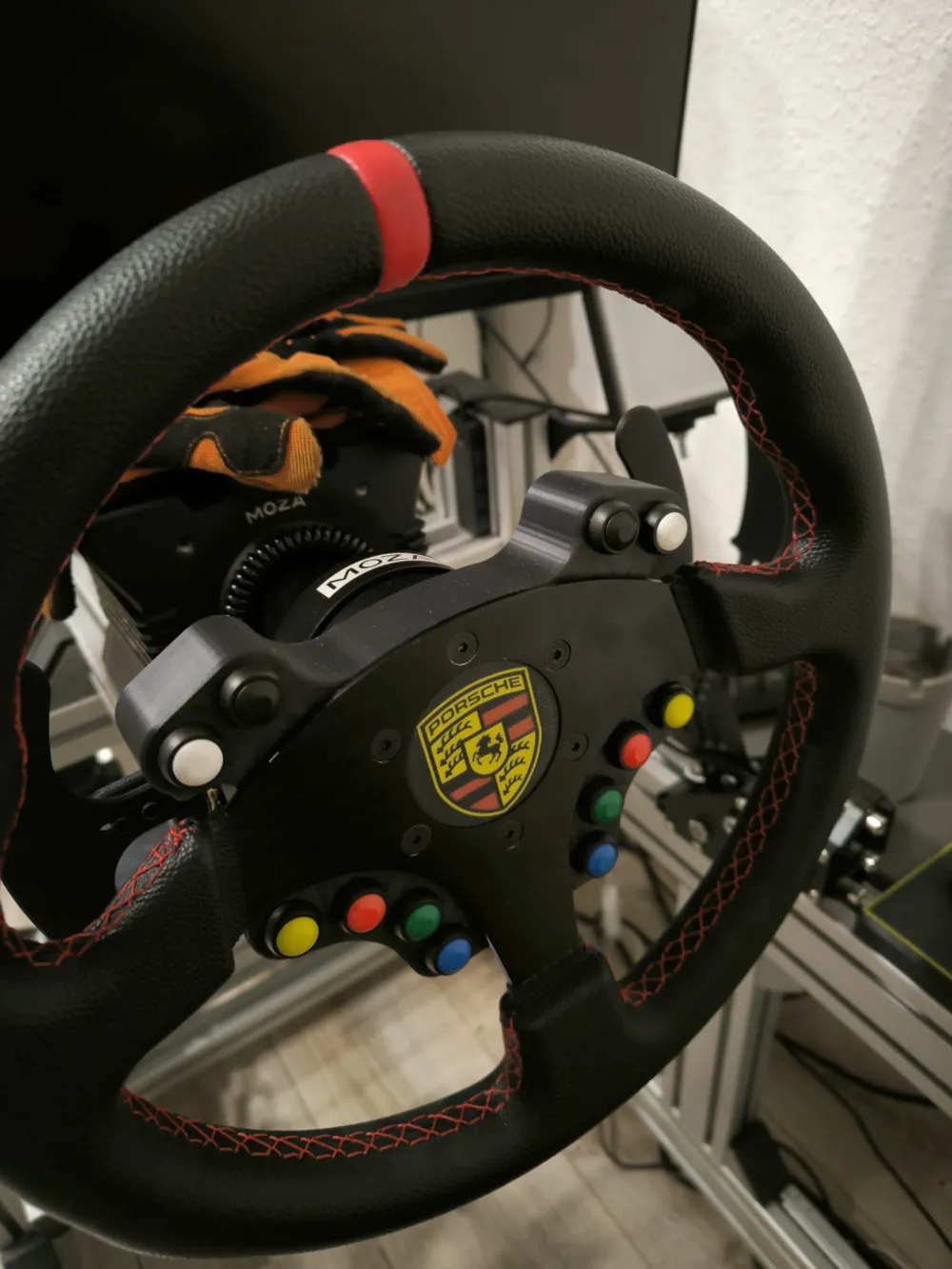
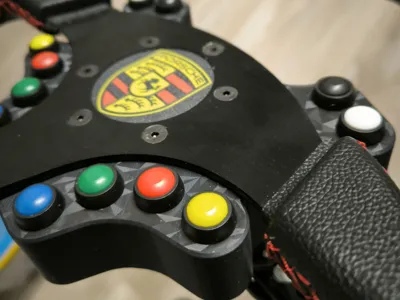
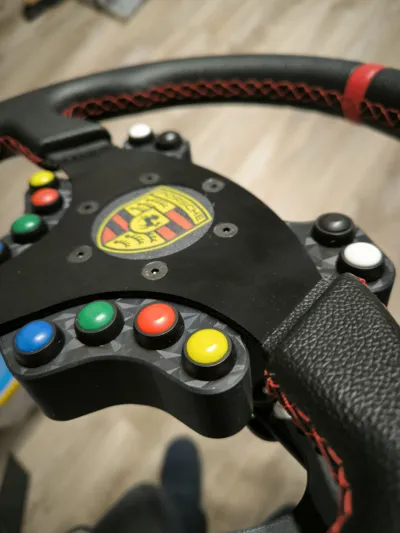
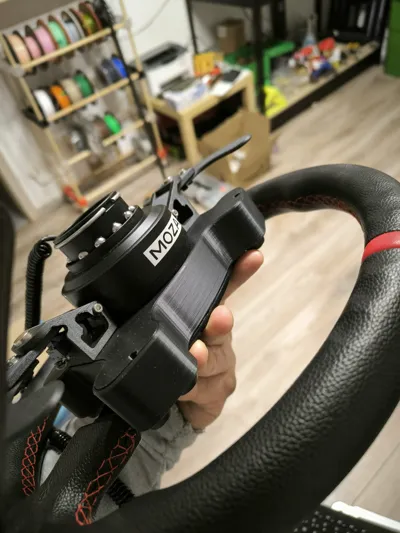
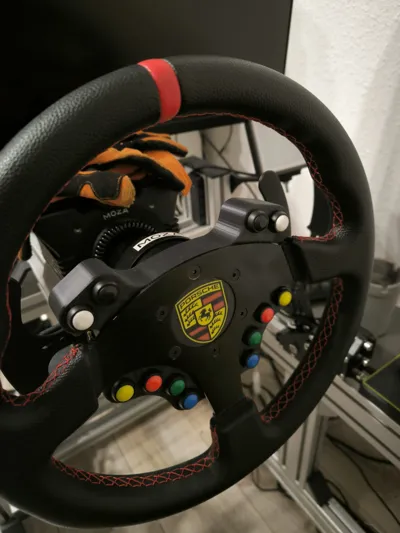
Button Box for Sim Racing Steering Wheels
Required Parts
1x Arduino Micro Pro
12x Buttons (12mm hole)
7x M3 20mm screws
2x M3 30mm screws
2x M3 nuts
15x M3 heat inserts
2x OMRON D2HW-BL201H
4x 10x5mm magnets
Notes:
- Button Wiring:
- Connect one contact of each button to one of the defined pins (2 to 20).
- Connect the other contact of the button to GND.
- Testing:
- Connect the Arduino to your PC.
- Open the Control Panel and look for the game controller settings to test the buttons.
- Adjustments:
- You can adjust the pins and the number of buttons by modifying the arrays and constants.
- If you want to add LEDs or other functions, the code can be extended accordingly.
Have fun building your button box! 😊
Arduino code:
#include <Joystick.h>
// Define the number of buttons
#define NUM_BUTTONS 16
// Button pins
int buttonPins[NUM_BUTTONS] = {2, 3, 4, 5, 6, 7, 8, 9, 10, 14, 15, 16, 17, 18, 19, 20};
// Create joystick instance
Joystick_ Joystick(JOYSTICK_DEFAULT_REPORT_ID,
JOYSTICK_TYPE_GAMEPAD,
NUM_BUTTONS, // Number of buttons
0, // No axes
false, false, false, // No X, Y, Z axis
false, false, false, // No RX, RY, RZ axis
false, false, // No rudder, throttle
false, false, false); // No accelerator, brake, steering
void setup() {
// Configure buttons as input
for (int i = 0; i < NUM_BUTTONS; i++) {
pinMode(buttonPins[i], INPUT_PULLUP); // Enable pull-up resistor
}
// Start joystick
Joystick.begin();
}
void loop() {
// Read button status and report to joystick
for (int i = 0; i < NUM_BUTTONS; i++) {
int buttonState = digitalRead(buttonPins[i]);
// LOW means pressed, since pull-up resistor is active
Joystick.setButton(i, buttonState == LOW ? 1 : 0);
}
delay(10); // Polling interval
}
License

You shall not share, sub-license, sell, rent, host, transfer, or distribute in any way the digital or 3D printed versions of this object, nor any other derivative work of this object in its digital or physical format (including - but not limited to - remixes of this object, and hosting on other digital platforms). The objects may not be used without permission in any way whatsoever in which you charge money, or collect fees.


Comment & Rating (38)