
Customizable Castle Wall Generator (CCWG!)
Print Profile(1)

Description
We all have our favorite castles no matter if they are in the real life or just factionary. But how sad it is if you have your favorite place without any defense, blown by the wind, just standing there without... A WALL!
I present to you the Customizable Castle Wall Generator (CCWG!)
Turn your dream place into a castle!
Turn your castle into... a real castle!
With WALLS and TOWERS!
This was inspired by MakerWorld's 2024 "Master Challenge: Castles.". I started learning OpenSCAD because of it and seems it turned out quite fun to play around with. Even if you are not into project, please give it a try. You can spend surprisingly long time just trying what wall you can generate :)
Hope you have fun. And now here is the overview of the (CCWG!):
I've started with simple idea of a customizable model but with each version I add new things. At the current moment the
MAIN FEEATURES are:
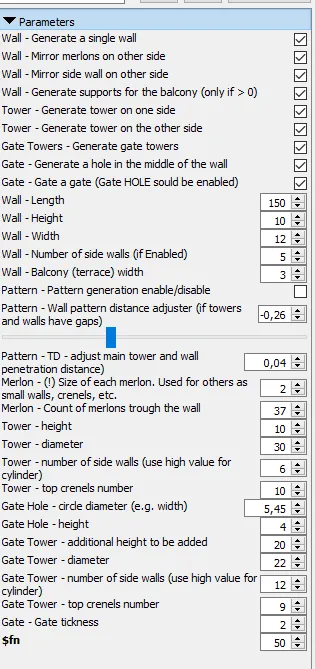
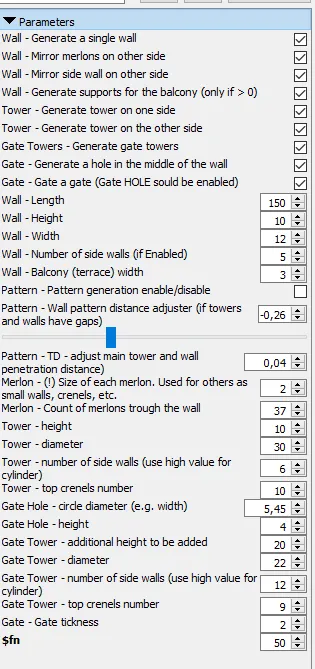
- Generate a single wall with custom LxHxW
- Choose the size and number of merlots on each wall
- Enable additional balcony (terrace) from the inside. *If not using pattern could be related to outside.
- Enable additional wall on the end of the balcony.
- Enable additional merlons on the end of the balcony.
- Enable supports on the underside of the balcony
- You have the option to customize your own tower(s) using your own custom diameter and height.
- Choose the number of walls for the towers
- Choose number of top crenels on the top of the towers
- A second tower could be generated on the other end of the wall. *This is used only if needed and only in single wall option. Do not use in pattern!
- You have the option to generate gate towers using your own custom diameter and height. Those are two additional towers near the middle of the wall.
- Choose the number of walls for gate towers
- Choose additional height to be added for gate towers
- Choose number of top crenels on the top of gate towers
- You have the option to add a hole (entrance) in the center of the wall using your own dimensions.
- You have the option to add a gate to stop unwanted guests.
- Use as many walls as you wish with the pattern function
- Pattern modifiers for easier personalization
As you can see there are quite a few things that you can customize. The idea is that you could use the Customizable Castle Wall Generator (CCWG!) in different ways. Here are some ideas of the
WAY TO USE:
Single wall
- Generate single wall: From thin and stockpile like, to massive stone like ones. Then you can use those in your project if only wall is needed (or needs to be added, cut, etc.)
- Generate single wall with two towers: Enable the options to Generate a wall, Generate tower and Generate tower from the other side. Now you have only one wall for your project.
- Generate single wall with two towers and gate hole. Enable the options to Generate a wall, Generate tower, Generate tower from the other side, Gate hole. Now you have only one wall with entrance for your project. May be a smaller town?
- Generate single wall with two towers and gate. Enable the options to Generate a wall, Generate tower, Generate tower from the other side, Gate hole, Gate. Now you have only one wall with entrance that is secured with a door!
- Generate a castle wall with all you need - towers at the end of the wall, a gate, two towers near it! Enable all options (except pattern) :)
Single objects
All the options of above are made so they could be generated even without a wall. Thus you are able to generate only the needed object and use it by itself (e.g. you need only a tower).
Pattern
- You can choose the number of walls that your castle would be surrounded with.
- You can generate all of the above and it would stay attached to the front wall.
- On each end of the walls a tower will be attached (if you choose the option to).
- The pattern is somehow customizable so you could make the walls and towers touch each other OR do not penetrate on the other side.
This was the hardest thing in this project so far as depending of number of walls (e.g. shape), tower wall number (e.g. tower shape), wall and tower sizes, etc, etc, seems like it is impossible (for me) to do it exaclty right each time. The difference between 4 and 44 wall count with 10-500 units of length is massive. I have tried all kind of scenarios, thus I decided to add the distance adjusters.
TIPS:
- If you wish to generate round towers then use wall count like 50-100.
- Use the power of your Slicer (or other 3D editing software). You can use separate models and join or cut them or whatever. The option to export single objects has the idea that you can process those in any way you need.
- If you do not need some part or want to cut something - again use your slicer. Load negative part and cut whatever you want to. Or just print it and use a sawblade or smth :D
PRINTING TIPS:
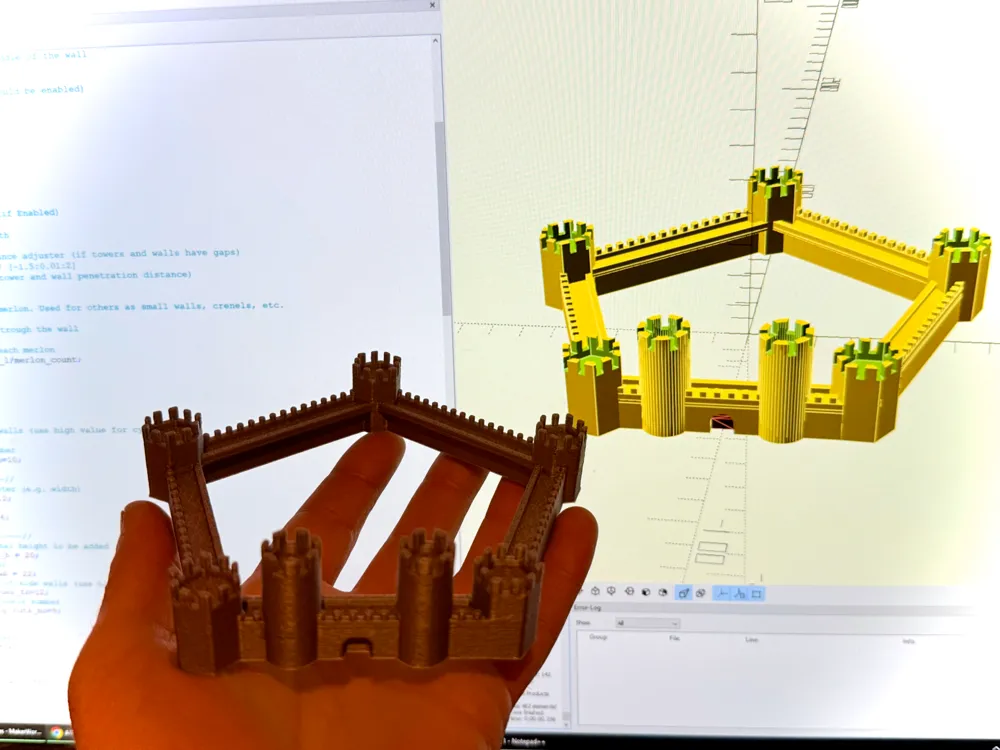
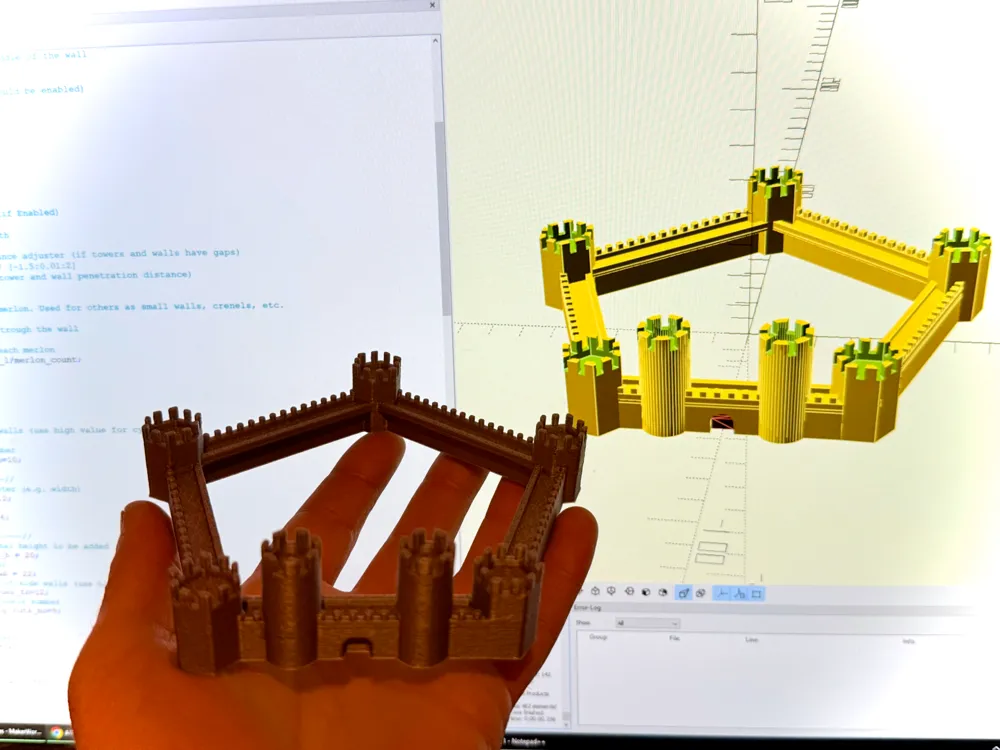
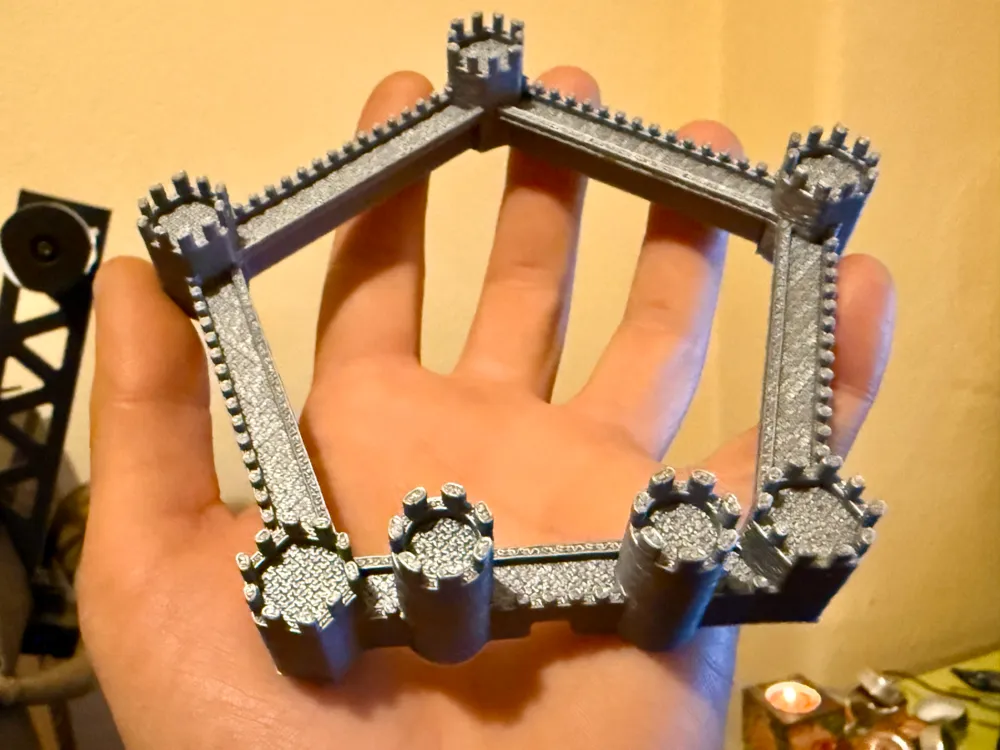
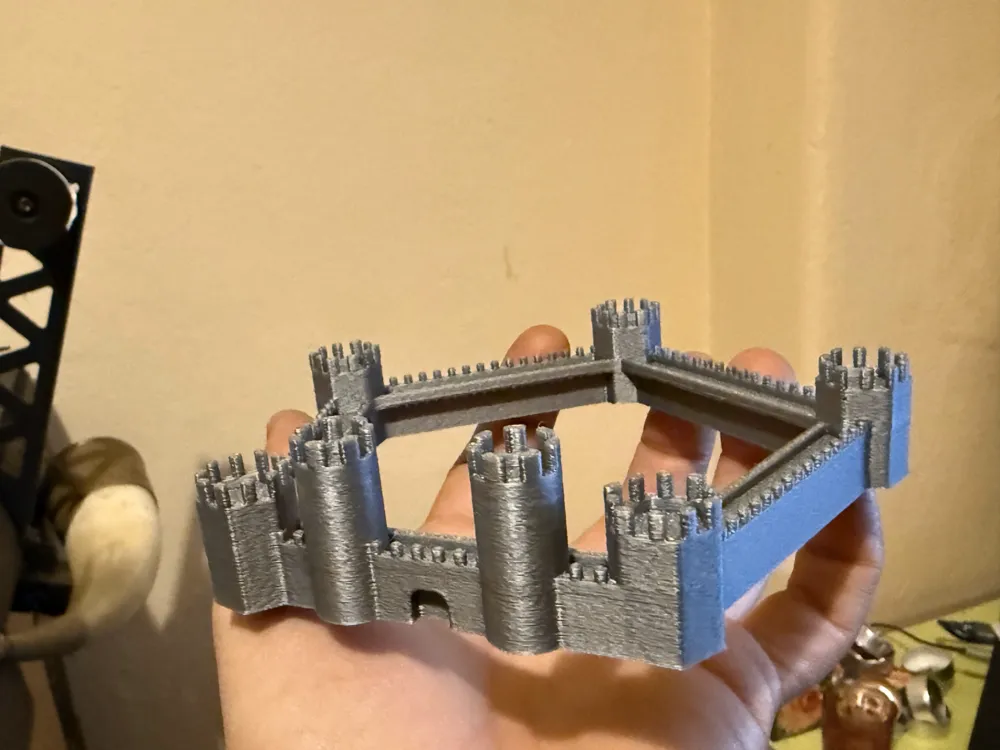
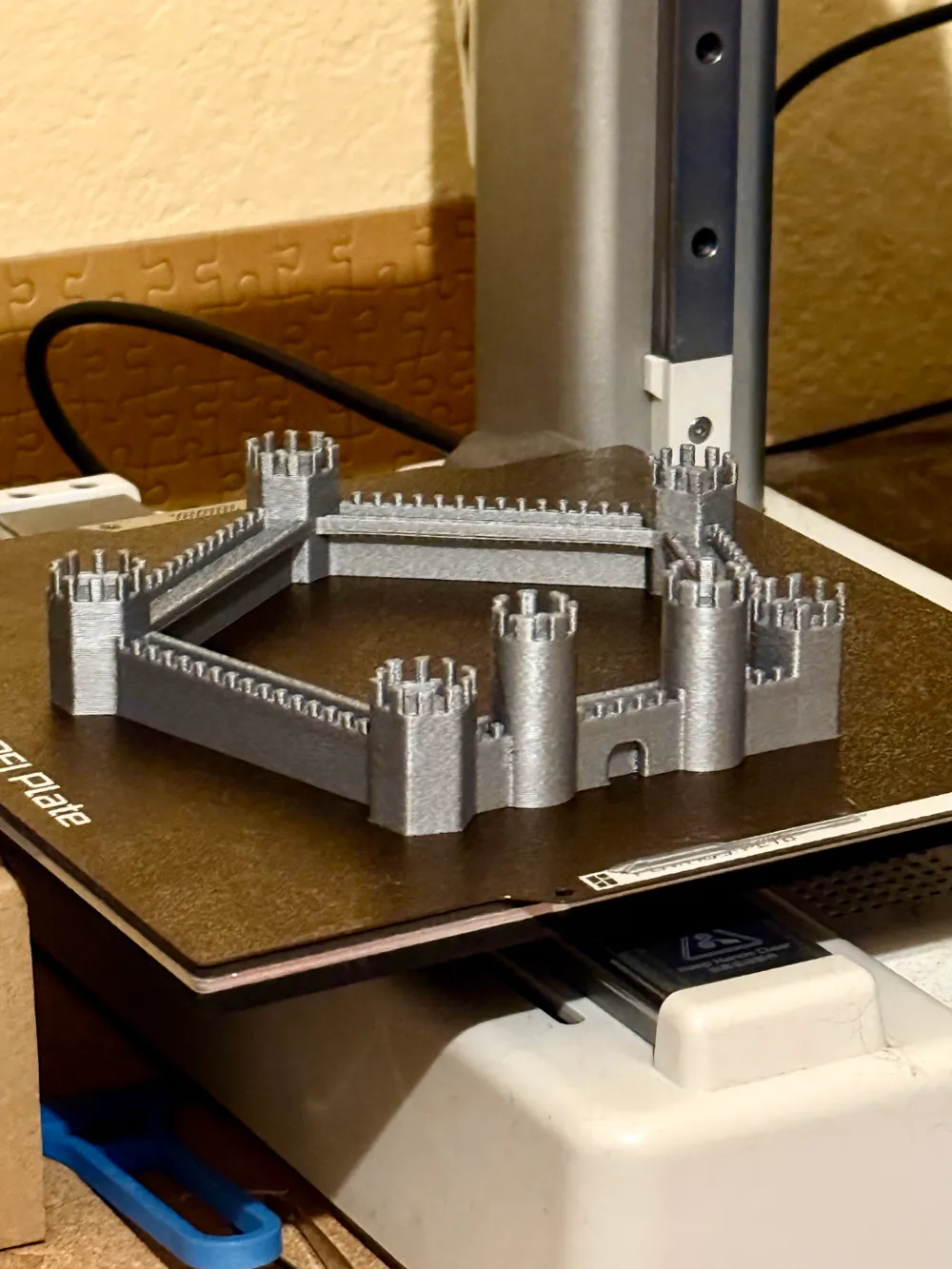
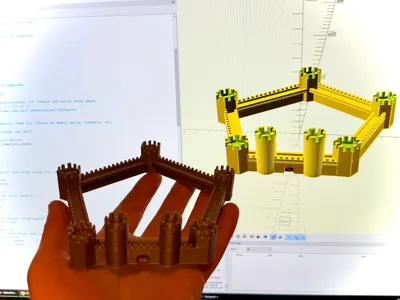
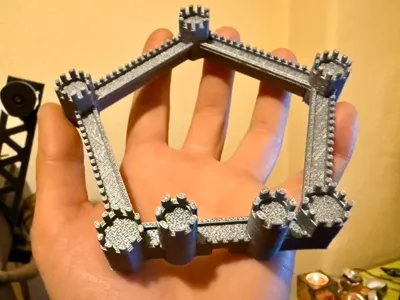
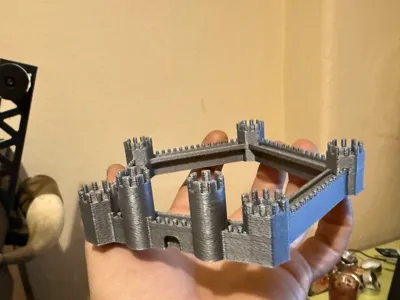
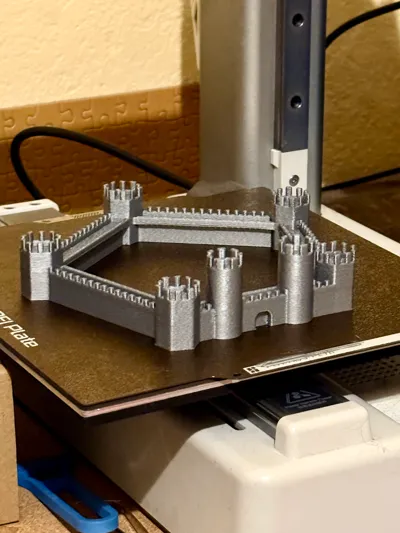
- As the model is smooth it would not look castli-sh e.g. stone like. Thus you can print with Fuzzy skin option on in your slicer. The parameters depends a lot from your project and liking but it can make some good effect. The one on the image turned out quite good but I would go for little more texture if I had to print it second time.
- For the same reason if you go with stone look you would not like fuzzy walls and smooth floors (pavement, tops). Thus use the Hilbert Curve option in your slicer for top layers. It looks like quite good imo but feel free to try other types too. You can see it in use in the model from the pictures
I hope you like and use this project.
Any of your feedback if welcome as I am not a programmer or scripter or GPT guy and learning OpenSCAD for this challenge was quite a... well challenging :D
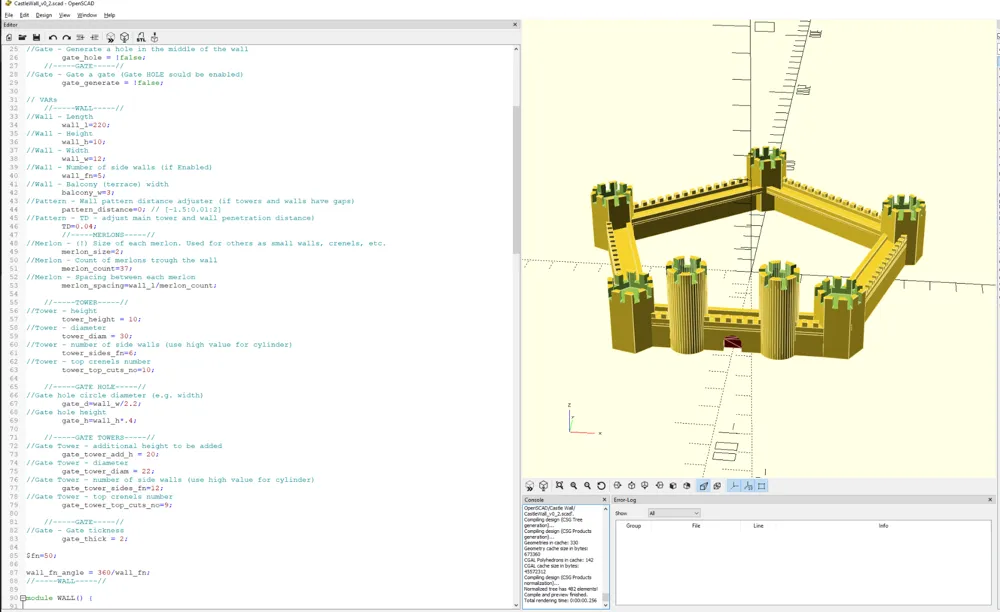
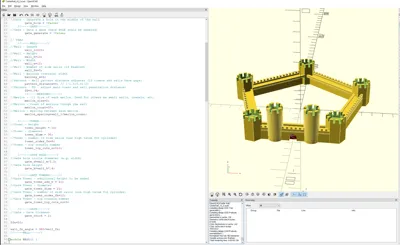
PS: MakerWorld OpenSCAD does not work as the one installed locally. Thus you start with a sphere generated when you start, so just click the options and do not quit right away thinking it is broken.
License



Comment & Rating (1)