
Customizable Christmas gift card sleeve (holder)
Print Profile(1)

Description
Boost Me (for free)
I’m a hobbyist who loves creating 3D models for everyone to use. If you like what you see, a Boost is greatly appreciated—it directly supports this hobby and helps me bring future projects to life.
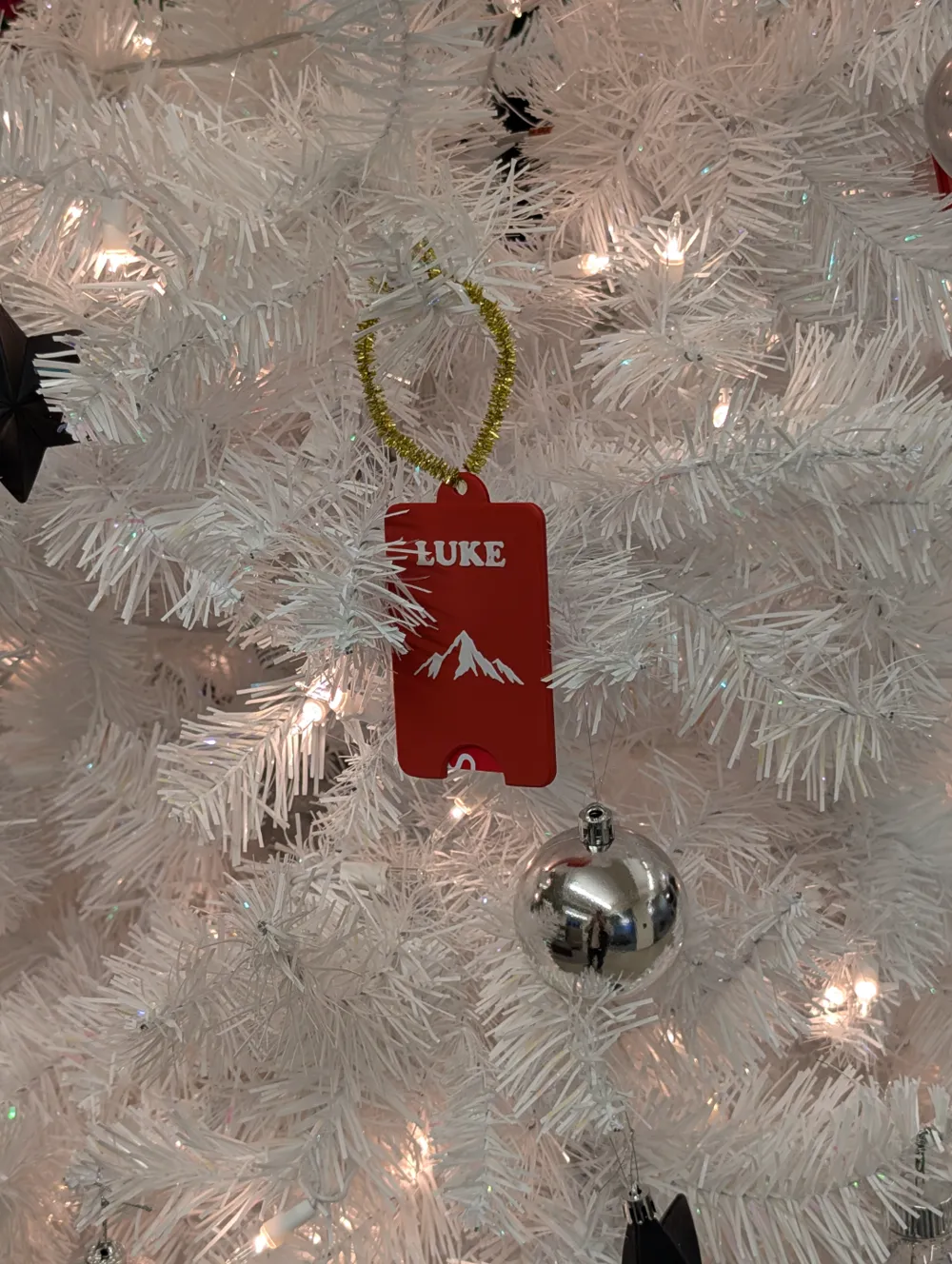
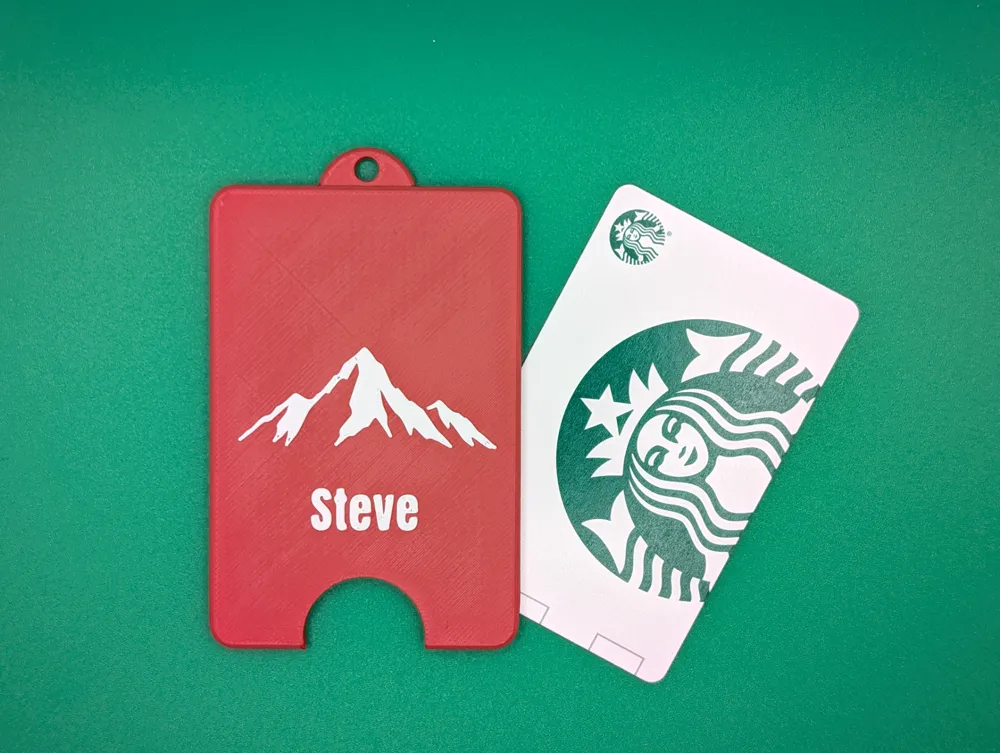
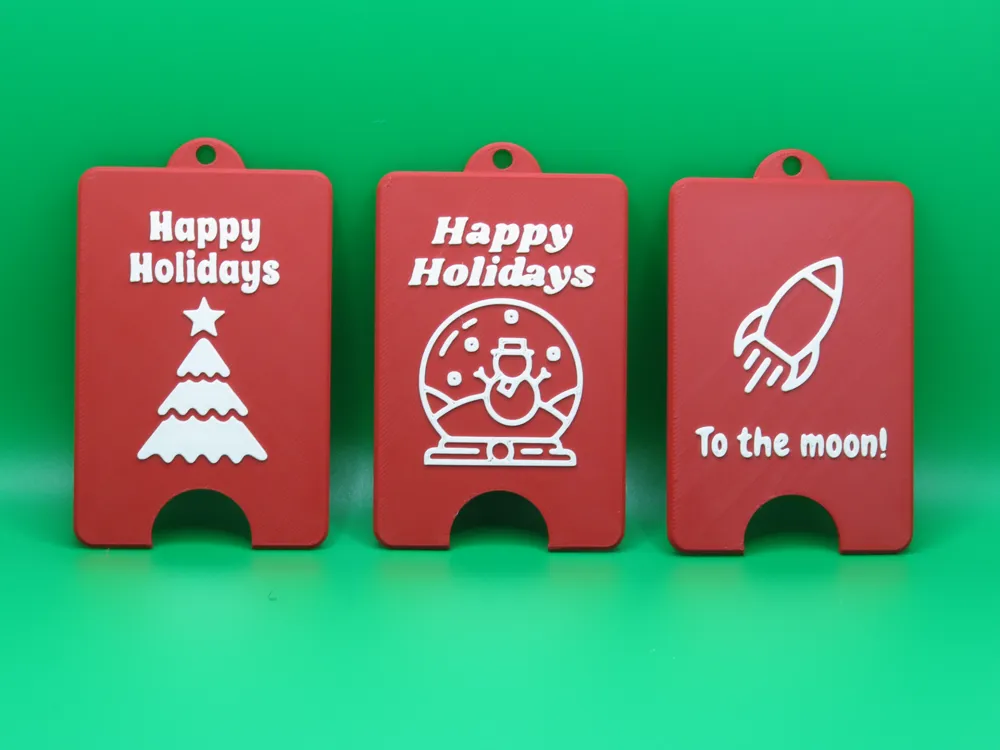
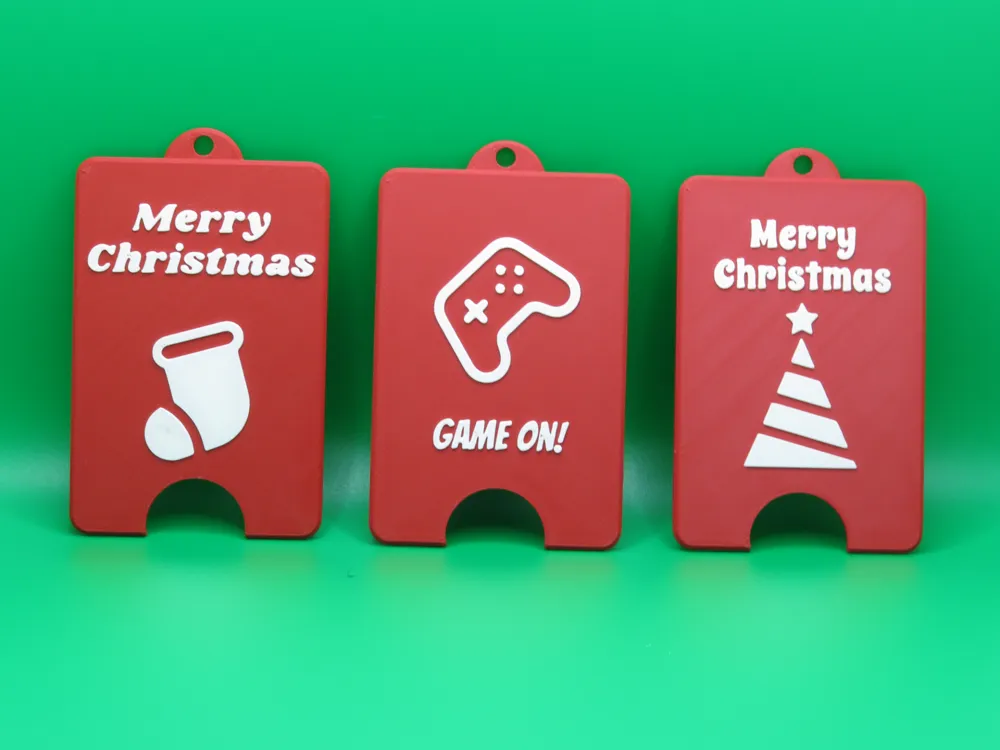
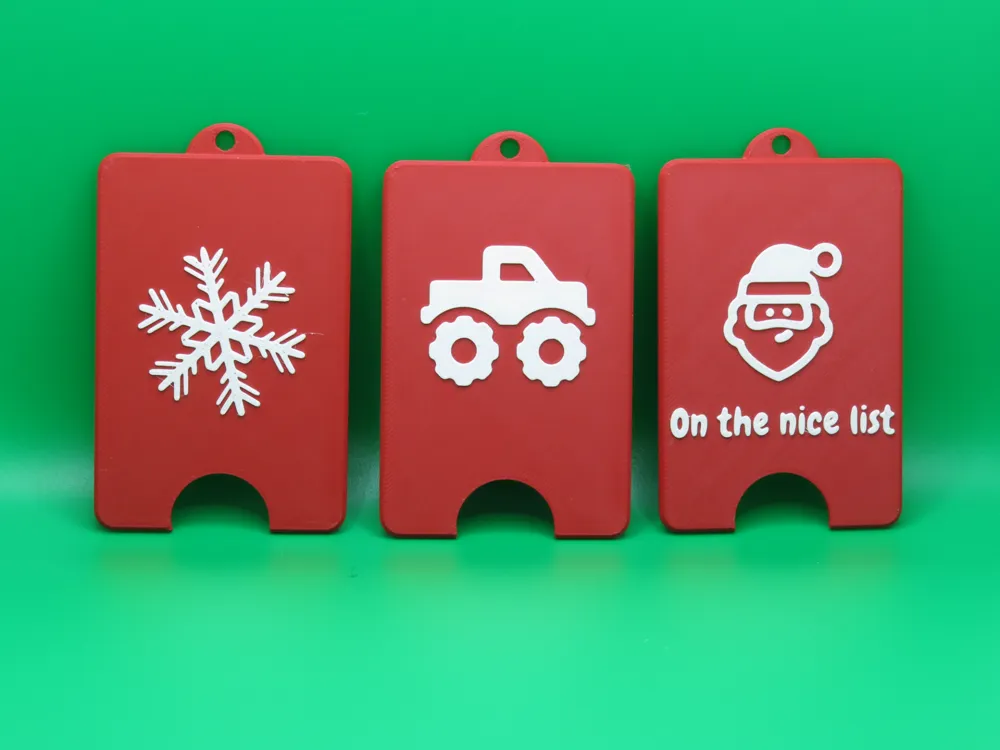
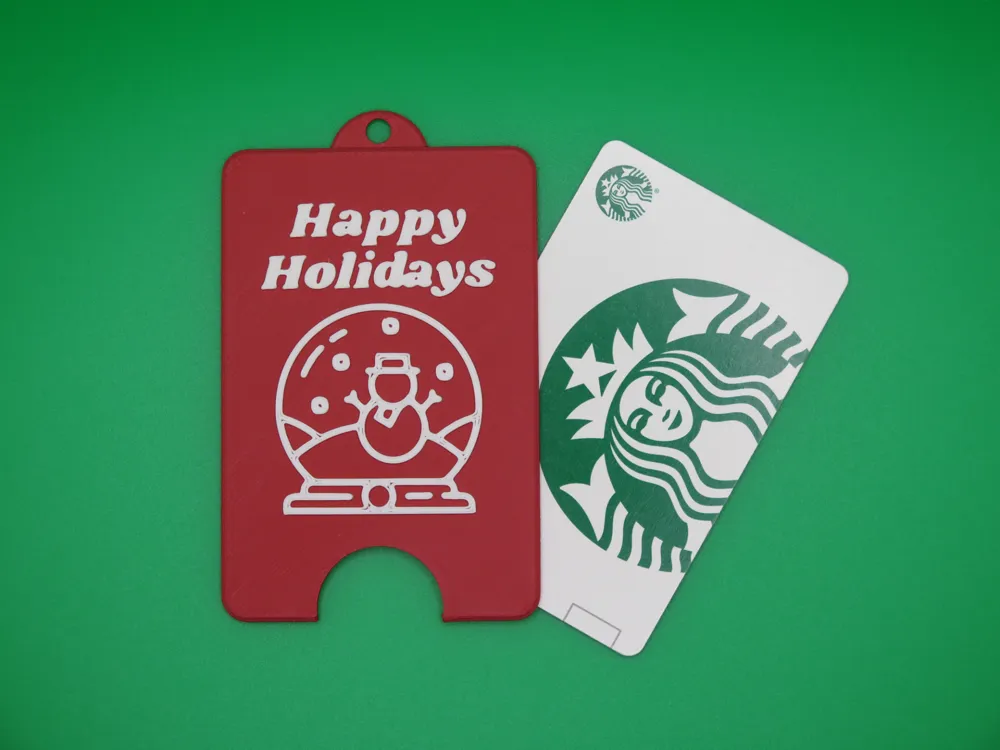
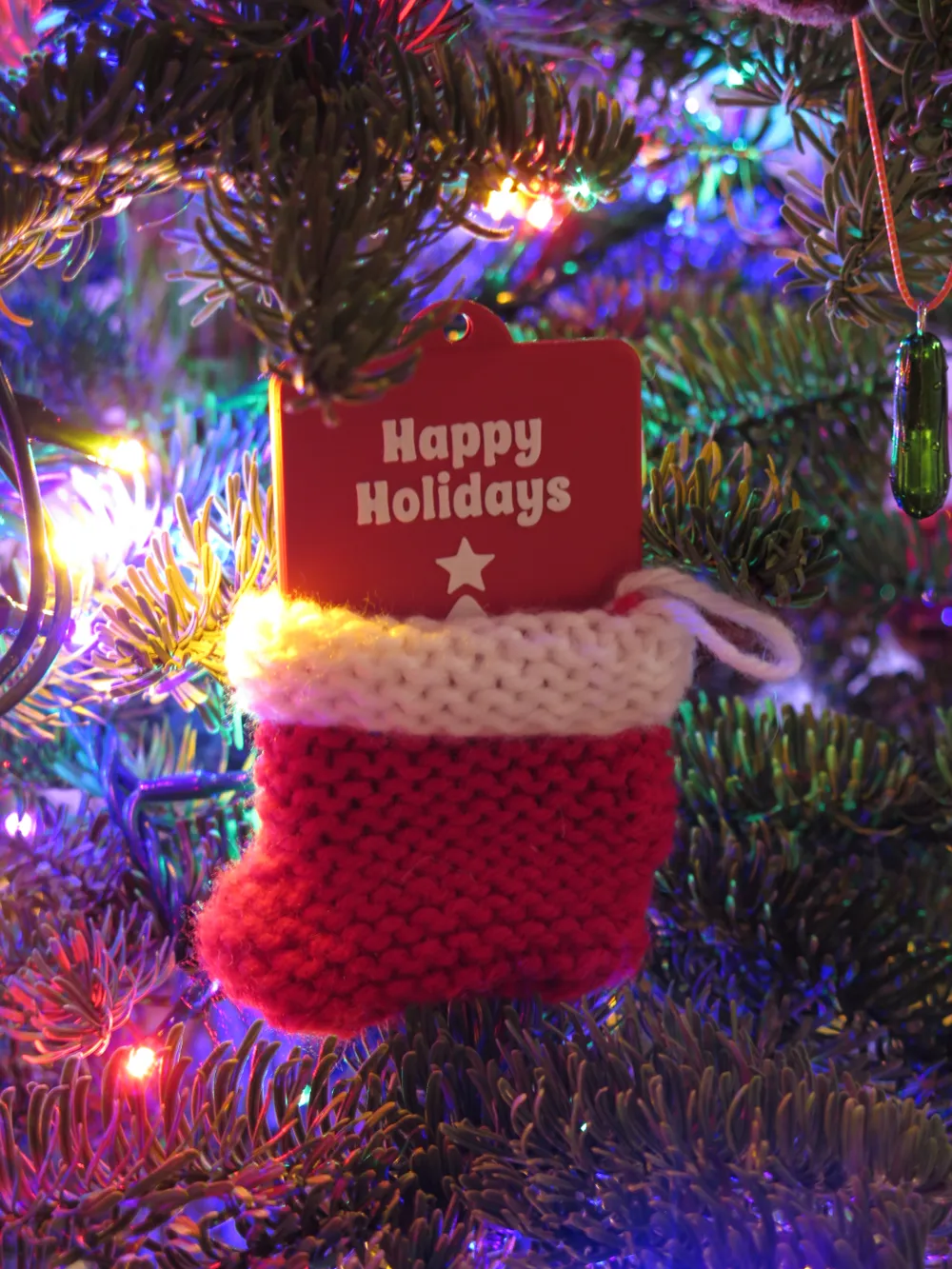
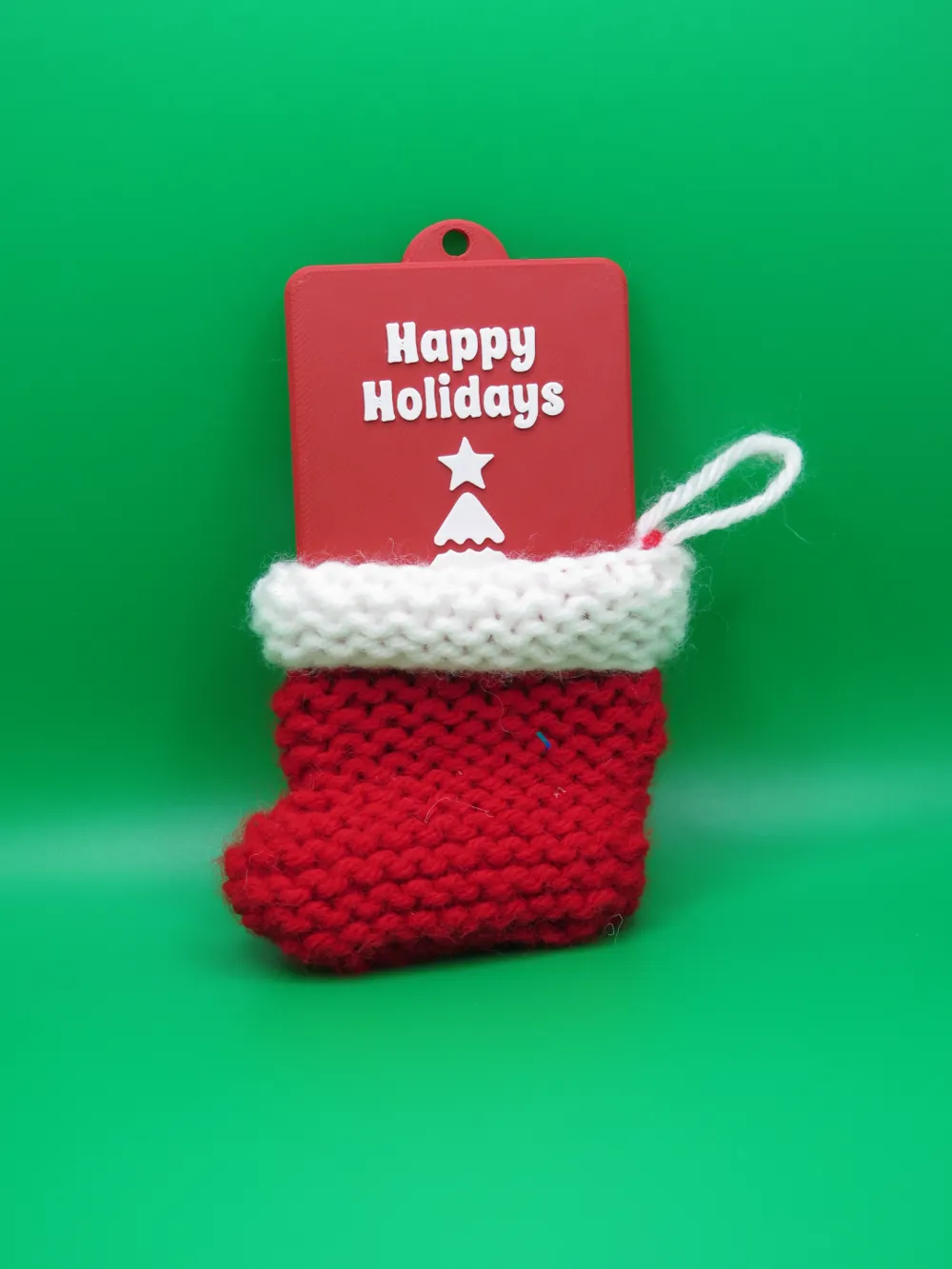
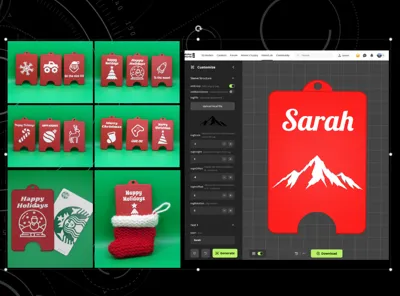
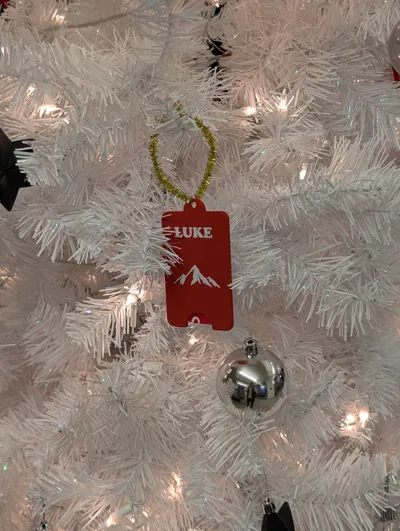
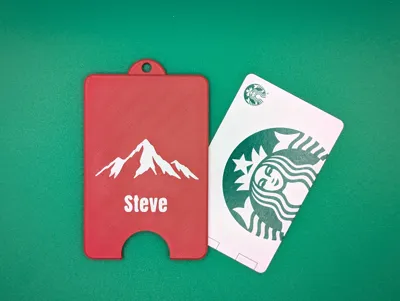
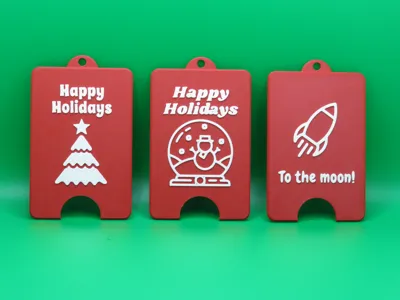
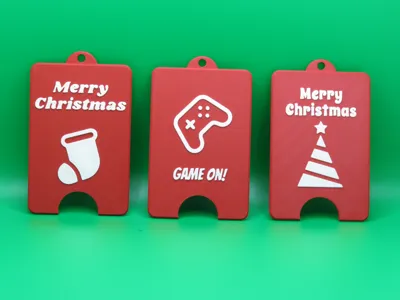
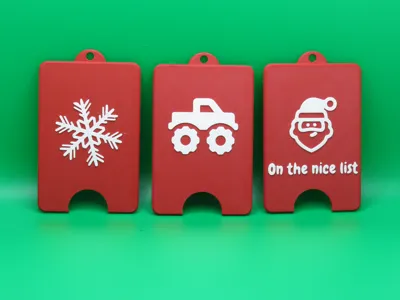
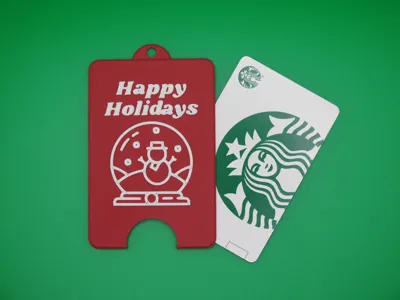
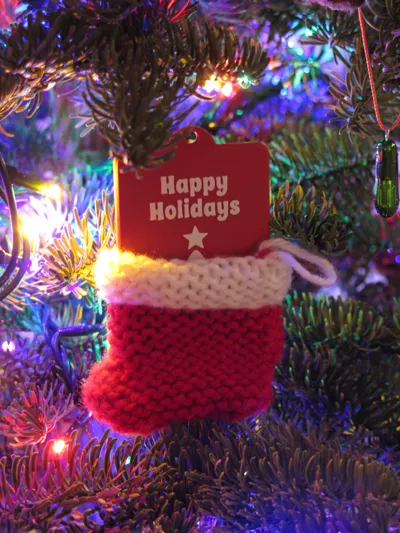
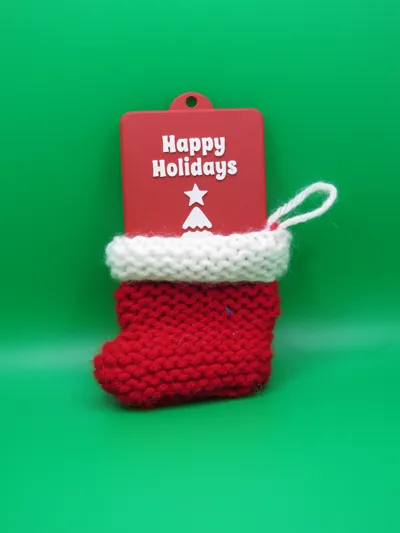
The perfect way to turn generic gift cards in thoughtful personalized gifts! They are also the perfect stocking stuffers and tree ornaments.
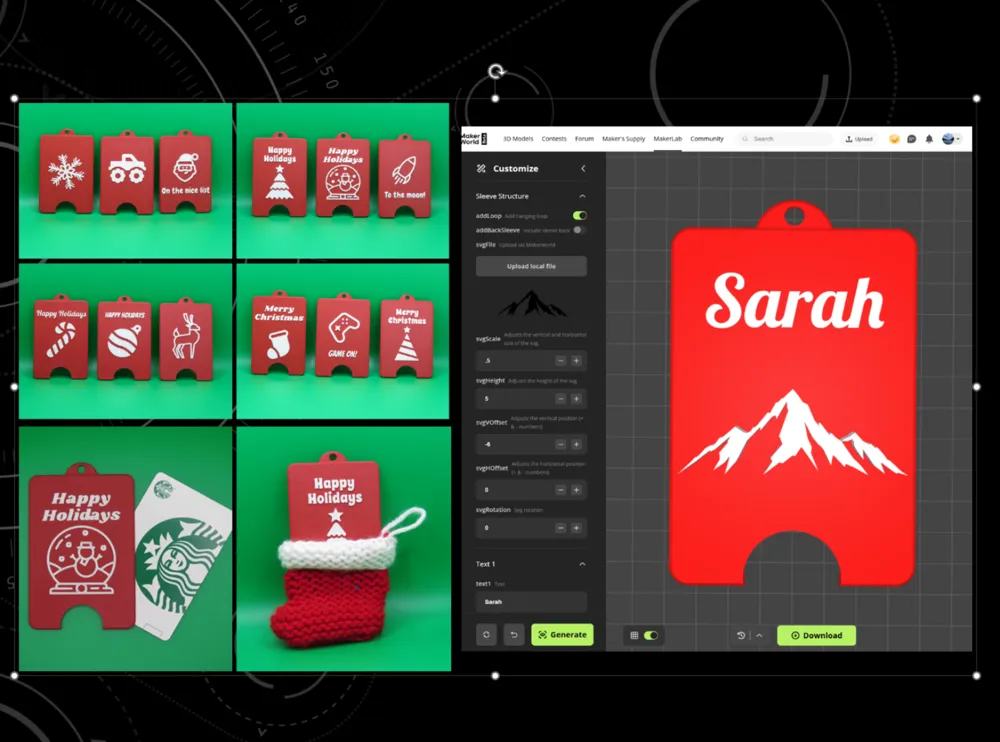
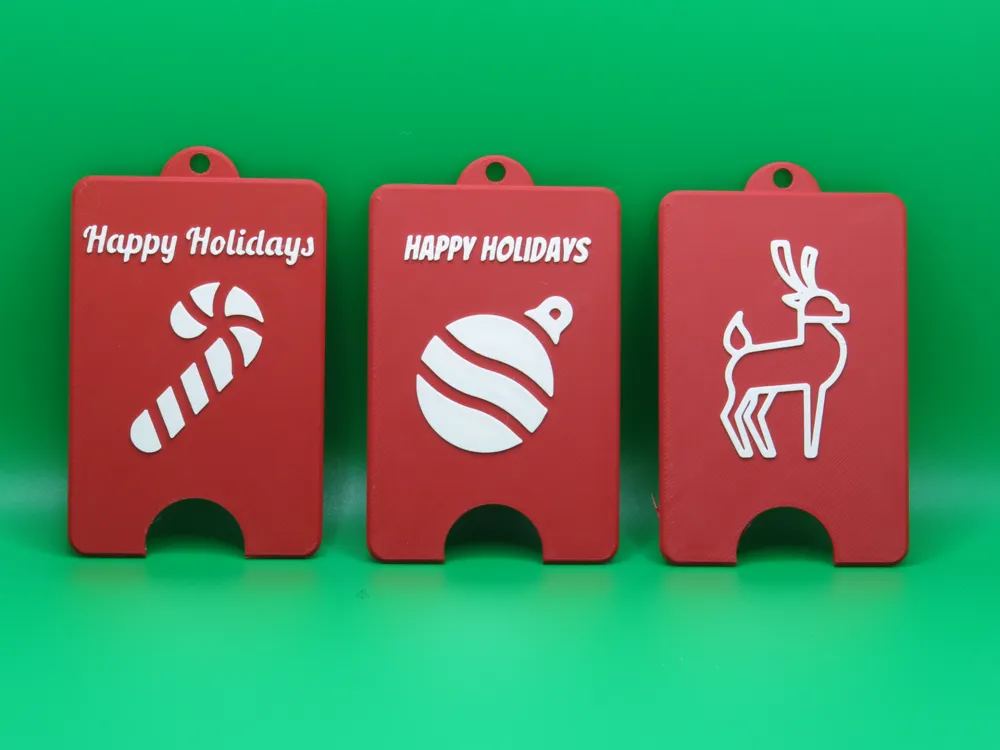
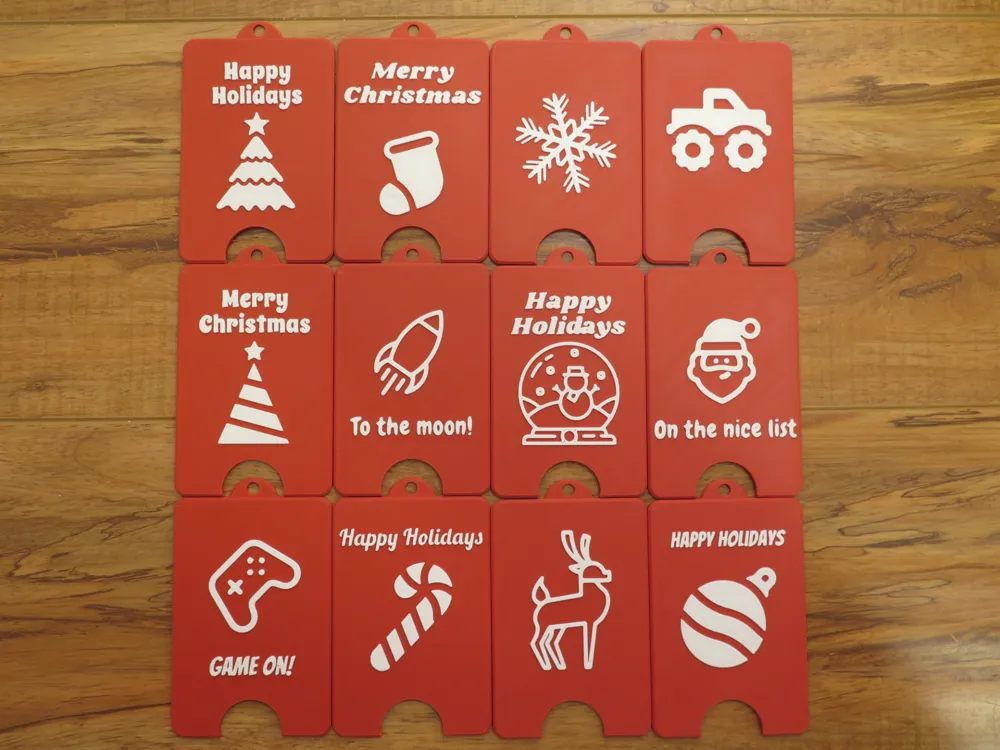
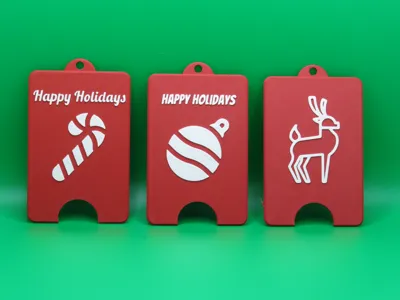
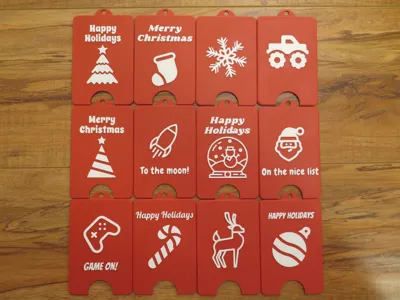
Choose either from the 12 included covers or build your own using customization.
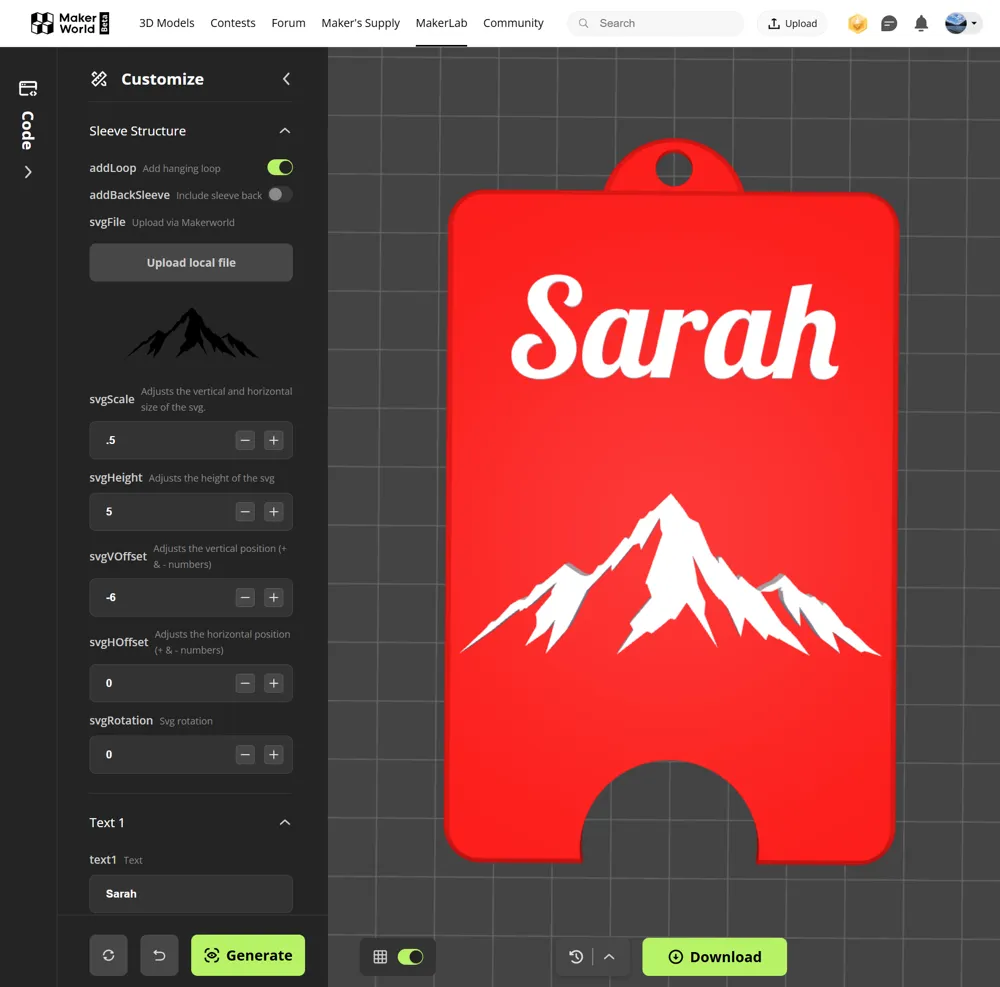
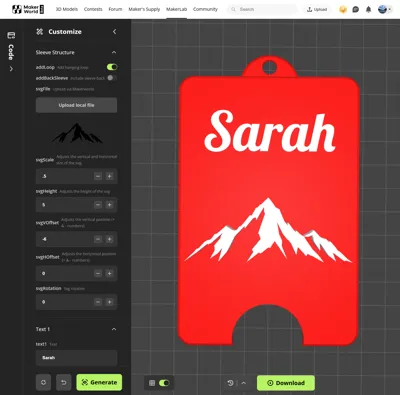
Front Cover Customization
The customization will allow you to create a custom front cover. Back cover can be included in the STL.
Customizations:
- Upload a scalar vector graphic (svg) file. (Great selection can be found here)
- Selection and positioning of 3 pieces of text.
- Choose whether or not to include the hanging clip or back cover.
Note that you will need to tweak the scale (size) and position of the svg.
Steps:
- Download the customized cover.
- Click the Open in Bambu Studio or Download 3MF file to access the holiday-sleeves.3mf file.
- Drag the downloaded stl onto the plate labeled Print Plate
- Position the custom cover to the left of the back cover. (This plate prints by object so it will print the front cover and then the back cover in sequence (this saves filament during multi color printing).
- Paint your colors onto your custom front cover (I recommend by height range).
Printing an Included Cover
Steps:
- Drag your preferred front cover onto the plate labeled Print Plate
- Position the front cover to the left of the back cover. (This plate prints by object so it will print the front cover and then the back cover in sequence (this saves filament during multi color printing).
- Paint your colors onto your custom front cover (I recommend by height range).
Assembly
Push the two halves together. I highly recommend starting at the bottom of the card where the horizontal and vertical fins meet.
Note:
Model may comprise small parts that could pose a choking hazard and is therefore not suitable for small children under the age of 3.
Membership
Commercial licenses are available if you wish to sell prints of my designs.
License

You shall not share, sub-license, sell, rent, host, transfer, or distribute in any way the digital or 3D printed versions of this object, nor any other derivative work of this object in its digital or physical format (including - but not limited to - remixes of this object, and hosting on other digital platforms). The objects may not be used without permission in any way whatsoever in which you charge money, or collect fees.


Comment & Rating (5)