
Print Profile(1)
Description

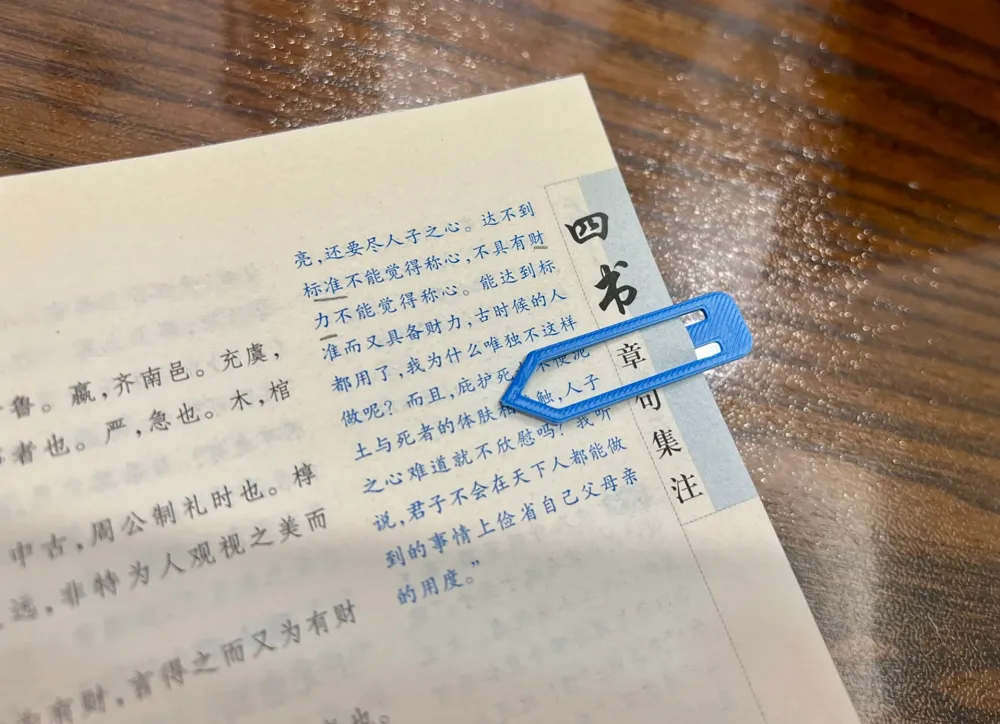
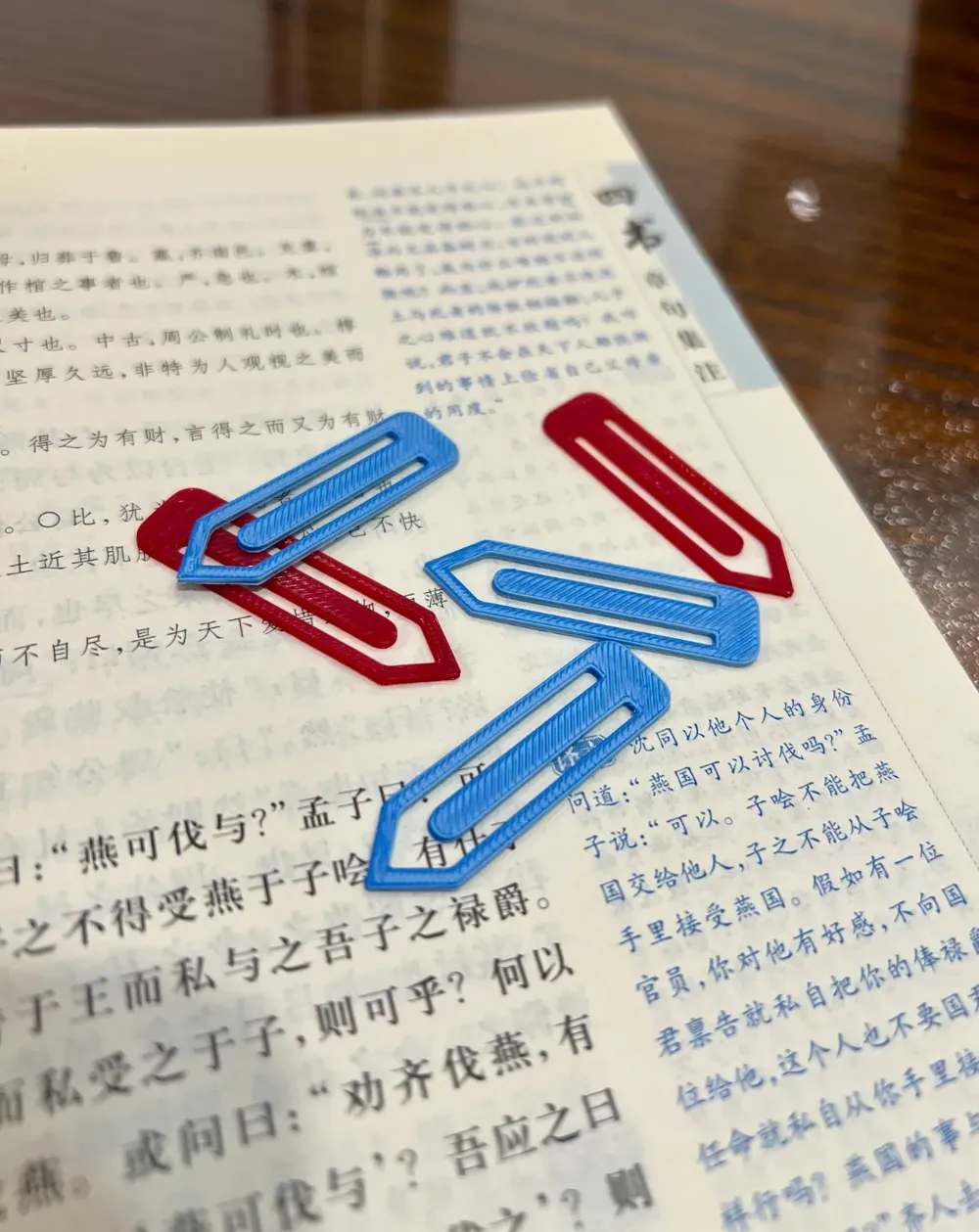
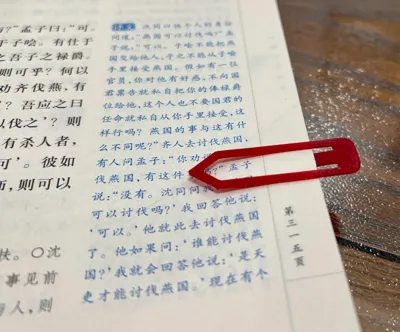
🌟 Tired of traditional bookmarks constantly slipping or losing your place? This innovative 3D-printed bookmark will revolutionize your reading experience!
✨ Design Concept:
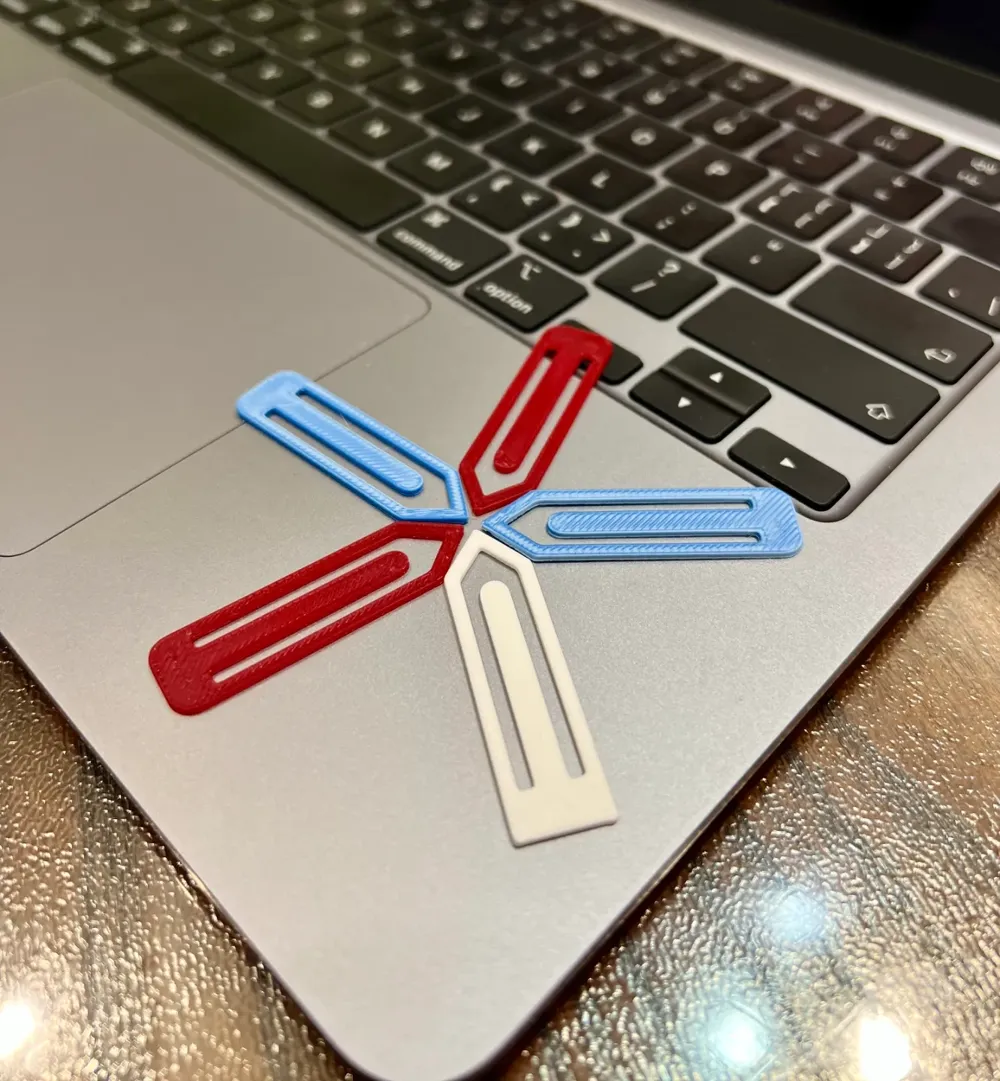
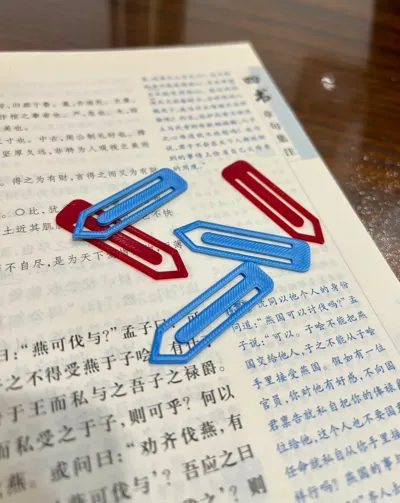
- Ultralight design, each bookmark weighs less than 1 gram, keeping your book light and comfortable.
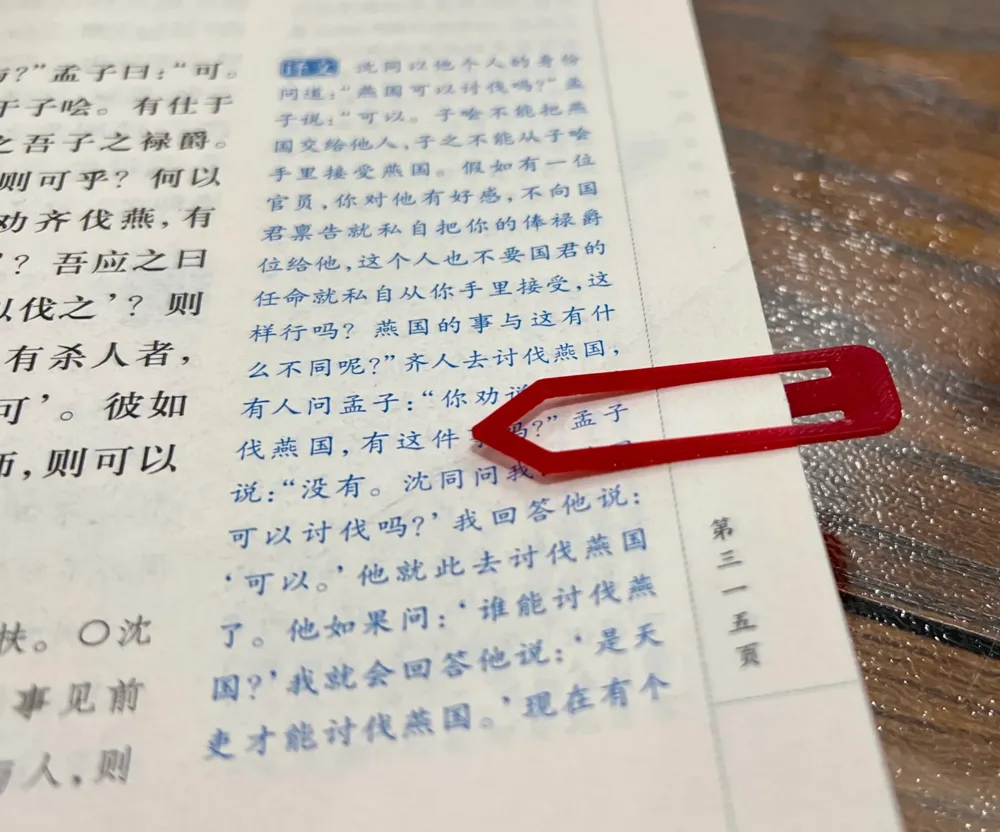
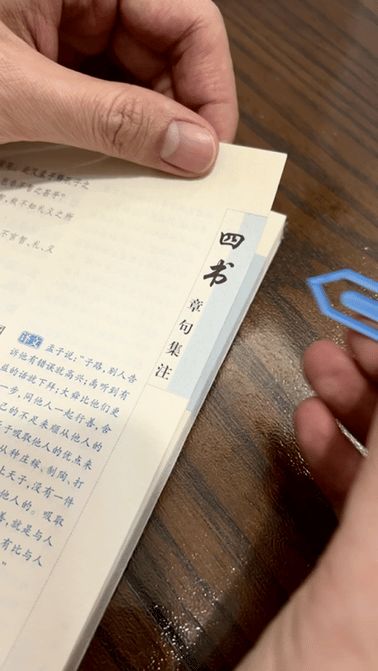
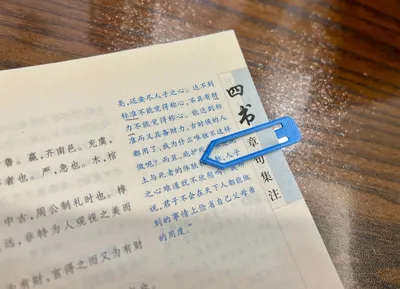
- Unique arrow indicator precisely locates your current reading line, eliminating the frustration of losing your place.
- Innovative snap-fit structure firmly secures the bookmark to the page, preventing slippage.
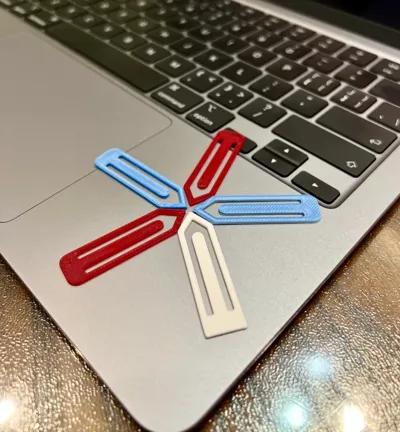
- Fast printing; create three bookmarks in just 10 minutes – incredibly efficient!
🖨️ Optimized printing parameters ensure every bookmark is flawlessly rendered. This bookmark is not only practical but also adds an elegant touch to your desk. It's a perfect choice for personal use or as a gift!
💝 Download the model files now, and let's embark on a smarter way to read!
Boost Me (for free)
Your support is my greatest motivation!
3D Printing Tips and Precautions
(Most creator-released models have been tested and are compatible with all machine types. Printing issues often stem from printer or filament malfunctions; this is a vital skill for 3D printing enthusiasts. Feel free to discuss any problems in the comments section – this is the purpose of building this community)
Some important notes are explained below. For further inquiries, contact customer support or consult the Bambu Wiki, a great resource for learning.Print Quality and Troubleshooting | Bambu Lab Wiki
- Ensure the build plate is clean; regular cleaning is recommended! Oil residue from touching the print surface significantly reduces adhesion. Similarly, debris from previous prints and tiny remnants of print jobs also affect the quality of the first layer, thereby lowering the success rate.
- Proper filament drying significantly impacts print quality and experience! Filaments inevitably absorb moisture over time. If stringing occurs, consult the manufacturer's drying parameters. Most manufacturers do not dry filaments before packaging, so newly opened spools tend to be slightly damp and should be dried before use.
- When using filaments from a new manufacturer, it is advised to immediately calibrate filament flow and adjust the calibration factor. This significantly affects print quality and is essential for the new filament to adapt to your printer.
- If print quality suddenly deteriorates and the success rate drops, check the nozzle for clogs and try recalibrating the printer.
- Print at the recommended speed indicated in the model instructions. Overhang quality is directly related to print speed. An appropriate speed (too fast or too slow is detrimental) gives the material more time to cool and solidify during deposition.
- Set appropriate bed and nozzle temperatures according to the filament type. Temperatures that are too high or too low can cause warping, layer deformation, or adhesion problems, thereby affecting print quality and success rate.
License

You shall not share, sub-license, sell, rent, host, transfer, or distribute in any way the digital or 3D printed versions of this object, nor any other derivative work of this object in its digital or physical format (including - but not limited to - remixes of this object, and hosting on other digital platforms). The objects may not be used without permission in any way whatsoever in which you charge money, or collect fees.


Comment & Rating (6)