
A Personal Keyboard Wrist Rest
Print Profile(4)


Description
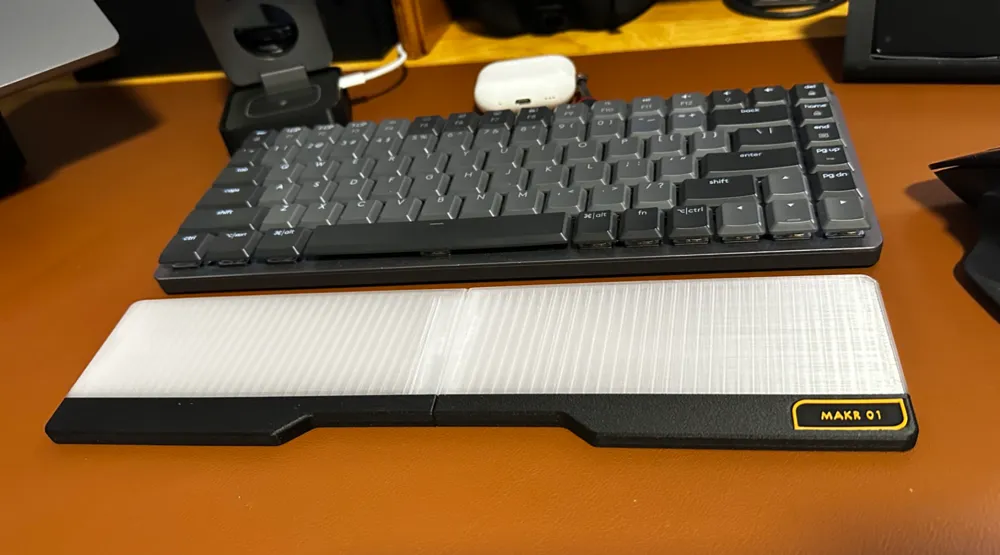
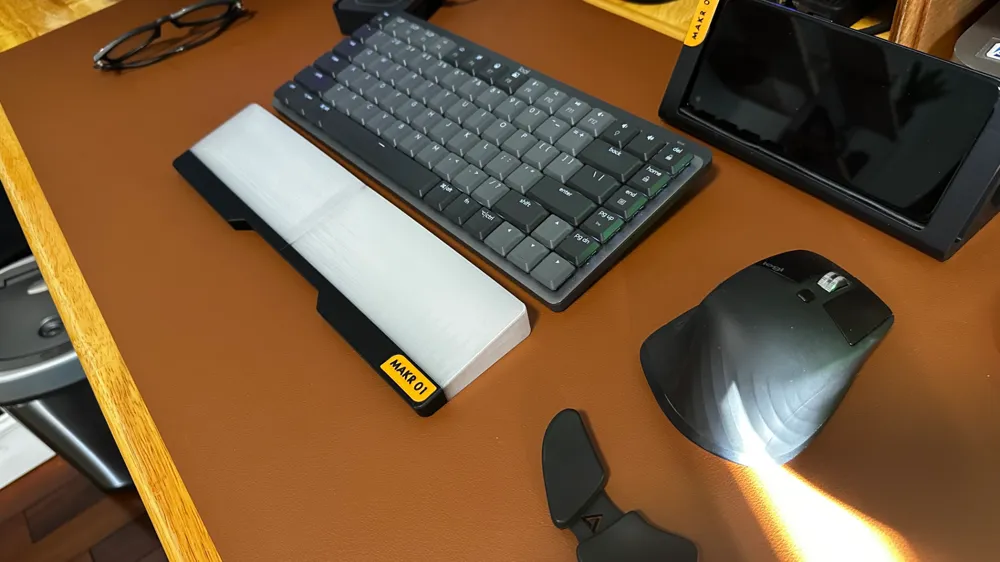
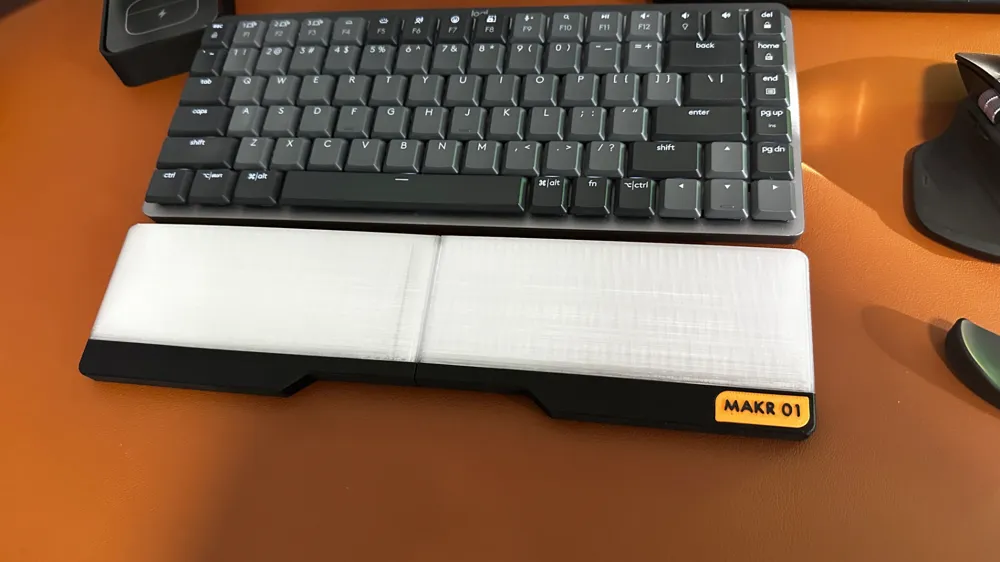
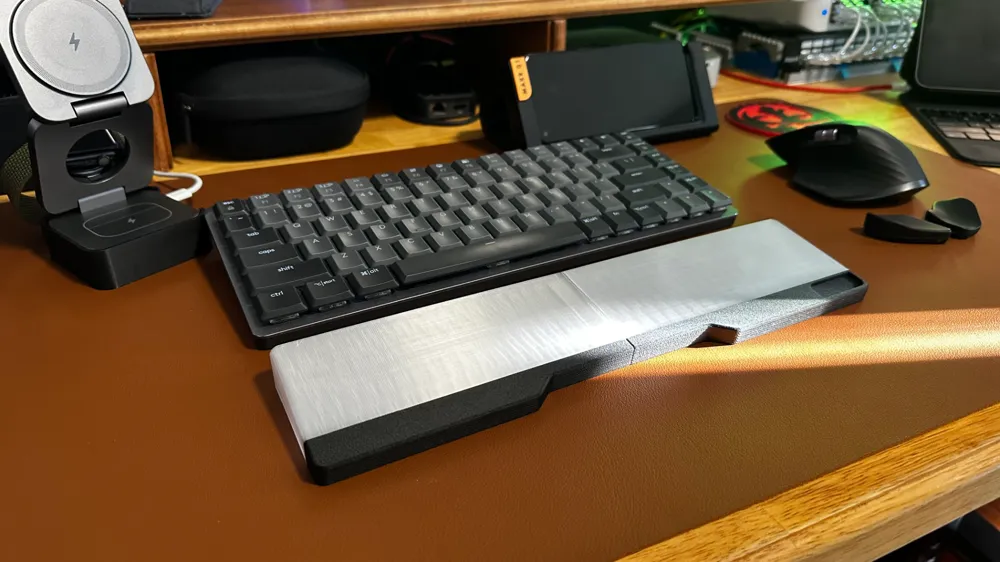
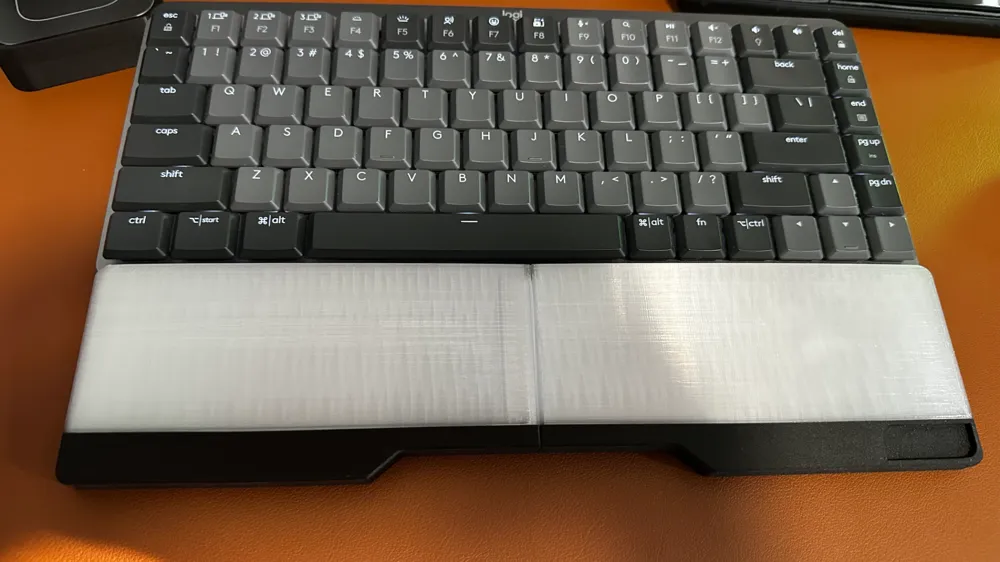
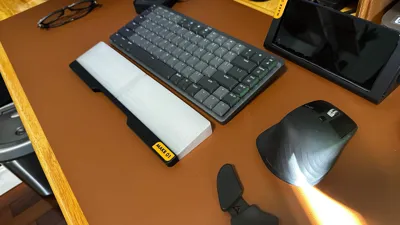
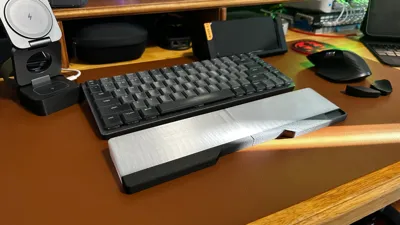
I wanted to buy a nice keyboard rest for easy type and ergonomic purposes for my MX mechanical Mini and the Apple Keyboard and Track Pad elevate (a profile that I posted a few weeks back on Maker world (Link here —> https://makerworld.com/en/models/833936?from=search#profileId-778825)
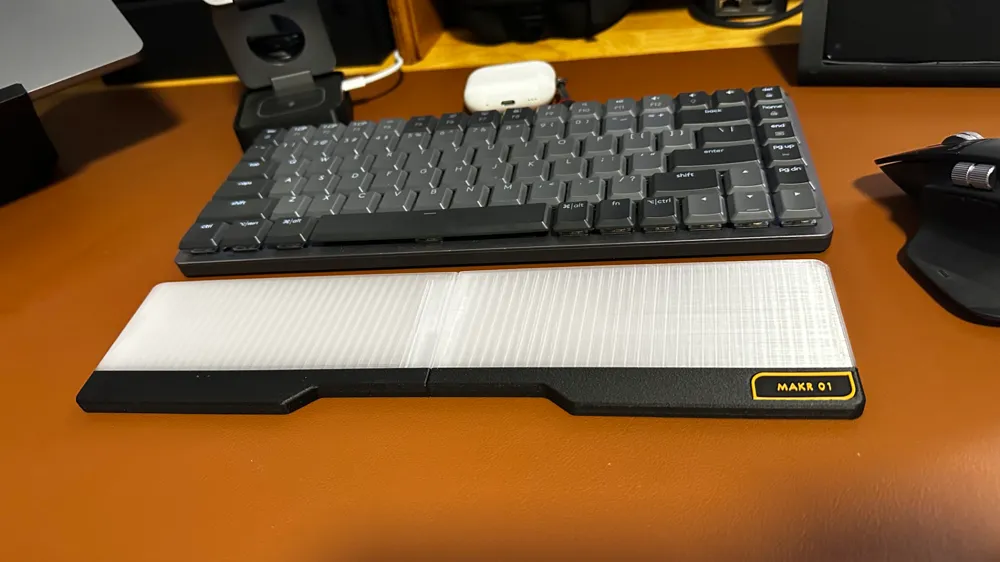
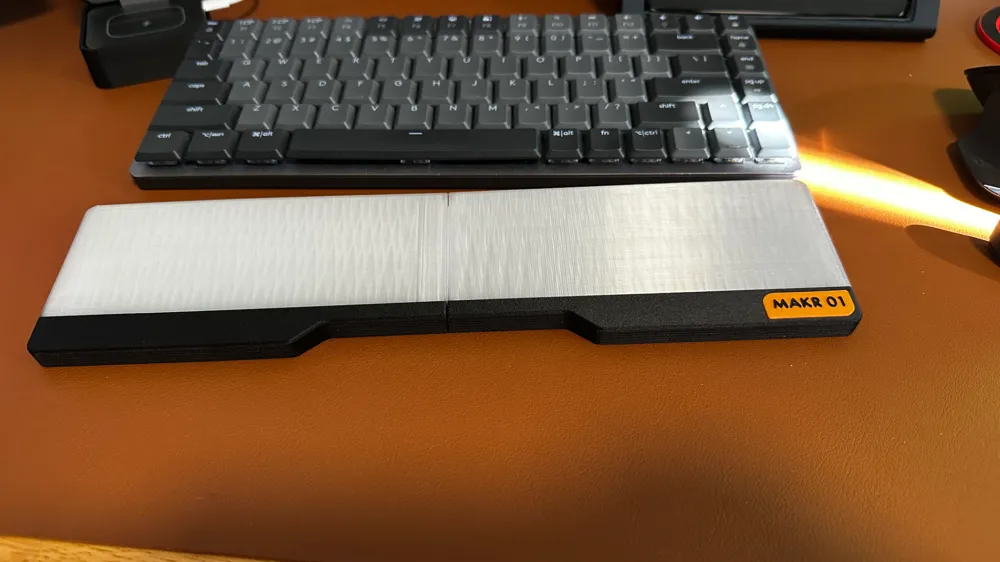
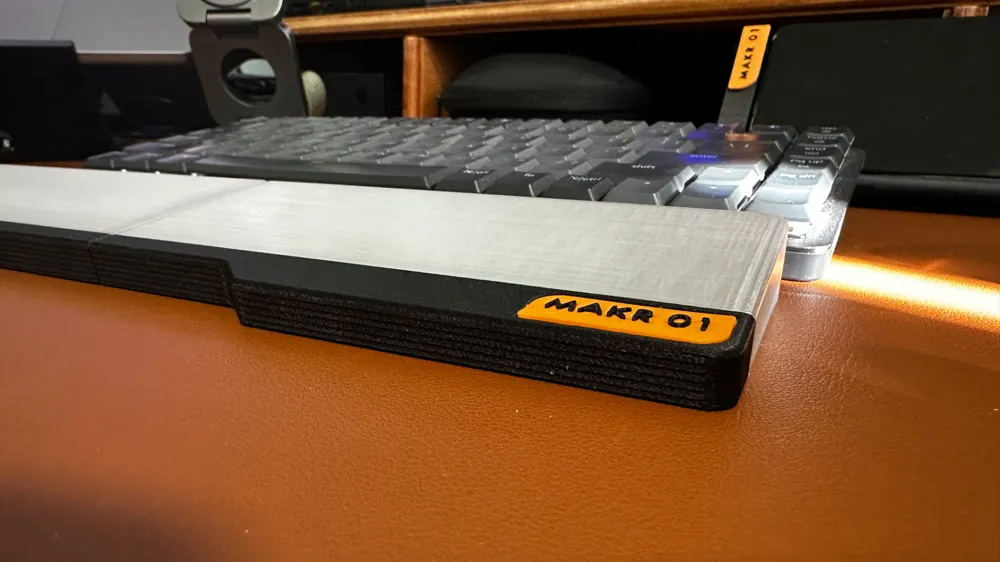
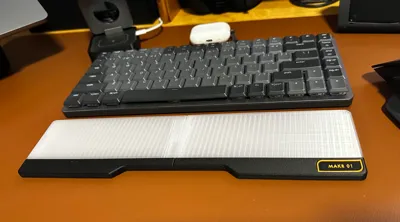
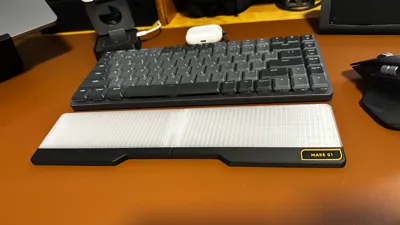
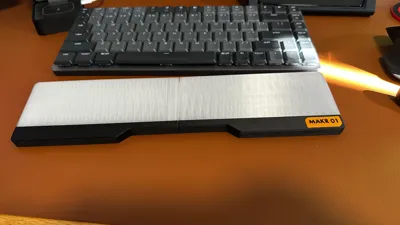
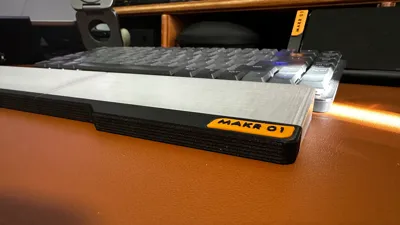
And I finally made this. The design is inspired by the NuPhy keyboard rest (two tone). Loved the look of it when I saw it at one of my friend’s.
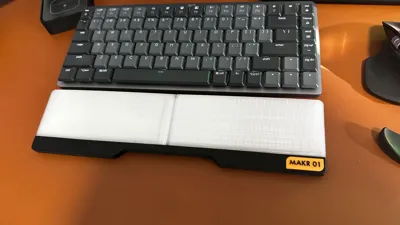
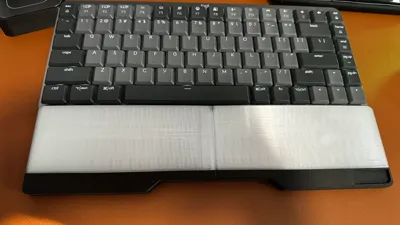
With this profile, there is no need to use any external hardware, as I have used a tongue & groove mechanism to connect two parts (considering the A1 bed to be small. Wish Bambu came with a bigger profile printer. I guess Creality K1 Max folks are in luck. I also uploaded the full keyboard profile here.
Included print profiles for different standard sizes of the keyboards, so folks can go ahead and update the print profile for the based on the size of the keyboard.
Profiles include:
- Slim version 313mm/433mm keyboard rests - primarily designed keeping in mind the slim profile Keyboards like Logitech Mx Mechanical Mini, Nuphy small, Keychron Slim etc.
- Thick version 313mm/433mm keyboard rests - primarily designed keeping in mind the thick profile Keyboards like primarily Keychron.
Also added D=7mm round slots for adding anti-slip pads (please cut your own).
Since I like two tone - While printing i have used PETG Translucent and PETG-CF Black for the two tone look. I had to add a pause at a layer and manually change the filament while printing, but folks can always use the ams if printing in PLA or AMS Compatible filaments.
Notes before printing:
- Ensure the print orientation is as I posted to get a better print. (optional)
- Use the simplify model feature in Bambu Studio and set the Detail level to extra high to achieve a great quality print.
- Also enable tree support (normal) for minimal support filament to be used.
Disclaimer: This is a working model and a fancy print. No one should use this for any commercial purposes.
License

You shall not share, sub-license, sell, rent, host, transfer, or distribute in any way the digital or 3D printed versions of this object, nor any other derivative work of this object in its digital or physical format (including - but not limited to - remixes of this object, and hosting on other digital platforms). The objects may not be used without permission in any way whatsoever in which you charge money, or collect fees.


Comment & Rating (1)