
OctoCali - Calibration Octagon
Print Profile(2)


Description
Intro
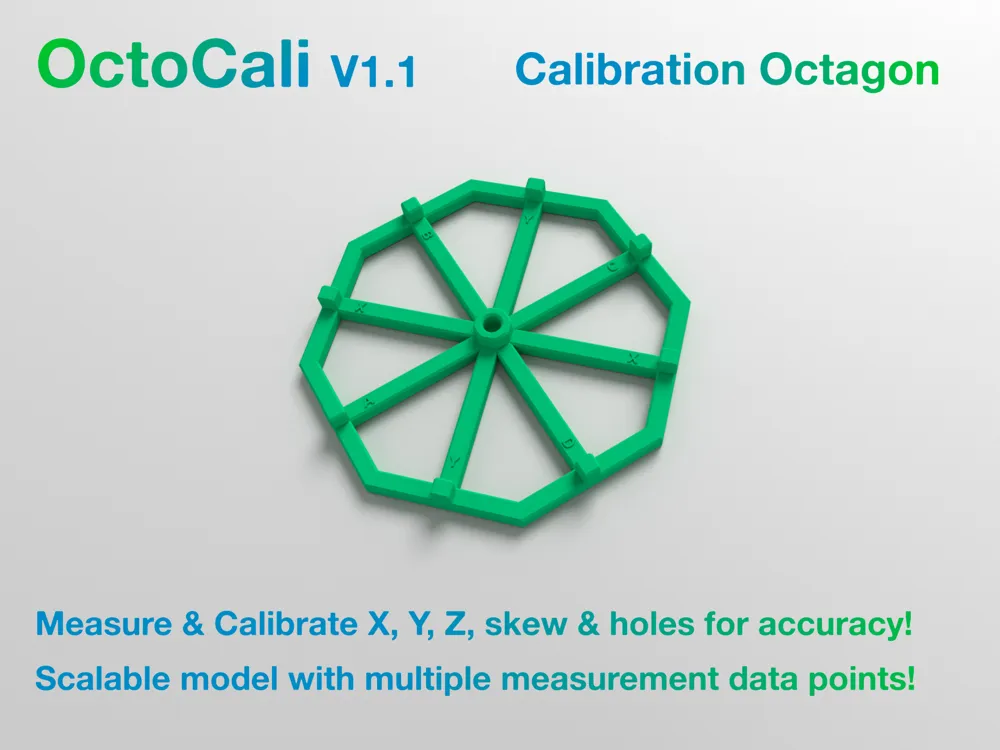
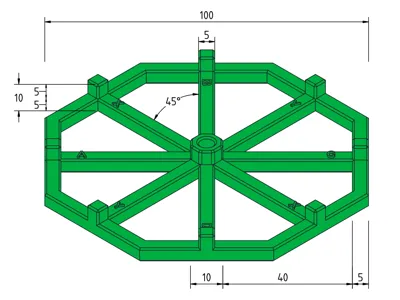
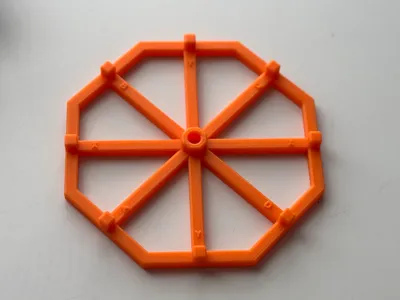
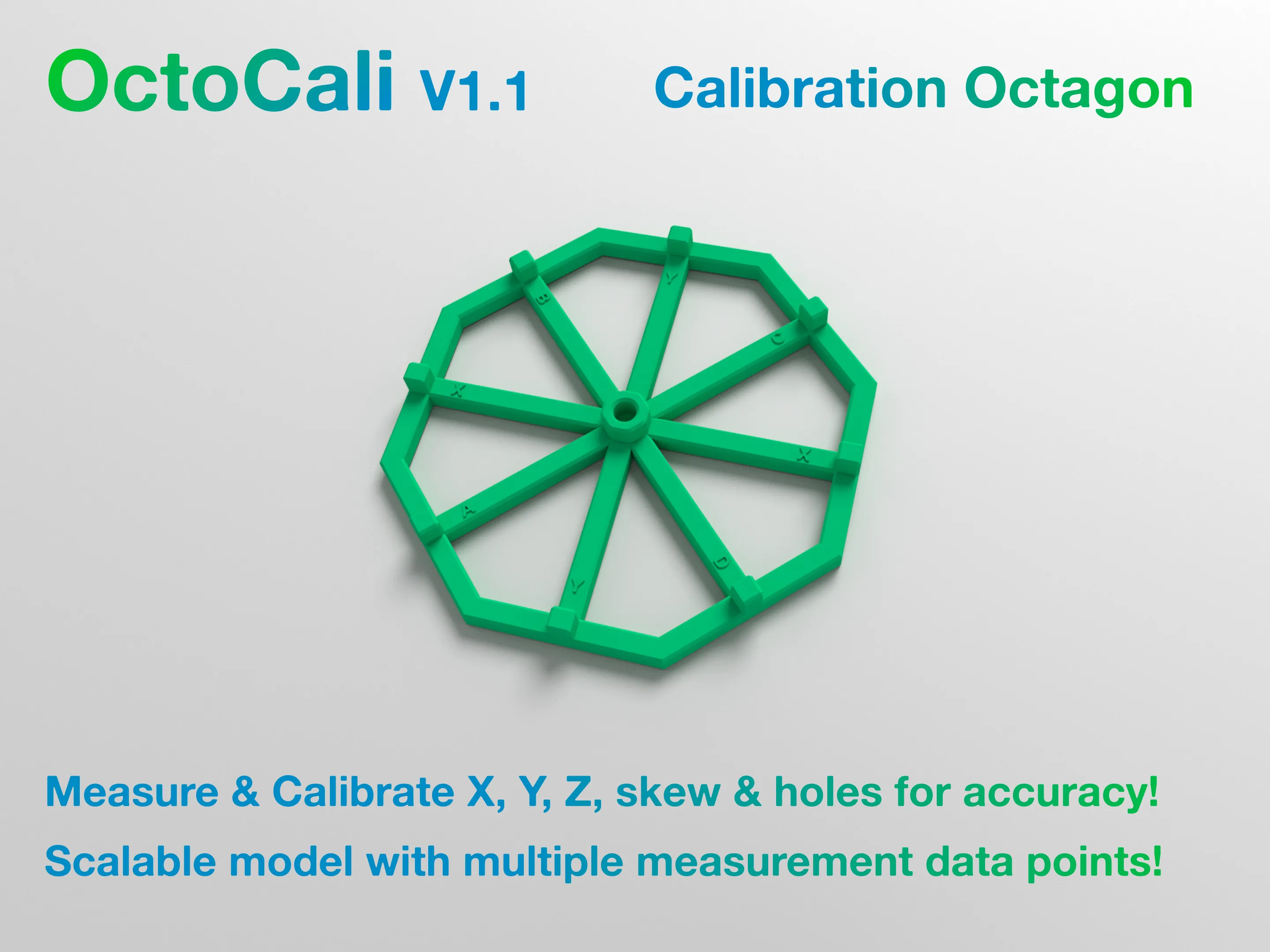
OctoCali is a unique calibration octagon which can be used to measure and calibrate the X, Y, Z and diagonal axis of a 3D Printer.
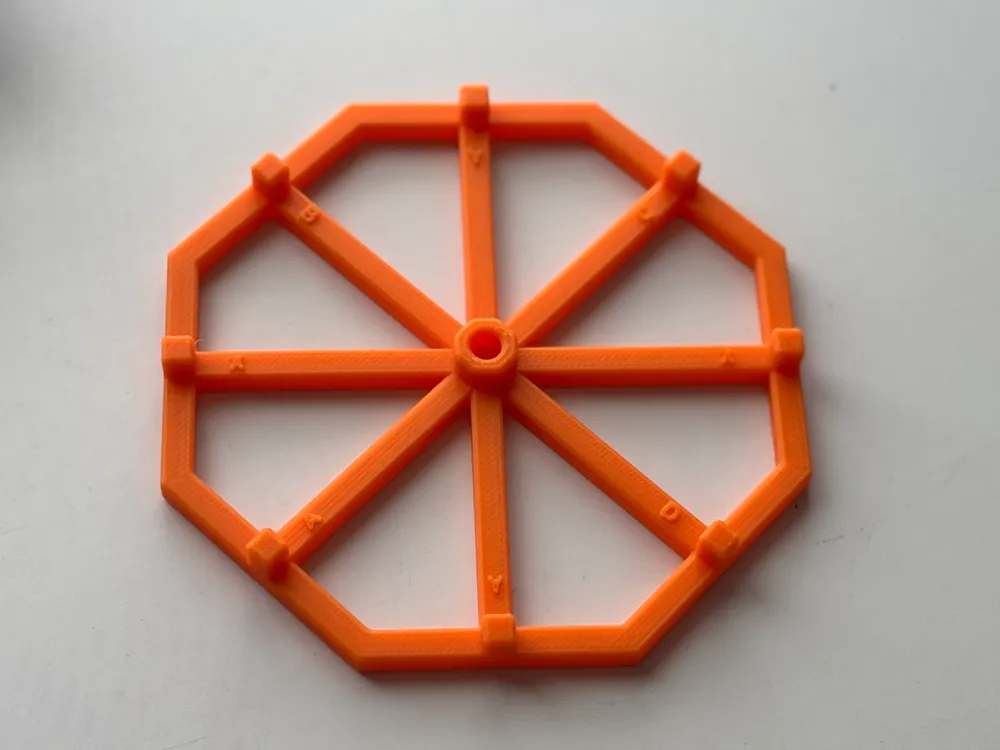
The octagon consists of 8 equidistant faces and 9 towers of equal height. 8 towers are square whilst the central tower is another octagon.
Measure X, Y or Z axis end-to-end to validate dimensional accuracy.
Measure between different X, Y or Z axis points within octagon to check for further dimension issues.
Measure diagonally to check for skews and non-square frame/gantry.
Measure hole to check for hole X-Y compensation
How to Print
- Recommended starting filament is PLA due to negligible shrinkage.
- Progressively calibrate with filaments starting from low-shrinkage ones and move on to higher-shrinkage filaments such as ABS
- Run the standard Flow Dynamics and Flow Rate calibrations for your designated filament before printing this model
- Consider using a Smooth Plate for a flat base in order to avoid Z-axis variances.
- Scale and print the model to desired size (default is 100mm across X, Y and diagonal).
- Use 10mm height model for 0.2, 0.4mm or 0.8mm nozzles with 0.1, 0.2mm or 0.4mm layer height profiles respectively
- Use 15mm height model for 0.6mm nozzle with 0.3mm layer height profile
- Print separate models for each filament type to get appropriate dimensional accuracy tests
- Ensure the OctoCali X and Y axes are aligned with that of the printer in the slicer. All axes' labels are embossed within the model for ease of use.
How to Use
Use a caliper to measure end points against dimensional constants.
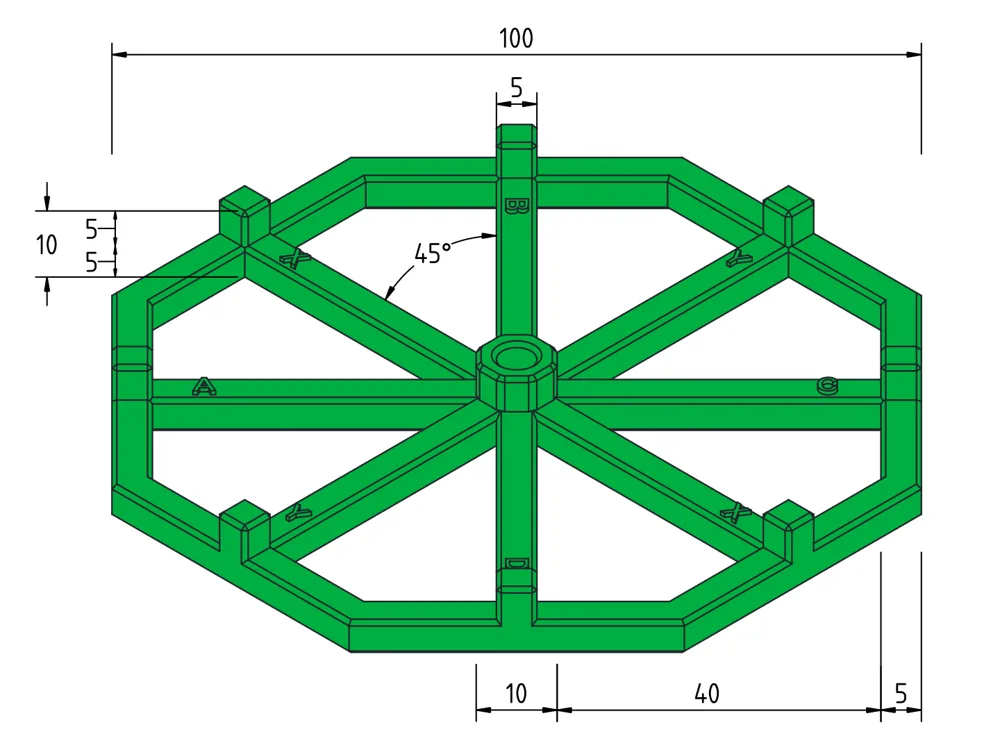
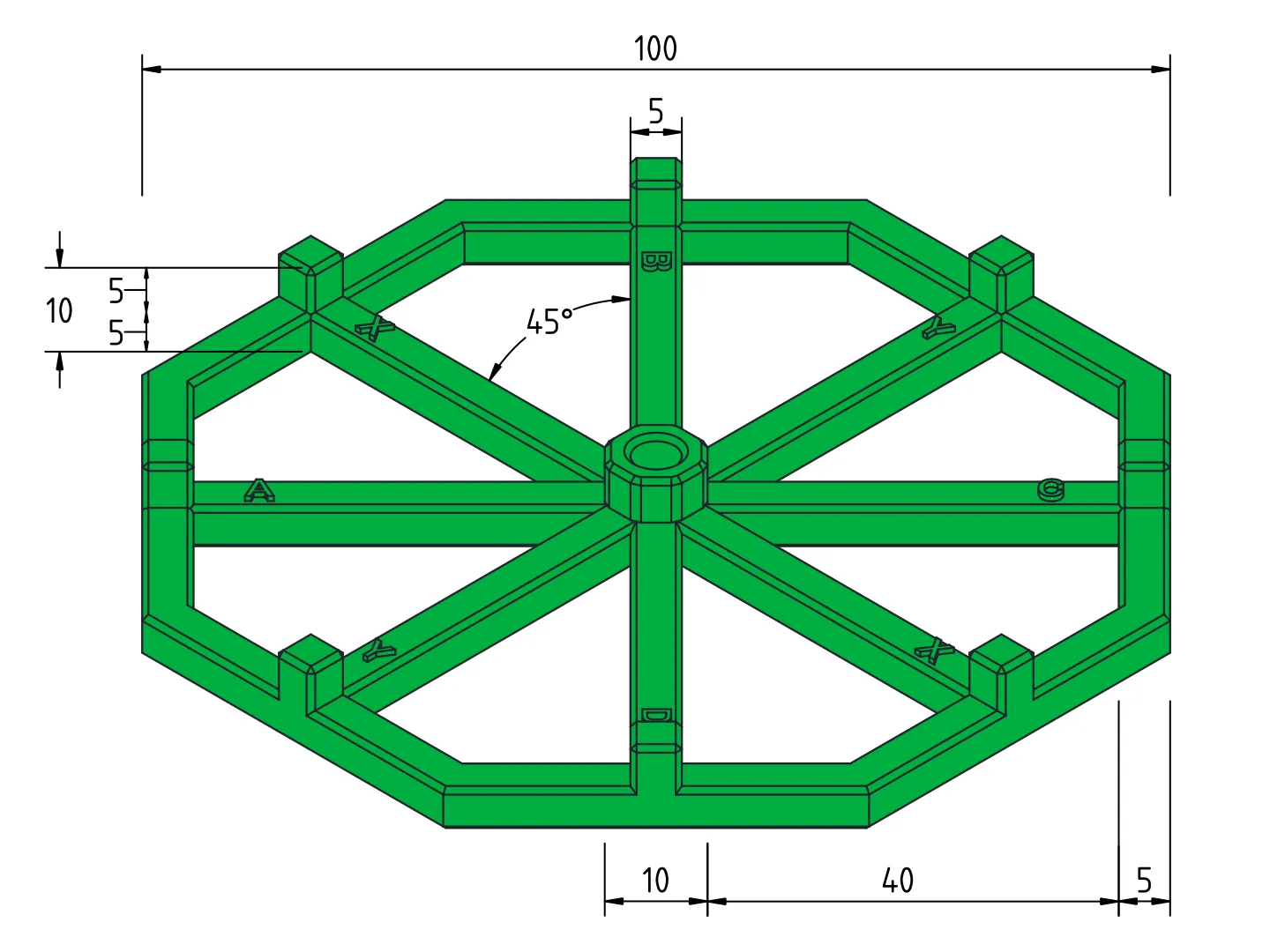
When using 1:1 scale print, all flat end-points of octagon are 100mm across X, Y and diagonal axis.
The base height of the OctoCali is 5mm. The towers are either 10mm or 15mm tall overall depending on the chosen model.
Refer to the following diagram as a reference point for measurement options.
X & Y Axis
- Measure from outer-most edges of X or Y axis to obtain overall outer dimensions
- Measure internally between towers along X or Y axis to obtain inner dimensions
- Measure tower dimensions along X or Y axis to ensure smaller dimension uniformity
- Use a mixture of inner and outer walls to further test dimensional accuracy
Z Axis
- Measure height along base of OctoCali to check for dimensional accuracy
- Measure height of each tower to validate bed uniformity and dimensional accuracy
Diagonal
- Measure diagonally and compare against previous X and Y axis measurements to confirm skew/squareness of gantry.
- Measure angles against 45° and 90° to further confirm squareness of gantry
- Measure distance between towers for further accuracy
- Measure central tower octagon diagonally to ensure accuracy of smaller objects
Hole
- Measure hole in center after completing X & Y axis calibrations.
- Compare measurements relative to 5mm hole diameter (or equivalent scale) and compensate accordingly
Repurpose
When OctoCali is flipped upside down, the towers act as legs. After completing measurements/calibrations, flip the printed model and repurpose it as a cup/mug coaster or use it as an elevated base to place objects on.
Boost Me (for free)
Change History
| Date | Comment |
| Jan 10, 2025 | Added A,B,C & D point labels |
| Dec 20, 2024 | Initial Release |
Other models: https://makerworld.com/en/@RikshaDriver
License

You shall not share, sub-license, sell, rent, host, transfer, or distribute in any way the digital or 3D printed versions of this object, nor any other derivative work of this object in its digital or physical format (including - but not limited to - remixes of this object, and hosting on other digital platforms). The objects may not be used without permission in any way whatsoever in which you charge money, or collect fees.


Comment & Rating (0)