
Phoenix Hairpin_High Strength

Print Profile(1)
Description
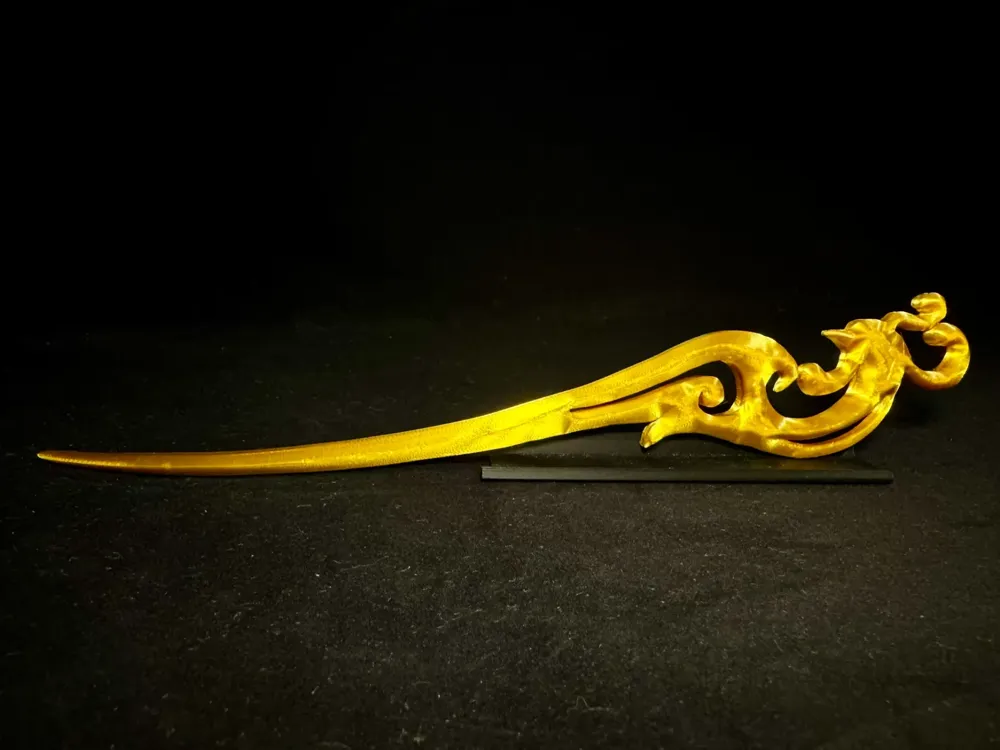
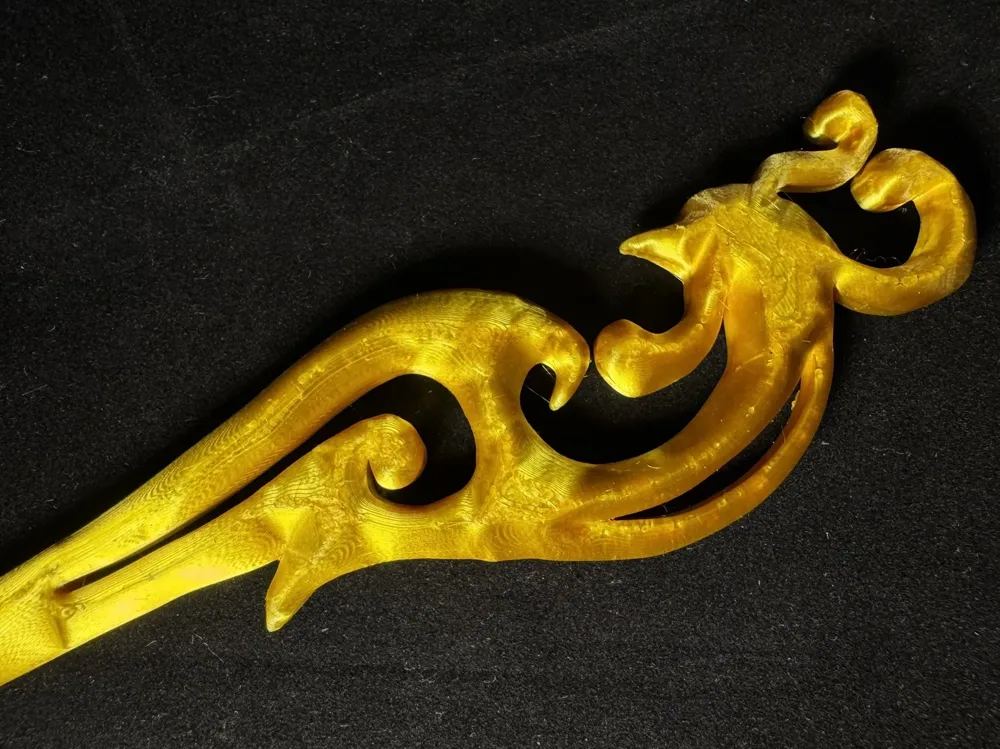
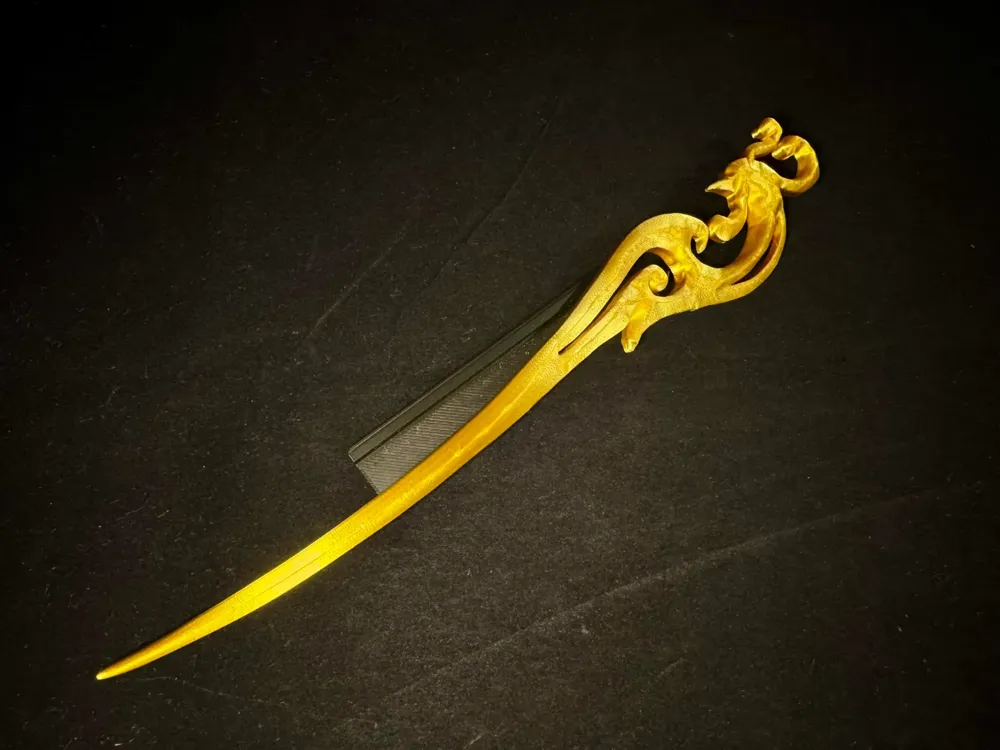
Phoenix Hairpin_High Strength
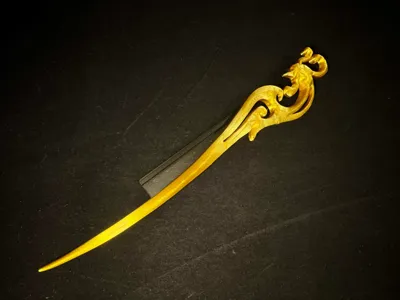
- An exquisite phoenix-patterned hairpin, employing a flat, horizontal print orientation, with a 0.12 variable layer height and 3-wall slicing configuration. It boasts both aesthetic appeal and high strength, making it practical for everyday use or as a standalone ornament. Ideal for display or market stalls.
- Optimized supports are pre-set in the initial configuration
- Default 0.12 layer height, 3 walls ensure high strength, recommended print speed: 100%
- Note the cooling if the overhang quality is not ideal! Also pay attention to the flow calibration and drying of the filament for better print quality!
- Welcome everyone to print and share your results. If you have any problems, please leave a comment in the comments section to discuss and solve them together.
Boost Me (for free)
If you like this model, you can support me by buying me a cup of milk tea. Thank you everyone.
3D Printing Tips and Preparation Precautions
(Most models released by creators have been tested and can be adapted to all models. In many cases, printing problems need to check if your printer and consumables are normal. This is a skill that you need to learn when playing 3D printing, if you have any questions you can also actively discuss in the comments section, this is also the meaning of building such a community)
Some precautions are explained below, more questions can be asked to customer service or view the Bambu Wiki, where you can learn a lotPrint Quality and Troubleshooting | Bambu Lab Wiki
- Ensure the build plate is clean; regular cleaning is recommended!Oil residue from touching the build plate significantly reduces adhesion. Similarly, previous print debris and microscopic residue from prints also affect the first layer quality, reducing yield.
- Pay attention to filament drying; this greatly impacts print quality and experience!Filaments inevitably absorb moisture over time. If stringing occurs, ask the manufacturer about drying parameters; also,
- When using a new filament, it’s recommended to perform a flow calibration immediately and adjust the calibration coefficient. This will greatly impact print quality and helps the new filament adapt to your printer.
- If the print quality suddenly deteriorates or yields decrease, check for nozzle clogs or recalibrate the printer.
- Print at the recommended speed specified in the model instructions. Overhang quality is directly related to print speed.Appropriate speed (too fast or too slow is bad) allows more time for the material to cool and solidify.
- Set appropriate bed and nozzle temperatures for different materials.Temperatures that are too high or too low will cause warping, layering defects or adhesion problems, affecting print quality and success rates.
License

You shall not share, sub-license, sell, rent, host, transfer, or distribute in any way the digital or 3D printed versions of this object, nor any other derivative work of this object in its digital or physical format (including - but not limited to - remixes of this object, and hosting on other digital platforms). The objects may not be used without permission in any way whatsoever in which you charge money, or collect fees.


Comment & Rating (29)