

Print Profile(6)



Description
Updated 20250101 v2.0 More durable
https://makerworld.com.cn/models/773338
Product Introduction

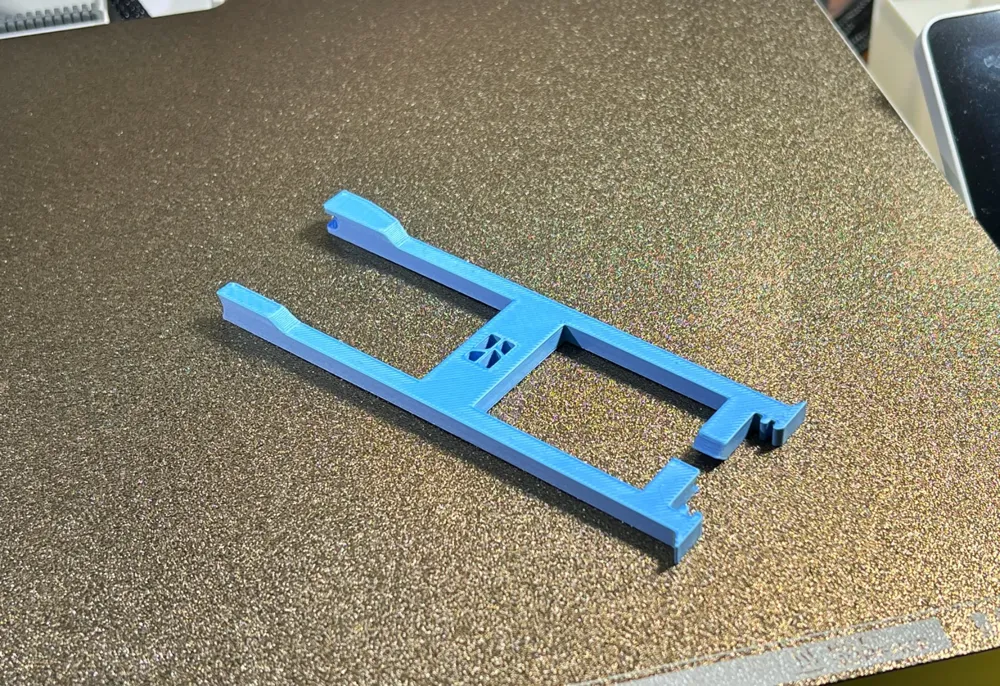
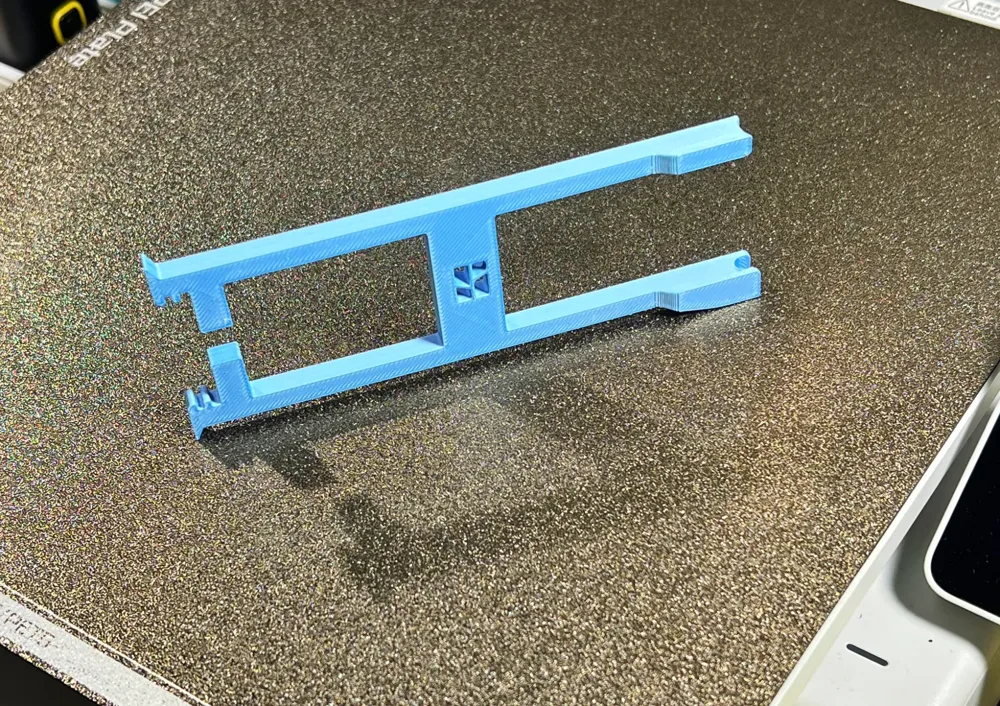
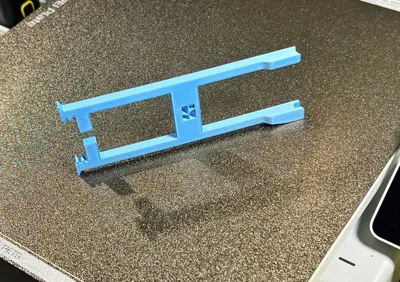
This is a multi-functional hot end maintenance tool specifically designed for Bambu Lab A1 and A1 mini 3D printers. Its integrated design combines multiple practical functions, making hot end maintenance easier and more efficient.
Main Functions
- Front Cover Removal: Precisely fits the hot end front cover structure for easy removal without scratching.
- Heat-Insulating Silicone Sleeve Removal: The specially designed locking mechanism enables safe and quick removal of the silicone sleeve.
- AMS Multi-Connector Removal: Perfectly matches the multi-connector interface for simple and effortless operation.
Product Features
- Integrated Design: Printed as a single piece, ensuring robust structure and long service life.
- Fast Printing: Total printing time is less than 20 minutes.
- Material Saving: Requires only 8 grams of filament, making it cost-effective.
- Ergonomic Design: Comfortable to hold, minimizing hand fatigue during prolonged use.
- High Compatibility: Perfectly compatible with both A1 and A1 mini models.
Printing Suggestions
- Layer Height: 0.2mm
- Infill: 50%
- Material: PLA/PETG
💡 Tip: It is recommended to use PETG material for printing, offering superior durability and temperature resistance.
If this tool is helpful to you, please remember to like and collect it. Your support is the driving force behind my continued creation!
Boost Me (for free)
3D Printing Tips and Precautions
(Most models published by creators have been tested and are compatible with all printer models. Printing problems often stem from issues with your printer or filament. Troubleshooting these issues is a vital skill for 3D printing. Feel free to discuss any problems in the comments section—this is the purpose of building such a community)
Some important notes are provided below. For more questions, you can consult customer service or check the Bambu Lab Wiki, which contains a wealth of information.Print Quality and Troubleshooting | Bambu Lab Wiki
- Ensure the build plate is clean; regular cleaning is recommended!Oil residue from touching the print surface significantly reduces adhesion. Leftover debris and small remnants from previous prints also affect the quality of the first layer, thus reducing the yield rate.
- Pay attention to filament drying; this greatly impacts print quality and experience!Filament inevitably absorbs moisture over time. If stringing occurs, consult the manufacturer for drying parameters, and note that most filaments are not dried before packaging, so they are slightly moist when opened and benefit from drying before use.
- When using a new filament brand, it is recommended to perform filament flow calibration immediately and adjust the calibration coefficient, which greatly impacts print quality and is a necessary step for adapting new filament to your printer.
- If print quality suddenly deteriorates, or the yield rate drops, check for nozzle clogging and consider recalibrating the printer.
- Print at the speed recommended in the model description. Overhang quality is directly related to print speed. An appropriate speed (neither too fast nor too slow) allows more time for the material to cool and solidify during deposition.
- Set appropriate bed and nozzle temperatures for different materials.Temperatures that are too high or too low can cause warping, layer deformation, or adhesion problems, thereby affecting print quality and success rate.
License

You shall not share, sub-license, sell, rent, host, transfer, or distribute in any way the digital or 3D printed versions of this object, nor any other derivative work of this object in its digital or physical format (including - but not limited to - remixes of this object, and hosting on other digital platforms). The objects may not be used without permission in any way whatsoever in which you charge money, or collect fees.


Comment & Rating (6166)