
Customizable Frame - Photos, Tiles, Trading cards


Print Profile(38)


Bill of Materials

Description
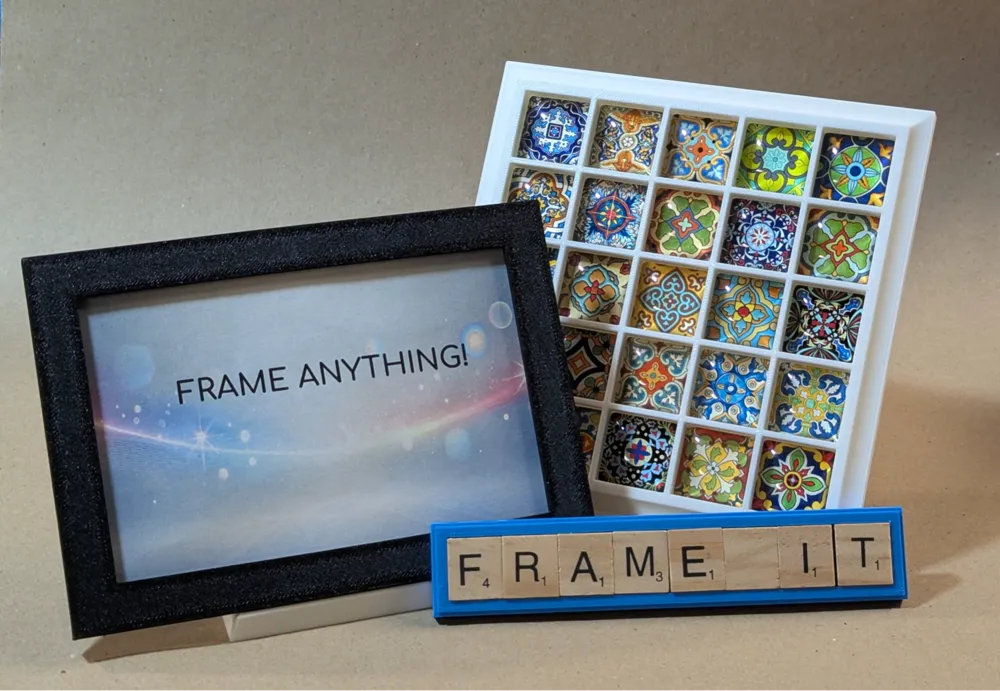
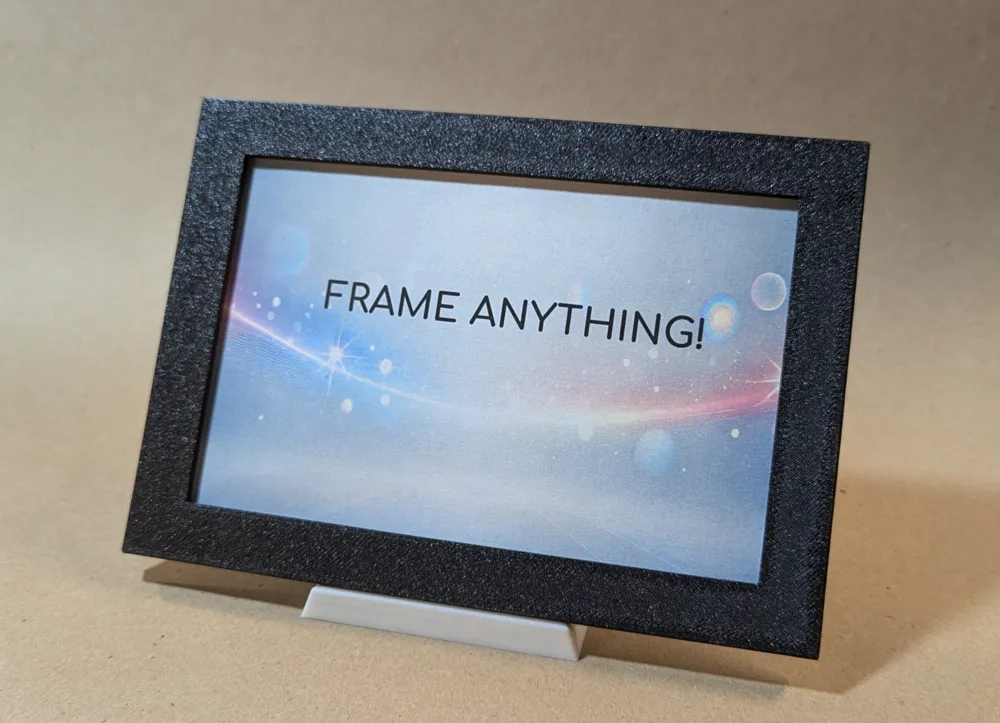
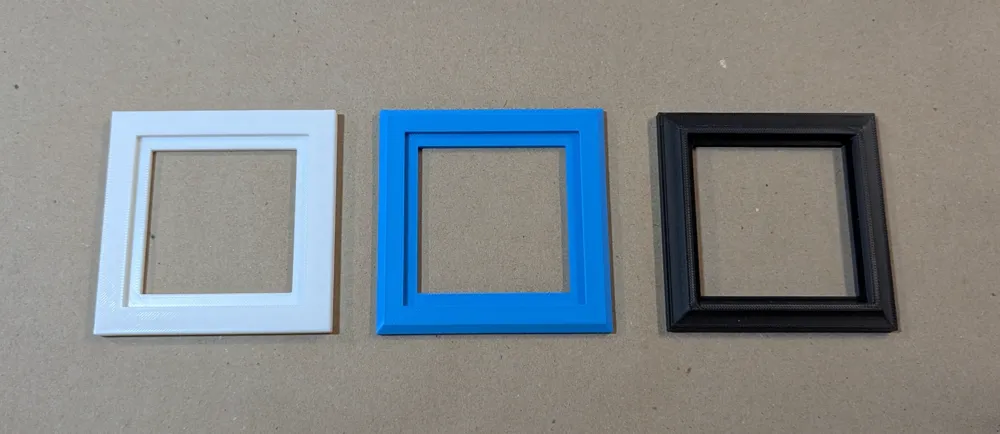
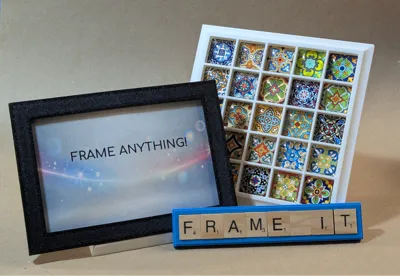
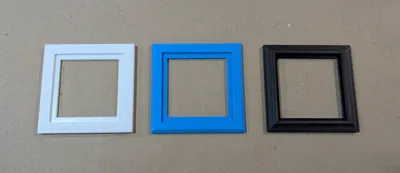
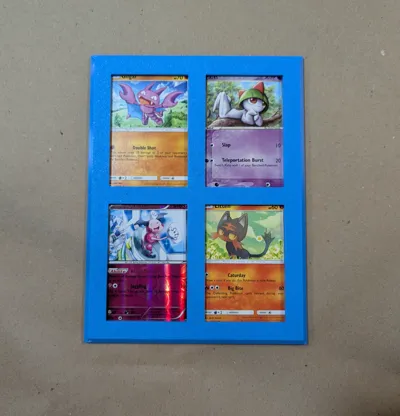
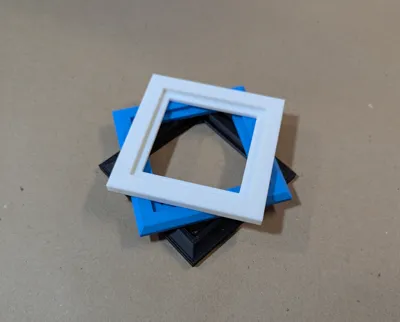
Basic frame with lots of different options for the size, edge style, opening, number of windows, etc.
Frame Opening
In addition to full control over the size and shape of the frame you can also choose from two modes of use.
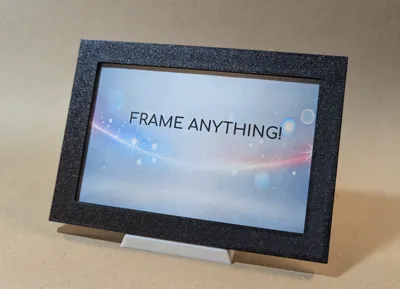
- Back Access - typical frame where the item being framed is put in through the back of the frame.
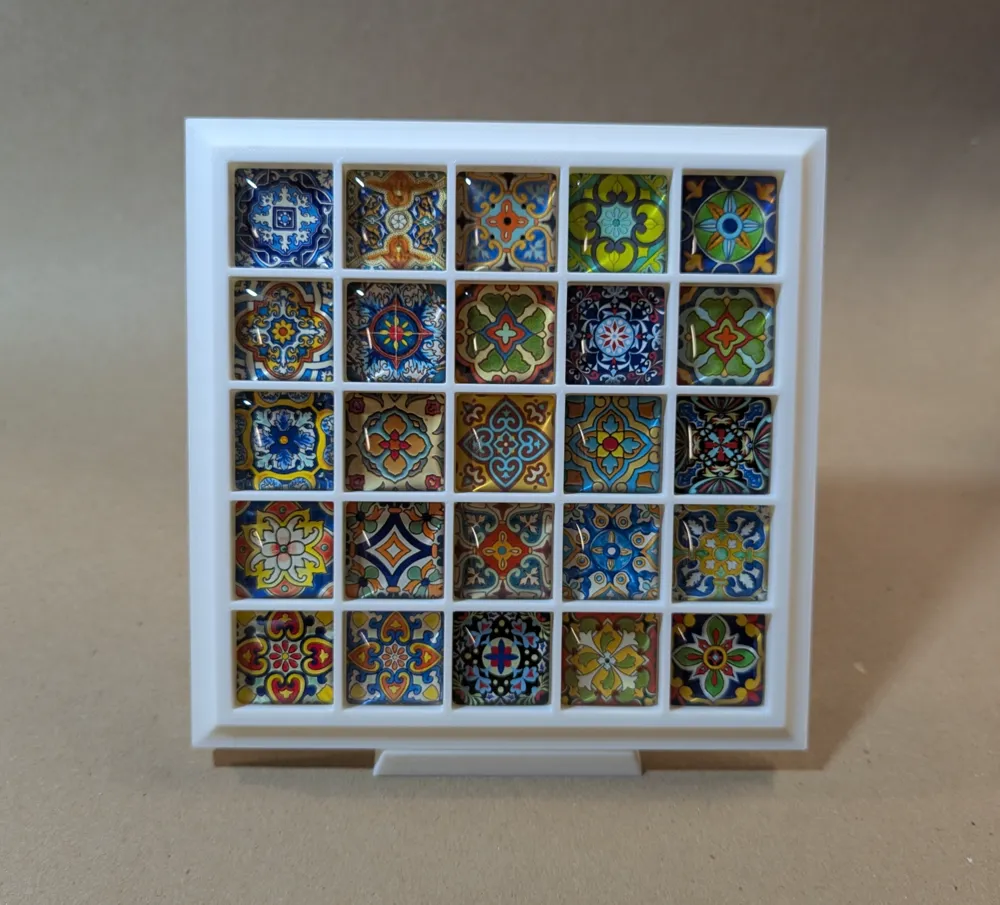
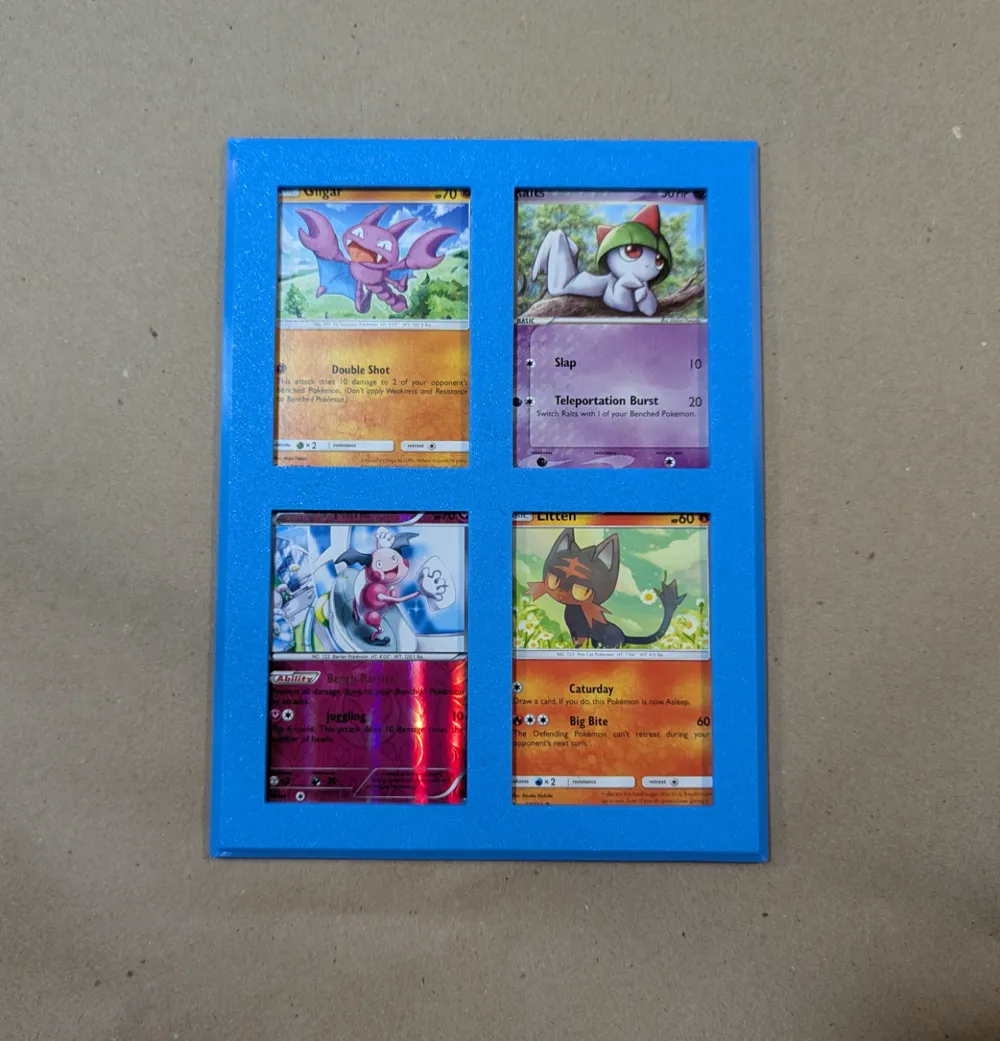
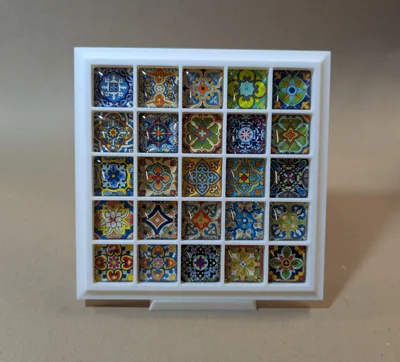
- Front Access - the framed item is put in through the front. Perfect for tiles and other thick items
Rows and Columns
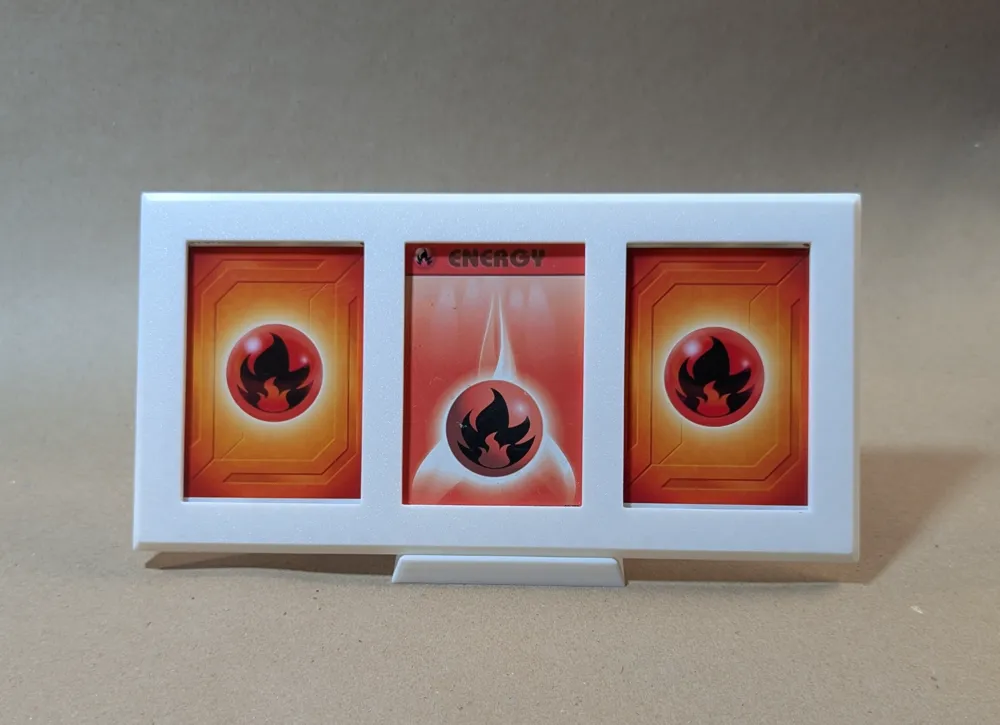
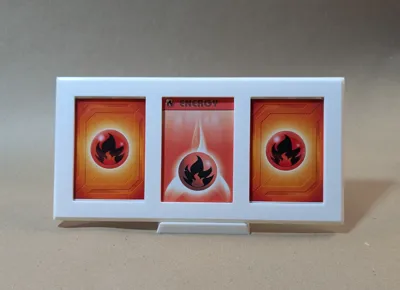
Add as many frame openings as you want by setting the rows and columns
Style
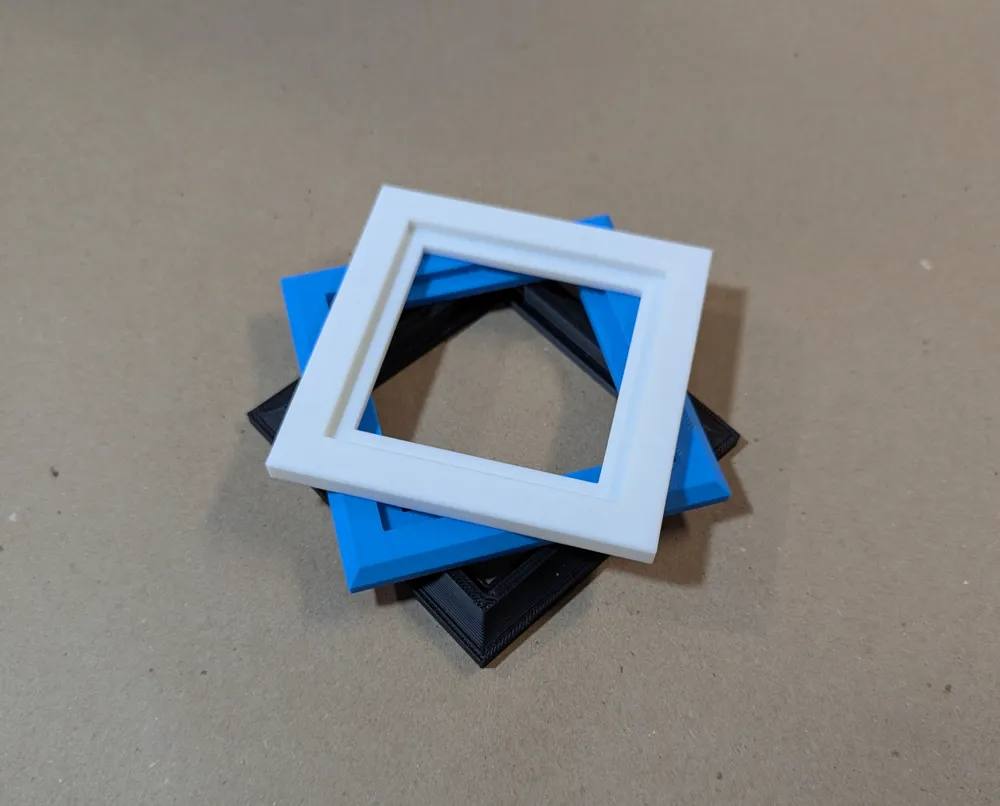
Multiple relief styles are available to customize the look of the frame. You can set the depth of the effect as well.
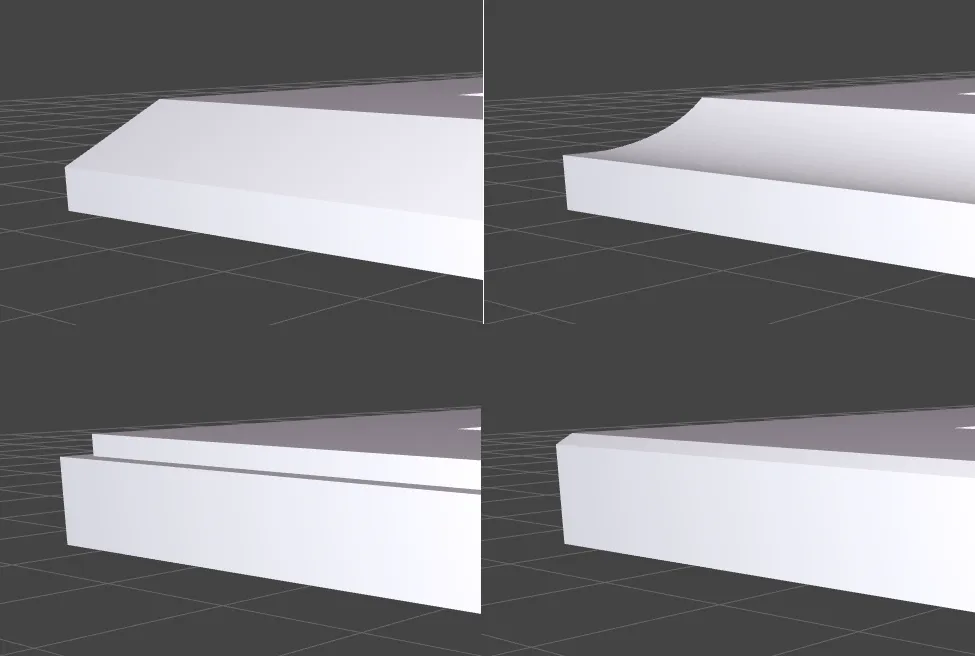
Mounting
You can optionally add holes in the corners to support your mounting options such as 8mmx3mm magnets.
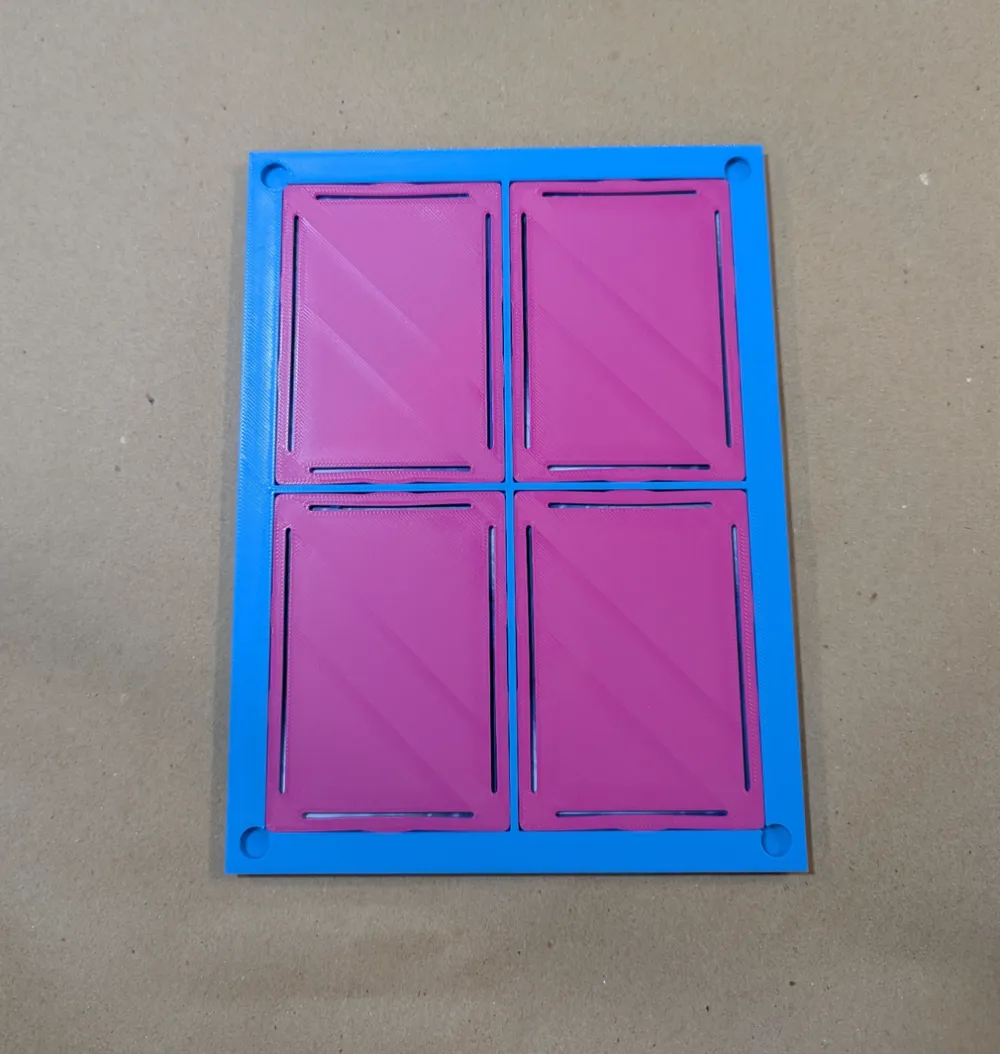
Backing Plates
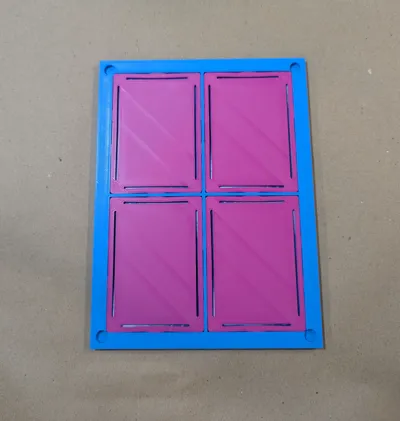
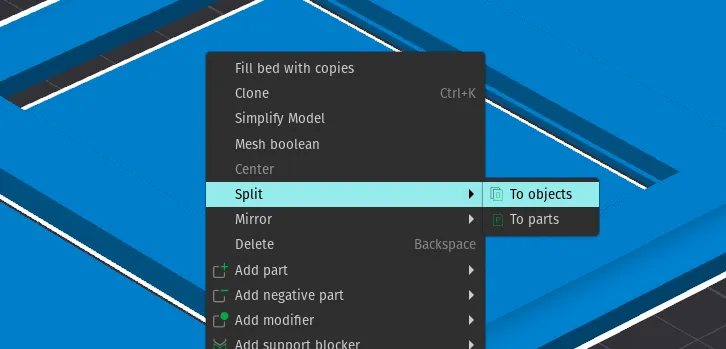
If you have the customizer (or OpenSCAD) generate backing plates you may have to split the model into separate objects in Bambu Studio so that you can rearrange them for printing.
You may also use the “Backing Plate Only” option to generate it as a separate file.
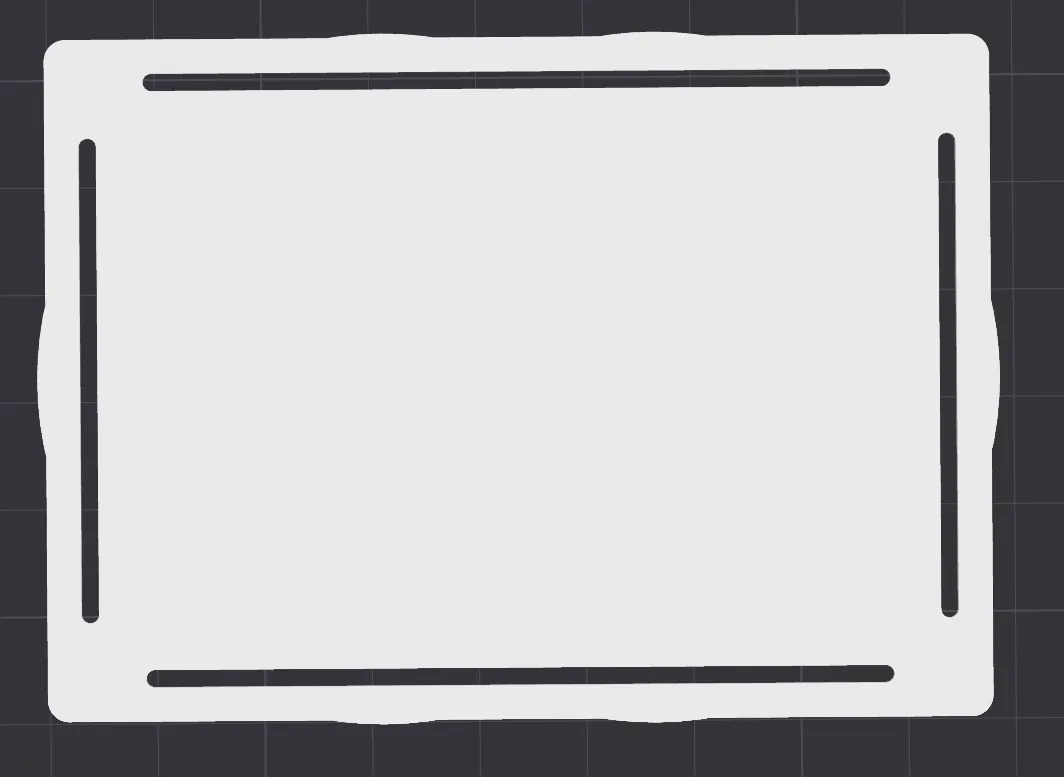
There are two options for backing plates. The default is “Press Fit” which has tabs and slits to allow it to spring fit tight. The other option is a plain backing plate that will need some other method of securing it.
Boost Me (for free)
Boosts are greatly appreciated!
License

You shall not share, sub-license, sell, rent, host, transfer, or distribute in any way the digital or 3D printed versions of this object, nor any other derivative work of this object in its digital or physical format (including - but not limited to - remixes of this object, and hosting on other digital platforms). The objects may not be used without permission in any way whatsoever in which you charge money, or collect fees.


Comment & Rating (4)