Search models, users, collections, and posts


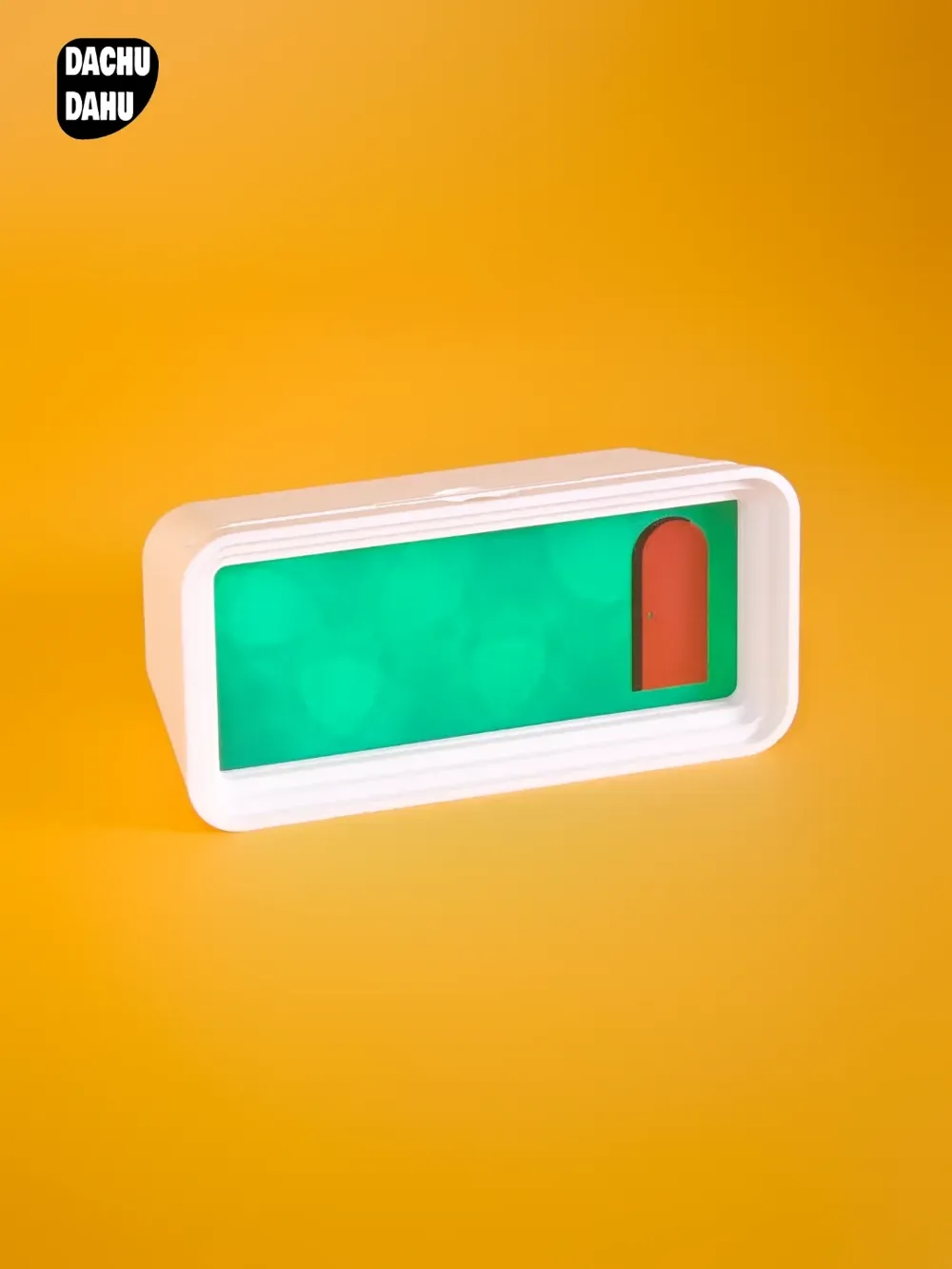
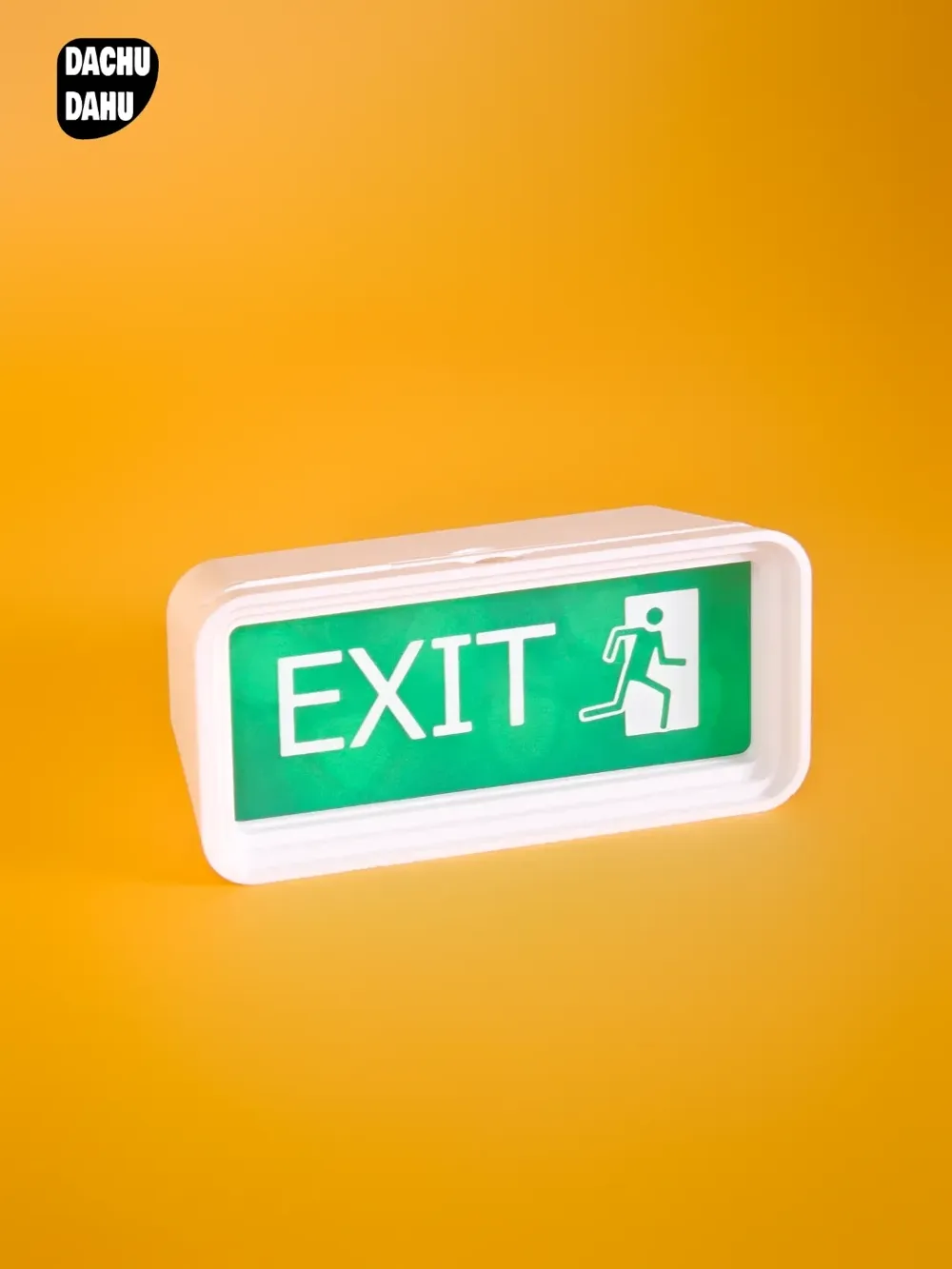
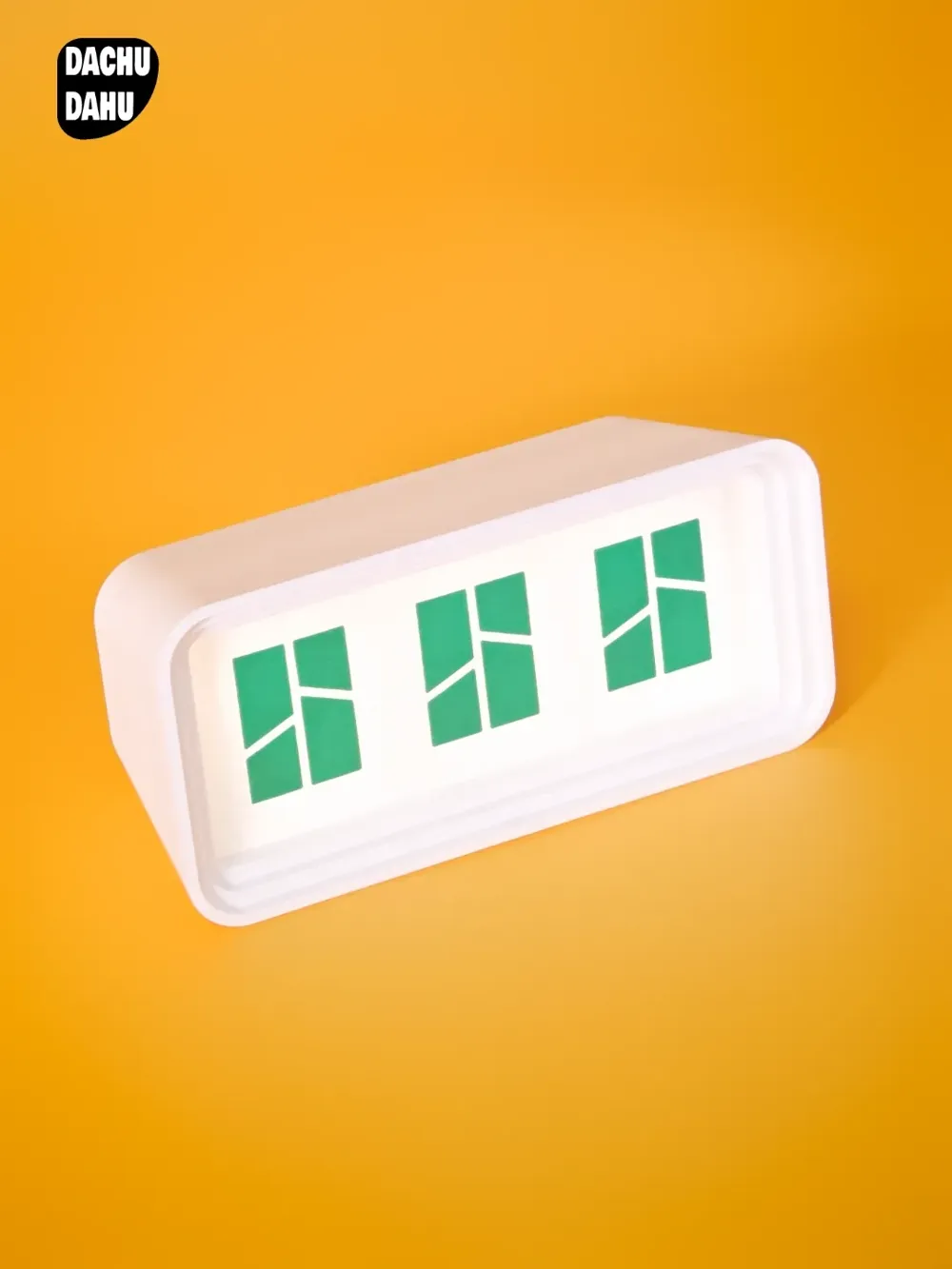
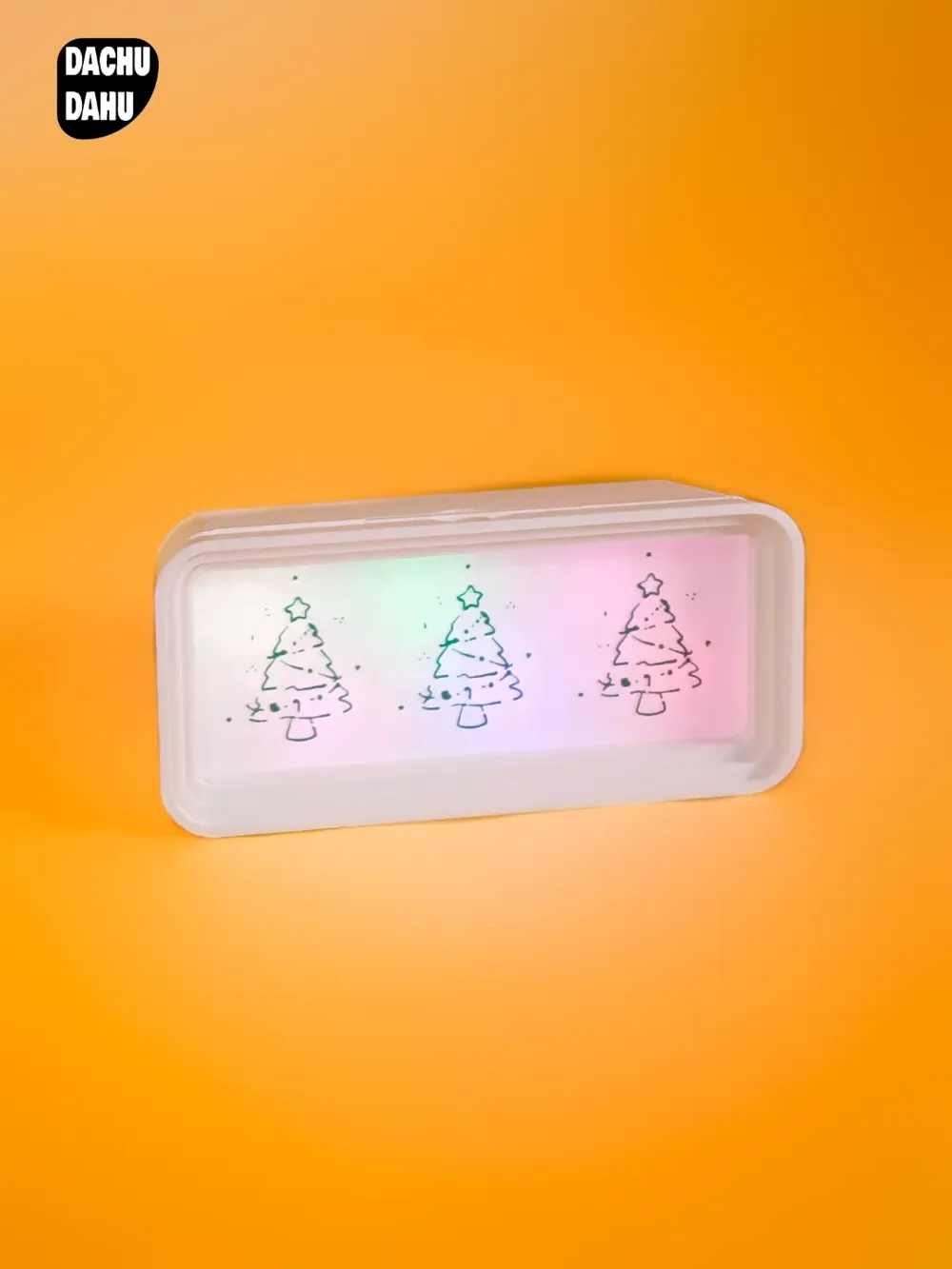

This model is created by Make My Sign
Make Your Model
Print Profile(10)
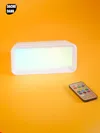
0.2mm layer, 2 walls, 15% infill
Designer
4.8 h
1 plate
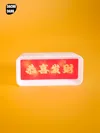
0.2mm layer, 2 walls, 15% infill
Designer
1 h
1 plate

0.2mm layer, 2 walls, 15% infill
Designer
55 min
1 plate
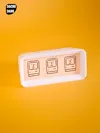
0.2mm layer, 2 walls, 15% infill
Designer
53 min
1 plate
Click to see more
Open in Bambu Studio
Boost
19
50
0
1
18
3
Released
Bill of Materials
Maker's Supply Kits and Parts
Select all

Bambu Filaments
Select all

Description
Boost Me (for free)
If you like it, please support me.
Product Introduction:
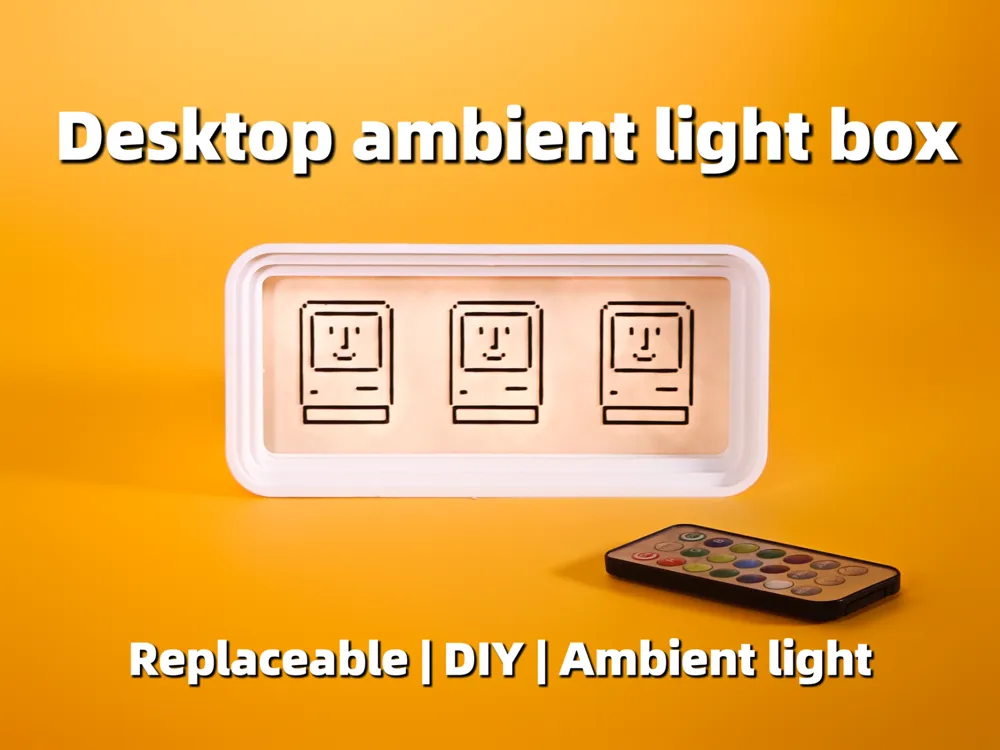
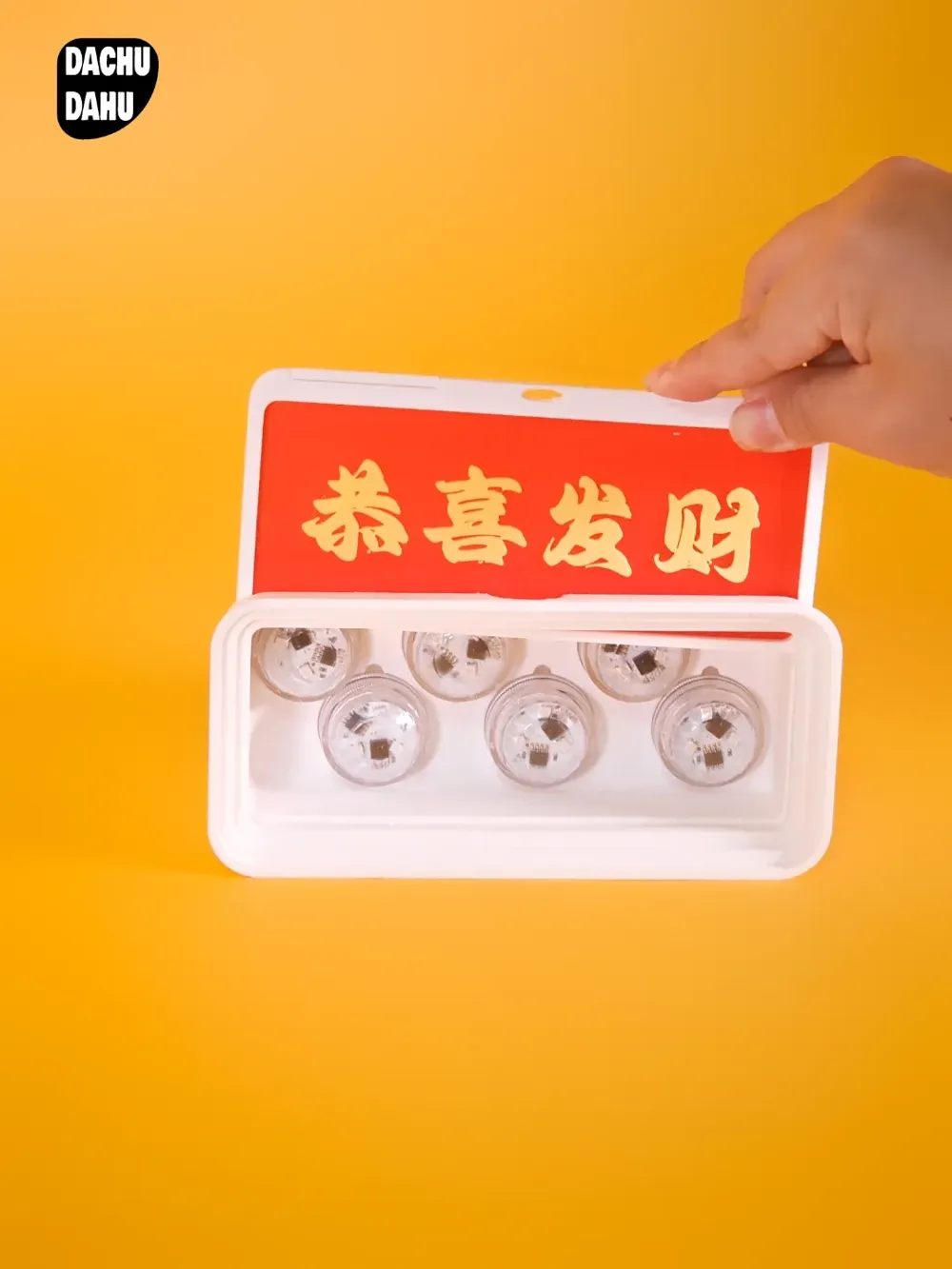
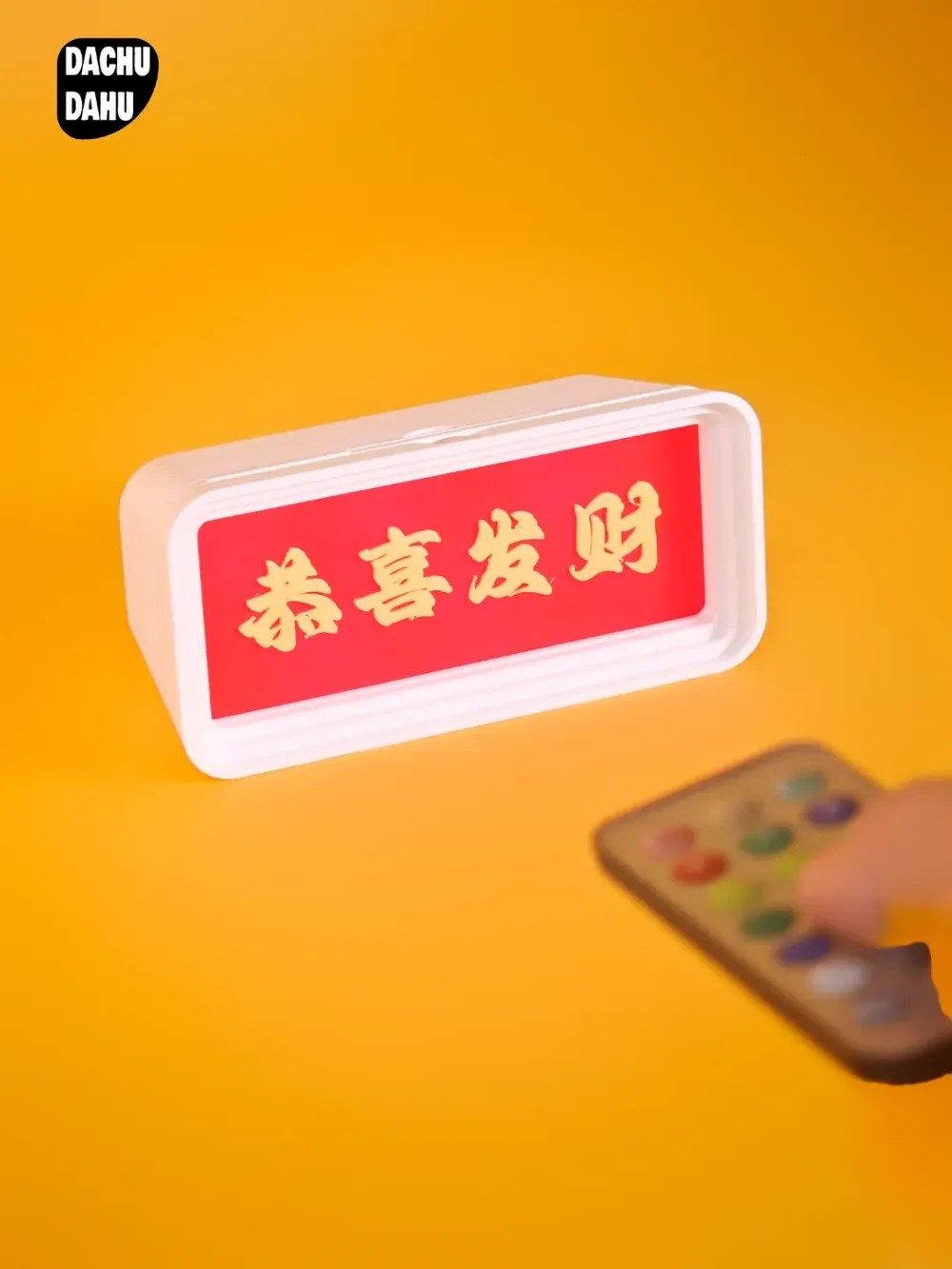
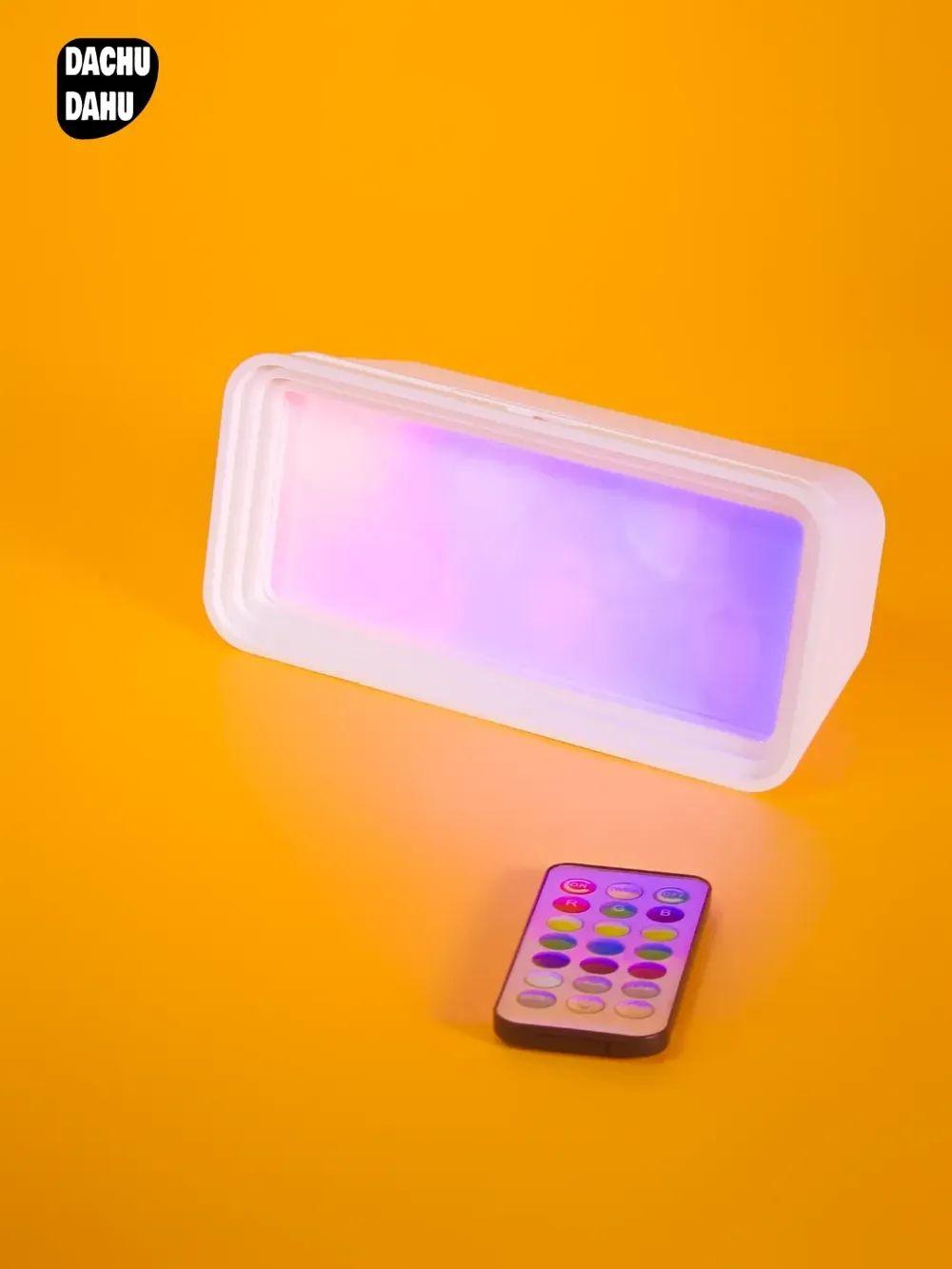
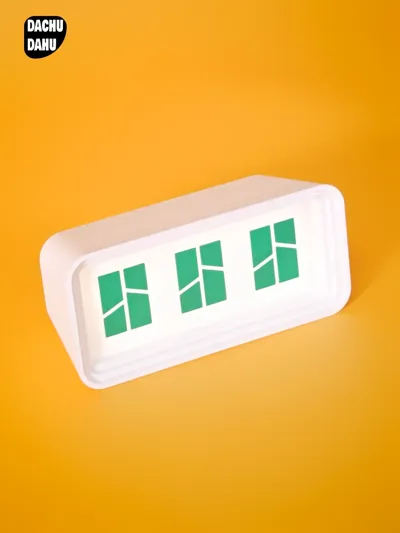
- The desktop ambient light box is a creative masterpiece on your desktop that showcases your personality and taste. It is like a unique creative stage, carefully crafted to display your personal charm. Whether it's in a cozy bedroom, a vibrant study, or an office, it can become the focus of attention, making your desktop space stand out instantly and exuding a unique charm. Its unique design breaks the monotony of traditional desktop ornaments, opening up a personalized world exclusive to you, allowing you to feel the perfect presentation of your own style every time your eyes meet it.
Main Functions:
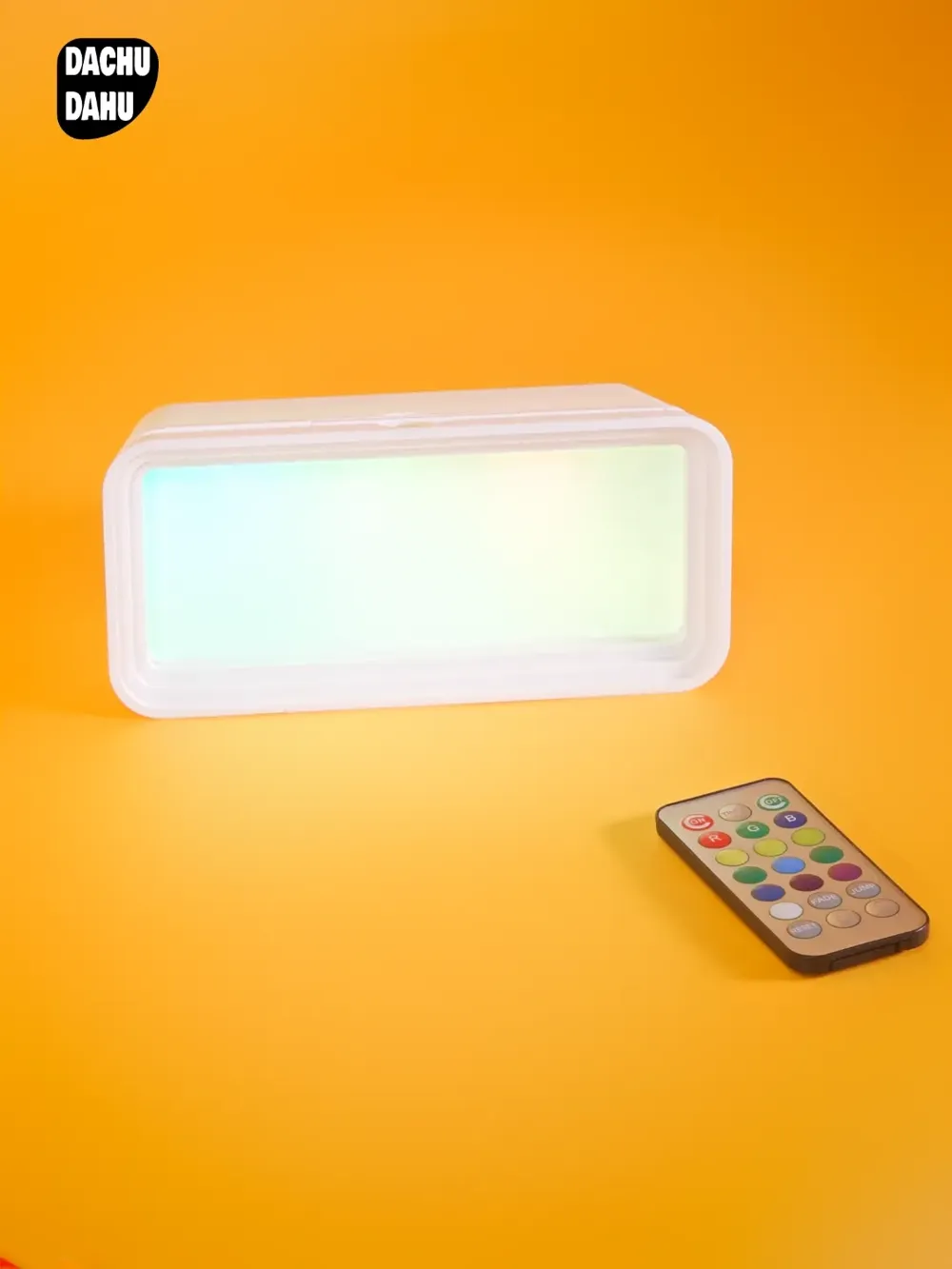
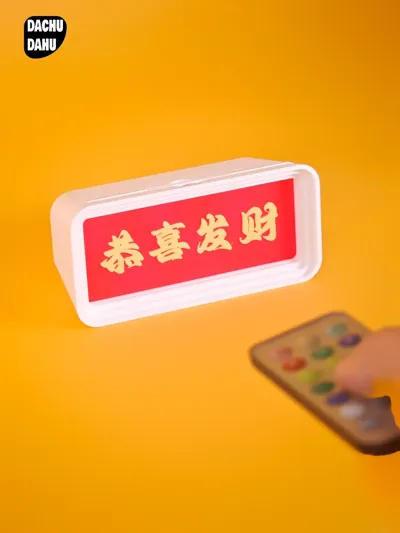
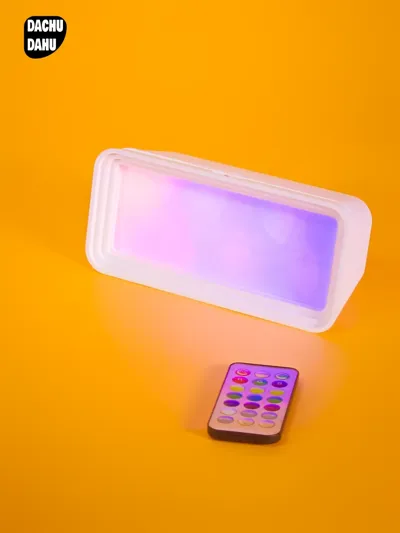
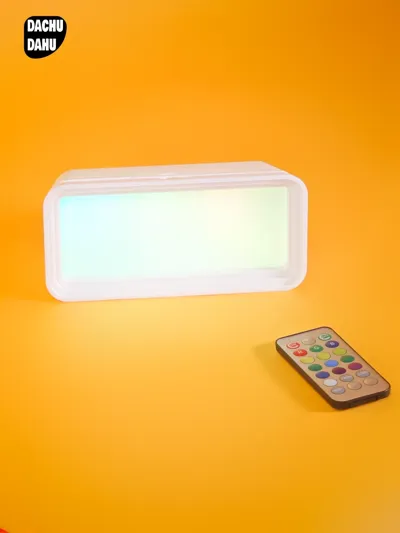
- Control the Ambience as You Wish: Placed on the desktop, you can easily adjust the light colors through the remote control. You can choose warm light, blue light, purple light, etc., which are suitable for various scene ambiences such as work, study, and entertainment.
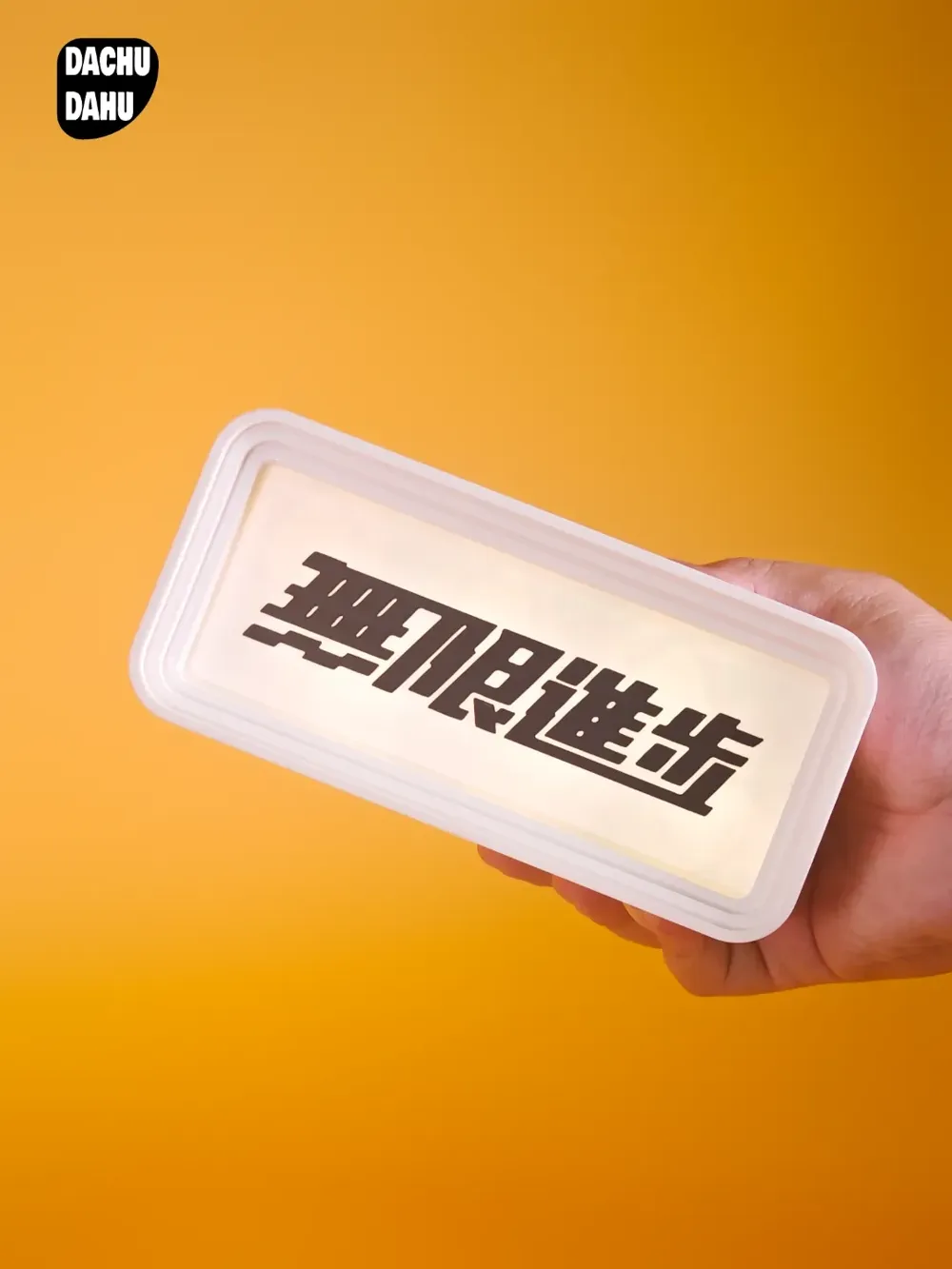
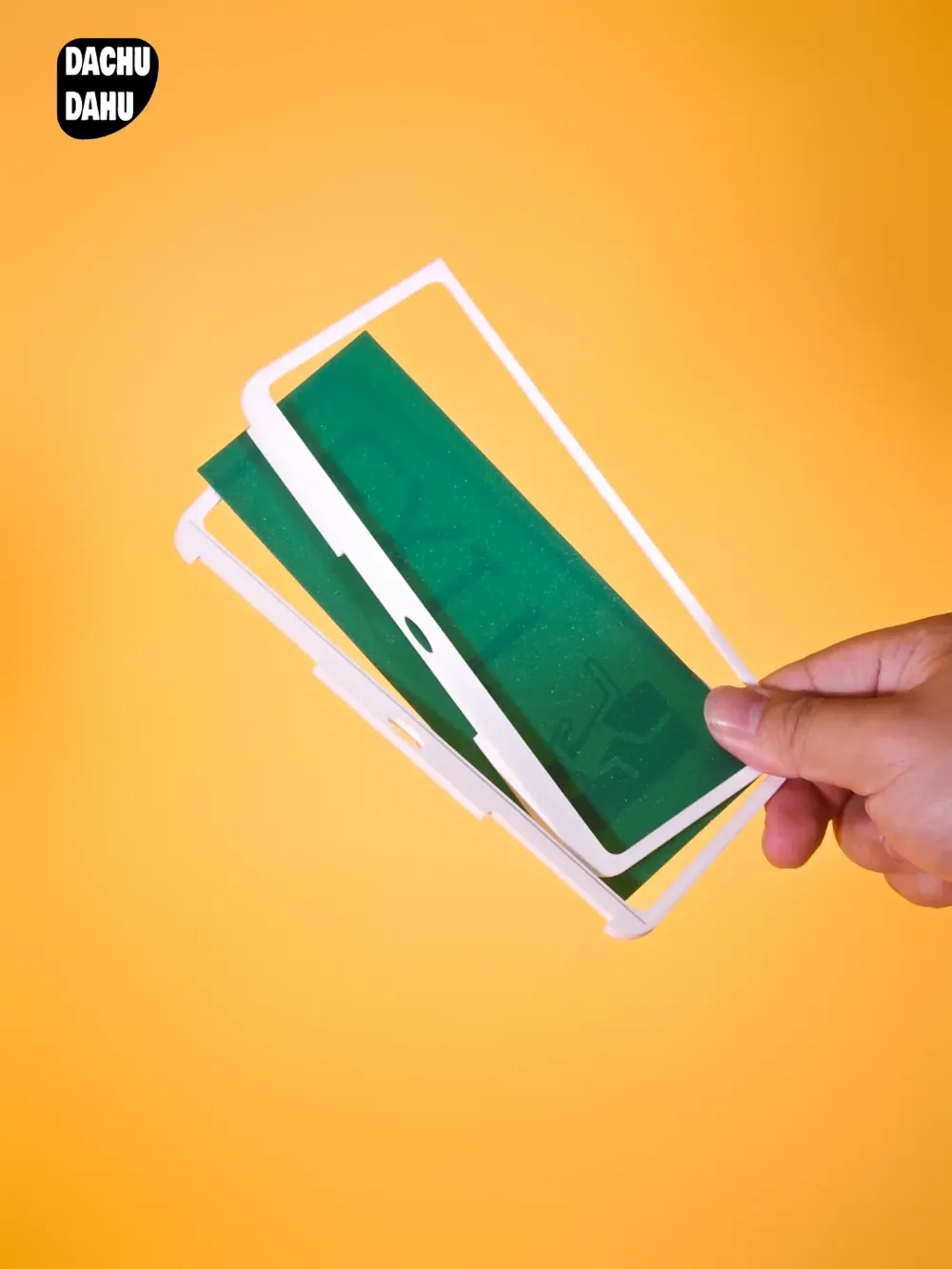
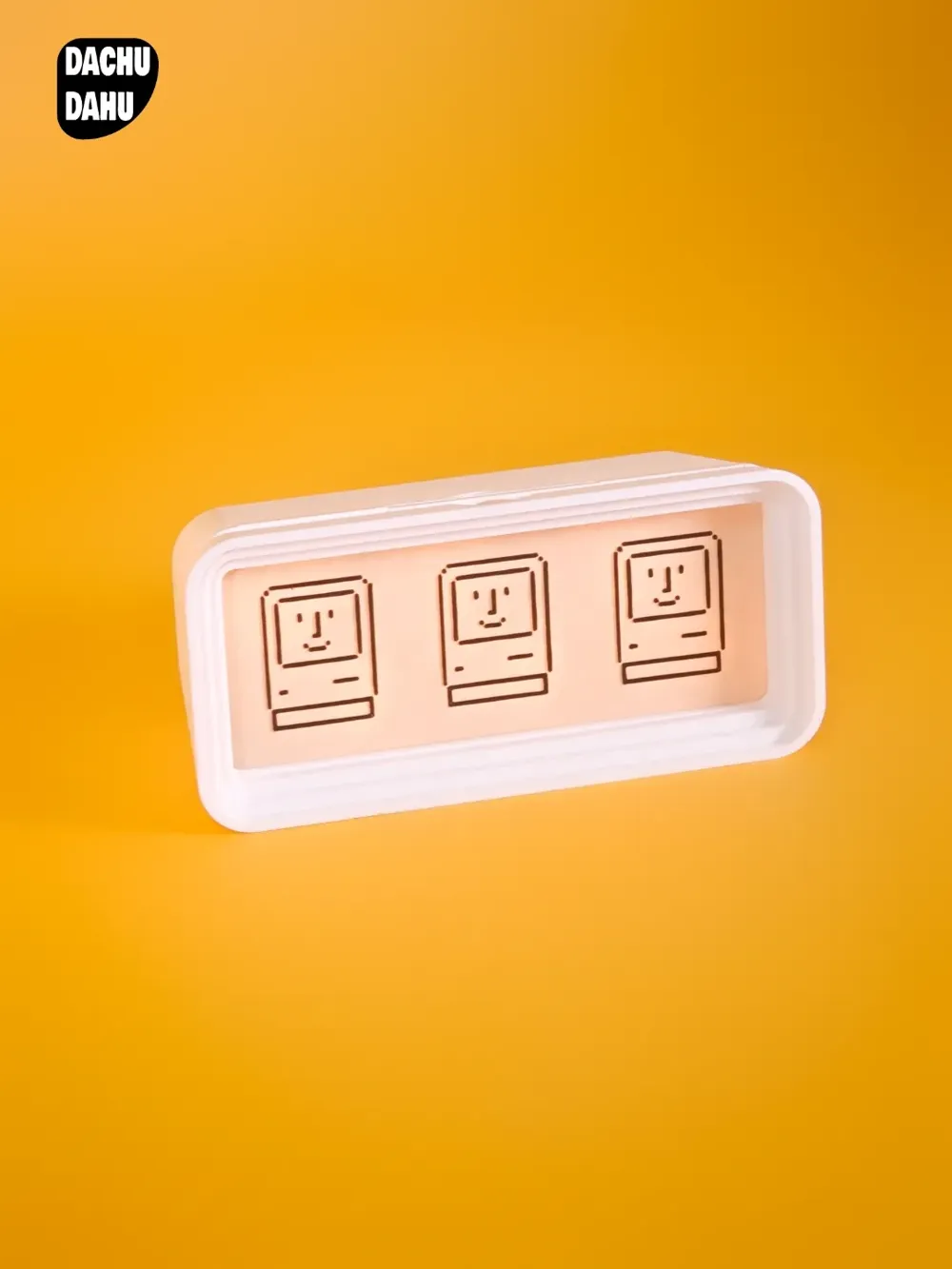
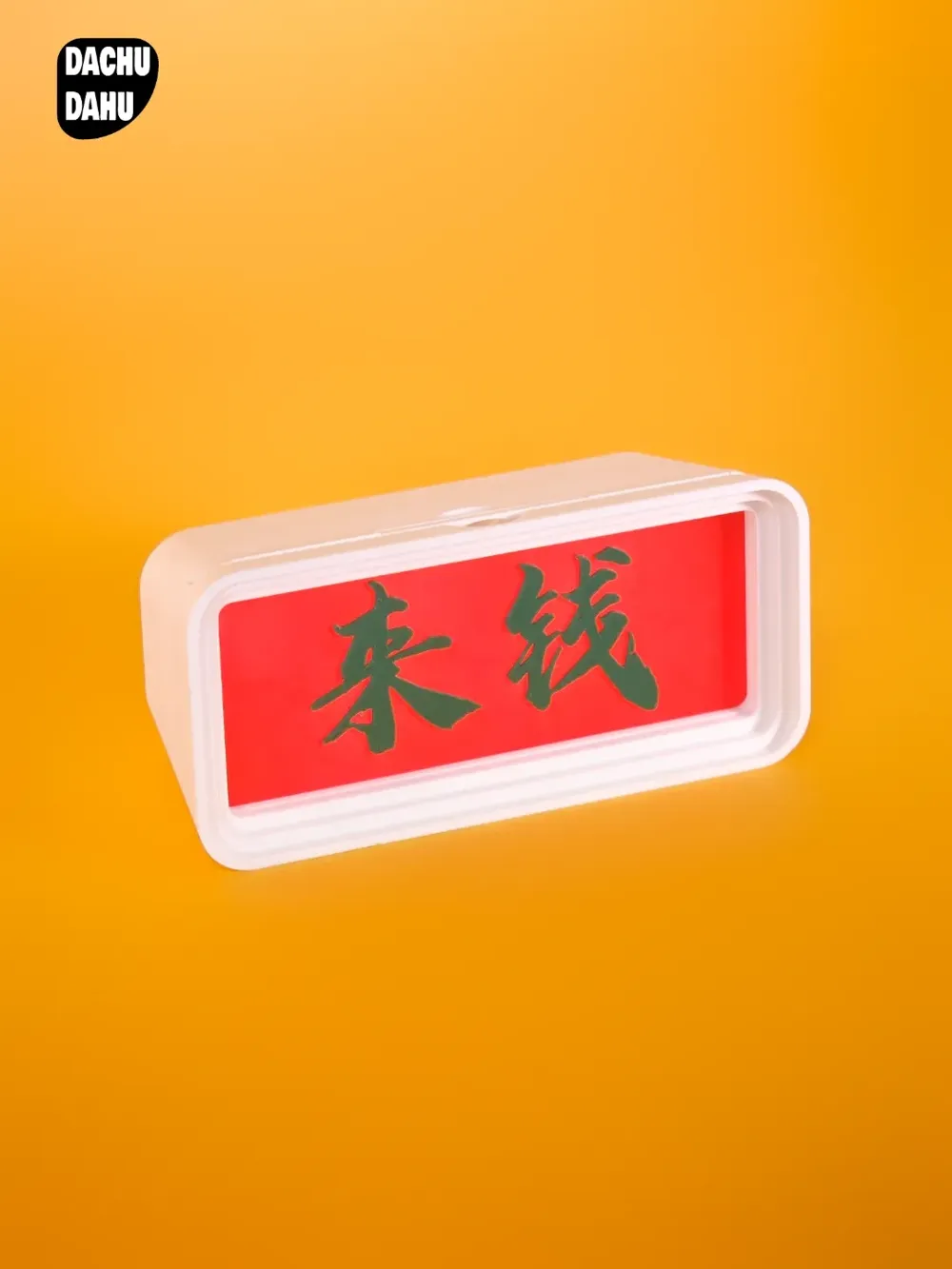
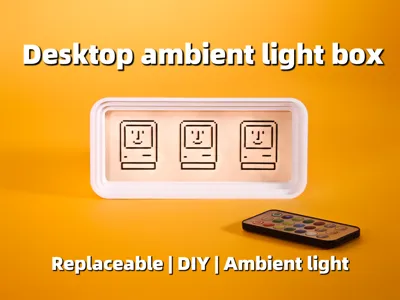
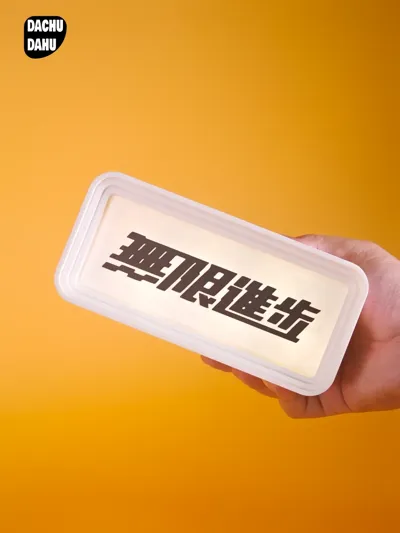
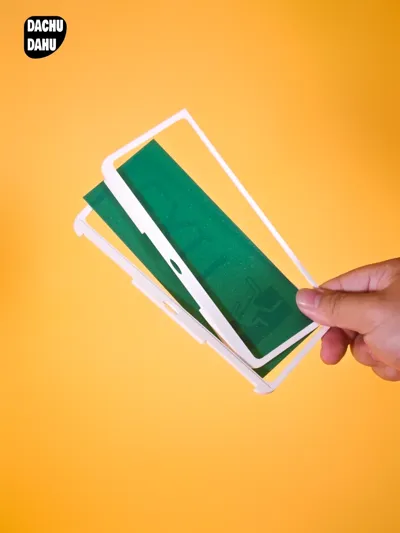
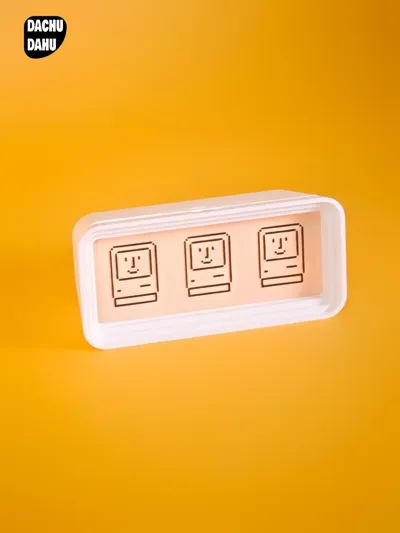
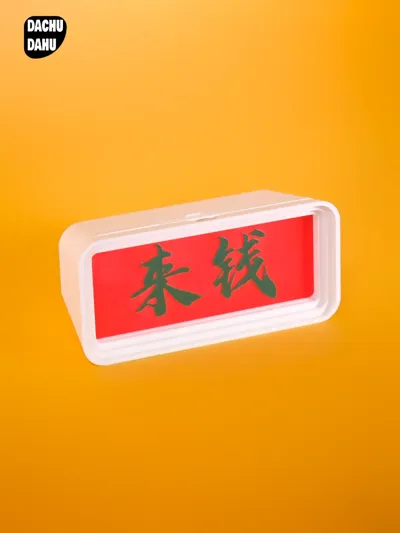
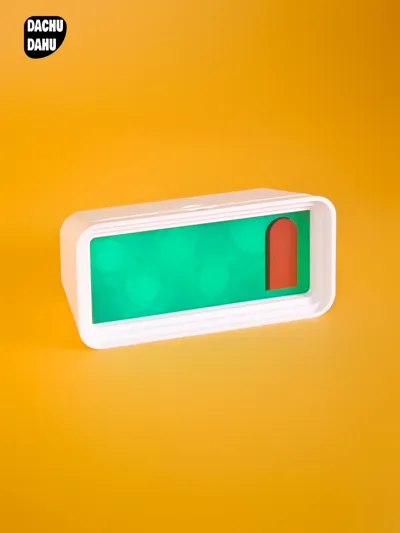
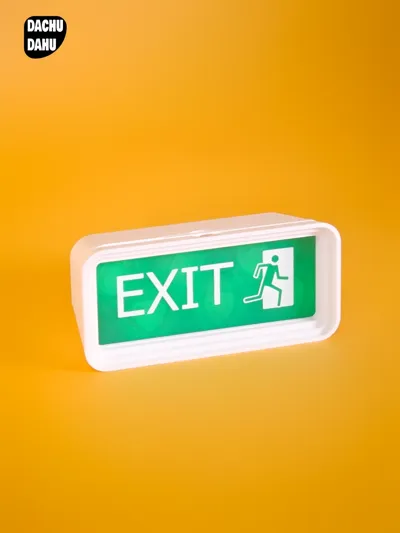
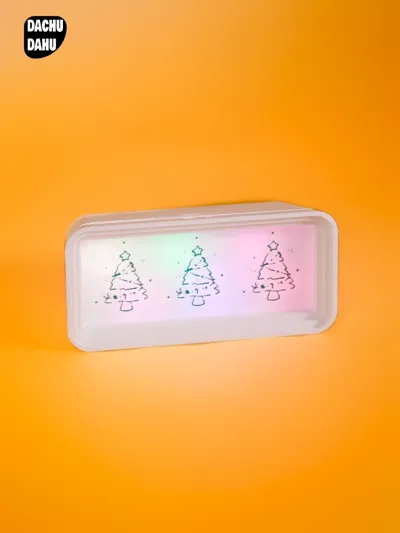
- Customize Personalized Inserts: There are replaceable inserts on the front of the light box. You can customize anime characters, words, landscapes, artistic patterns, etc. The light source shines evenly through the inserts, enhancing the ambience.
Required Kits:
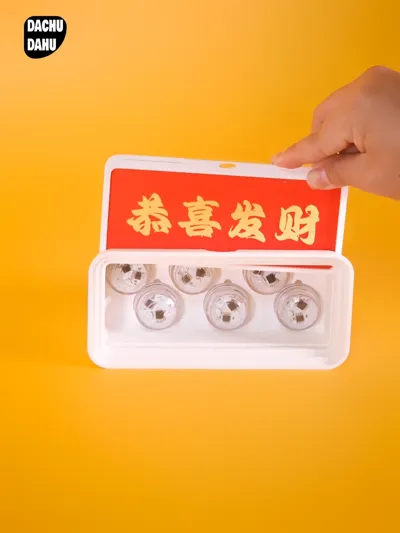
- [Bambu Lab Remote-controlled Waterproof Light kc020], Purchase Link: http://e.tb.cn/h.TgsD8q0EB0A6BR2?tk=zUds3z7JoCS MF6563. It has a stable light source and convenient remote control functions, and its waterproof design expands the usage scenarios.
Operation Tutorial:
- Prepare Materials: Besides the main body of the ambient light box and the remote-controlled waterproof light kit, prepare the materials needed for making inserts, such as paper, printing equipment (if you make inserts by printing) or drawing tools (if you make inserts by hand drawing).
- Obtain Tutorials and Templates: Click on the link https://pan.baidu.com/s/1cjAixl15pjqMhoonvOGZ7A, enter the extraction code 3br1, and download the DIY tutorial document and the light box template. Meanwhile, there is an operation tutorial in the form of PDF pictures for DIY inserts below the product introduction, and you can also refer to the steps therein to make inserts.
- Design Insert Patterns: You can use MakerWorld - Sign Customizer (https://makerworld.com.cn/makerlab/makeMySign) to make them. You can also refer to the light box template, create directly on the template or design personalized patterns according to the template specification requirements. You can print your favorite pictures or draw creative content by hand, and make sure that the patterns are within the specified size (the bottom plate is 152 * 61 * 2mm, the border for the safe distance is 4mm, and the content thickness does not exceed 3mm).
- Make Inserts: Fix the designed patterns on the bottom plate to complete the production of inserts.
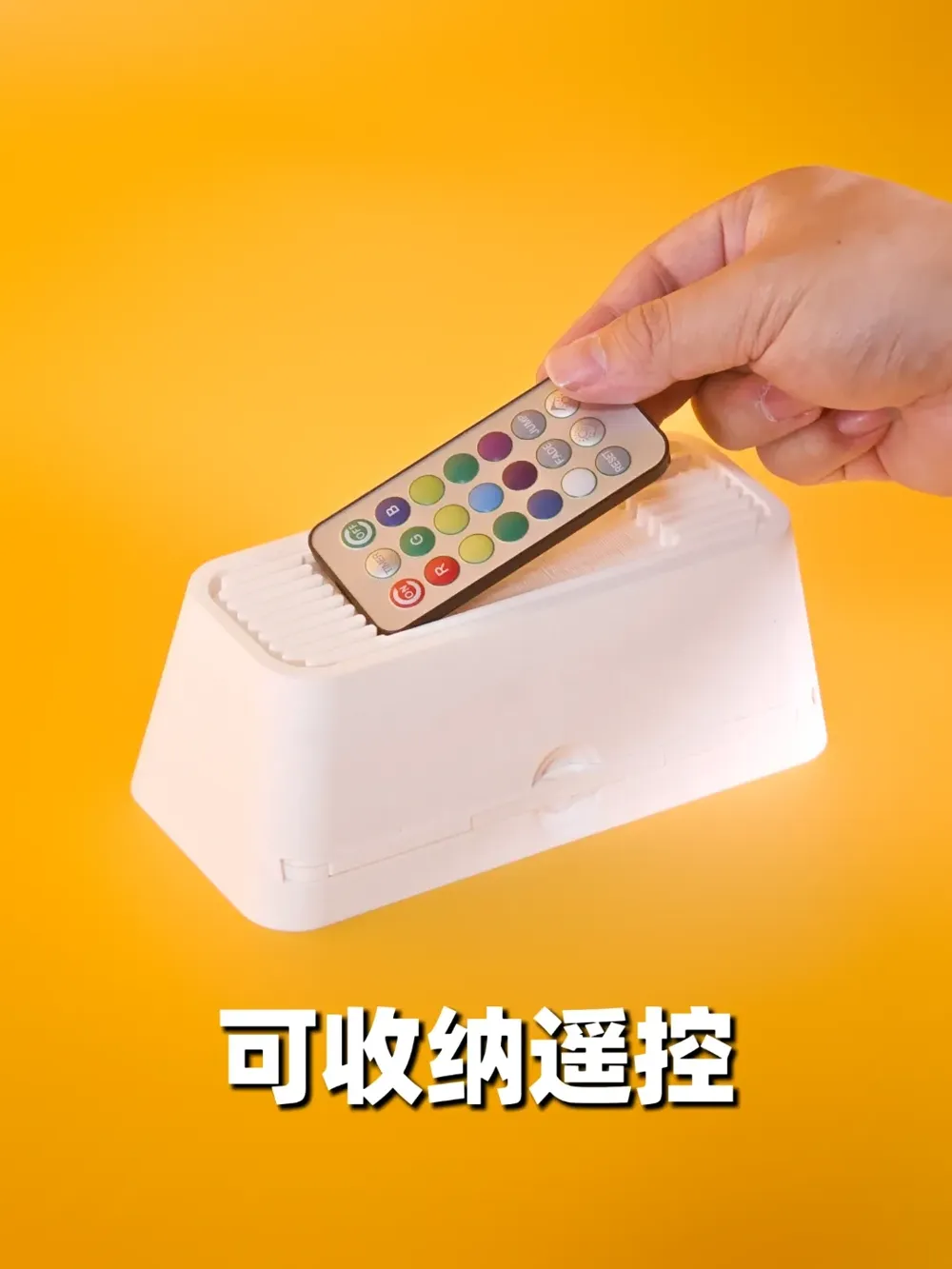
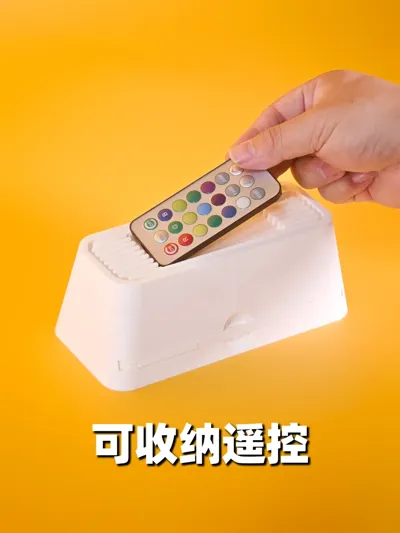
- Assemble the Light Box: According to the product instructions, install the remote-controlled waterproof light kit in the appropriate position inside the light box to ensure the correct connection. Meanwhile, there is a card slot on the back of the light box where you can put the remote control in it for convenient organization and storage to avoid losing the remote control.
- Insert Inserts: Insert the made inserts into the card slot on the front of the light box to ensure that the inserts are firmly and evenly installed.
- Debug the Lights: Turn on the power of the remote control, control the light colors and brightness, and adjust them to a satisfactory effect according to your needs.
Come and give play to your creativity, and build a unique desktop ambient light box with your own hands to make your desktop full of charm!
Documentation (1)
Assembly Guide (1)
Tutorial for DIY light sign of ambient lights.pdf
License

This user content is licensed under a Standard Digital File License.
You shall not share, sub-license, sell, rent, host, transfer, or distribute in any way the digital or 3D printed versions of this object, nor any other derivative work of this object in its digital or physical format (including - but not limited to - remixes of this object, and hosting on other digital platforms). The objects may not be used without permission in any way whatsoever in which you charge money, or collect fees.


Comment & Rating (0)