
Calibration Cube XYZ with bridging test

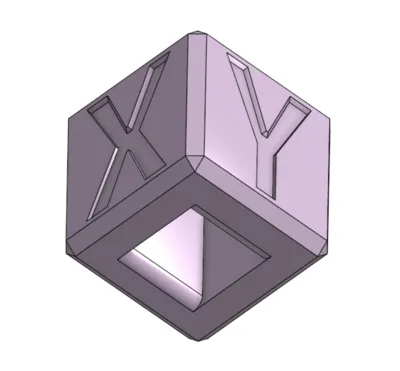
Print Profile(1)

Description
============= BREAK NOTICE =========================
Hello 3D printing friends!
Due to work requirements, studies and home renovations we will be little to not active on MakerWorld for the next coming weeks. Should there be remarks / feedback that you would like to share and would love to see implemented in our work or certain models, please send us a DM as those will be much easier to find and read after coming back. General comments etc on models tend to get buried which is unfortunate and is something we would like to avoid as we take your feedback seriously.
We apologize for any inconvenience our absence might cause but rest assured all messages will be addressed upon our return to designing!
Cheers!
====================================================
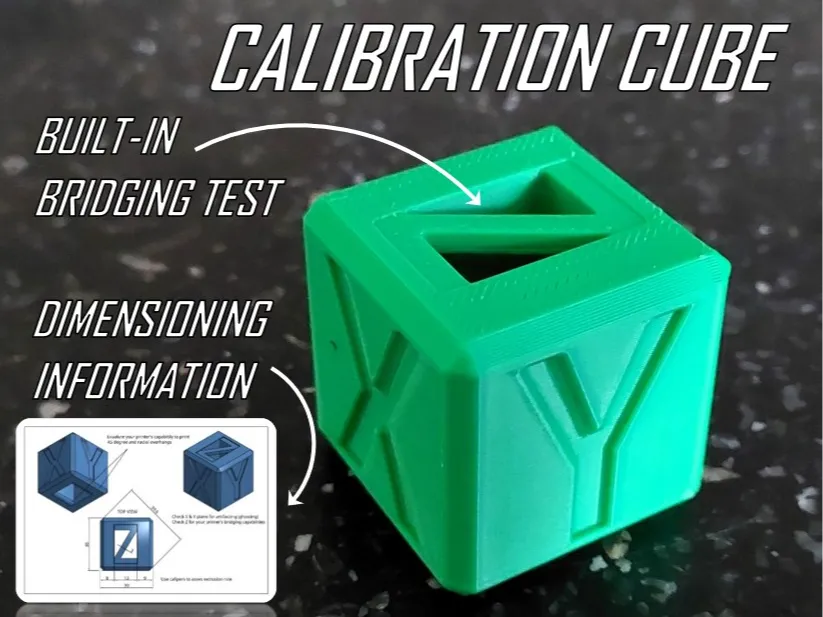
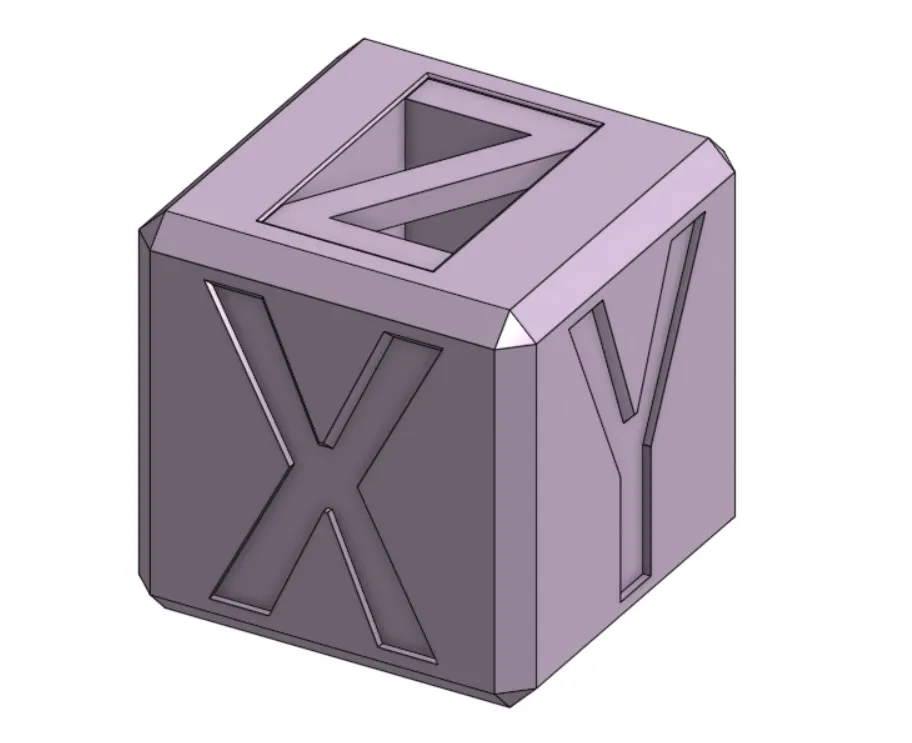
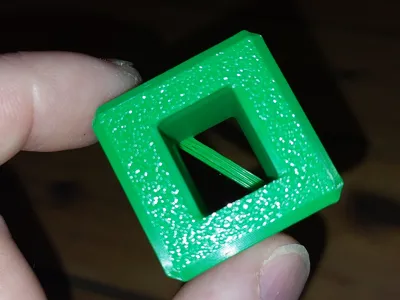
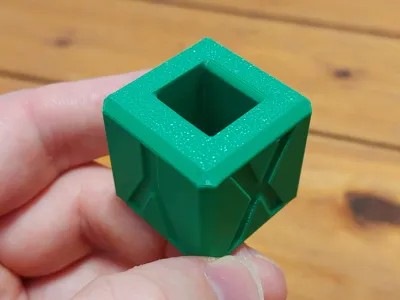
Another calibration cube!
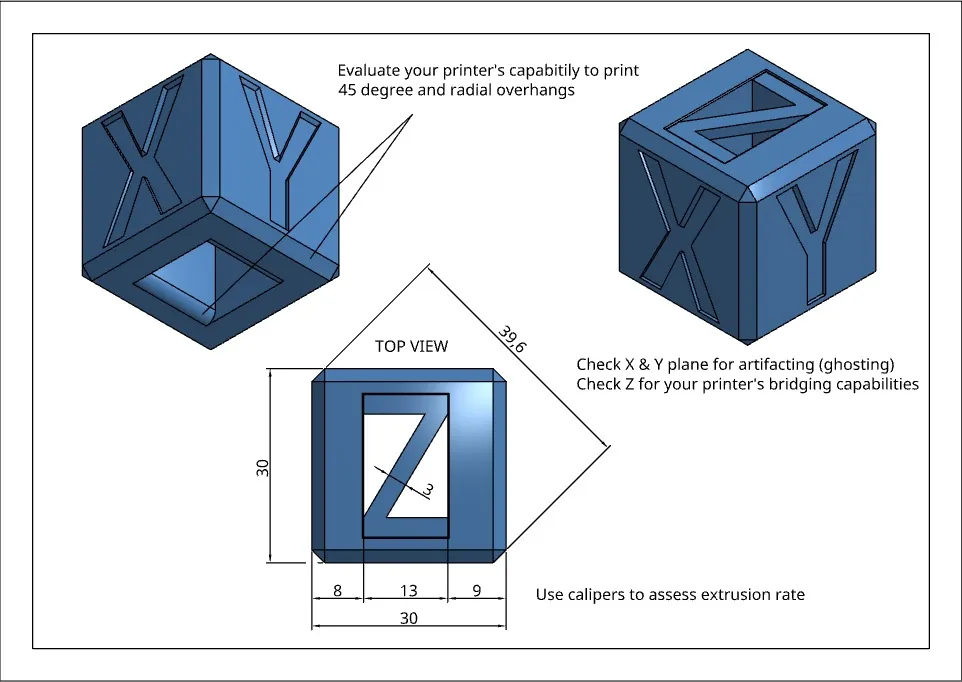
This is one of the first CAD models I made but never actually thought about uploading it. But since there are already so many of these out there with most of them just in their basic form or direct copies from one another I tried to deliver one with some more thought put into it and include the dimensional information for you to actually check and compare the results! This, is combination with resources available online, can help you tune your printer for better and cleaner results. Find the resource links below.
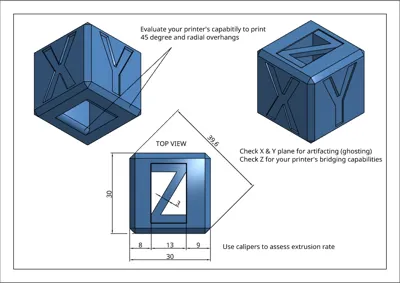
Check the drawing for dimensional information!
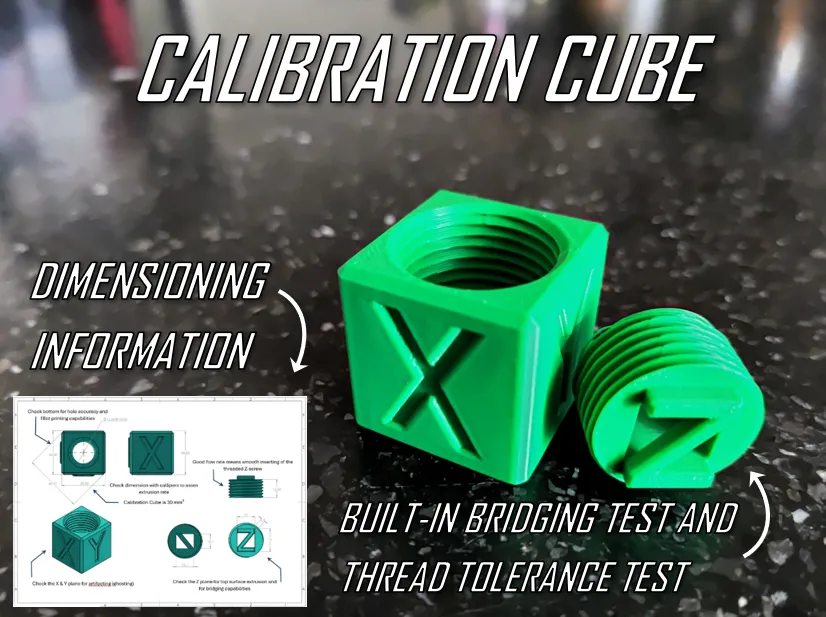
Looking for something a little different? Check out this cube with thread test!:
or a calibration cube with a fidgety twist? Try this one!
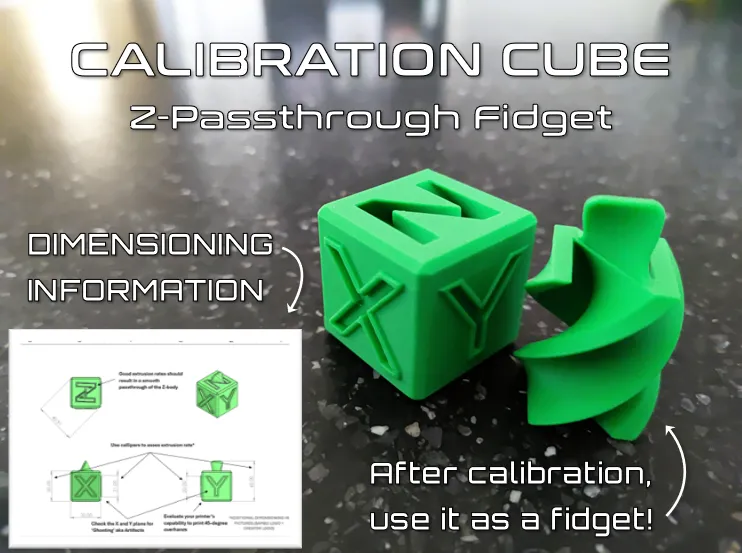
This current test print only uses roughly 10 grams of filament and takes 18 minutes (excl. bed leveling) on standard settings.
Calibration tests:
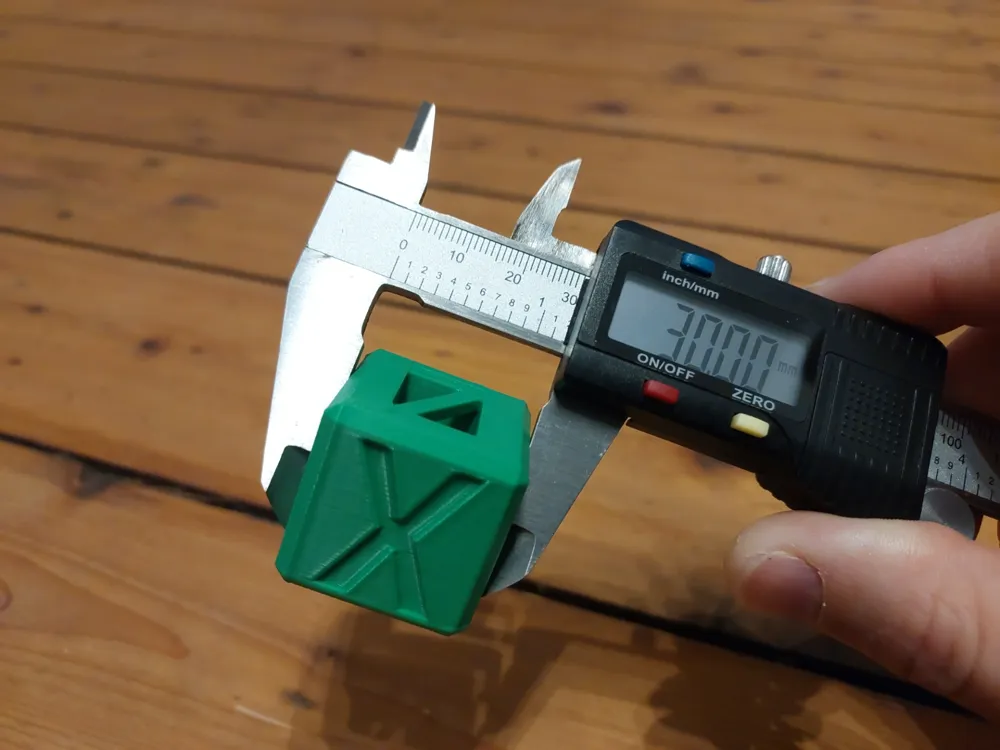
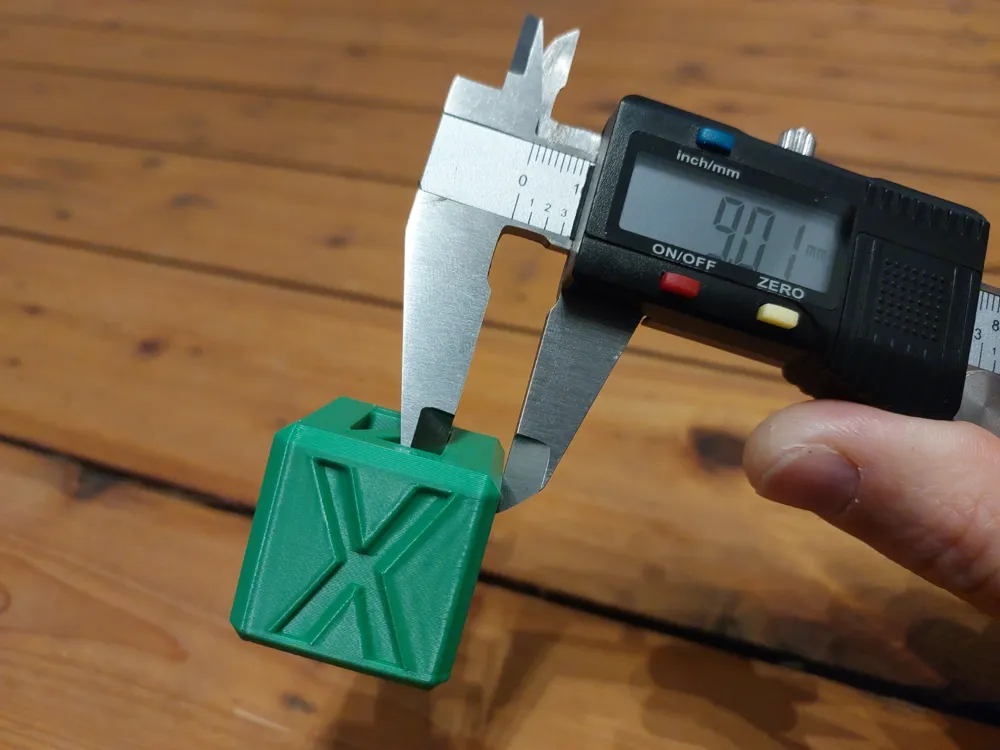
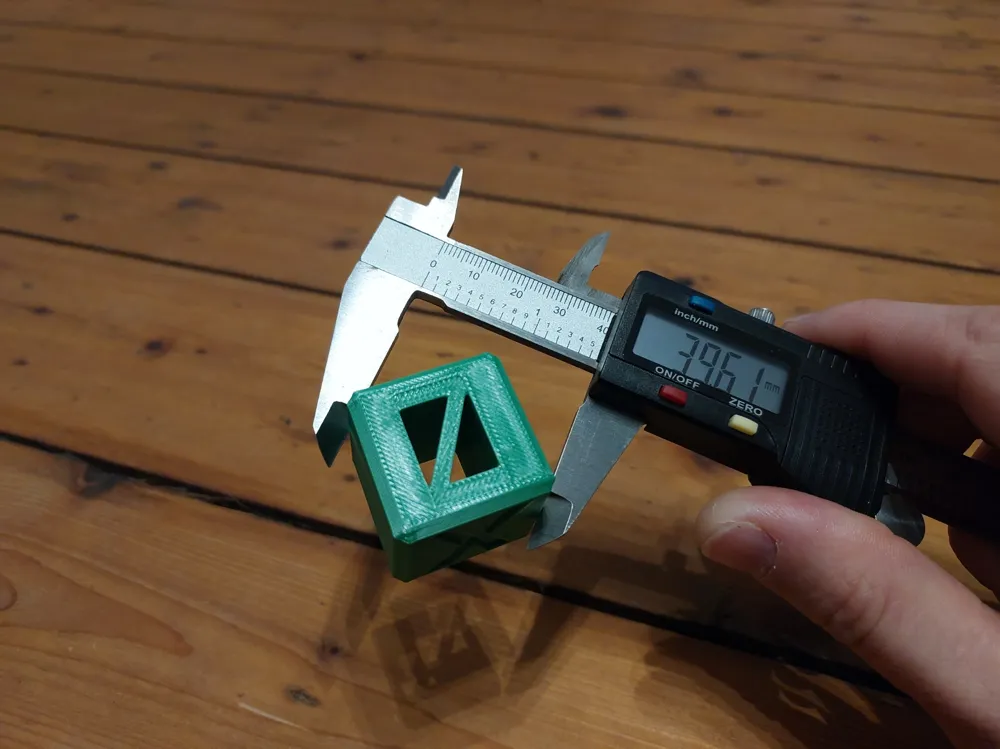
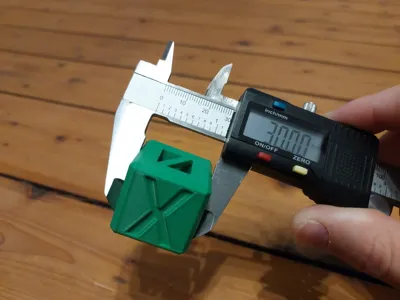
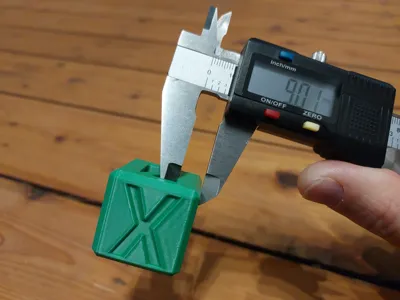
Flowrate / Dimensional accuracy (Check with calipers if the flow rate of your printer and filament are set correctly):
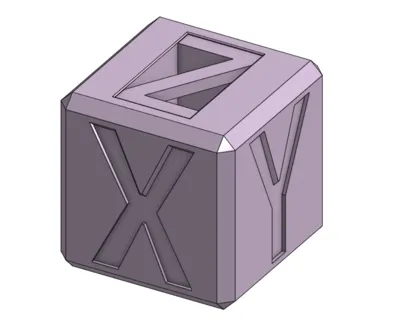
Cube is 30mm cubed
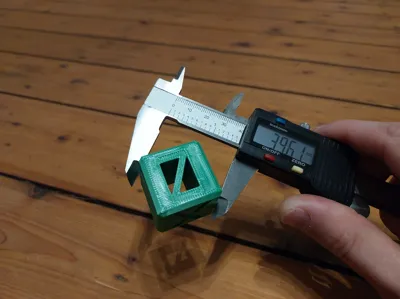
Cube has a diagonal size of 39,6 mm
Cube has various thicknesses to be assessed
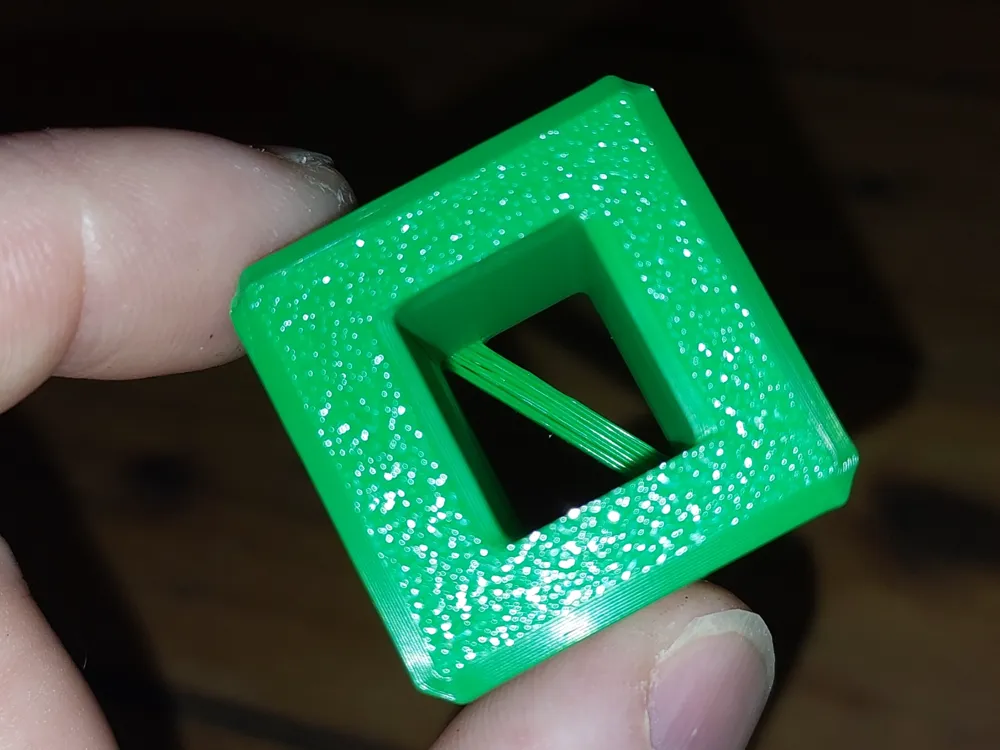
Top surface flowrate check (gaps)
Bridging / Overhangs:
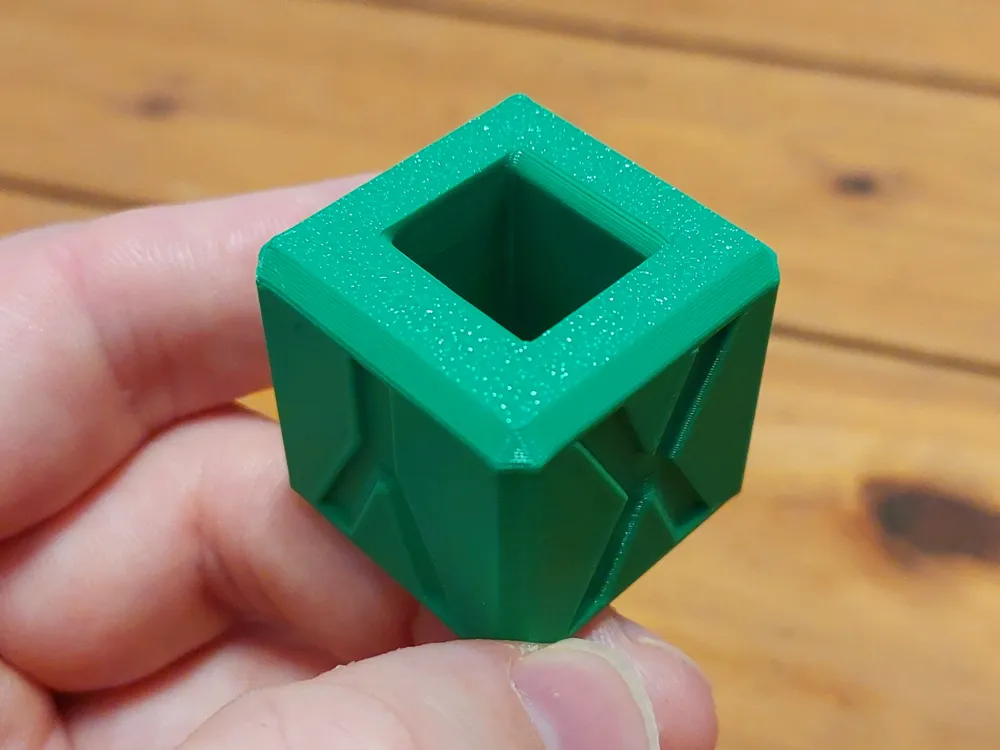
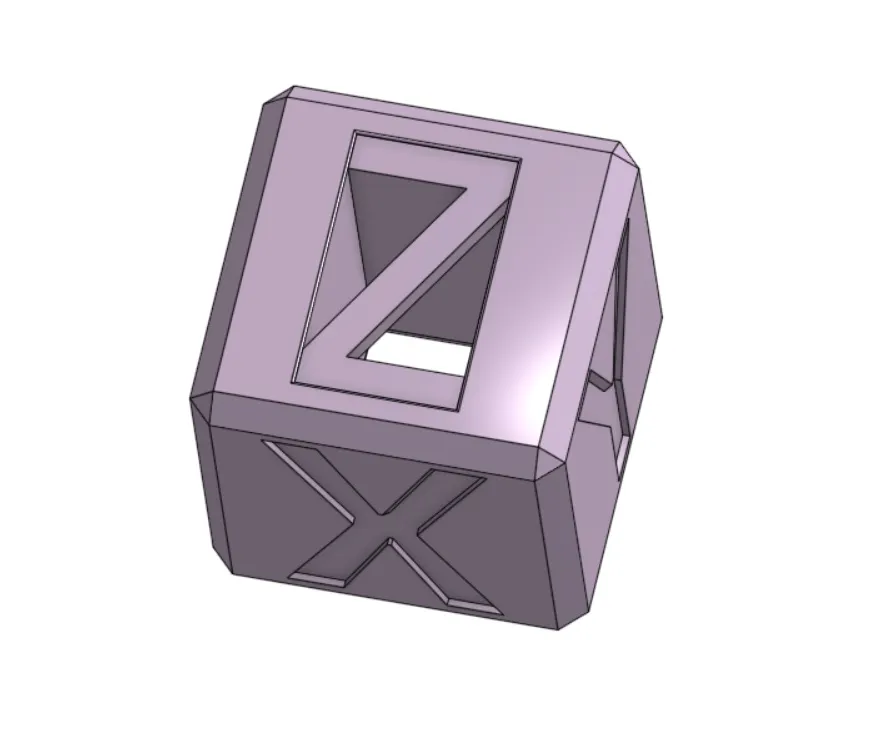
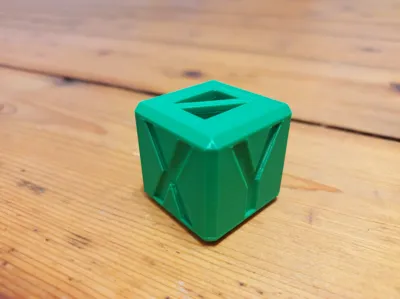
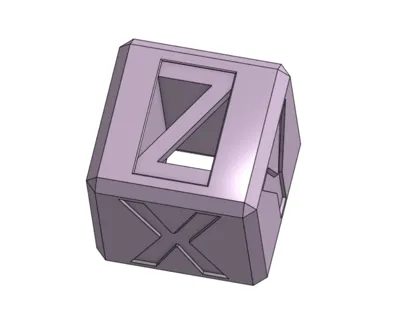
Z-plane has a bridge section that test your printer's bridging capabilities
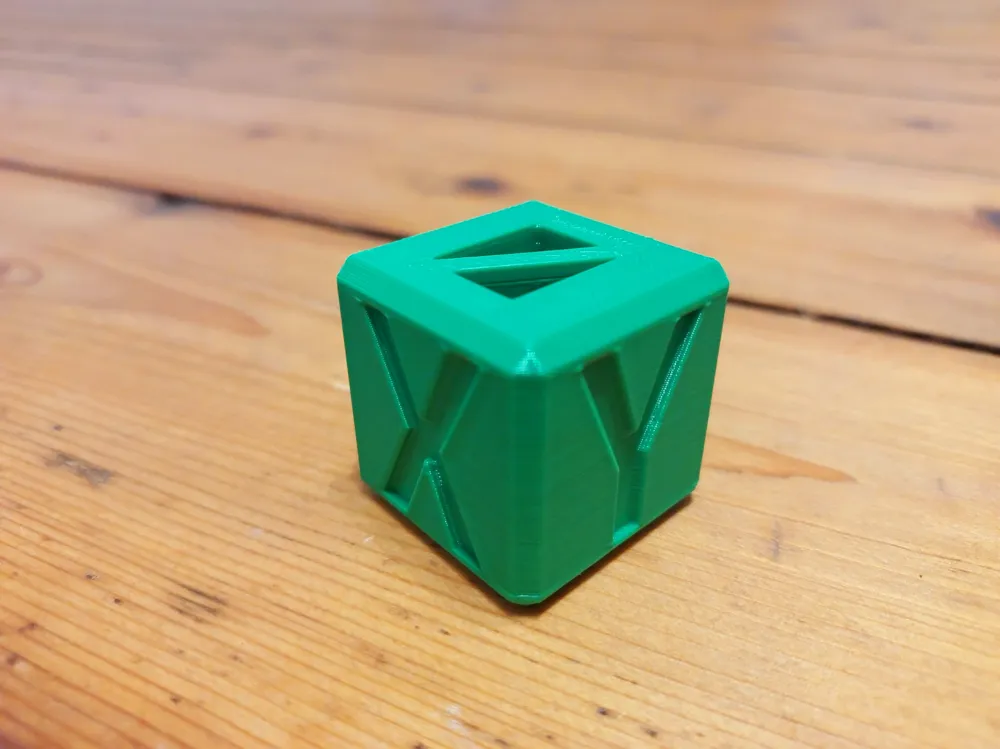
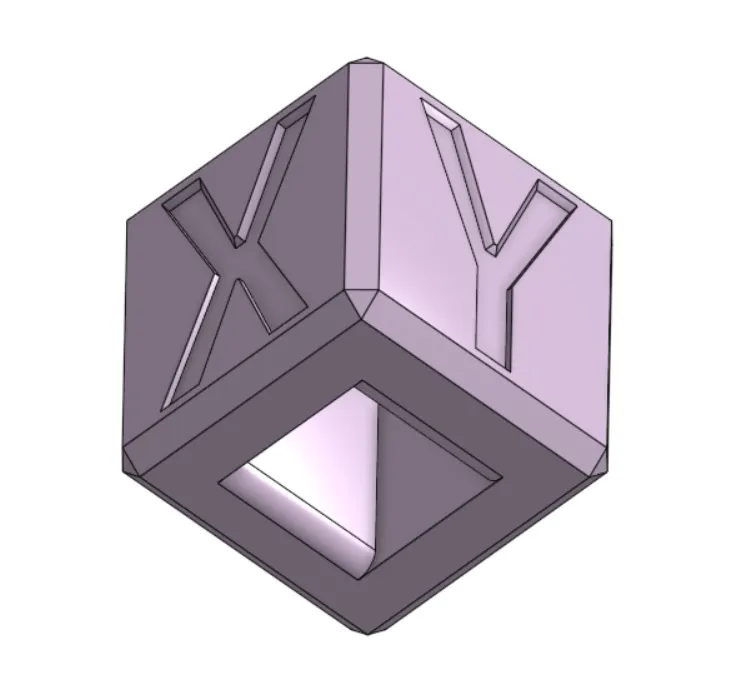
X & Y plane have chamfered overhangs
Cube bottom has 45 degrees (2mm) overhangs and 2 radial filets of 2 mm
Ringing/ Ghosting:
Check the X and Y plane for ringing / ghosting
For information on how to calibrate your printer and settings for filament after finding defects please visit the following pages:
Bambu Lab Wiki
https://wiki.bambulab.com/en/software/bambu-studio/calibration_pa
Simplify 3D:
https://www.simplify3d.com/resources/print-quality-troubleshooting/
If you like the model, please consider leaving a like and a rating with pictures of your makes! It is encouraging to see my creations out there.
Also consider leaving feedback regarding the models as it will help improve my overall skills as a beginner 3D designer!
Want to support me with some coffee? :)

Boost Me (for free)
Your support is much appreciated :D
Membership
Interested in selling physical prints of my work? The commercial license is now available!
License

You shall not share, sub-license, sell, rent, host, transfer, or distribute in any way the digital or 3D printed versions of this object, nor any other derivative work of this object in its digital or physical format (including - but not limited to - remixes of this object, and hosting on other digital platforms). The objects may not be used without permission in any way whatsoever in which you charge money, or collect fees.


Comment & Rating (99)