
Heatsink mounts for stepper motors
Print Profile(0)
Description
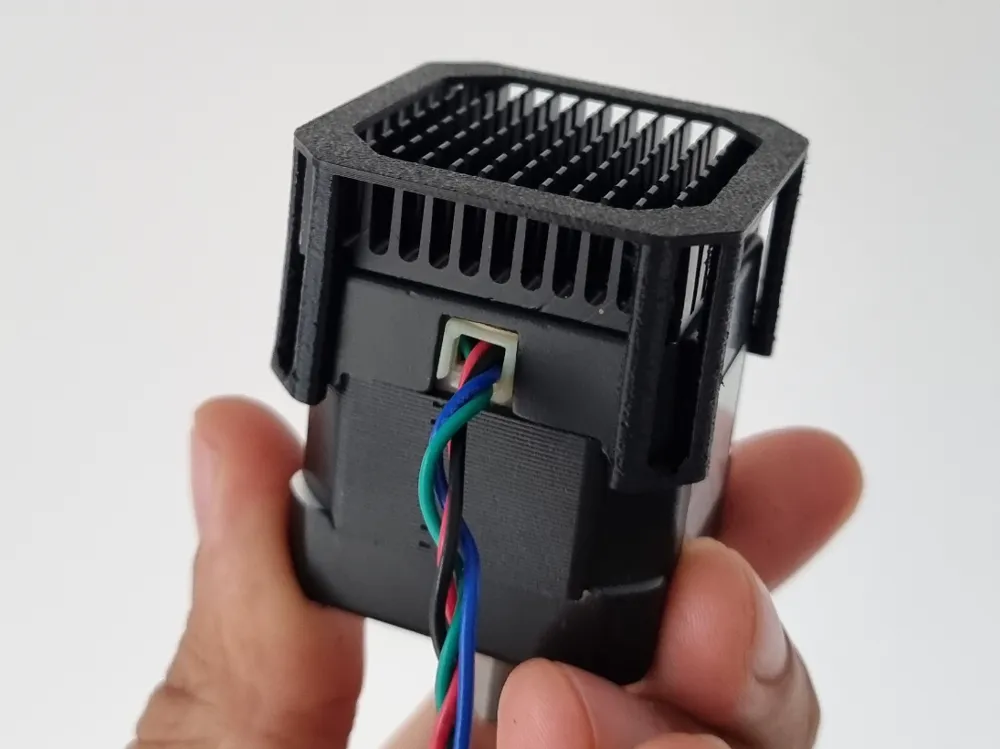
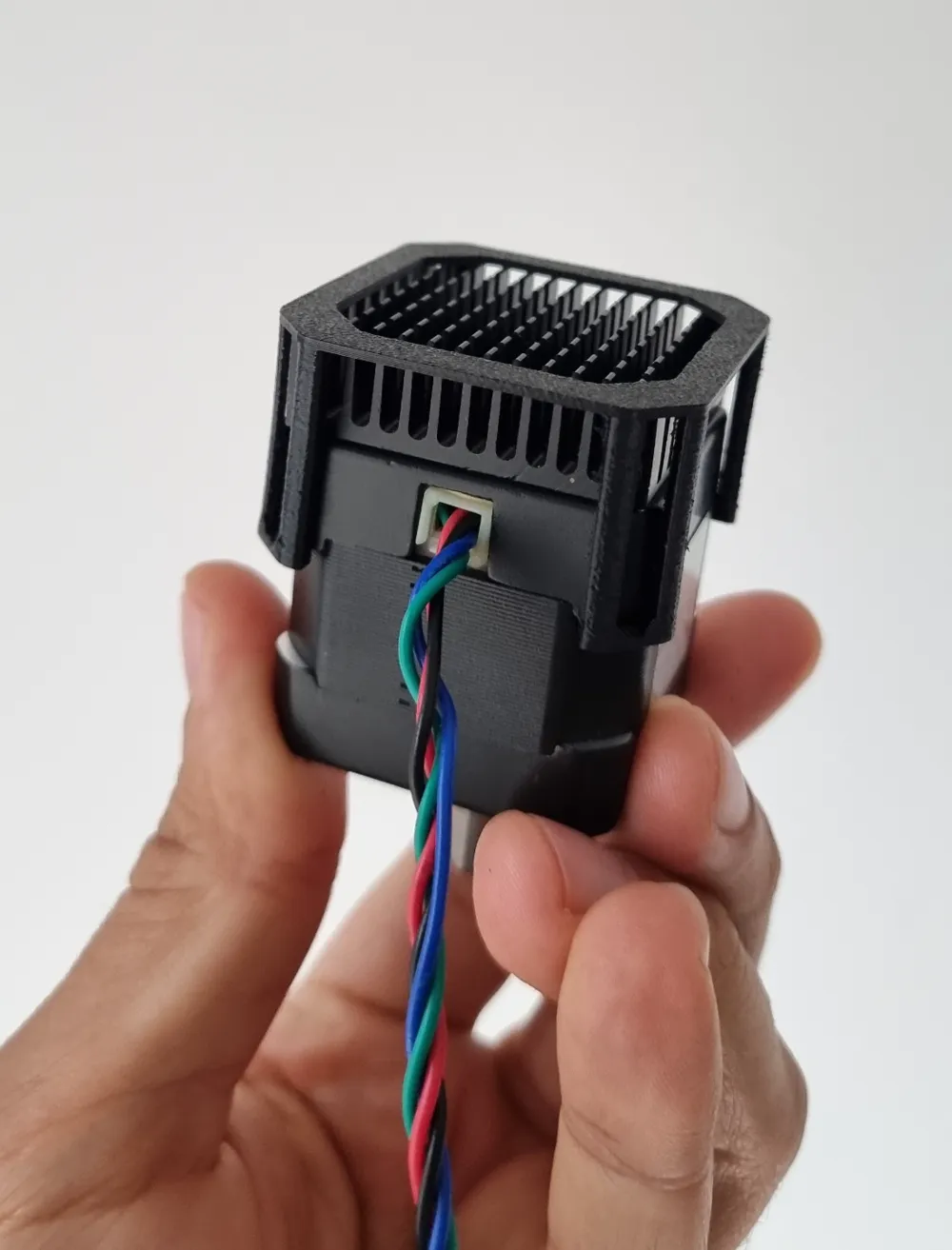
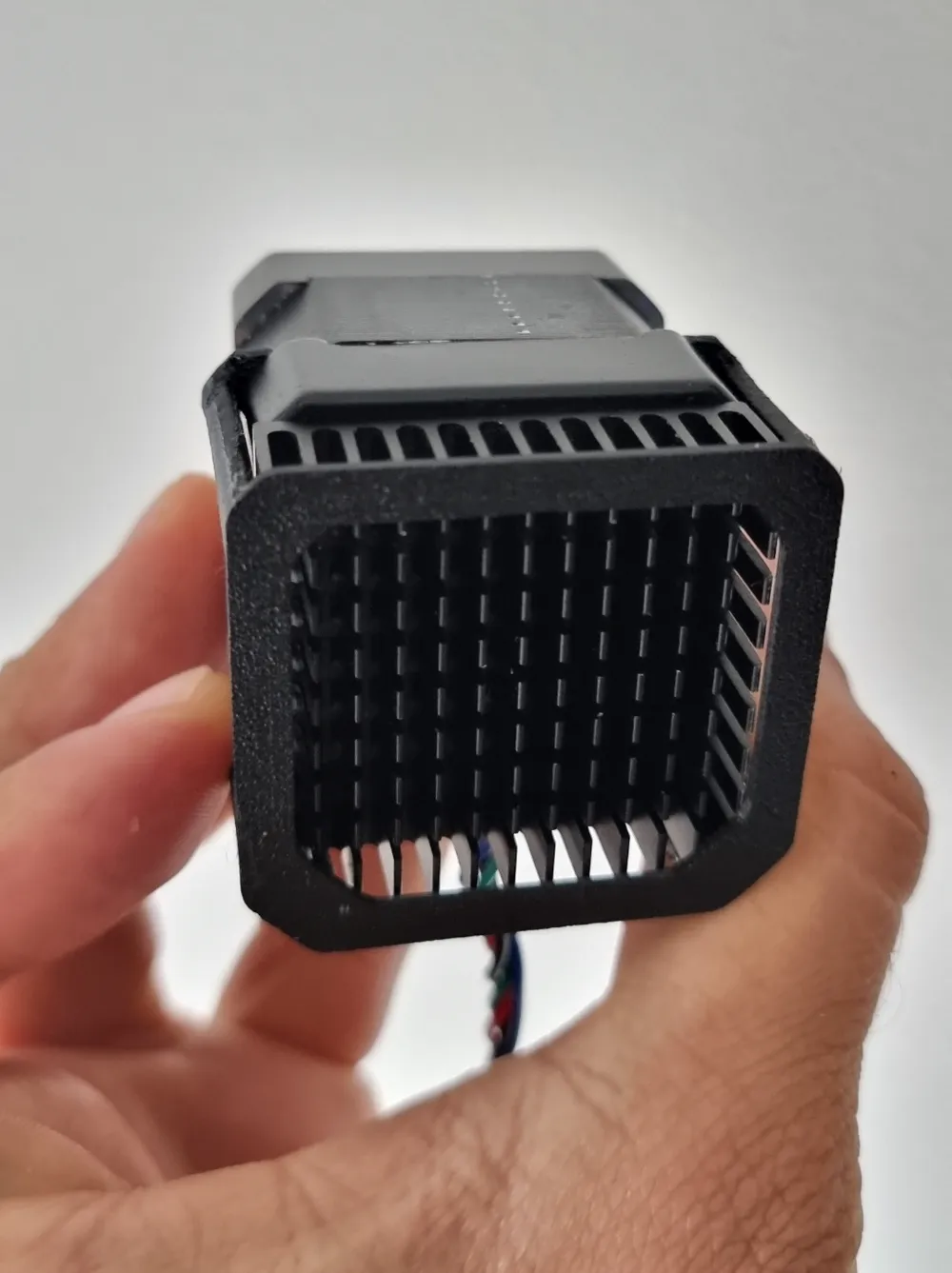
I print alot of ASA and i wanted to improve the heat dissipation on the stepper motors.
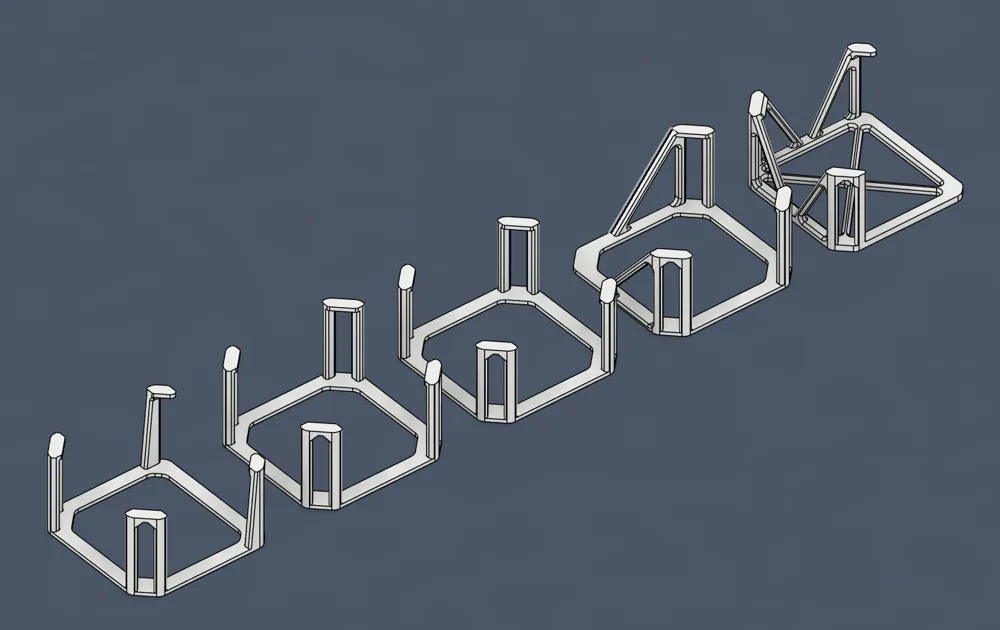
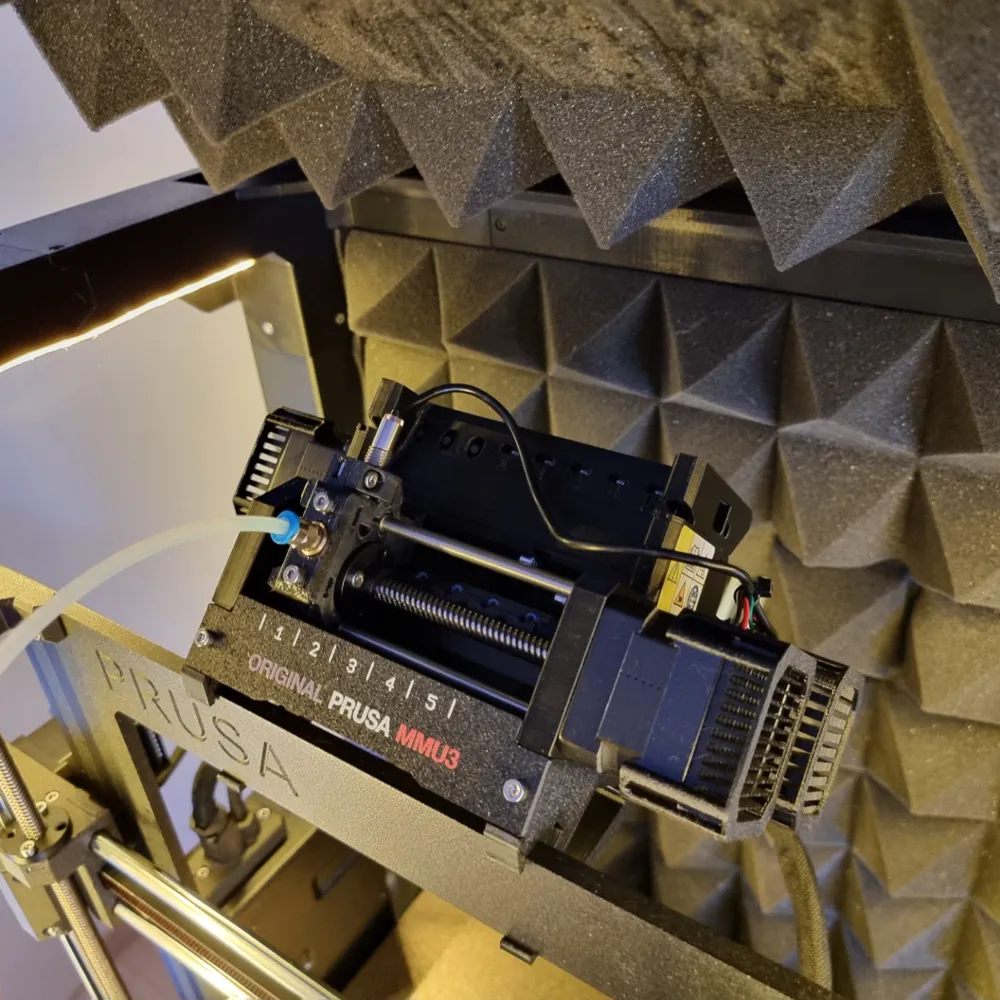
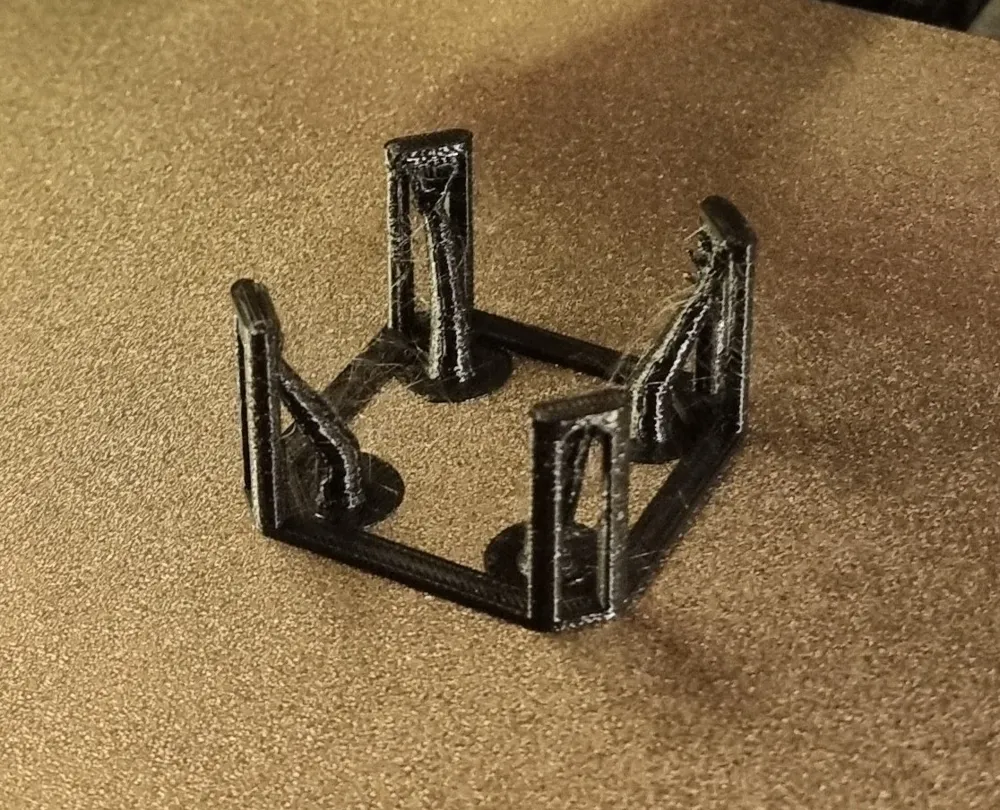
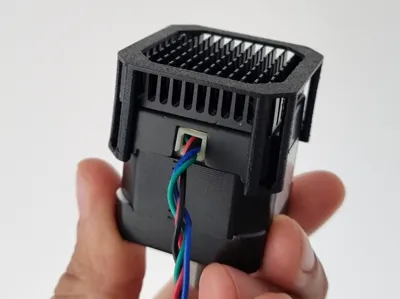
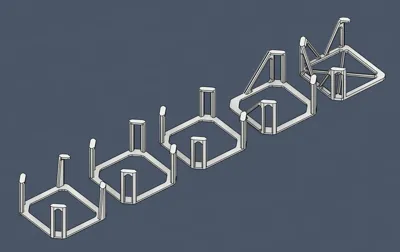
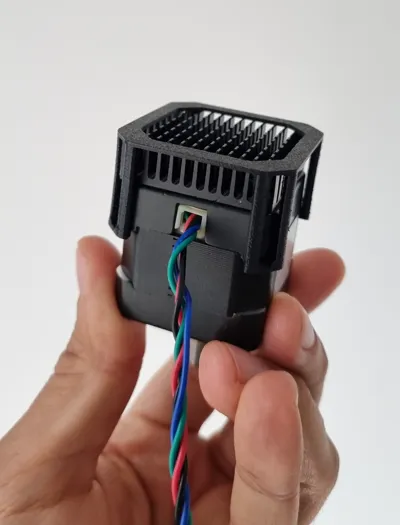
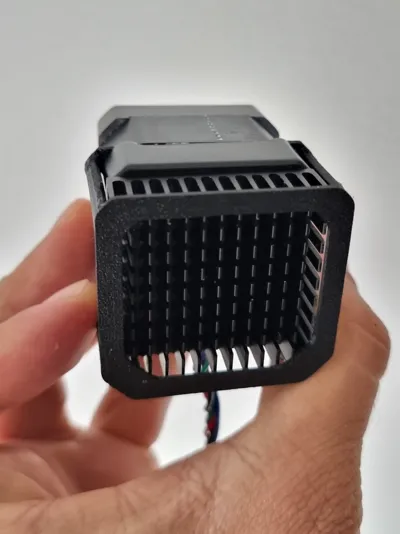
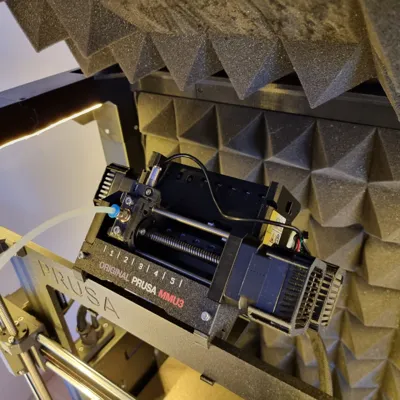
These mounts/clips i design allow you to fix a simple 40*40*11mm heatsink below the stepper motors. They were design to work for either MK3s/Mk3.5/MK3.9 or MK4 and even MMU3 stepper motors but they work just fine with similar motors on other printers. Pay attention to the names of the files to select your required mounts. Some have different heights and fixation methods to give clearence to the printer to work. In the MK4 X and Y mounts are a bit lower since there are new 0.9 stepper motors. All these clips are designed to fix the heatsink snug with the stepper motor, make sure the mounts are clipping well in the corner of the stepper motors.
For any other printer different from Prusa, you can still use these clips just check and select the best clip to your situation based on what clearence and type of stepper you have. You can adjust to your specefic height using scale on Z axis. The generic sizes files are:
-HeatsinkMount_Generic22mm_or_MK4_X
-HeatsinkMount_Generic24mm_or_MK3_X-MMU3-Extruder
For prusa owners follow:
For MK3s/MK3.5/MK3.9 you will need
- 3x HeatsinkMount_MK3_Z-Y
- 2x HeatsinkMount_MK3_X-MMU3-Extruder
For MK4 you will need
- 1x HeatsinkMount_MK4_Y
- 1x HeatsinkMount_MK4_X
- 2x HeatsinkMount_MK4_Z
For MMU2s or MMU3 you will need:
- 3x HeatsinkMount_MK3_X-MMU3-Extruder
Print Instructions/Suggestions:
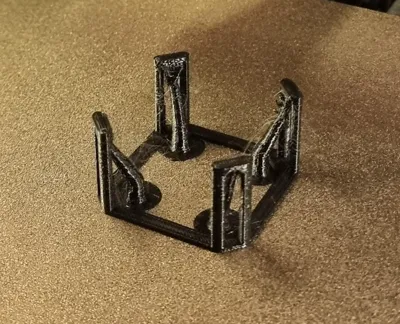
Use the automatic “support on build plate only” with organic supports. I used 3 Perimeters and 30% infill.
DO NOT print these on PLA, Printed them in a more temperature resistant material like PETG, ASA or even PC.
Material Required:
I'm using these 40x40x11 heatsinks Link→ https://bit.ly/4e2YxTJ (You can even choose color to give some extra decor to your machine if you want)
If you want to use thermal pads Link → https://bit.ly/3R6NFdL between heatsink and steppermotor simply scale on Z axis in prusaslicer to until you get the added thickness of your thermal pads.
Boost Me (for free)
If you enjoyed this model, please consider giving me a boost to support more creations. Keep printing and may your nozzles never clog. Thank you very much!
License



Comment & Rating (0)