
Filament Clip

Print Profile(13)



Bill of Materials
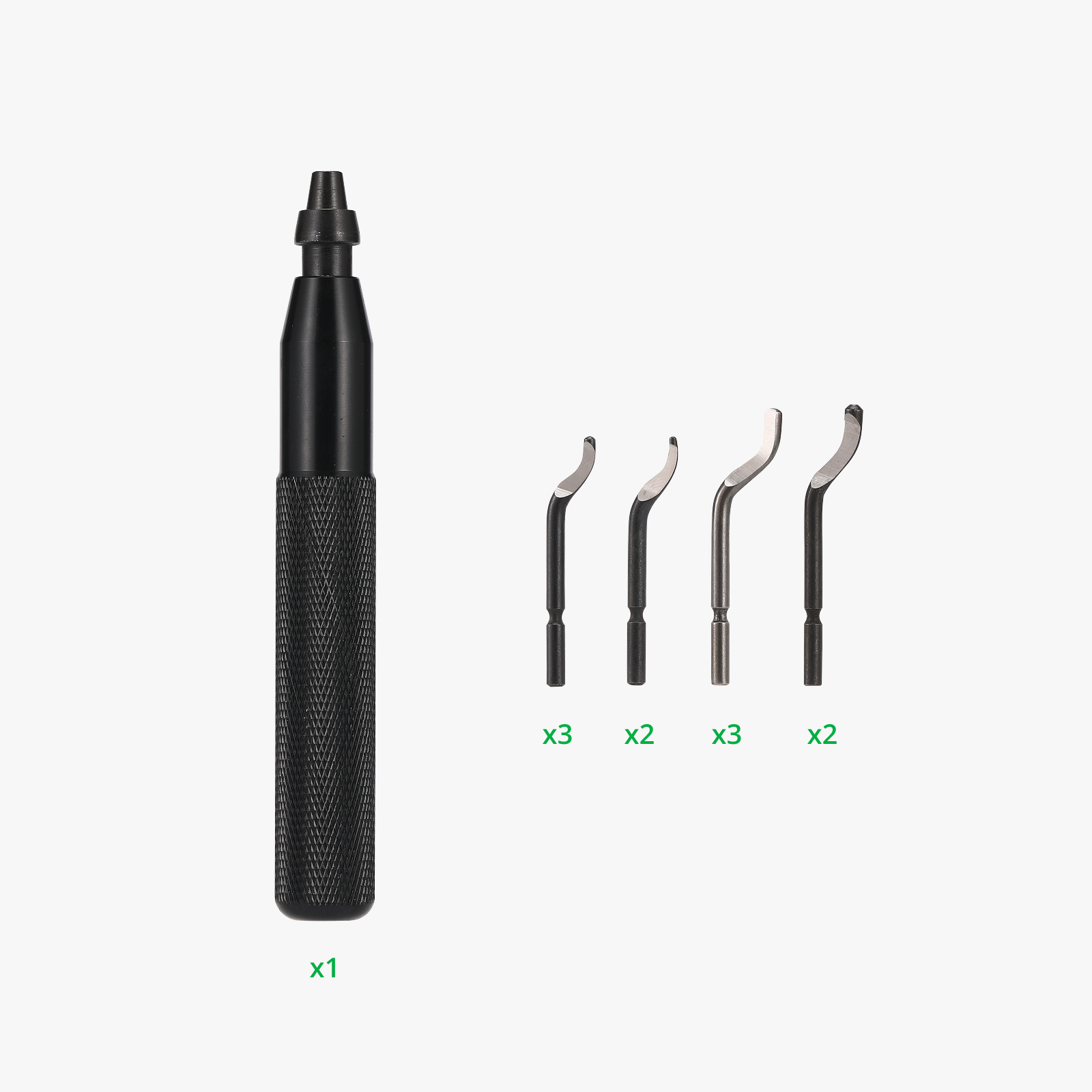

- Model 170 pliers x 1: or any generic pliers to help remove the brims
Description
Boost Me (for free)
Designing these models is a time-intensive process, involving countless hours of testing and fine-tuning to ensure they’re easy for everyone to print. If you enjoy my work, please consider giving it a boost. Your support means the world and helps me continue bringing more fun and functional designs to life!
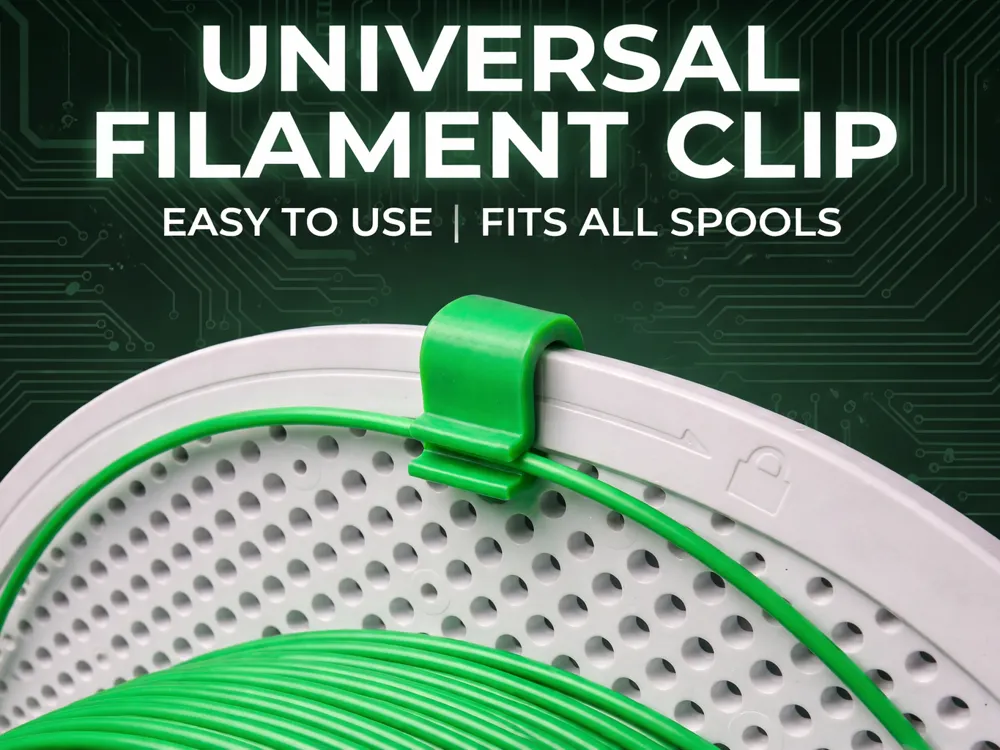
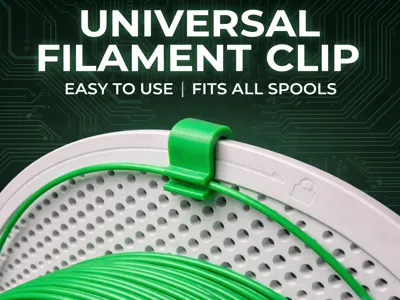
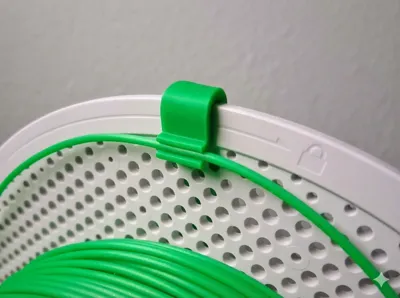
Universal Snap-On Filament Clip
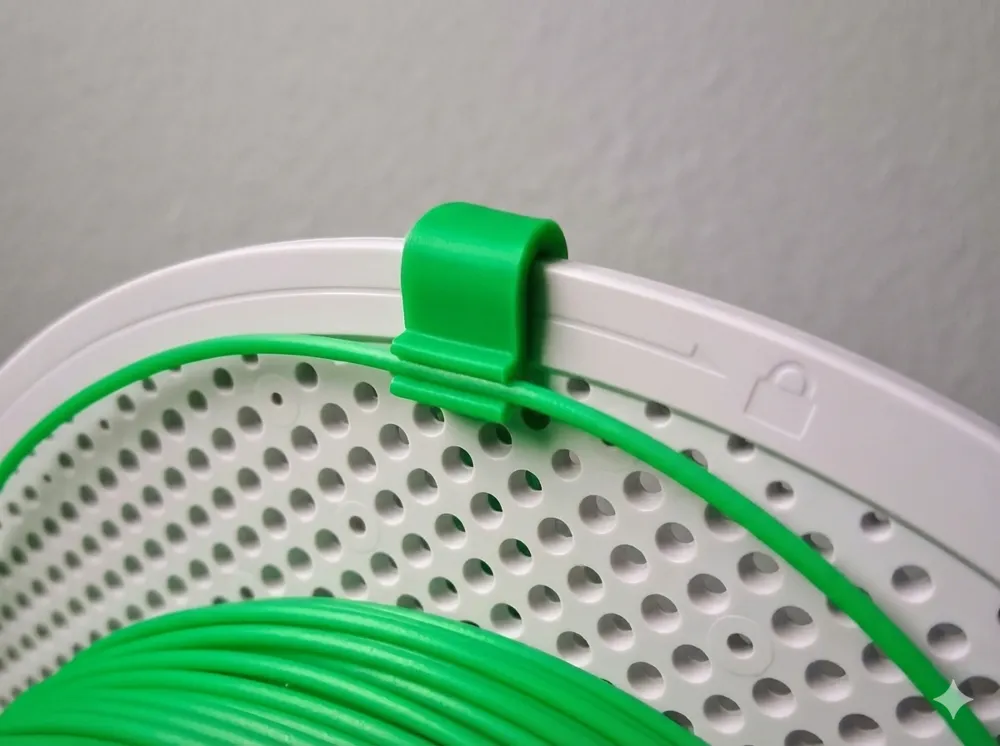
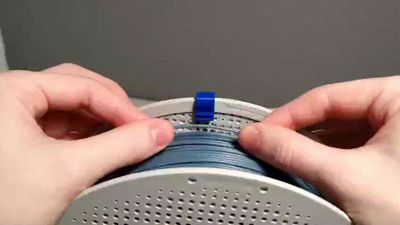
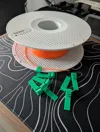
This is a simple, sturdy clip to keep your spools tidy without the headache of threading the filament through tiny holes. With this one, you just push it against the “lips” with your thumbs and it snaps right in.

⚠️ Important: Please use the “ALL SIZES” print profile! The other profiles are older versions that may have incorrect settings.
Why use this one?
- No Threading: Just push the filament in sideways and it locks.
- Actually Durable: I made the clips wider so they don't snap easily, even if you use PLA.
- Universal Fit: Fits pretty much everything, from tiny 200g spools to massive 3kg rolls.
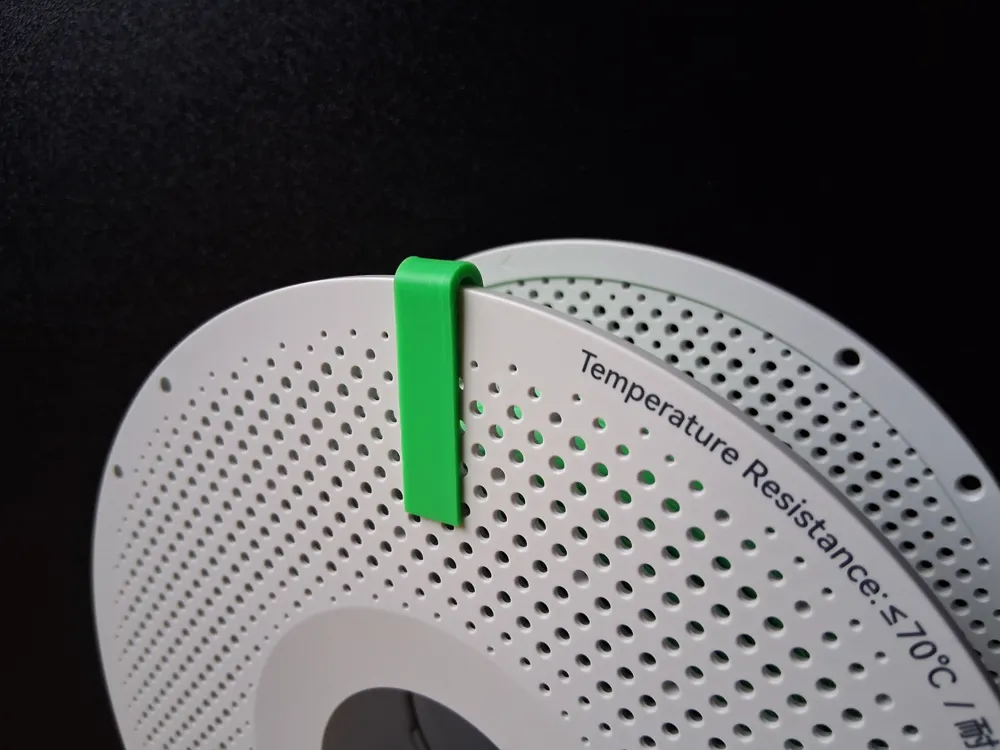
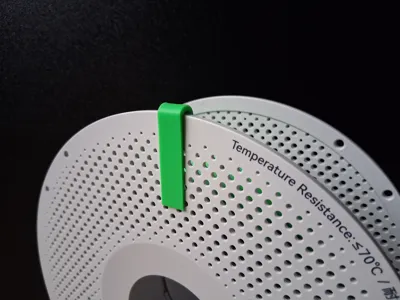
- Anti-Roll: The head is flat, so if you set the spool on a table, it won't roll away.
- Stackable: The stem is tapered and flat, so you can still stack your spools without the clip getting in the way.
Material Recommendation: PETG, ABS, and ASA are best because they bend without breaking. PLA works fine, but avoid "fancy" blends like Matte, Silk, or Wood as they are brittle and snap easier.
Common Questions
Will this work on the AMS Lite? Yes, works perfectly.
Will this work inside the standard AMS / AMS 2? No. This clip is designed for storage and external holders. It is too bulky for the internal rollers of a standard AMS unit and will cause jams.
Can I leave it on in a filament dryer? Only if the spool doesn't need to rotate. Also, make sure you printed the clip in a heat-resistant material (ABS/ASA) if you are drying at high temps, otherwise, it will melt.
_____________________________________________________________________________
Pro Tip: Print these for "Free" (Flush to Object)
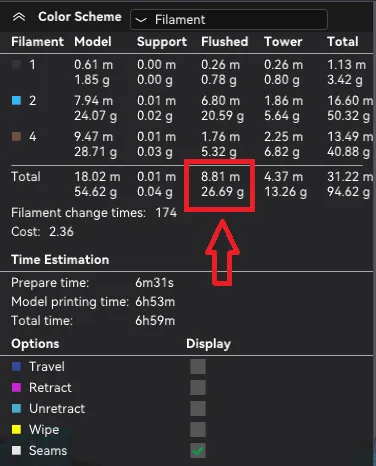
Don't waste filament on "poop" during multi-color prints. You can print these clips using the purge waste!
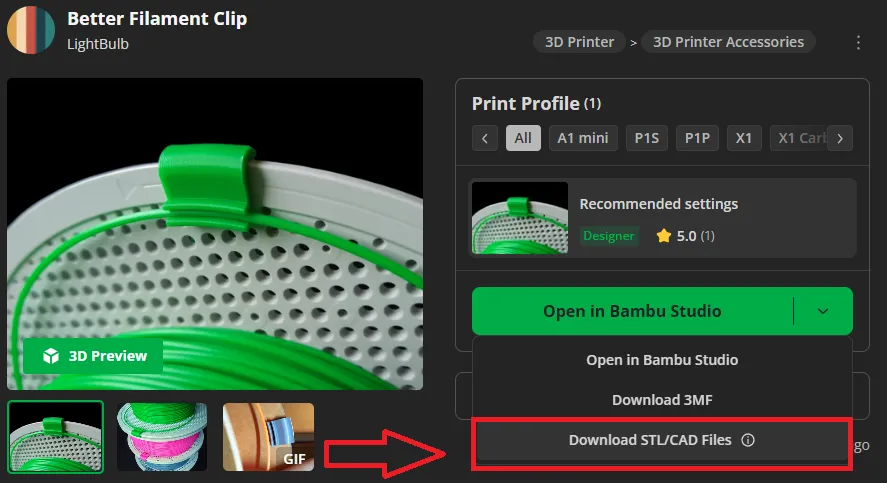
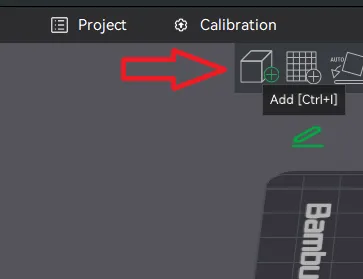
- Import the clip STL into Bambu Studio alongside your main multi-color print.
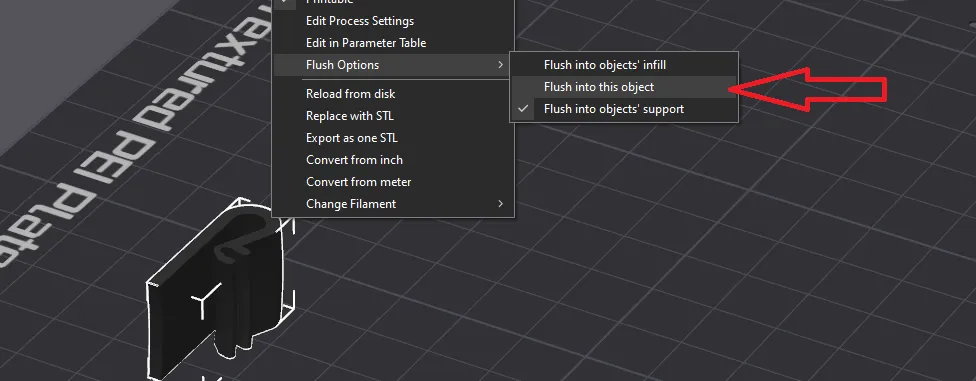
- Right-click the clip -> Flush Options -> Flush to this object.
- If you have a lot of flushed volume (poop), just clone the clip a few times to use it all up.
Documentation (1)
License

You shall not share, sub-license, sell, rent, host, transfer, or distribute in any way the digital or 3D printed versions of this object, nor any other derivative work of this object in its digital or physical format (including - but not limited to - remixes of this object, and hosting on other digital platforms). The objects may not be used without permission in any way whatsoever in which you charge money, or collect fees.


Comment & Rating (8096)