Search models, users, collections, and posts

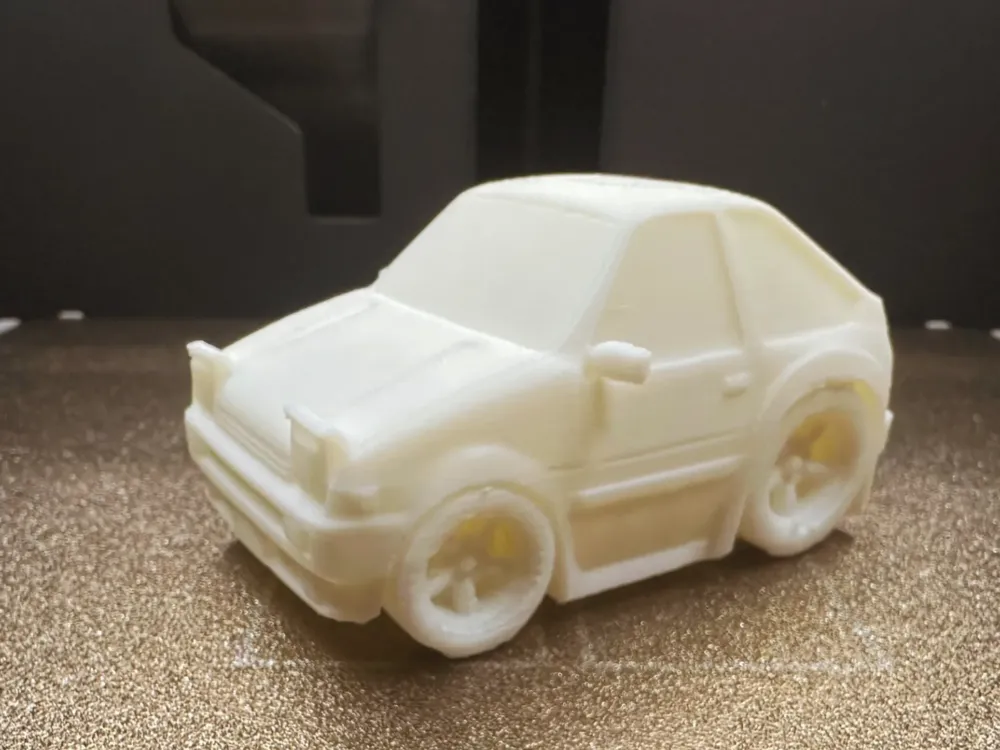
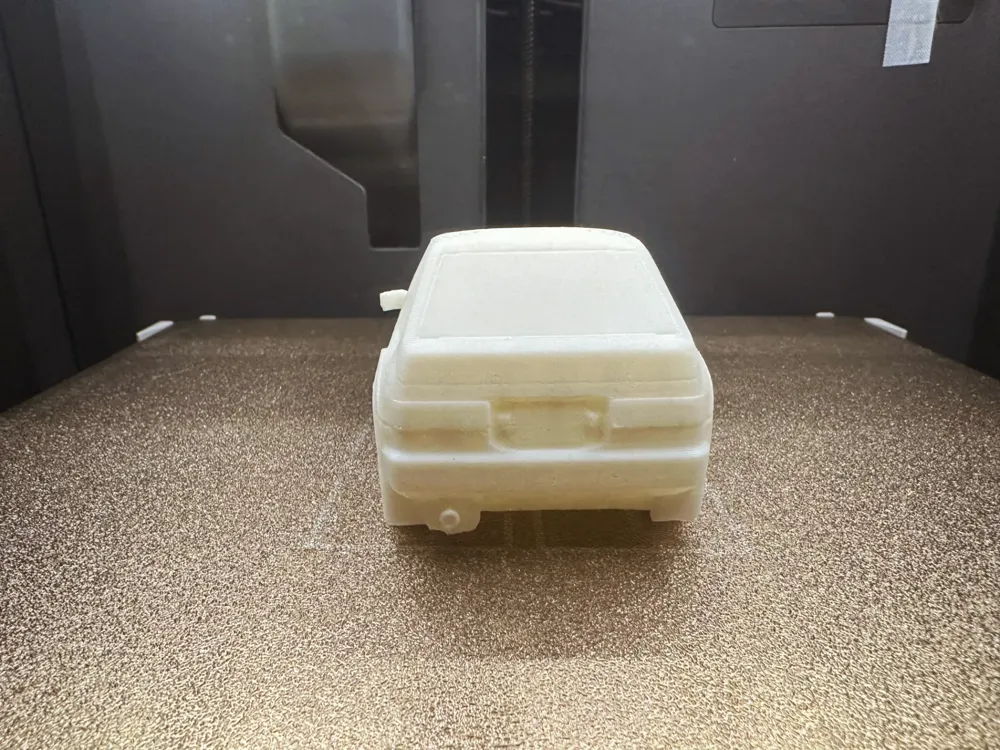
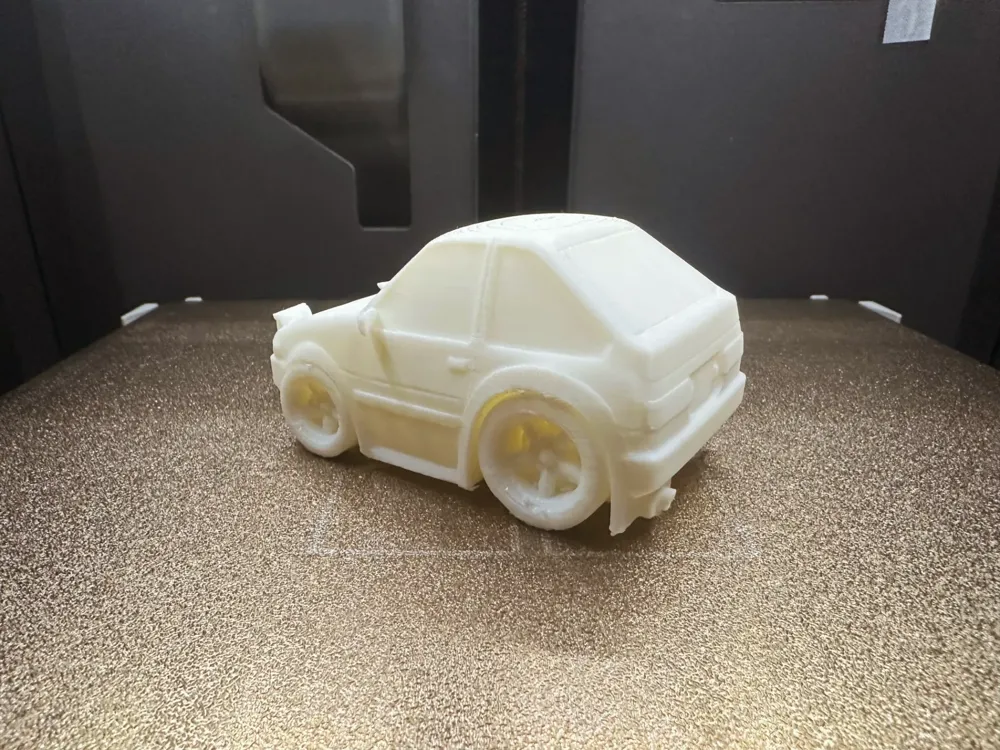
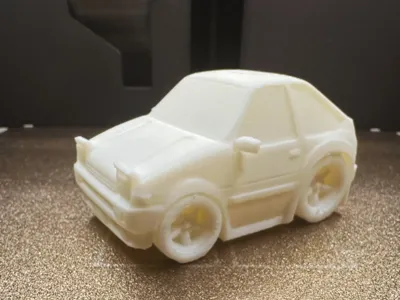
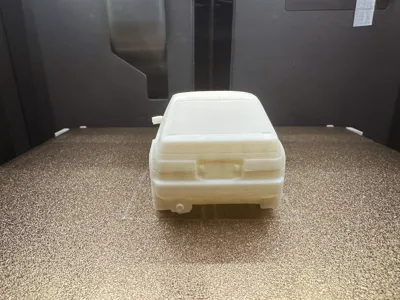
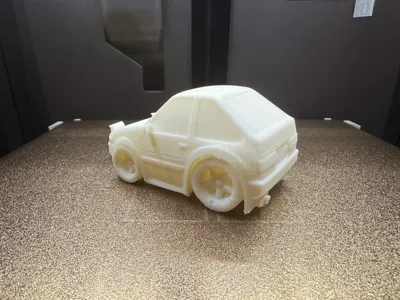
Q-Version AE86 Tofu Shop Car
IP Report
Print Profile(1)
0.2mm layer, 2 walls, 15% infill
Designer
2.9 h
1 plate
Open in Bambu Studio
Boost
27
47
1
0
30
11
Released
Description
Content has been automatically translated.
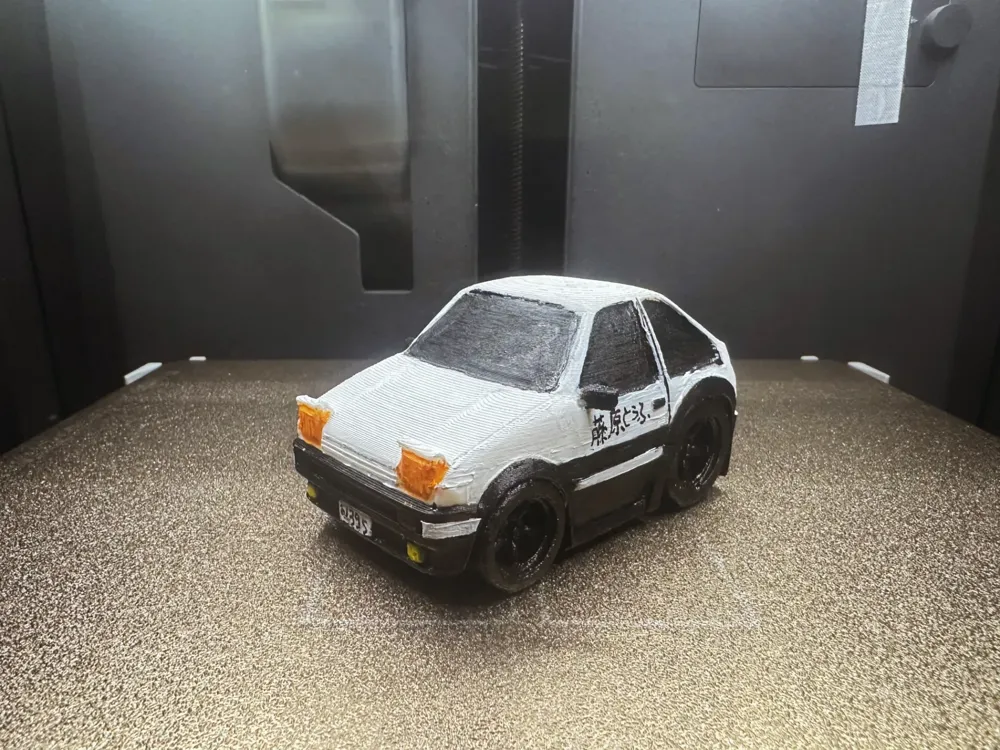
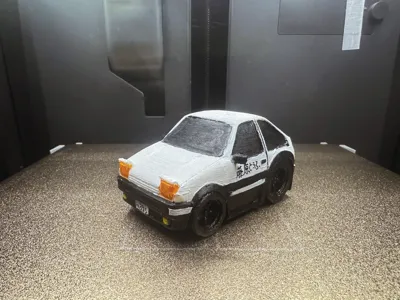
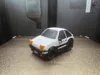
Q-Version AE86 Tofu Shop Delivery Car
Initial D Fujiwara Tofu Shop AE86 Delivery Car. Larger prints are feasible; precision is not compromised. (Slower print speeds yield superior results)
This model serves as a small toy sample. The featured filament is white Bambu Jade White PLA, with default parameters: 0.2mm layer height, Tree support type, 25 threshold, 5 top support layers, 4 bottom support layers, 1-star support removal difficulty (requires some time). Shown here are both an unpainted model and one painted by my niece using acrylics.
Please adjust your filament temperature before printing. Any questions? Discuss them in the comments! Feedback and images are welcome! Thank you all!
- Scale the model to your preferred size.PLA filament is recommended for a finer finish!
- Default parameters suffice, but fine-tuning is encouraged for demanding users.
- Personal experience: When removing supports, apply gentle force in the direction of removal. Trim the support away from the model first, leaving just enough length for your cutters, ideally to fit snugly at the support's uppermost point. The 'rolling cutter' method—once gripped firmly, gently roll the cutter to peel the support away. Adjust your grip, be patient, and proceed gradually...
Boost Me (for free)
3D Printing Techniques and Precautions
- (All models from this account have undergone test prints and are compatible with all models. Before printing, ensure that your printer and filament are functioning correctly. For insurmountable issues, please send a private message; I will assist as much as possible!)
- Precautions:
- For troubleshooting, please consult theresource below:Print Quality and Troubleshooting | Bambu Lab Wiki
- Ensure that the print bed is clean. Wipe with 95% isopropyl alcohol after each print to maintain consistent print quality. Oil residue from touching the print bed significantly reduces adhesion. Debris and remnants from previous prints also affect first-layer adhesion, reducing yield.
- Ensure filament dryness (PLA generally requires no drying; its moisture resistance is good). This drastically impacts print quality and the overall experience. Filament can absorb moisture over time. If stringing or oozing occurs, contact the vendor for drying and print parameter adjustments. Most filaments aren't dried before shipping. Pre-drying is recommended for optimal results.
- Filament selection: PLA is generally used for cosmetic parts, PETG for structural parts. Both are affordable and have negligible toxic emissions. (An air purifier is still advisable for health.)
- When using new filament, conduct an immediate flow calibration and adjust the calibration factor. This significantly improves print quality and helps the filament adapt to your printer.
- If print quality deteriorates or yield decreases, check for nozzle clogging, ensure the printer is level (placing it on the floor is recommended), and recalibrate the printer.
- Print at the speed recommended in the model description. Overhang quality, model complexity, and print speed are directly related. An appropriate speed (too fast or too slow is detrimental) allows the material sufficient time to cool and solidify.
- Set appropriate bed and nozzle temperatures for the chosen filament. Temperatures that are too high or too low cause warping, layer defects, or adhesion problems, reducing print quality and success rate. For P1S models and above, if the enclosure temperature exceeds 35°C, open the enclosure glass door.
License

This user content is licensed under a Standard Digital File License.
You shall not share, sub-license, sell, rent, host, transfer, or distribute in any way the digital or 3D printed versions of this object, nor any other derivative work of this object in its digital or physical format (including - but not limited to - remixes of this object, and hosting on other digital platforms). The objects may not be used without permission in any way whatsoever in which you charge money, or collect fees.


Comment & Rating (1)