
Maximum Volume Speed - Quick Test

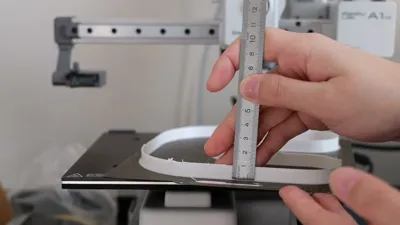
Print Profile(1)

Description
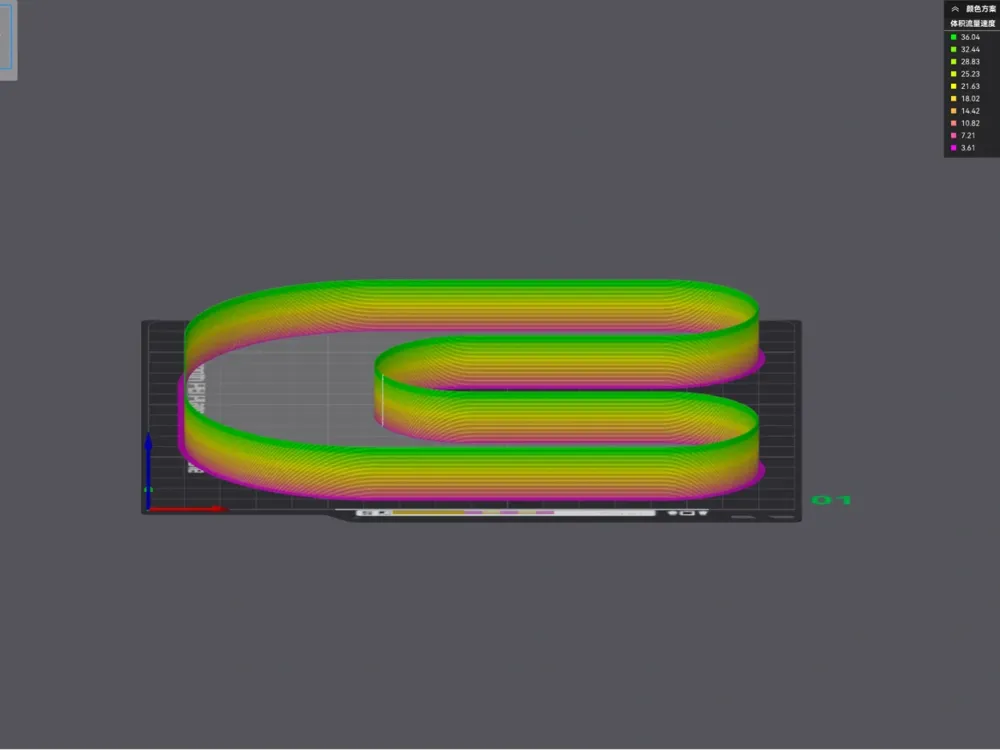
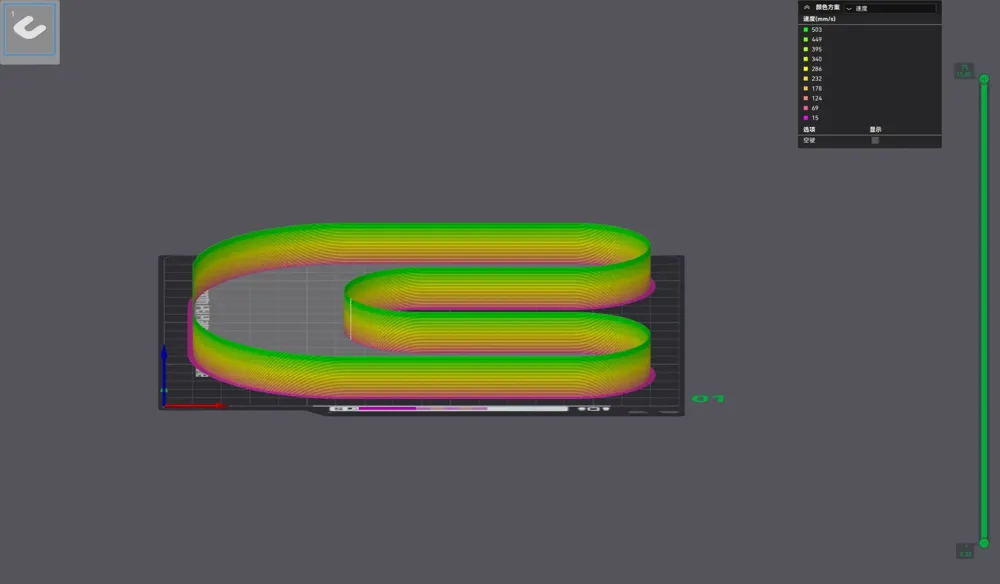
This is a model for quickly calibrating the maximum volumetric speed usable in Bambu Studio
Relevant Parameters:
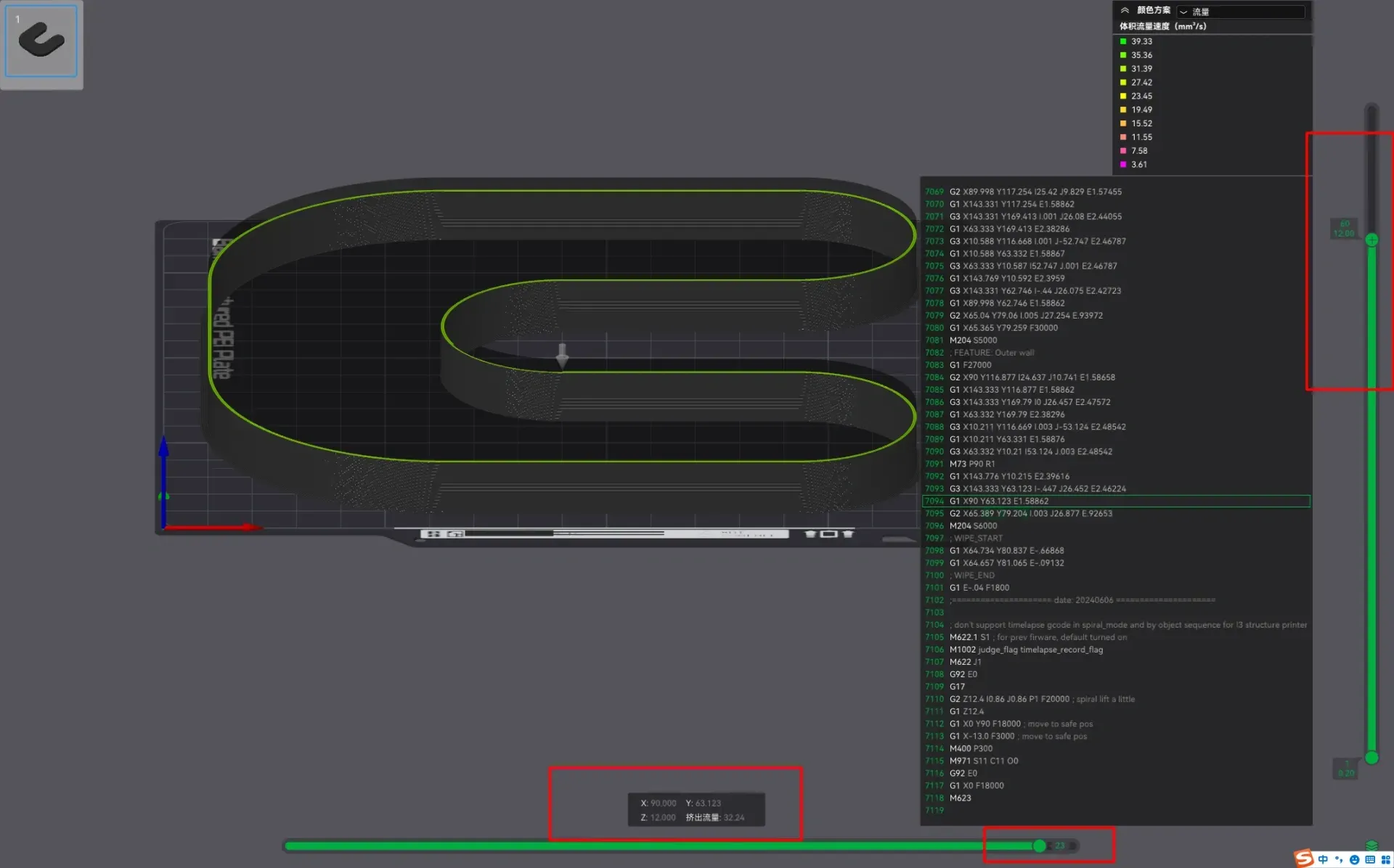
Model height 15mm, fully tested print time 10 minutes, initial volumetric speed: 8mm³/s, volumetric flow increases by 2mm³ per 1mm increase in height, maximum volumetric speed 38mm³/s. Maximum print speed 503mm/s
Important Note: Please remain near the printer during the model test. If insufficient flow occurs, stop the print immediately to prevent extruder damage.
How to Use:
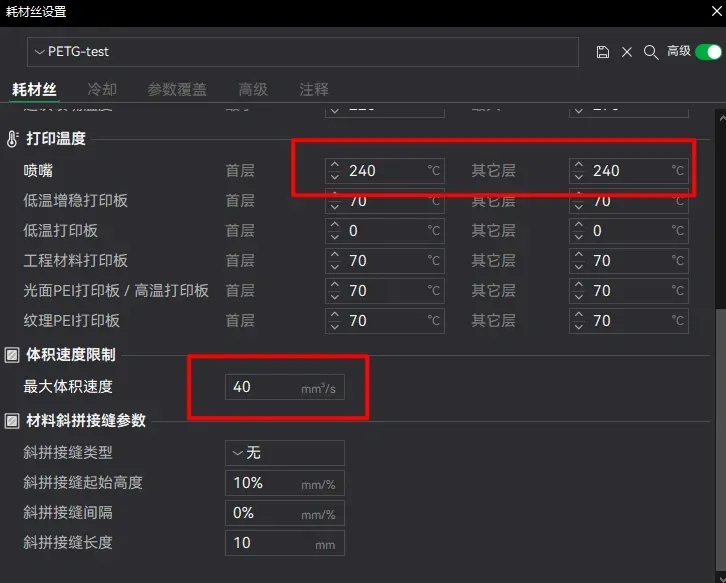
1. Preset the maximum volumetric speed to 40mm³/s, and set your desired print temperature.
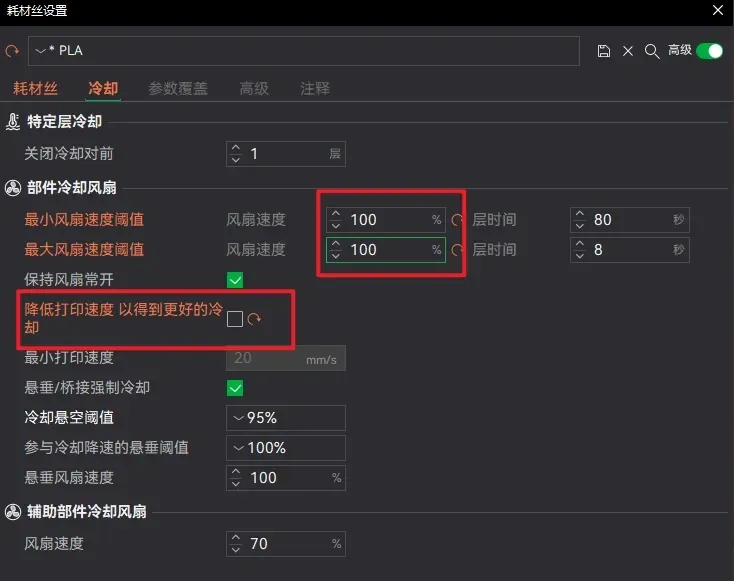
2. Do not select speed reduction cooling, and adjust the fan to 100% maximum power.
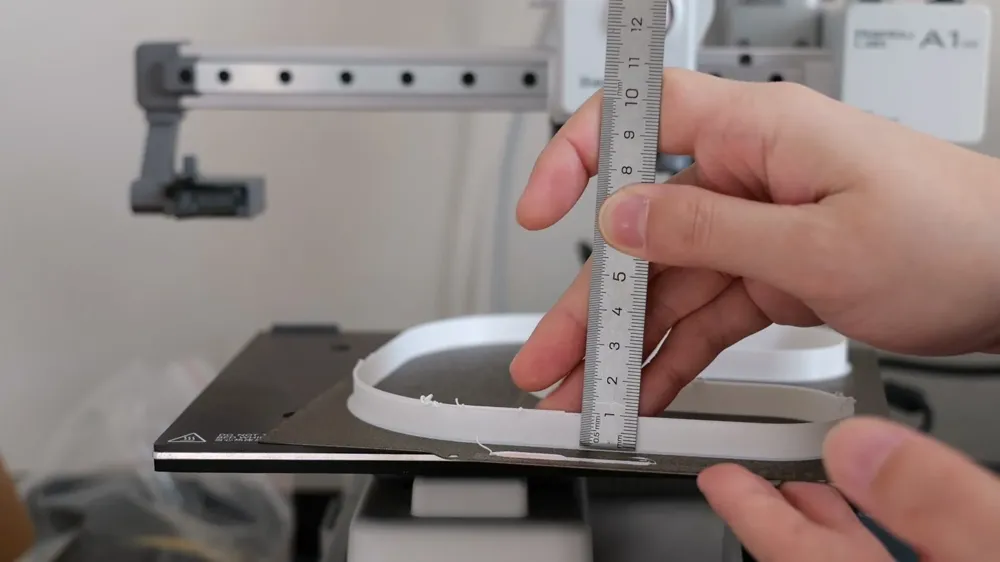
3. Initiate printing and observe the printer. If insufficient extrusion defects are detected, stop the print immediately and measure the problematic print height.
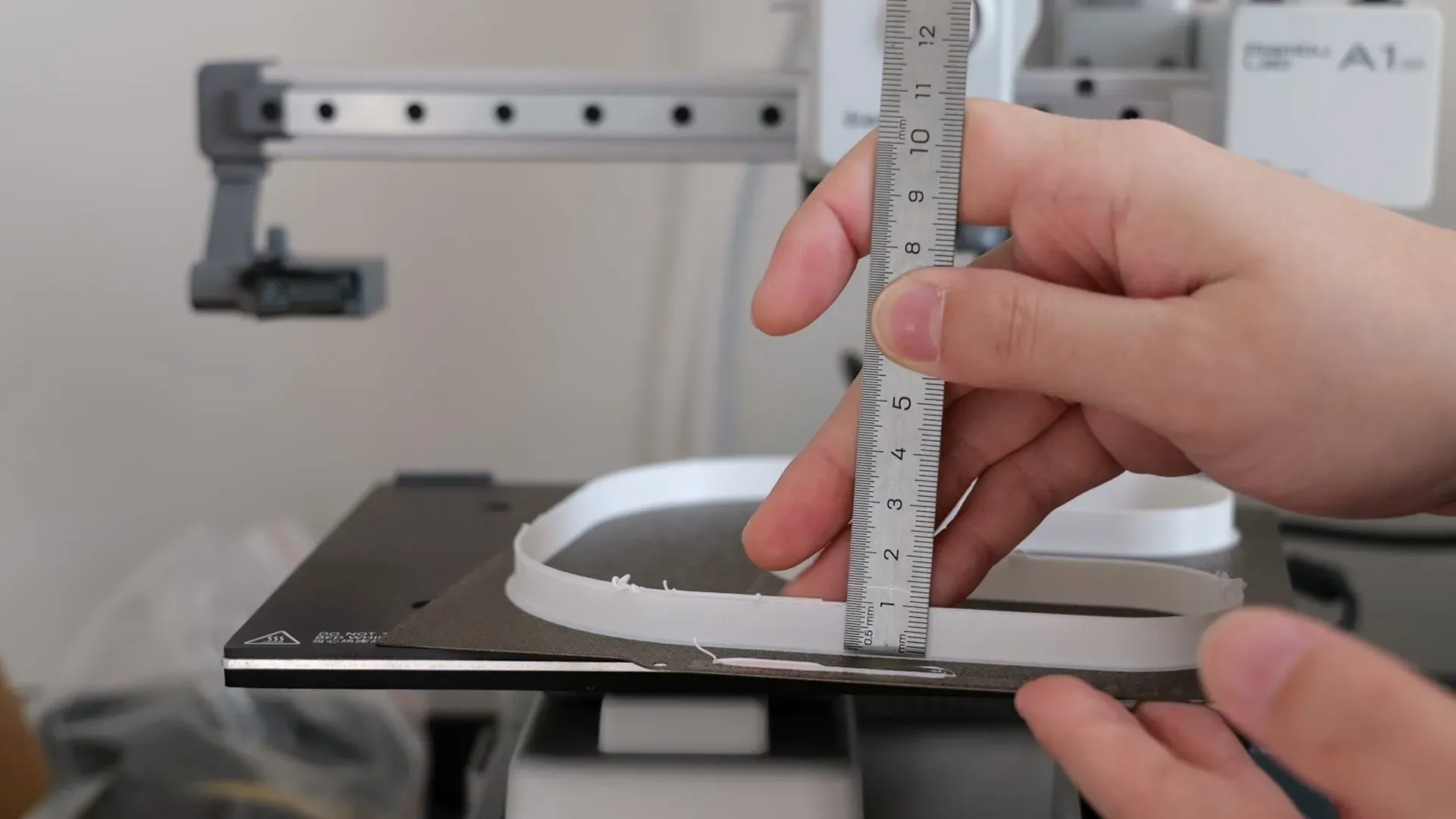
4. In the slicing software, determine the flow rate at the current height; this is the maximum volumetric speed usable for the current print temperature.
License



Comment & Rating (21)