
P1S Screen Protector Bezel with Customizable Badge

Print Profile(1)
Description
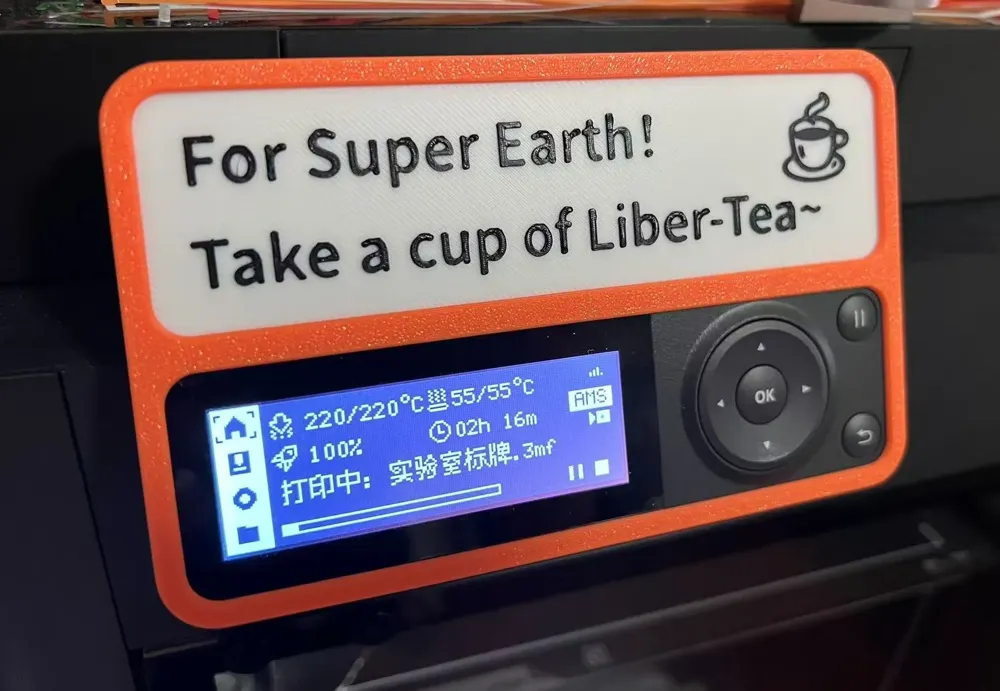
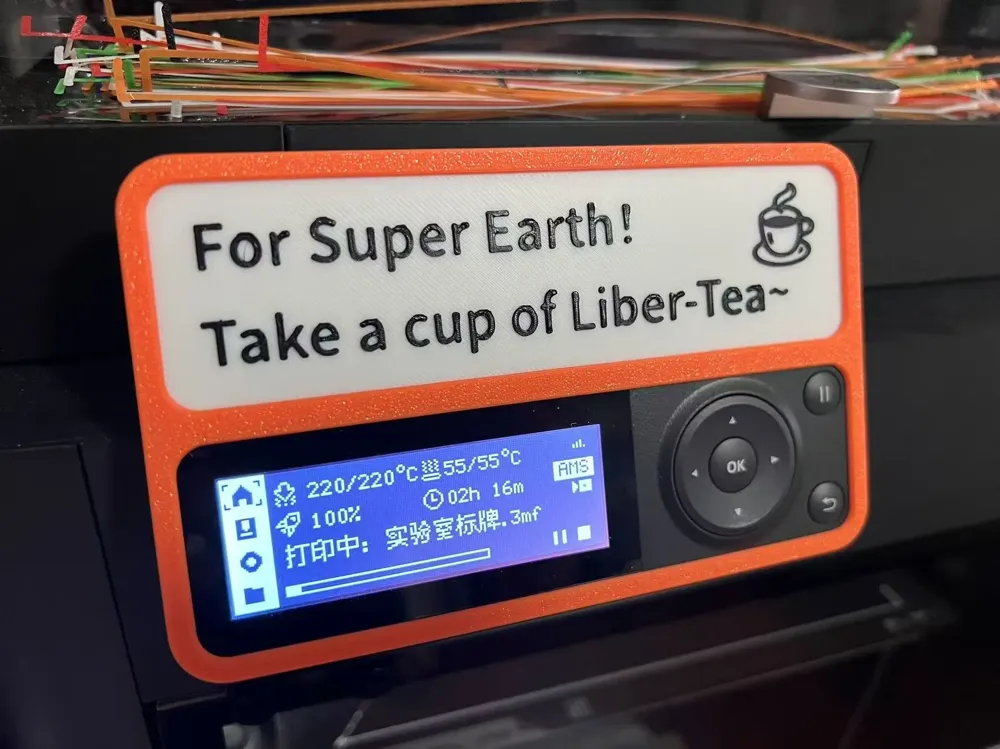
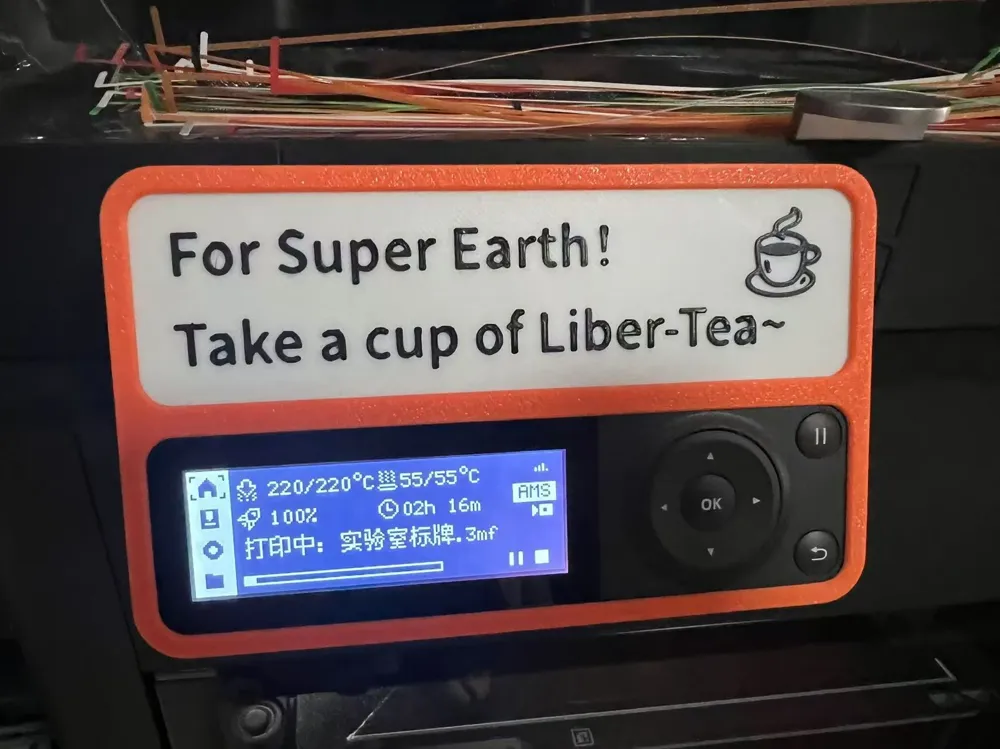
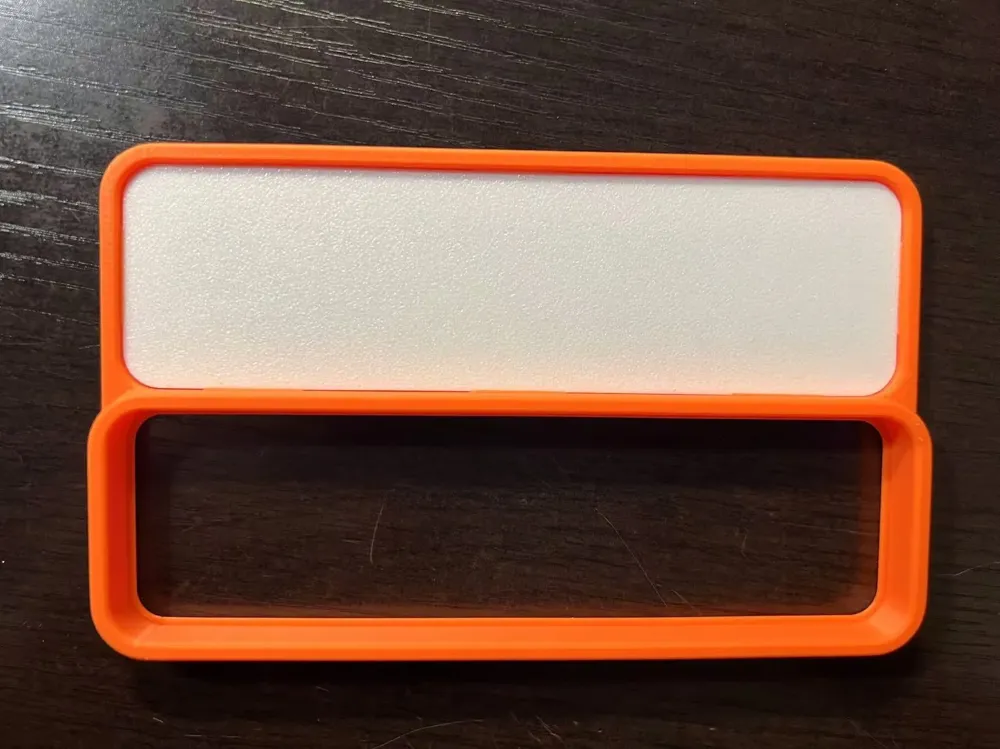
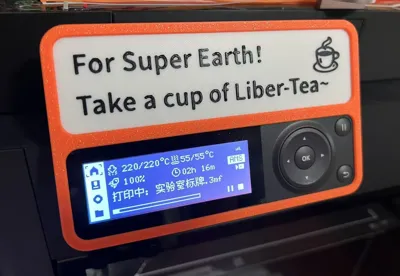
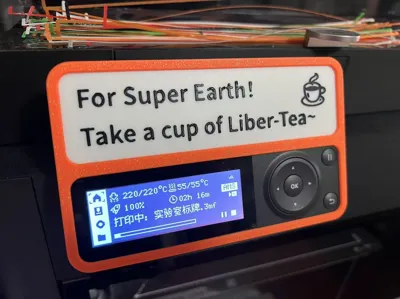
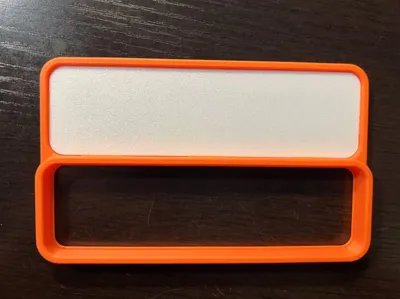
After making the AMS riser using black PLA, I felt my printer's color scheme was too monotonous and lacked distinctive features. Therefore, I created this P1S screen protector with a customizable badge. The bezel uses a classic orange, and the colorful custom badges bring vibrant color to your printer beyond just black. These badges can display printer information or unique symbols to reflect your personality.
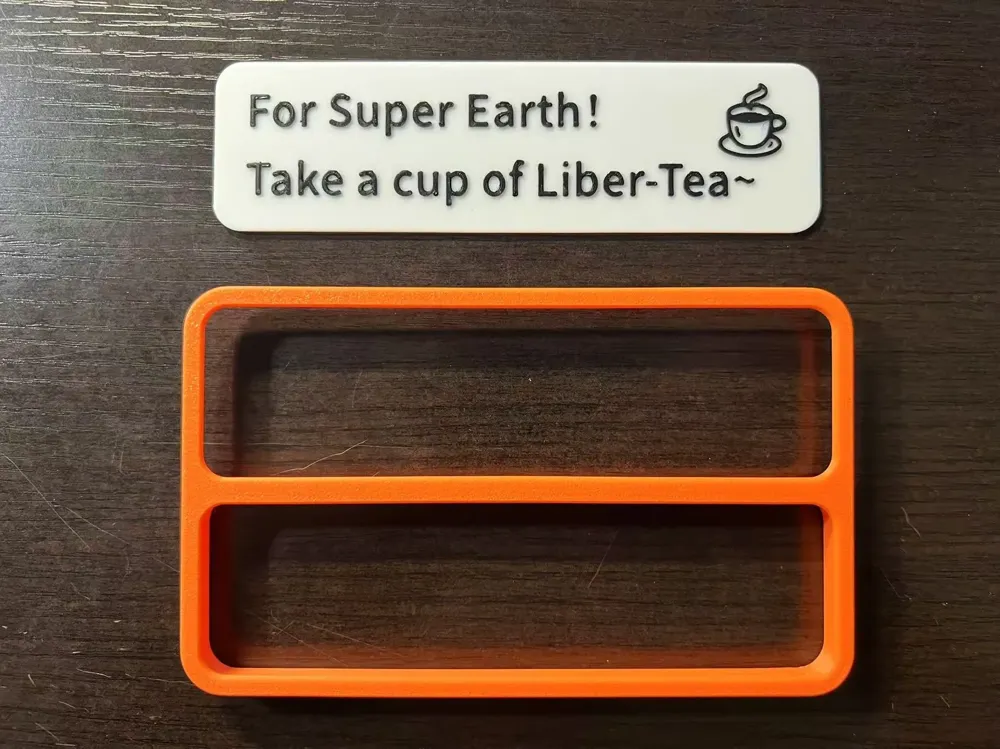
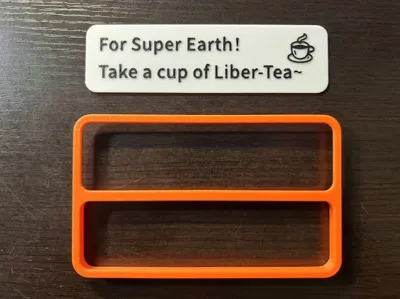
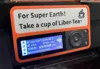
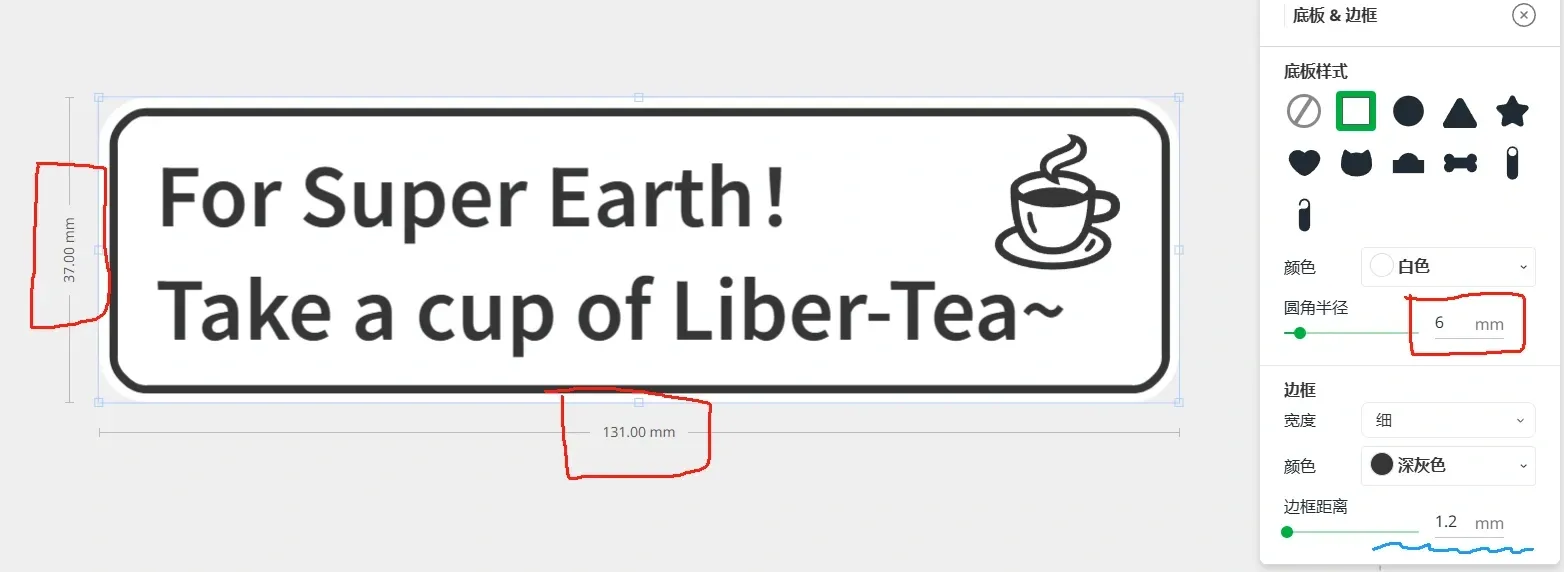
I've included an HD2-style Free Tea badge as a template in the print files. This badge was created using the badge maker in MakerLab, and you can easily create your own. When designing your own unique badge, use the following parameters: base size 131mm*37mm (similar to the P1S screen size), base corner radius 6mm, base thickness 1.2mm. Because the bezel has a 1.2mm overlap, raised graphics should be >1.2mm from the badge edge. For easy reference, use the badge's border function and set the edge distance to 1.2mm, as shown in the blue box in the image below.
The printed badge simply pushes from the rear into the bezel to secure it. The small slots on the bezel also allow for easy removal if you want to change the badge.
The bezel and badge templates in the print configuration require only 20g of material and 36 minutes of print time. If you have an AMS, you can print them on the same plate using per-item printing. Thank you for your support!
Create using MakerWorld Badge Maker (https://makerworld.com.cn/makerlab/makeMySign)
Boost Me (for free)
License



Comment & Rating (6)