
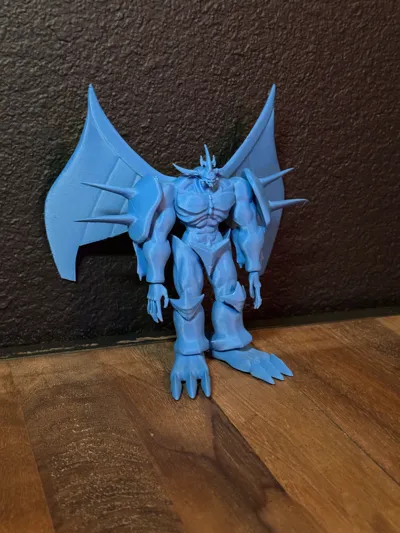
Obelisk The Tormentor Yu Gi Oh God Monster

Print Profile(1)

Description
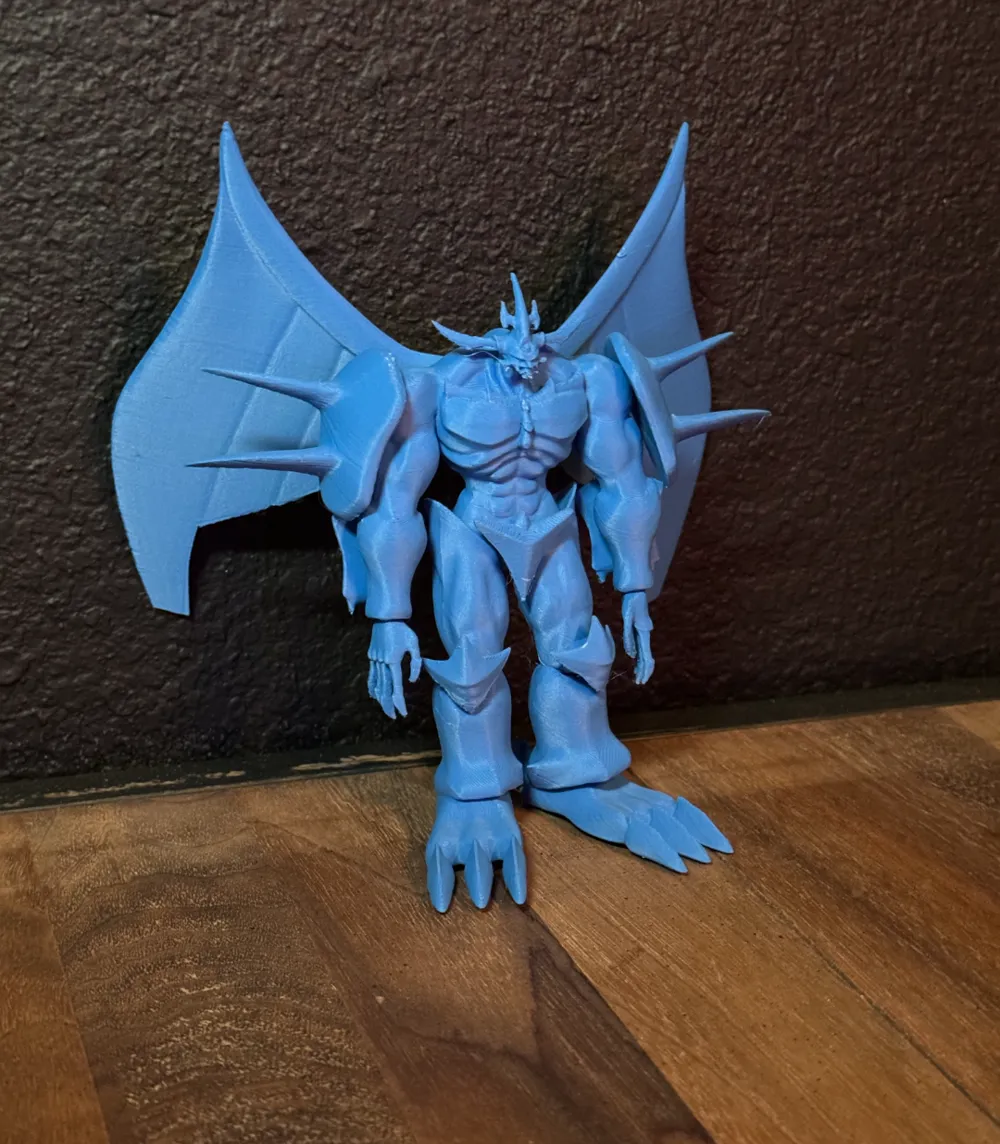
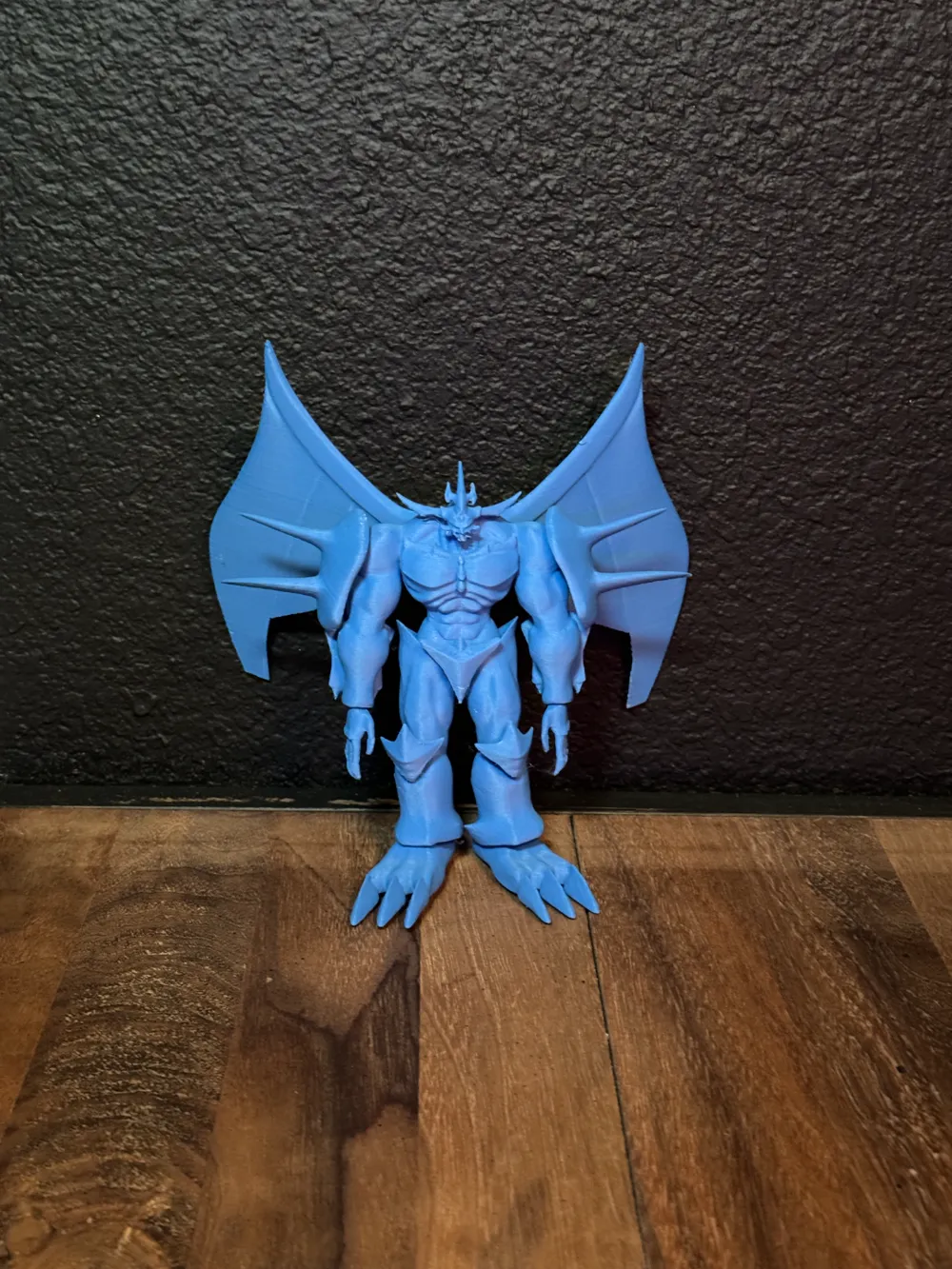
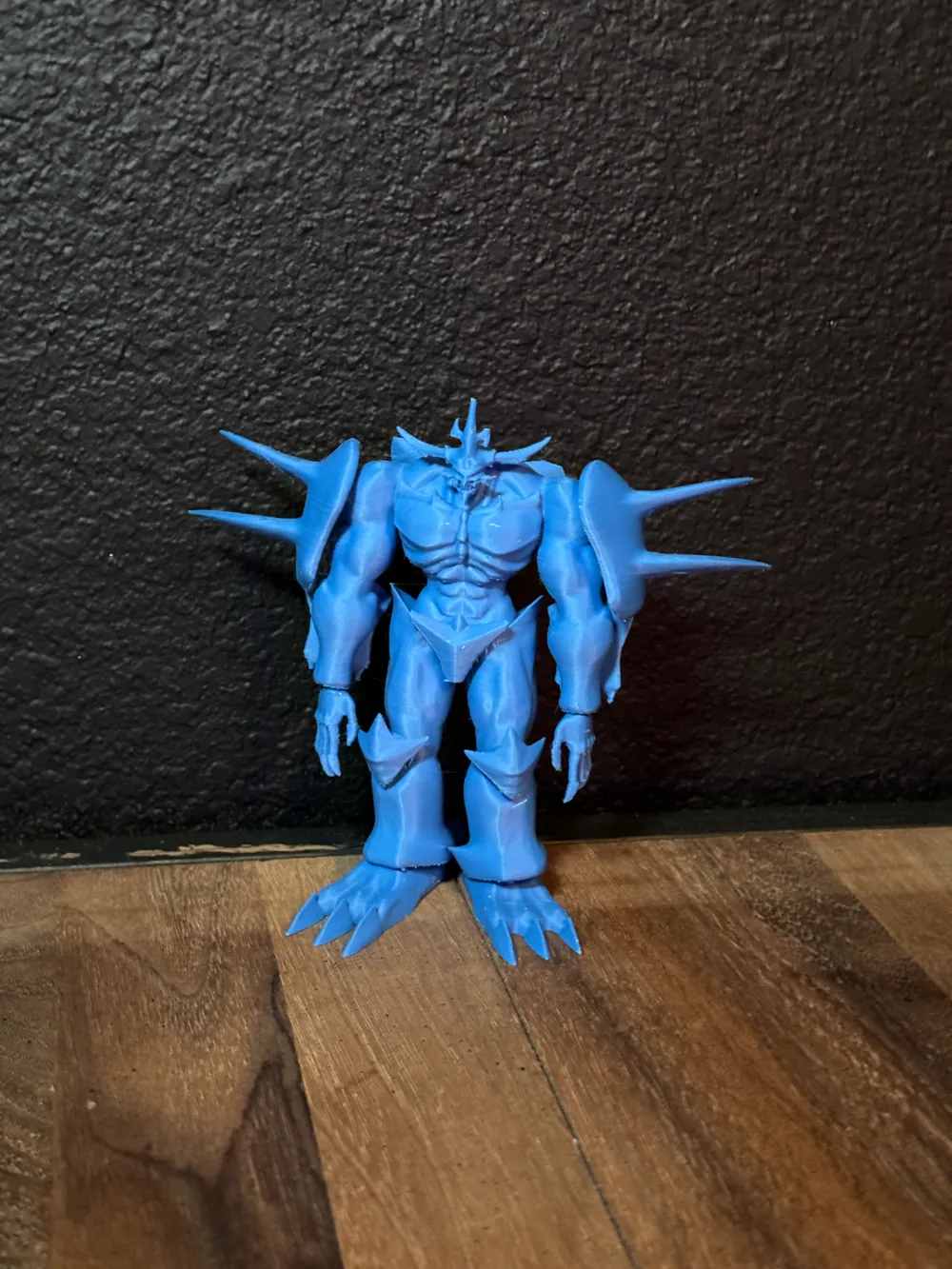
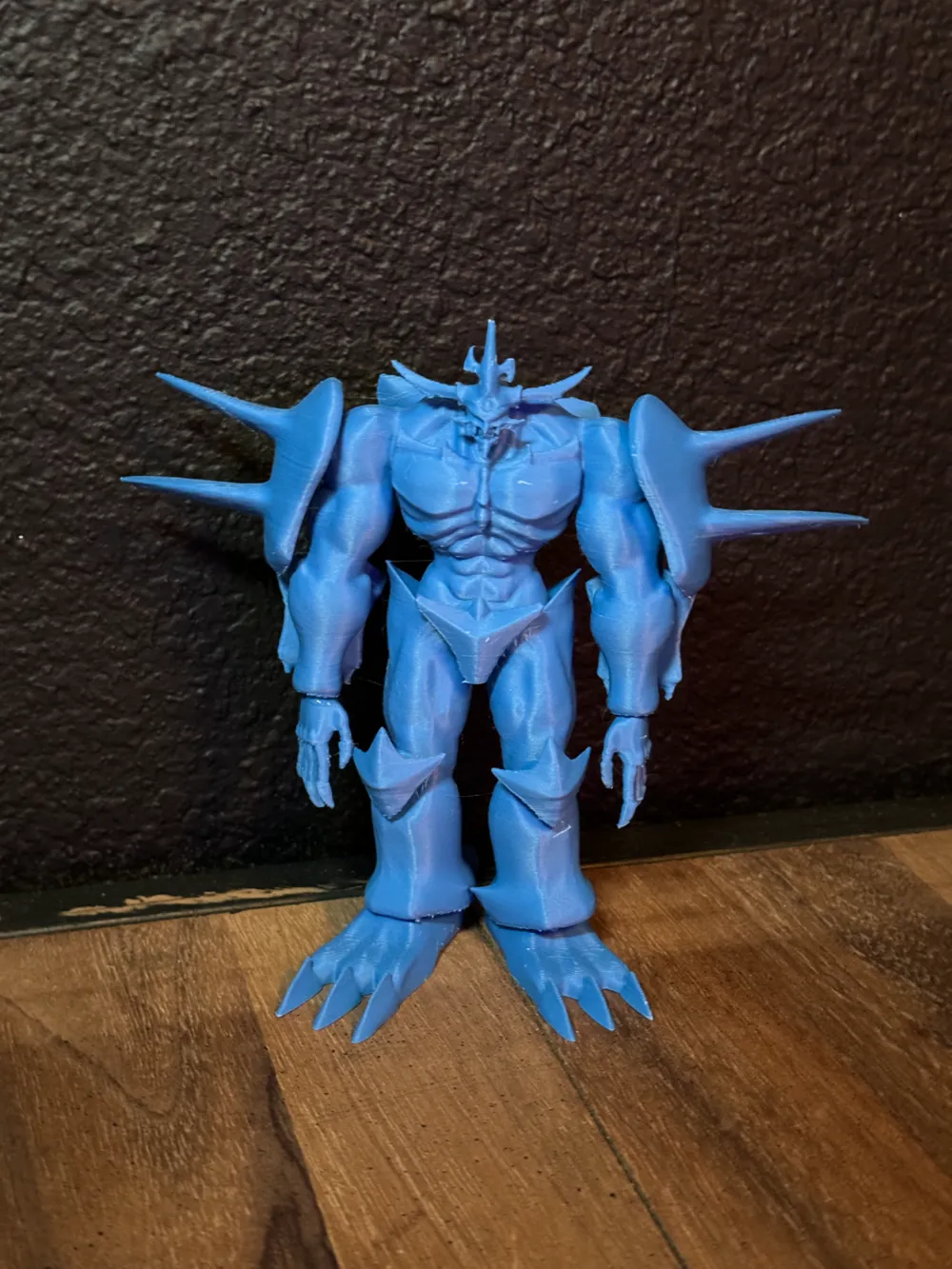
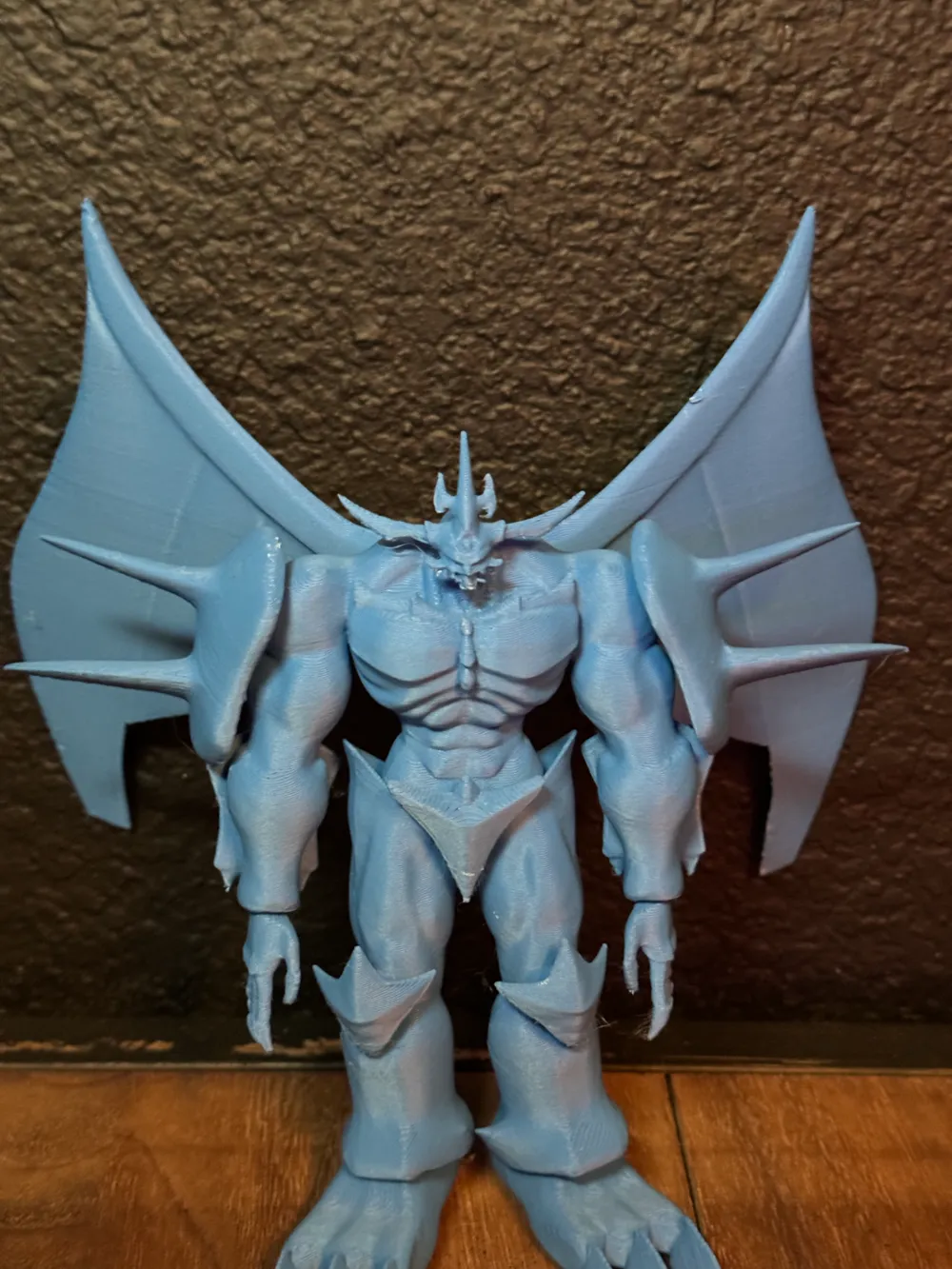
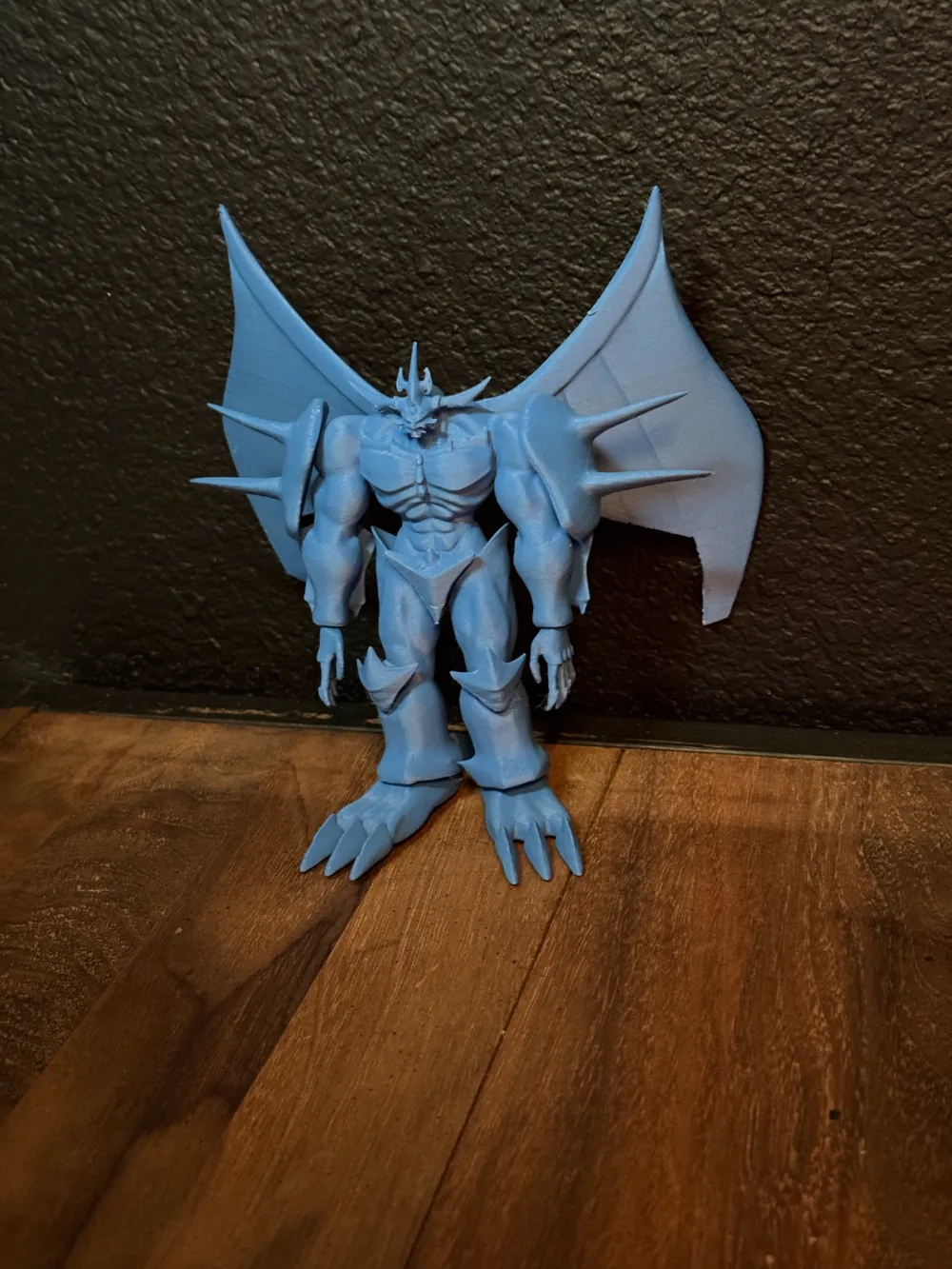
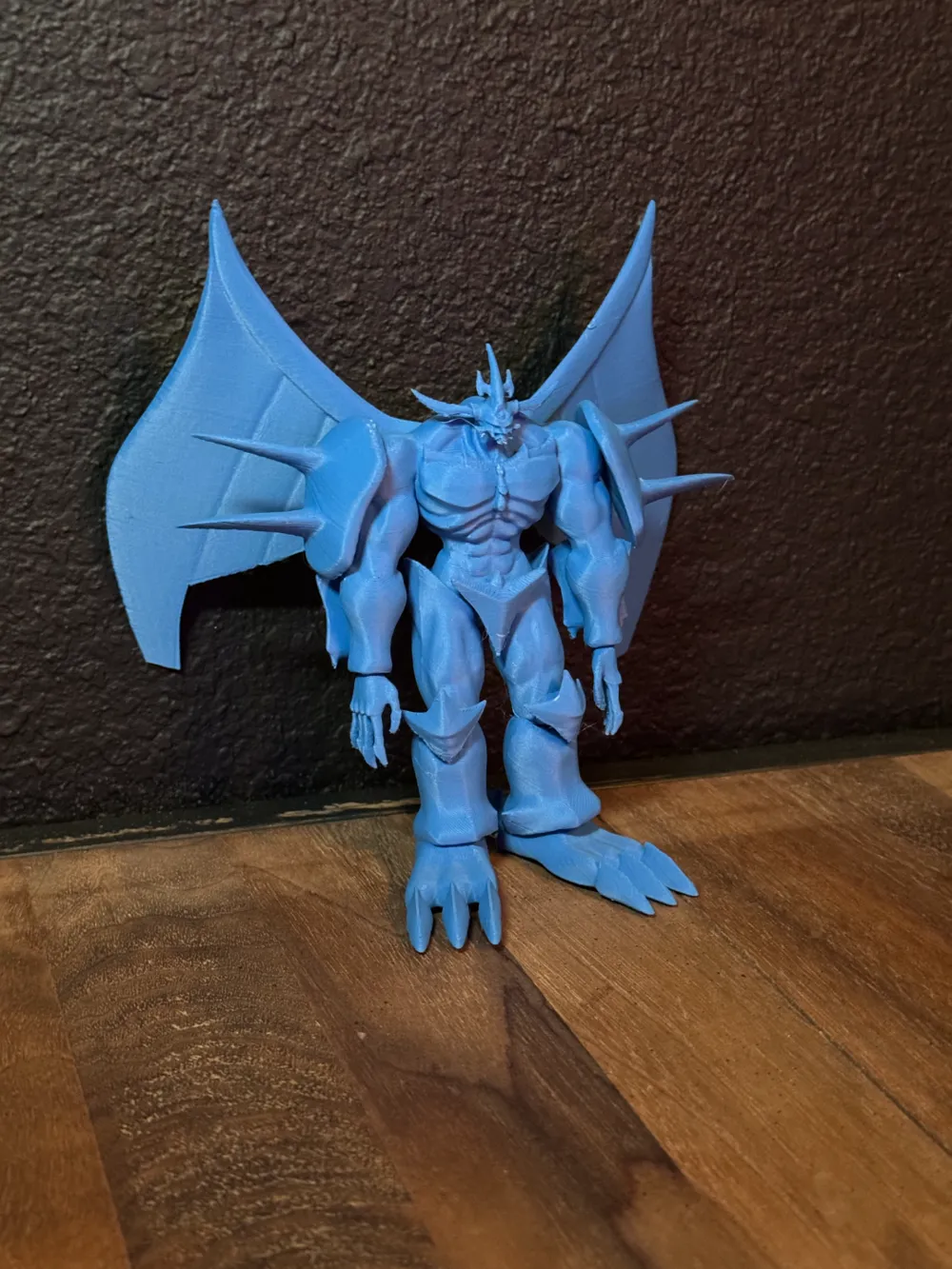
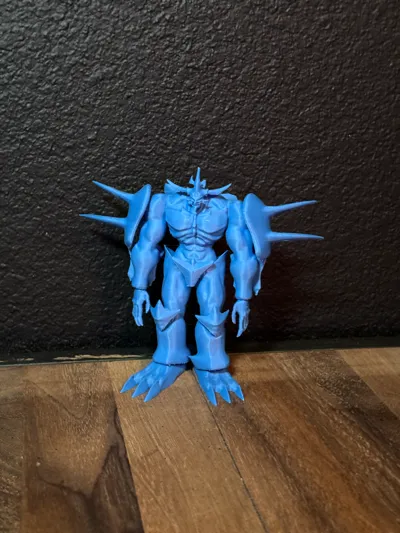
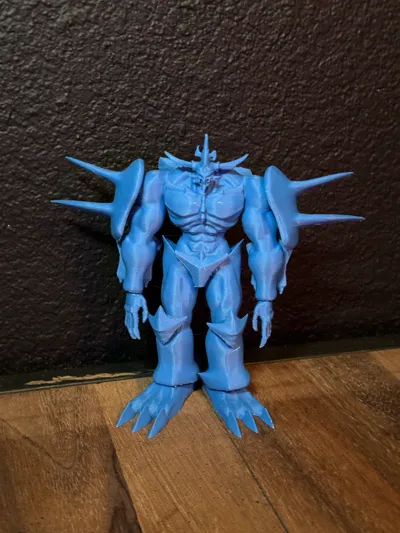
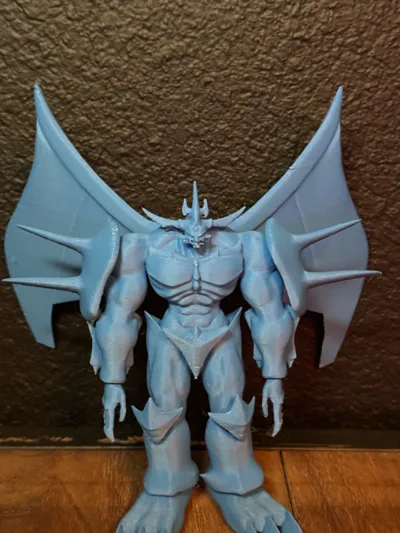
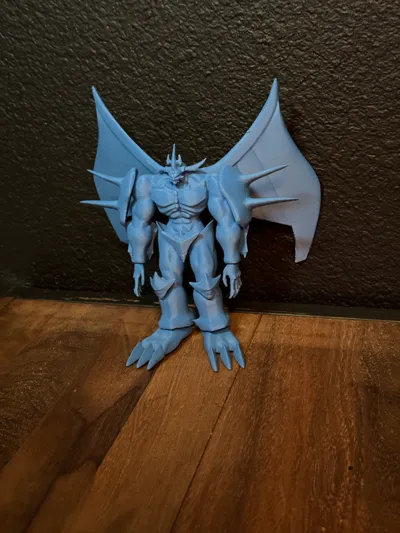
Obelisk The Tormentor 3D Figure Model
PLEASE READ THE FULL DESCRIPTION !!
Let me first stress that i did NOT make this model this is a REMIX, i found on printables with a free license and after multiple attempts at printing i have gotten a pretty decent profile to print. That being said this is NOT an easy print so if you do not follow the profile and do not have patience in support removal then do NOT print this. i am tired of bad rates because people do not read.
Now if you are going the print this here are some tips, i printed this about 4 times before i got a decent profile nailed down.
The Key is patience I'm not kidding.
Keep your print speeds low just leave how it is when pulled into studio
There are two different printing styles in this file
One with the wings attached and one without
I have printed both and on both i had broken parts when removing so i improved both profiles and printed them again, either one will work but i recommend the one with the cut wings.
After printing is done LET THE MODEL COOL. seriously for at least 30 minutes or longer.. this helps so much on preventing breaking the tips of the wings and support removal ( again i didn't model this so not much i can do )
When removing the supports the areas you need to be the MOST Careful with are :
The head ( A lot of tiny small overhangs can easily break when removing supports )
The Hands ( Just work your way around them clipping the small pieces of the supports apart and eventually you will be able to grab it from the bottom with the snips and pull it out the fingers are extremely thing really take your time and be cautious.. when you snip a big support near a small part it will twist or bend so keep that in mind, go through first and clip all the areas between the small and big parts of the supports that way when you go in to snip them off the model there is not tension on the support that could cause you to break the model.
The Wings ( They are VERY thin at the tips.. so when removing supports really make sure they are cooled off and start at the bottom tips of the wings gently snip the supports surrounding the tip without snaping it seriously its like 1 wall thin its wild, just take your time and get the tip supports off first the rest will be easier.
This remix is based on

License

You shall not share, sub-license, sell, rent, host, transfer, or distribute in any way the digital or 3D printed versions of this object, nor any other derivative work of this object in its digital or physical format (including - but not limited to - remixes of this object, and hosting on other digital platforms). The objects may not be used without permission in any way whatsoever in which you charge money, or collect fees.


Comment & Rating (6)