
One-way piggy bank
Print Profile(1)
Description
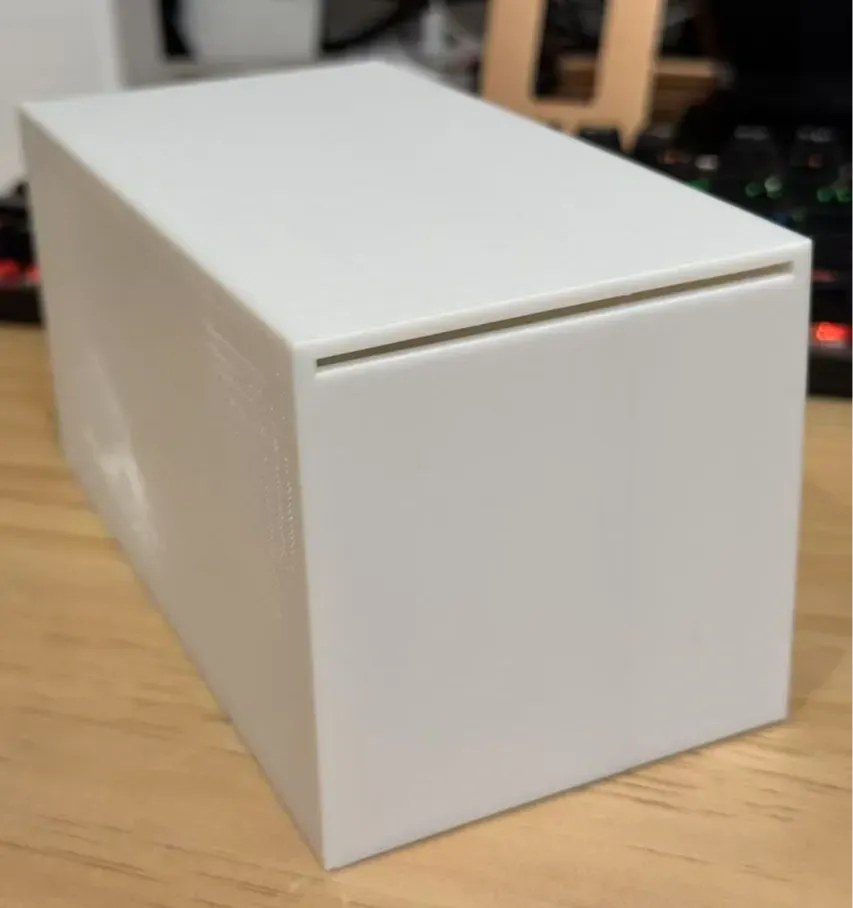
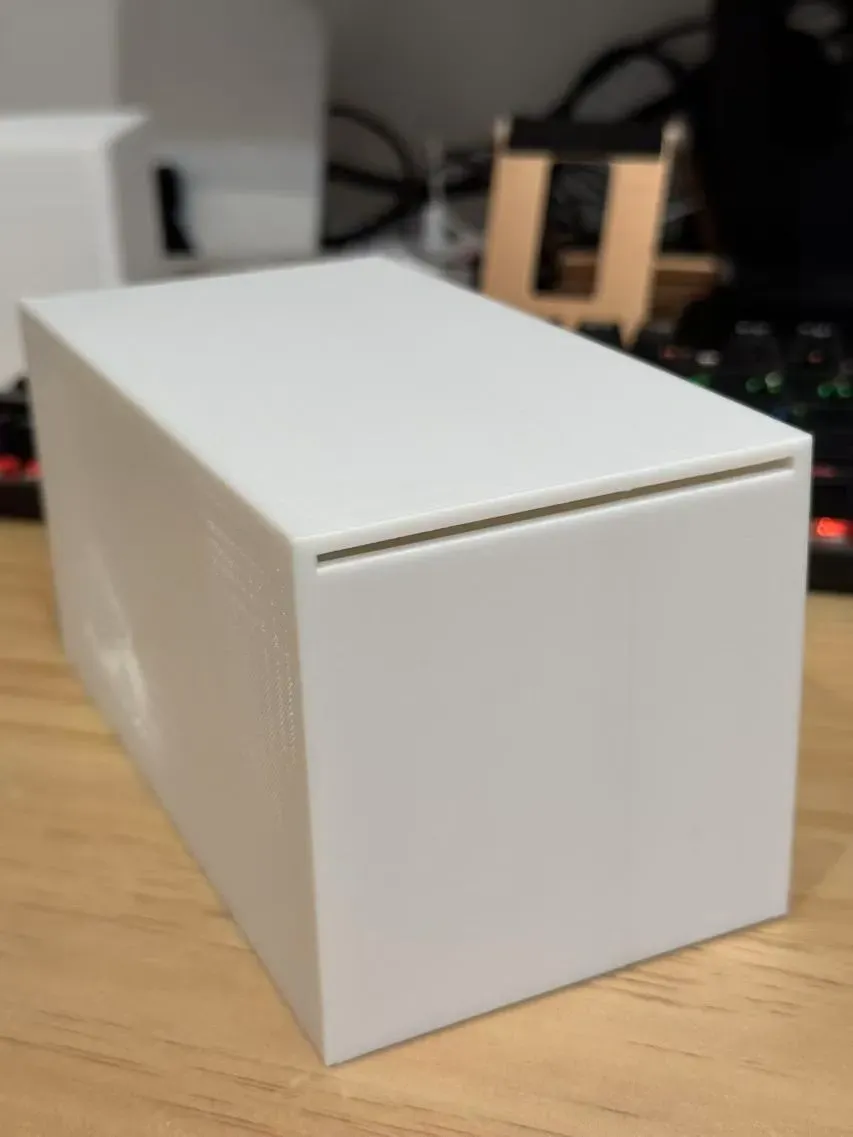
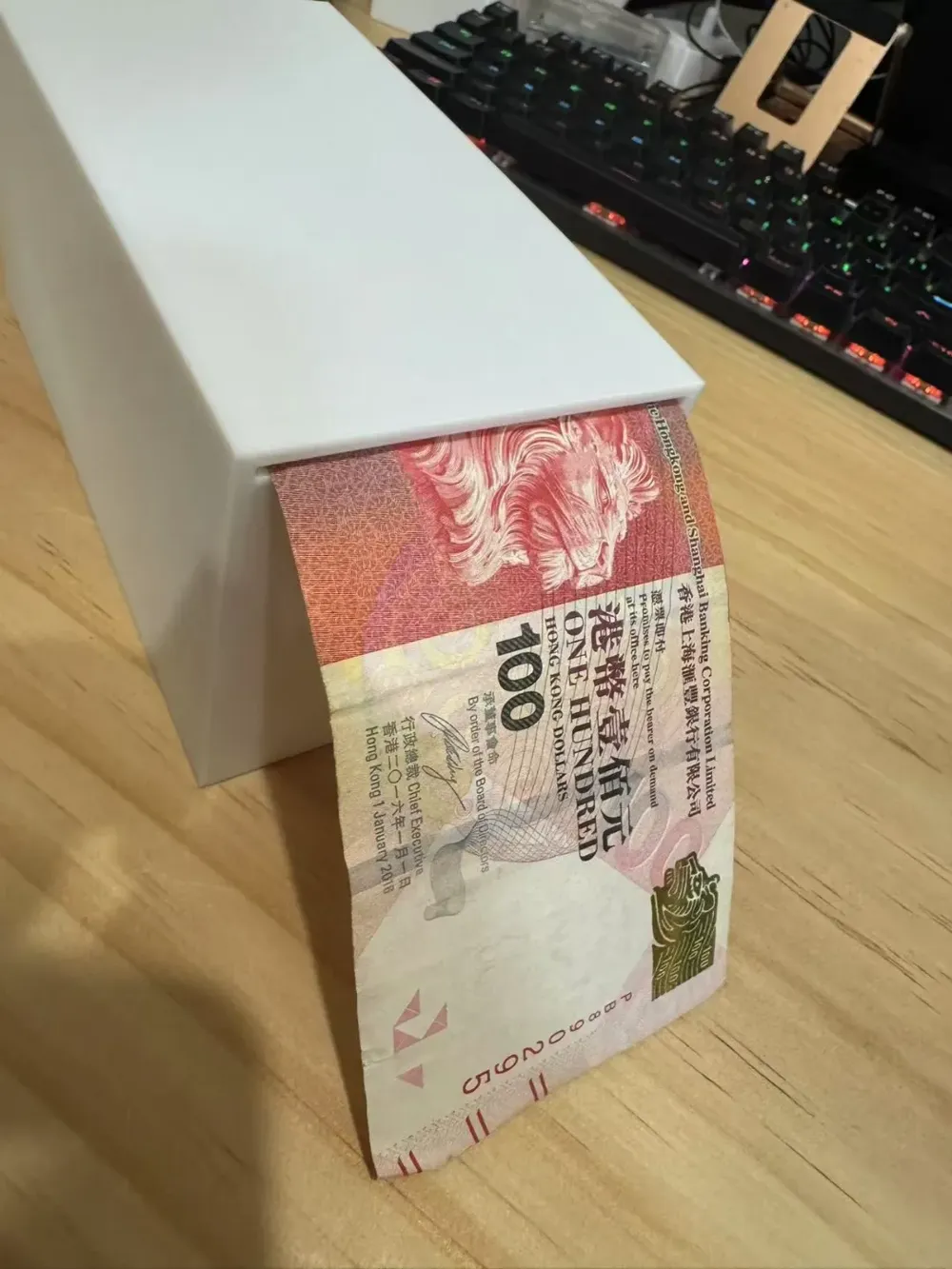
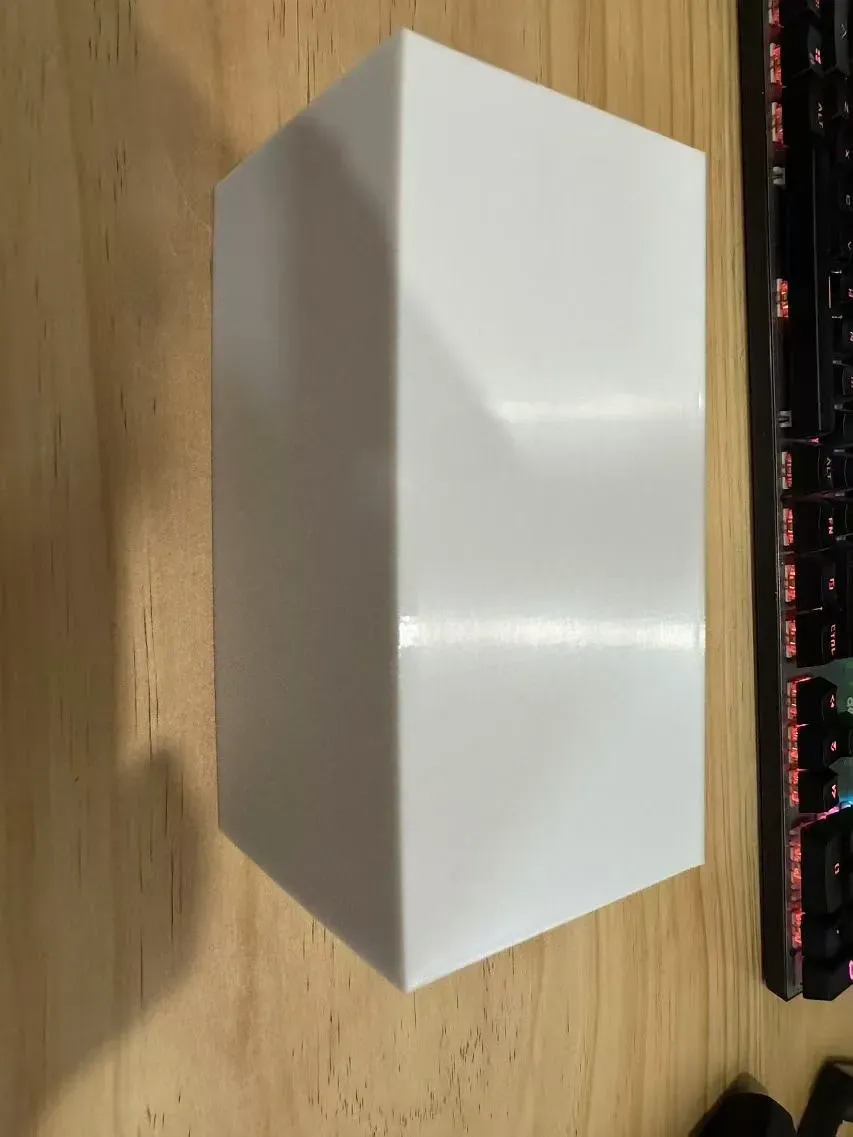
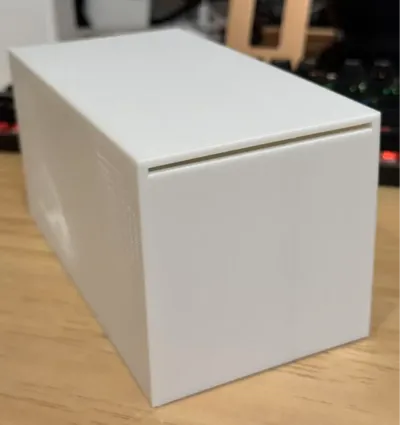
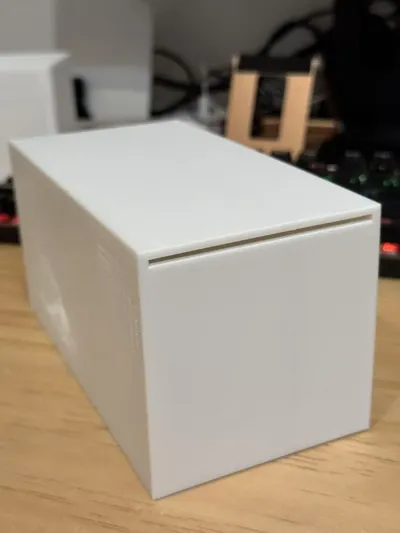
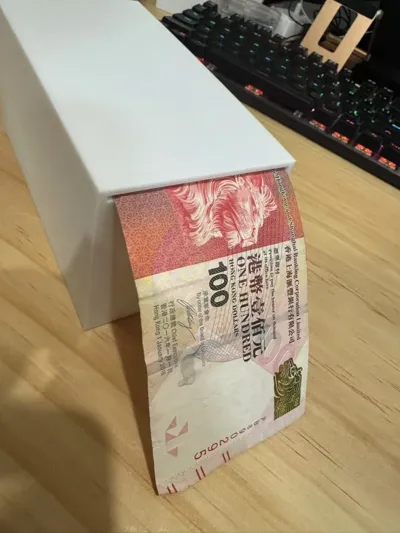
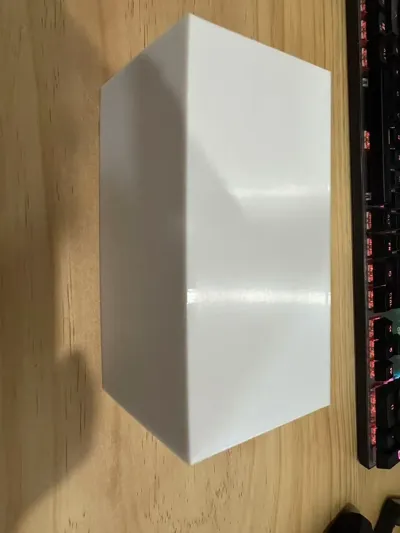
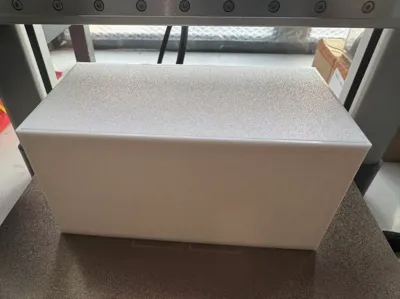
One-way piggy bank
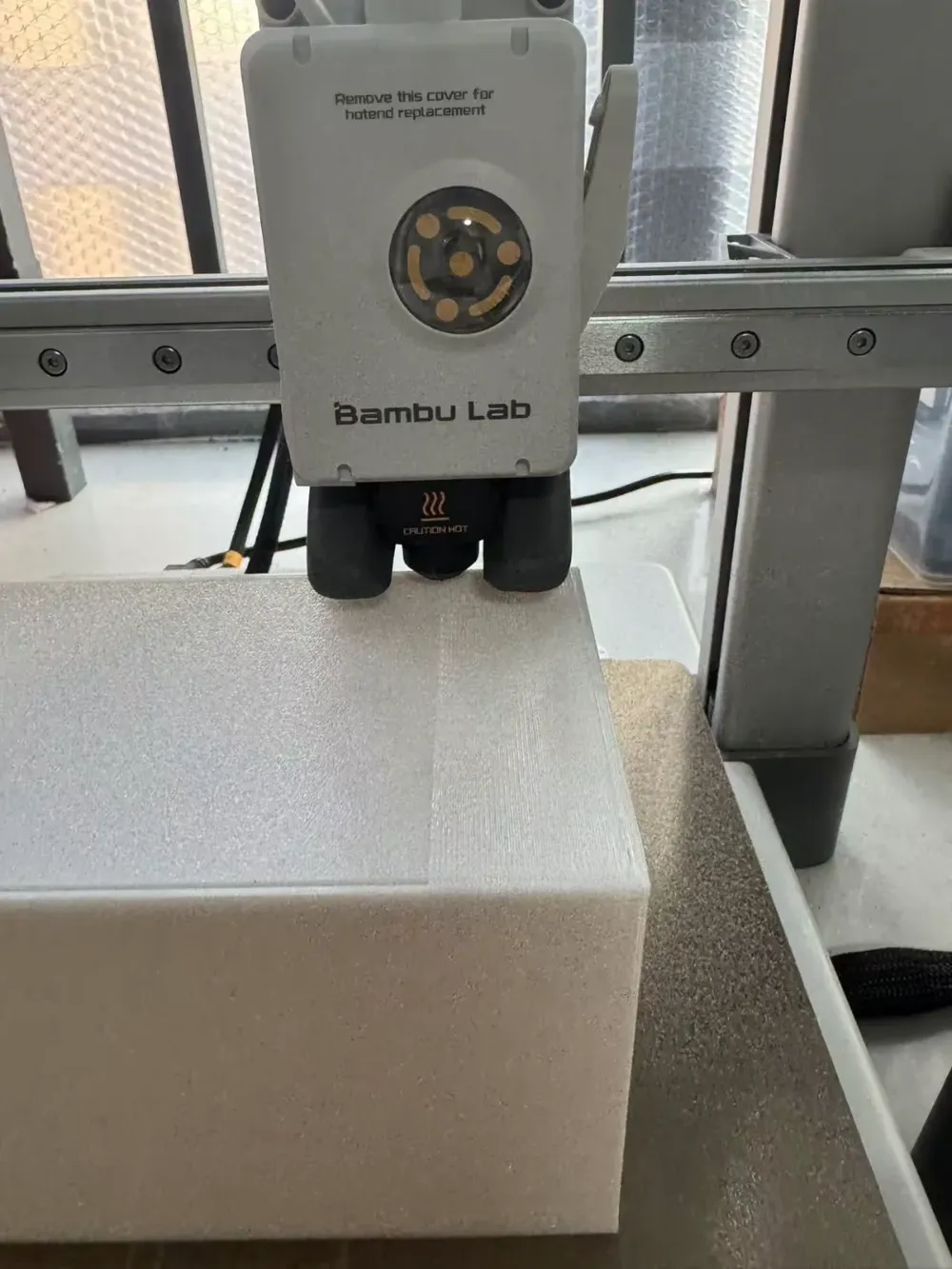
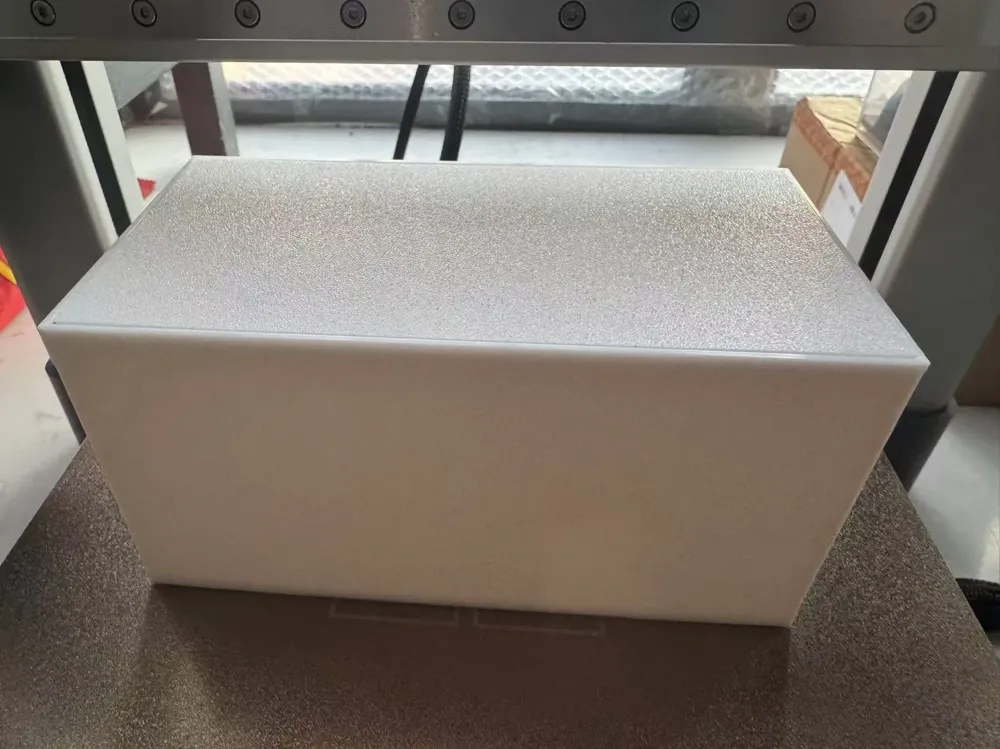
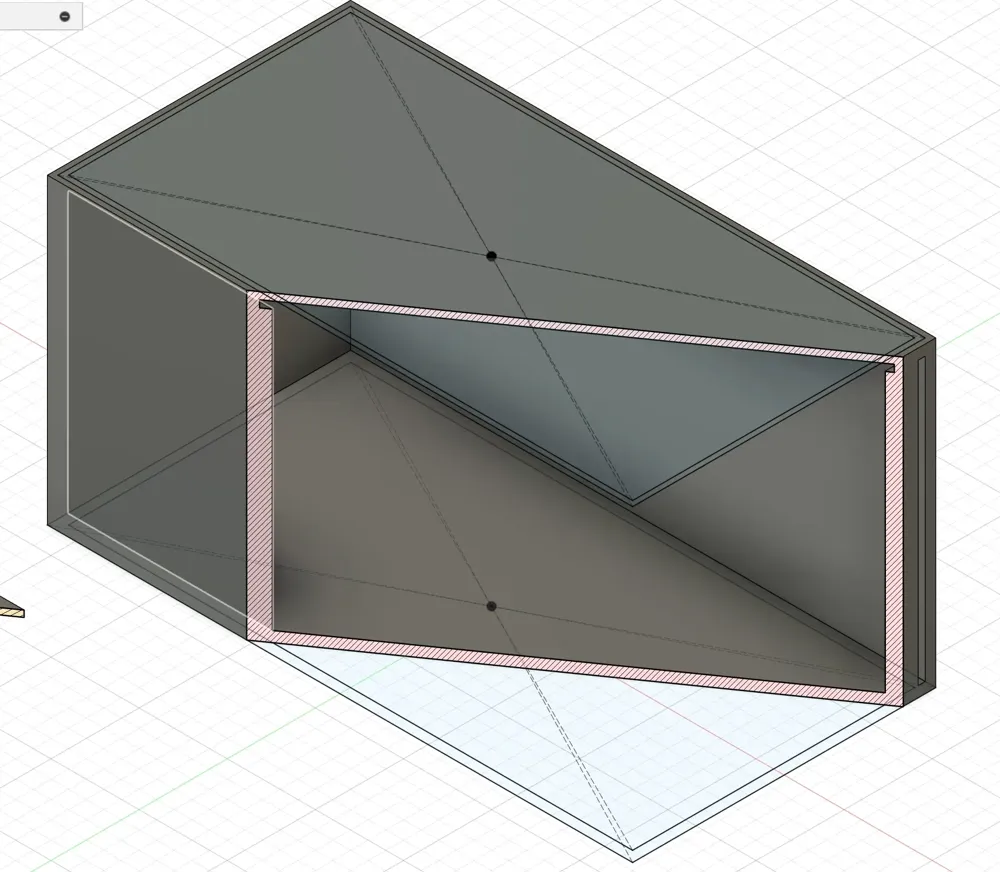
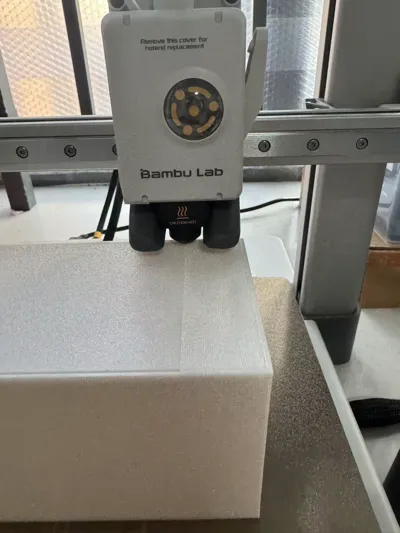
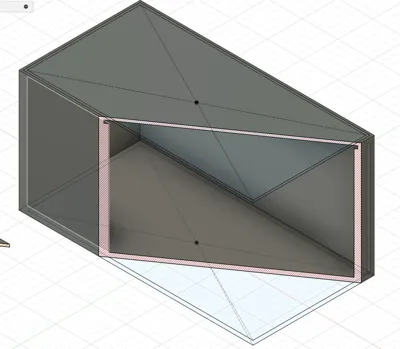
Pre-installed top cover, embedded printing, no supports needed
Print the top cover first, then the main body


When printing the main body, I have set a pause in the print settings when it reaches the top. At this point, insert the top cover into the recess and resume printing. The pre-installed top cover will be enclosed, becoming one piece with the main body.
!!! Note: After inserting the top cover, turn off the cooling fan before resuming printing, otherwise the top cover will not adhere to the layer above it (due to thermal expansion and contraction, and tolerances, the layer above the top cover may not adhere properly, easily causing warping. Turning off the fan can solve this problem. I encountered this issue myself when I forgot to turn off the fan, resulting in warping, although the print was ultimately successful as the warping wasn't severe, and was smoothed out in later layers).
License

You shall not share, sub-license, sell, rent, host, transfer, or distribute in any way the digital or 3D printed versions of this object, nor any other derivative work of this object in its digital or physical format (including - but not limited to - remixes of this object, and hosting on other digital platforms). The objects may not be used without permission in any way whatsoever in which you charge money, or collect fees.


Comment & Rating (1)