
Blitzer.de NFC Tag Apple Shortcuts
Print Profile(1)
Bill of Materials



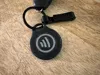
- SplitRing x 1: used_ordinary_ring_for_keychains
Description
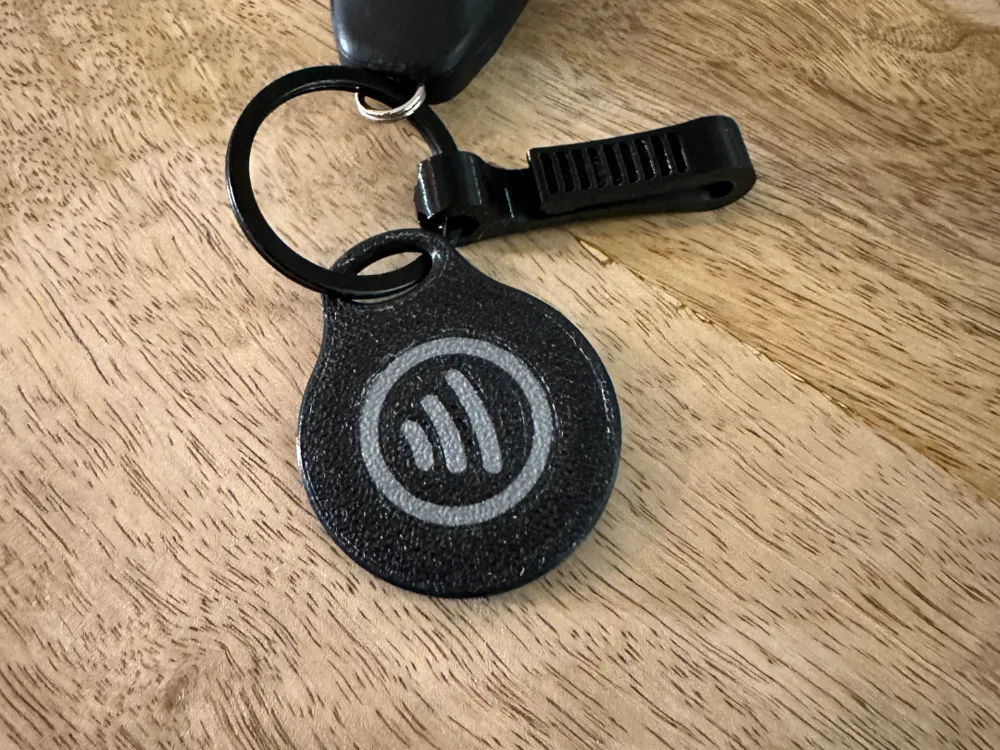
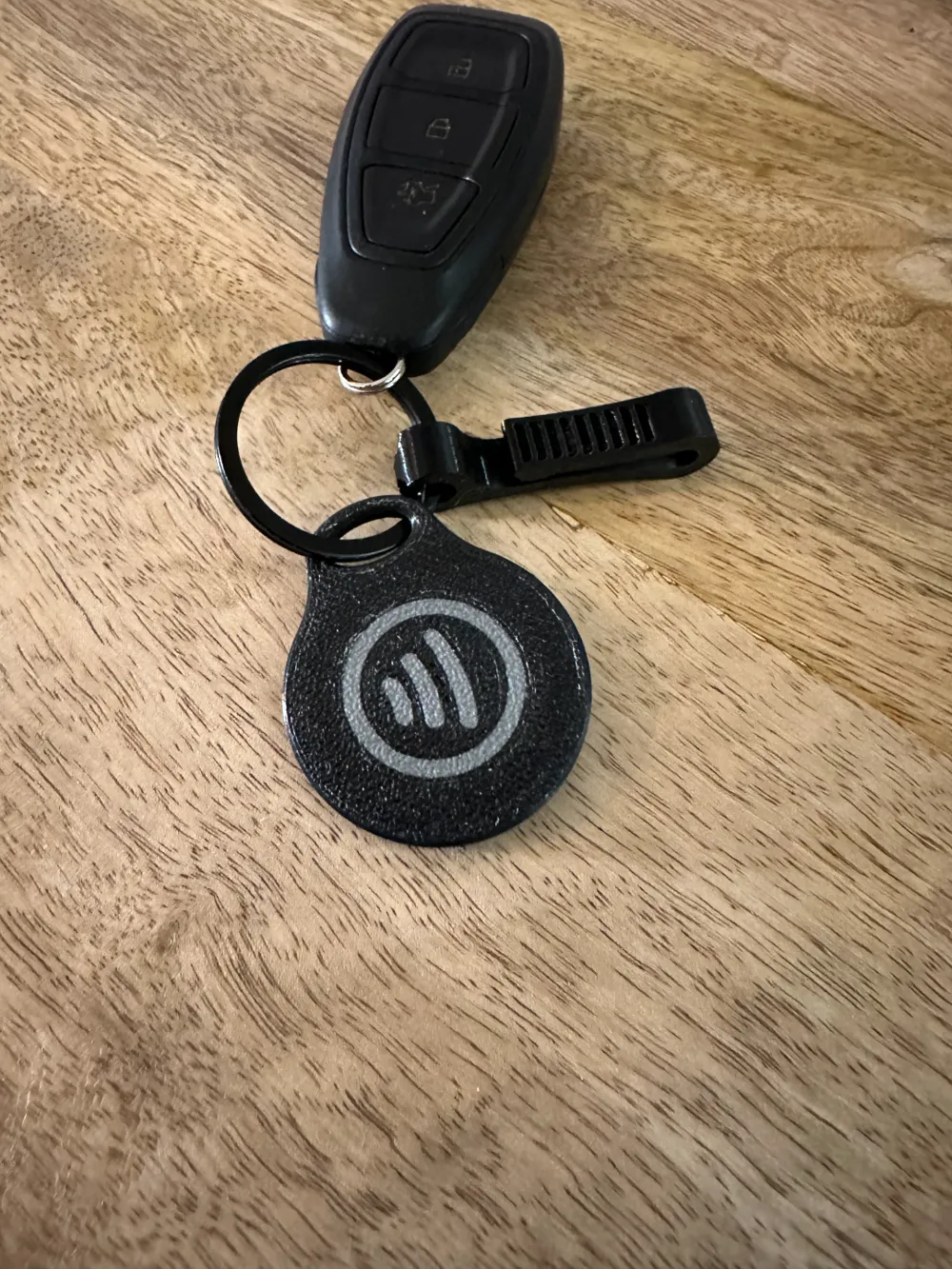
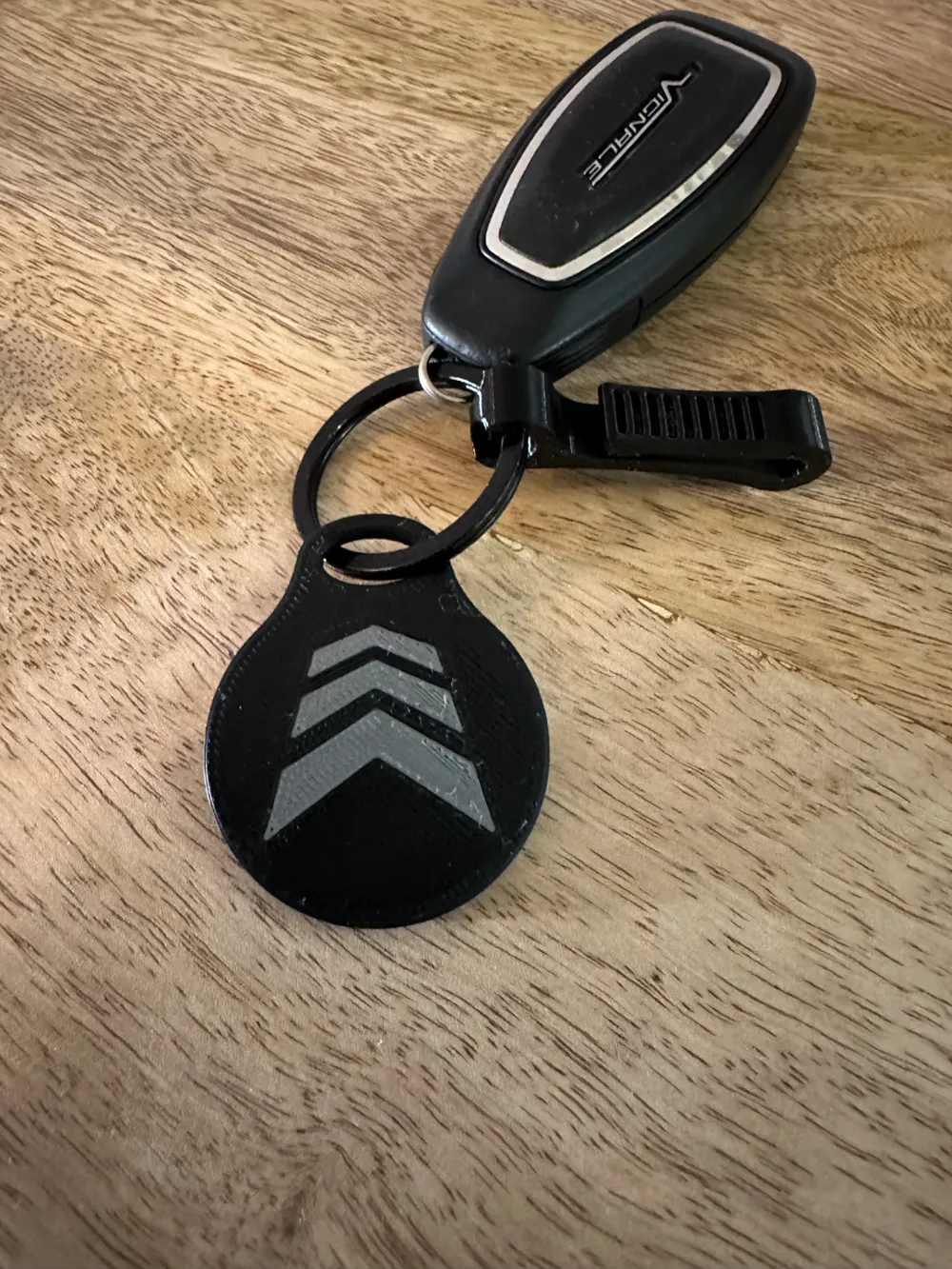
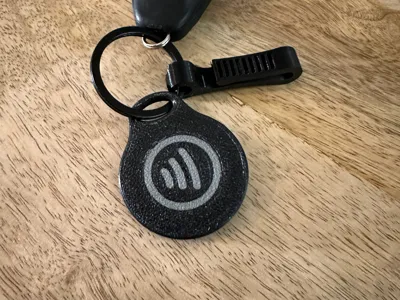
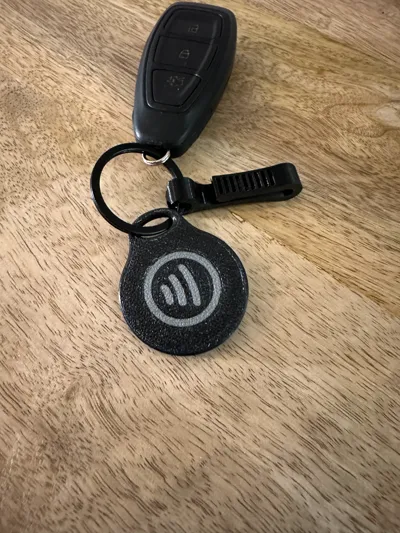
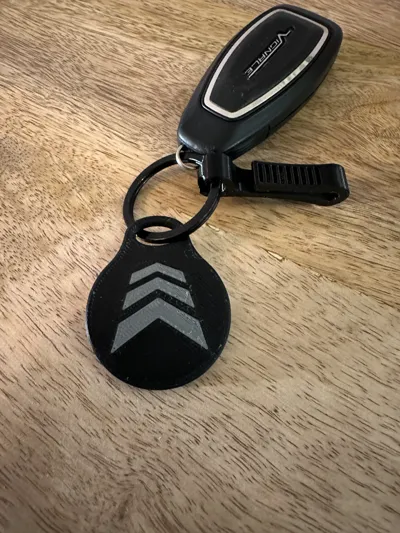
I created this design to use for automated starting my radar warning app “Blitzer.de”.
In this badge is a nfc chip embetted.
For those who are using a nfc stick on, there is a “NFC DUMMY” you have to place on top of the sticker.
I used 25mm a NFC.
You have to pause the print (right click on the layer bar on the right of Bambustudio after slicing) to insert the dummy with the sticker or a nfc chip.
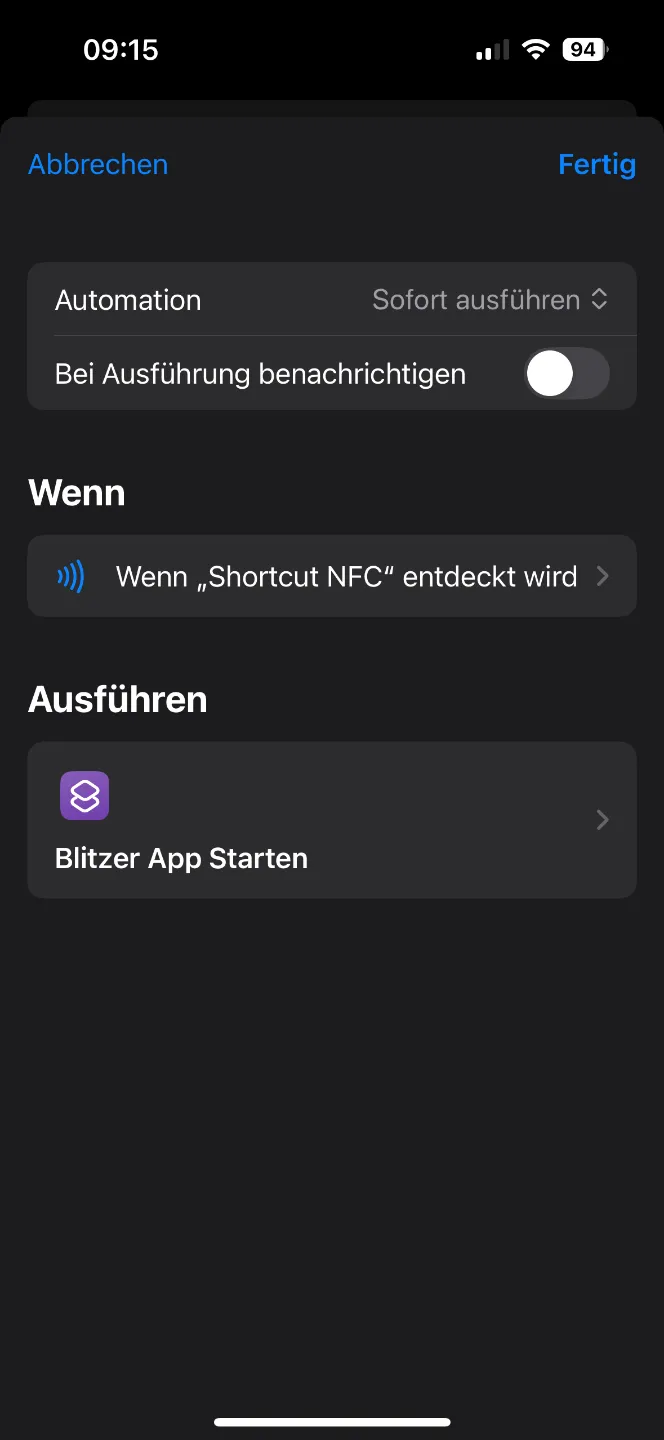
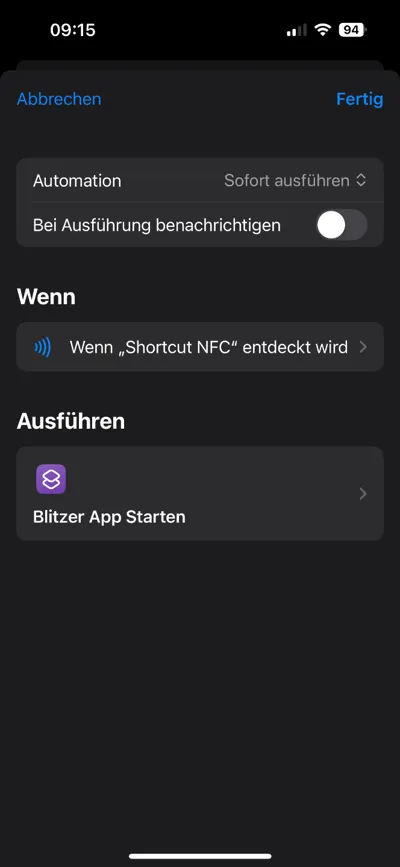
For starting my automation I used Apple Shortcuts.
Create a Shortcut and follow the instructions to create your needed Shortcut.
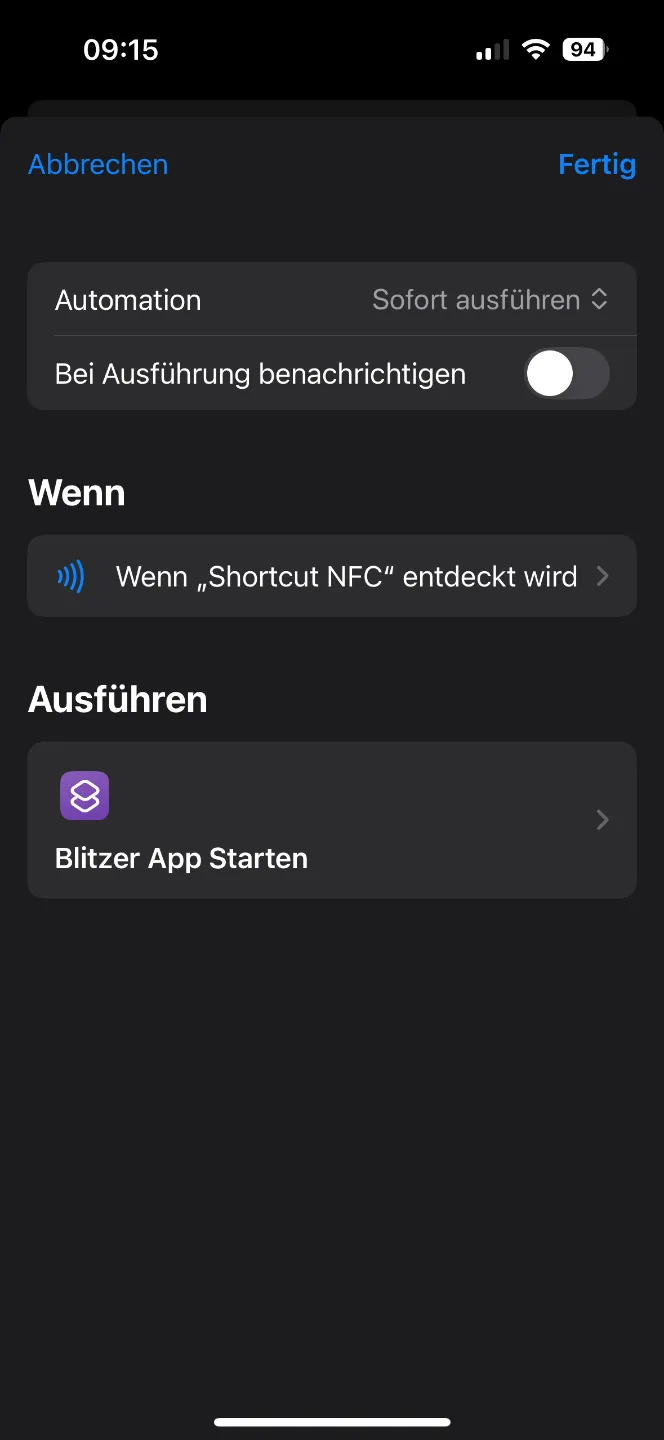
After that create a Automation with the trigger “ NFC detected” - scan your NFC and after that select the Shortcut you have created befor.
Your NFC batch is now ready to work.
In the last picture you can see my automation script.
License



Comment & Rating (0)