Search models, users, collections, and posts

Airplane above the clouds HueForge
IP Report

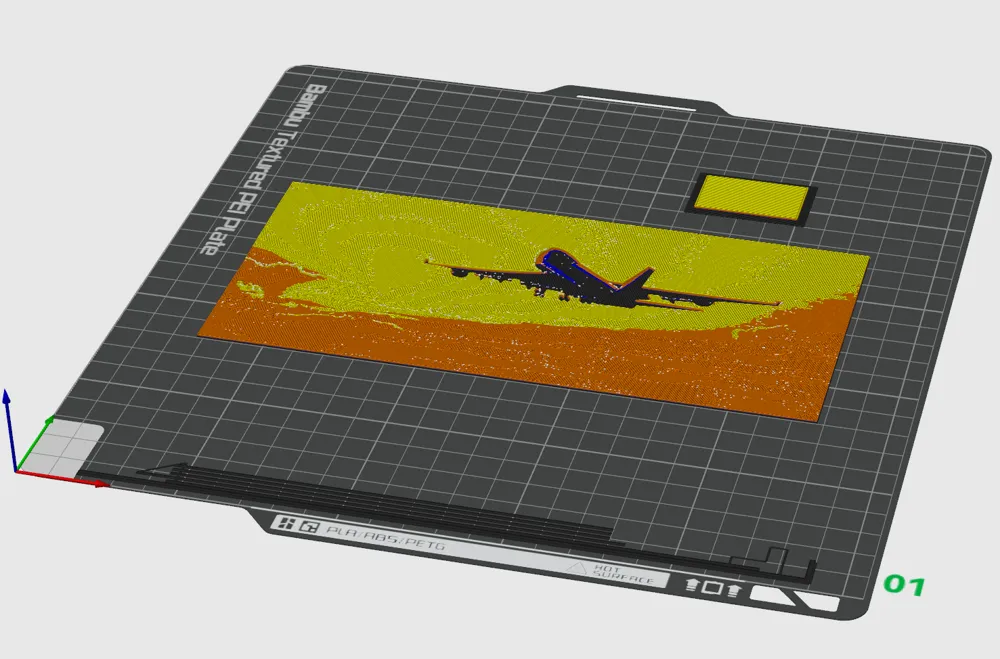
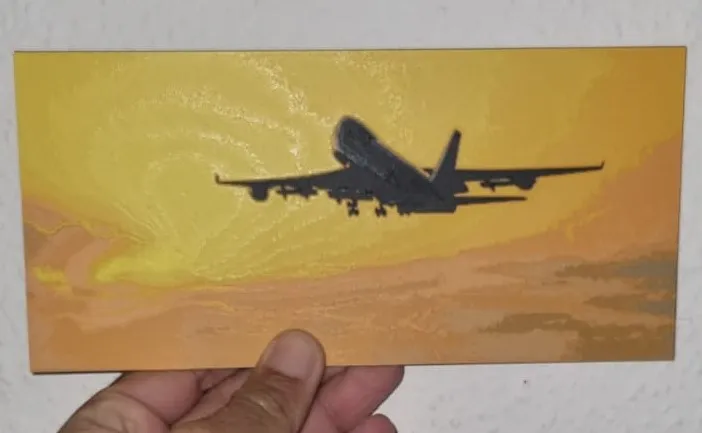

Print Profile(2)

Düse 0,4mm, 0.08mm layer, 2 walls, 100% infill
Designer
2.5 h
1 plate

Frame 200x95mm
Designer
6.2 h
1 plate
Open in Bambu Studio
Boost
9
18
9
3
12
11
Released


Description
Content has been automatically translated.
Description
Airplane Above the Clouds HueForge
Image dimensions are 200 x 95 mm (width x height)
Do not alter the Z-measurement when scaling!!!
Print Settings:
- Infill: 100%.
- Layer height: 0.08 mm for fine details.
- First layer: 0.16 mm for perfect adhesion.
Filaments Used:
- BambuLab PLA Basic Black
- BambuLab PLA Basic Blue
- BambuLab PLA Basic Orange
- BambuLab PLA Basic Yellow
Color Change Instructions:
- Begin with Black.
- Change to Blue at layer #7 (0.64 mm).
- Change to Orange at layer #8 (0.72 mm).
- Change to Yellow at layer #15 (1.28 mm) and print the remainder.
Happy printing 😊
License

This user content is licensed under a Standard Digital File License.
You shall not share, sub-license, sell, rent, host, transfer, or distribute in any way the digital or 3D printed versions of this object, nor any other derivative work of this object in its digital or physical format (including - but not limited to - remixes of this object, and hosting on other digital platforms). The objects may not be used without permission in any way whatsoever in which you charge money, or collect fees.


Comment & Rating (9)