
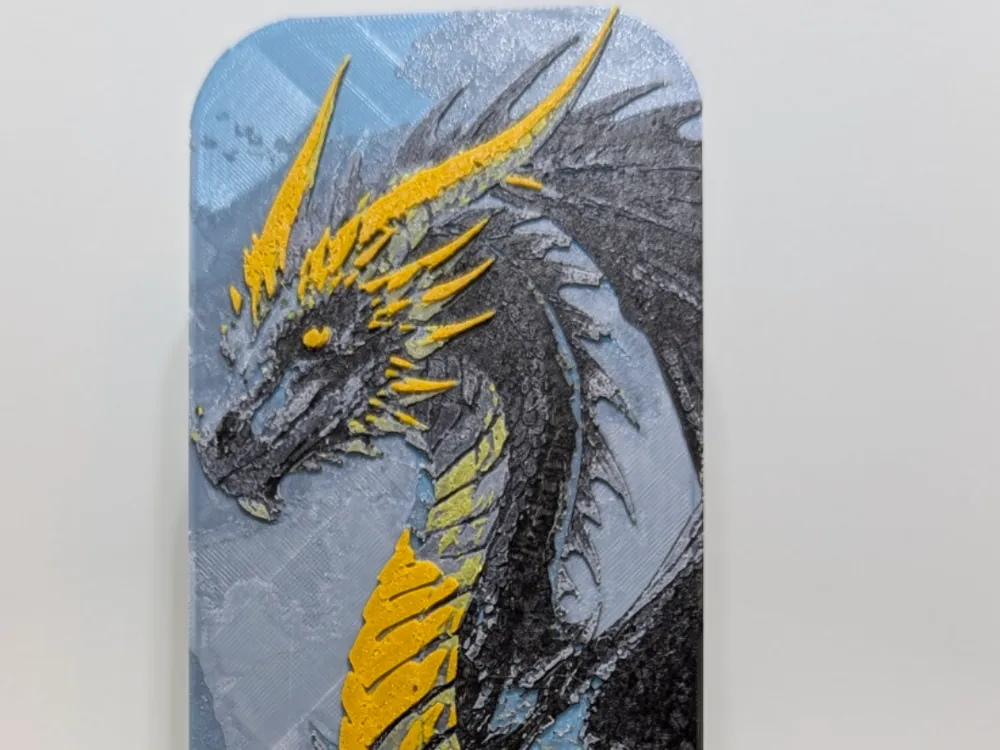
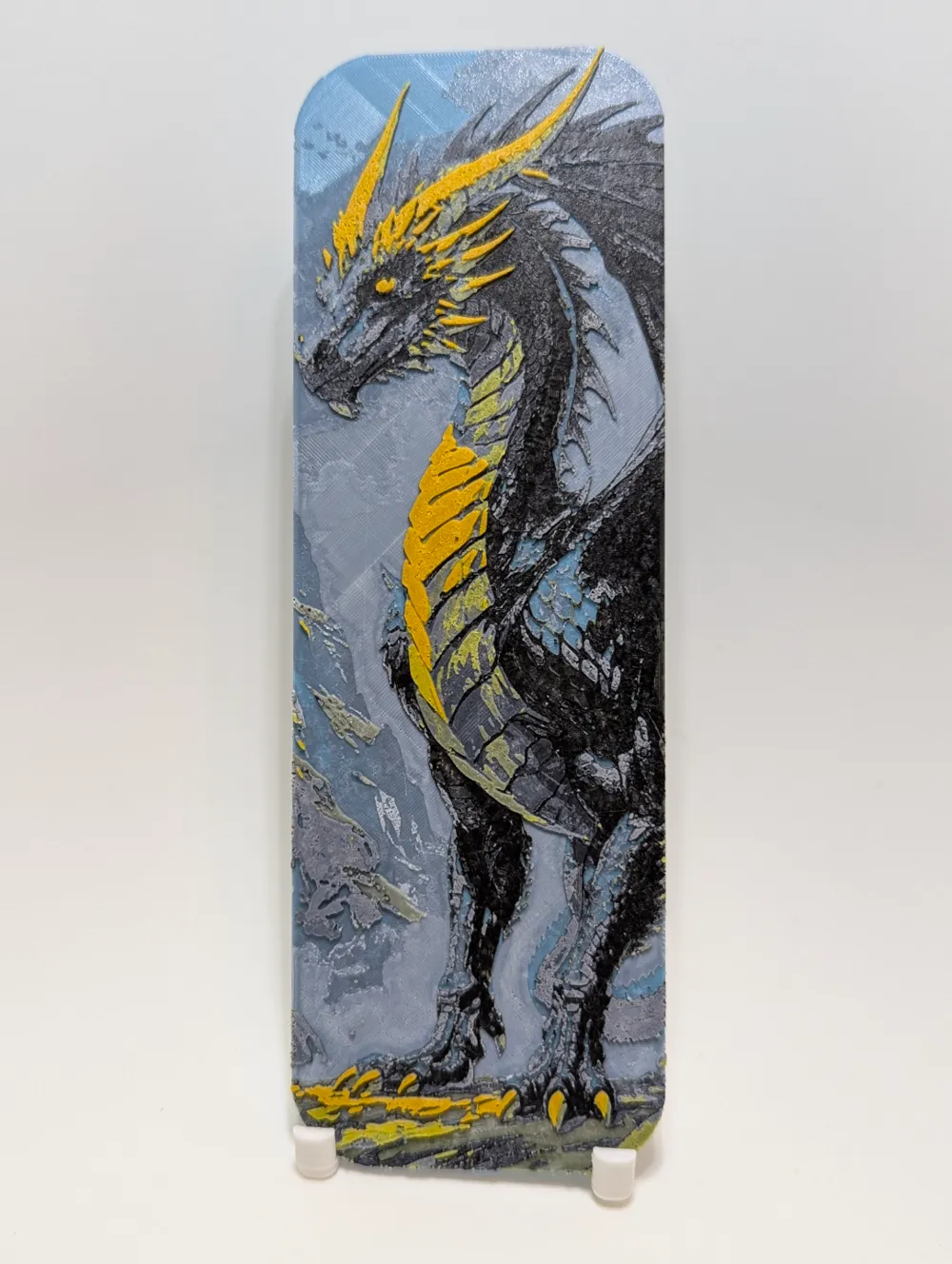
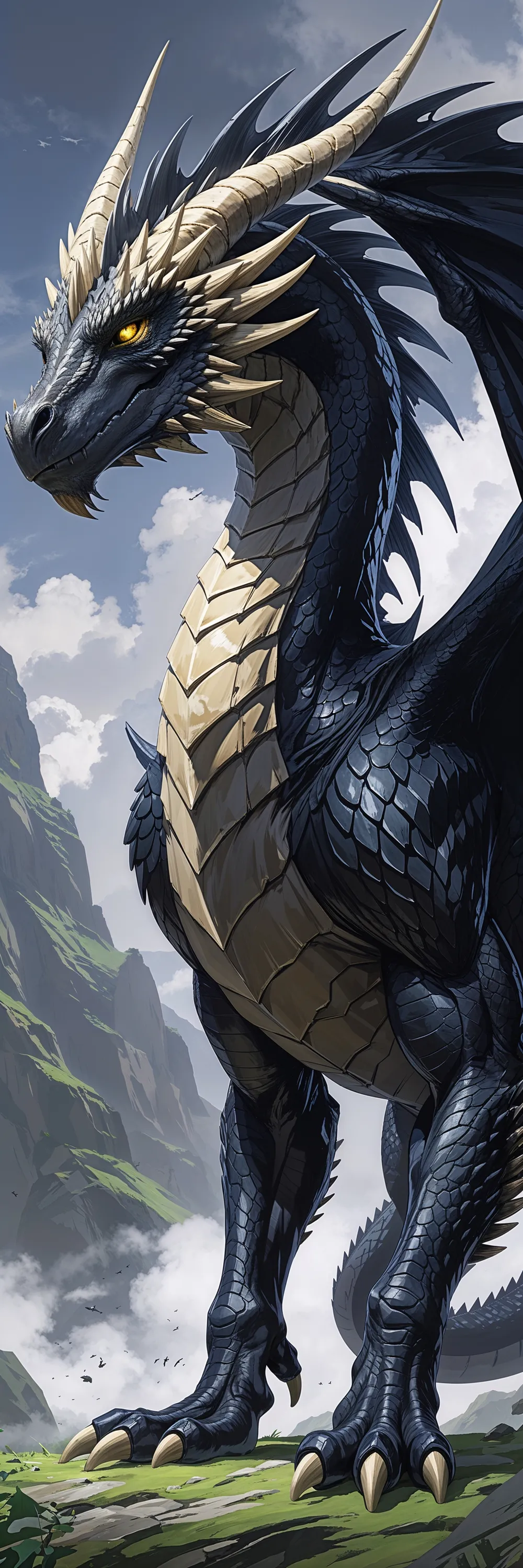
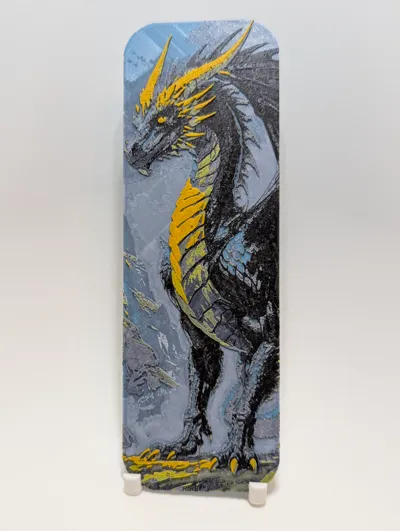
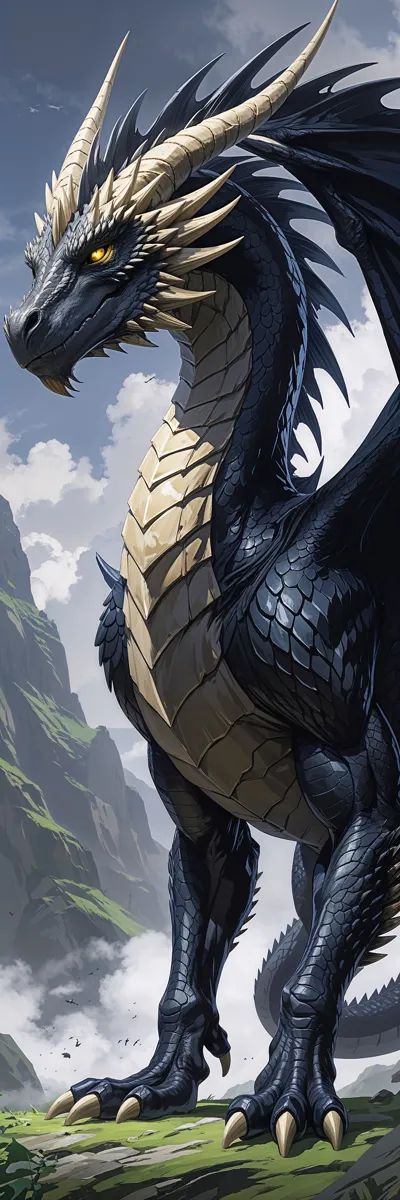
HueForge Bookmark, Tairn from The Fourth Wing
Print Profile(1)

Description
Tairn from the Empyrean Series books! This was printed with a .2mm nozzle but can be done with a .4 as well. Instructions below -
- Scaling: Do not adjust the Z-axis scaling on any Hueforge print. This will distort the colors and ruin the intended effect. You can scale the X and Y axes, but for best results, keep the scaling percentage the same for both.
- Filaments: To achieve the exact colors shown in the photos, you must use the specified filament colors. While you can substitute brands with similar types, changing the colors will result in a different final product.
- Slicer Preview: The slicer preview will not accurately represent the final printed colors. Hueforge relies on color blending (bleed) to achieve its effects.
- Bed Adhesion: Ensure your print bed is clean for optimal adhesion. A dirty bed can cause warping and print failures.
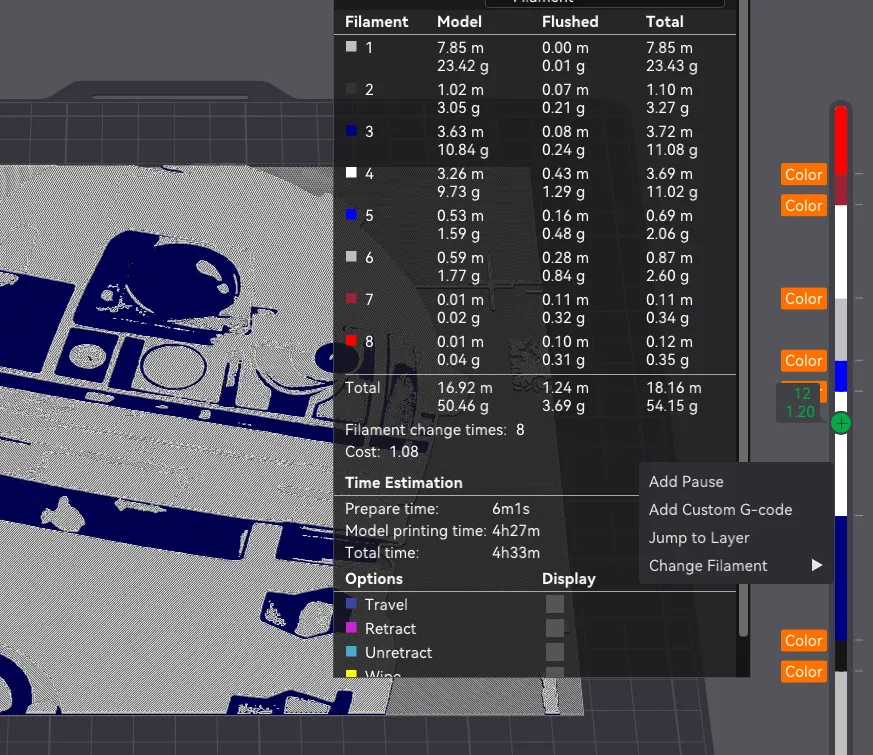
More Colors Than AMS Slots: It is very possible and quite easy to print more colors than AMS slots than you have. Since HueForge prints never use more than one color per layer, you are able to add as many pauses to the print timeline in order to swap out any colors you need. In the same way that you change colors in the preview page, you are also able to add pauses in the timeline as in the photo below:
You may print at higher layer heights below the Min Depth of 0.48mm
The Max Depth is 2.2mm and the Actual Depth is 2mm
Filaments Used:
PLA+ Inland Light Blue Transmission Distance: 4
PLA+ Inland Gray Transmission Distance: 0.6
PLA+ Sunlu White Transmission Distance: 5.2
PLA Inland Olive Green Transmission Distance: 0.5
PLA Anycubic Black Transmission Distance: 0.5
PLA Kingroon Yellow Transmission Distance: 5.4
PLA Inland Metallic Gold Transmission Distance: 2.3
This print uses 7 unique filaments
Swap Instructions:
Start with Light Blue
At layer #10 (0.48mm) swap to Gray
At layer #14 (0.64mm) swap to White
At layer #18 (0.8mm) swap to Olive Green
At layer #20 (0.88mm) swap to White
At layer #22 (0.96mm) swap to Black
At layer #26 (1.12mm) swap to White
At layer #30 (1.28mm) swap to Gray
At layer #32 (1.36mm) swap to Yellow
At layer #37 (1.56mm) swap to Metallic Gold
At layer #44 (1.84mm) swap to White for the rest.
License

You shall not share, sub-license, sell, rent, host, transfer, or distribute in any way the digital or 3D printed versions of this object, nor any other derivative work of this object in its digital or physical format (including - but not limited to - remixes of this object, and hosting on other digital platforms). The objects may not be used without permission in any way whatsoever in which you charge money, or collect fees.


Comment & Rating (1)