
A1 - Panda Lux LED Light Sensor Clip
Print Profile(1)

Description
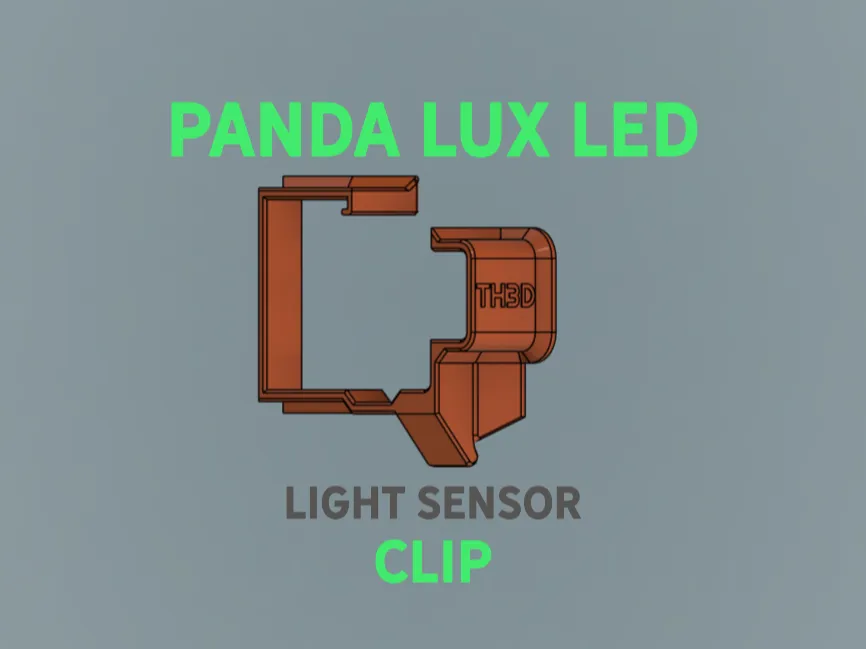
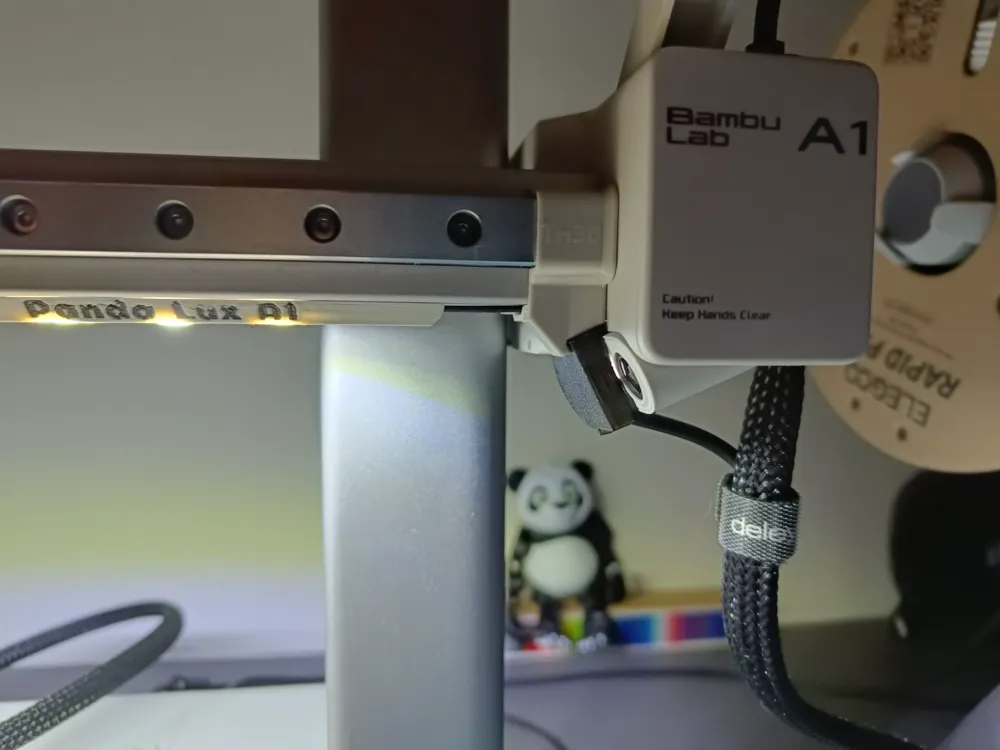
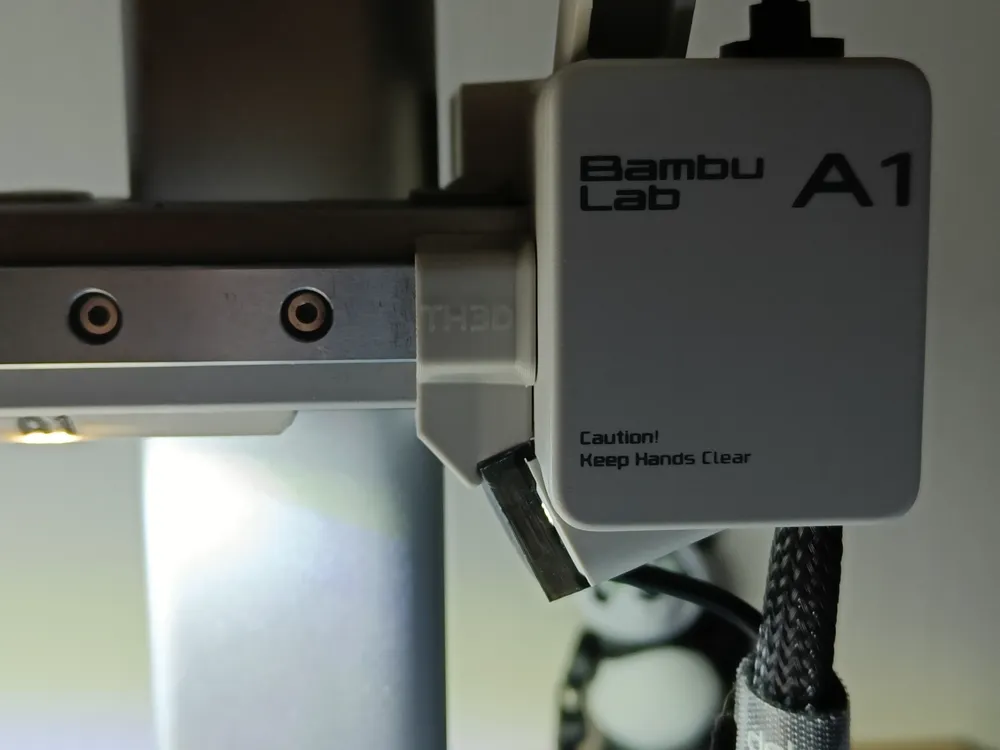
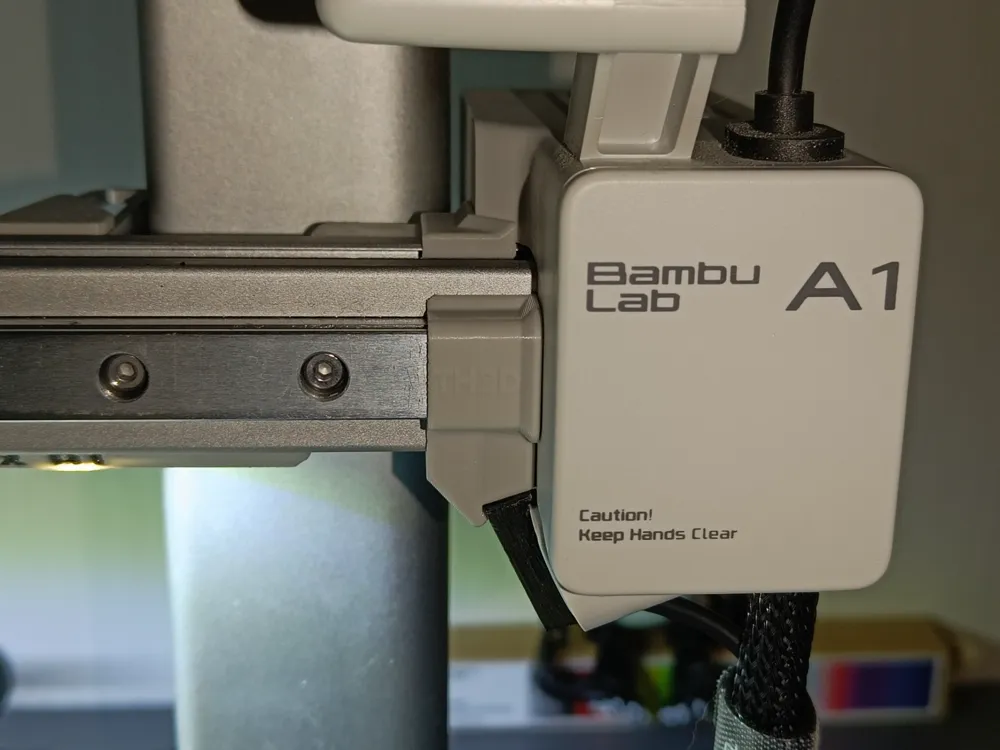
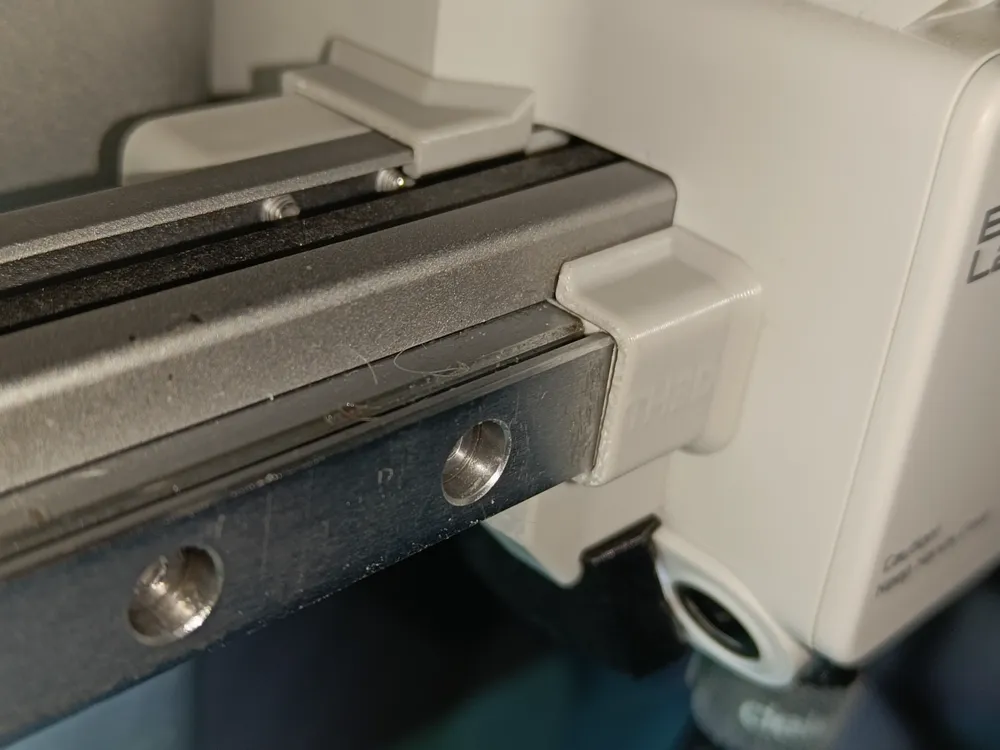
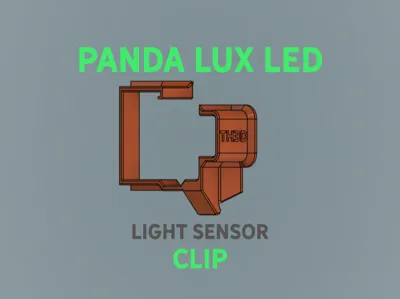
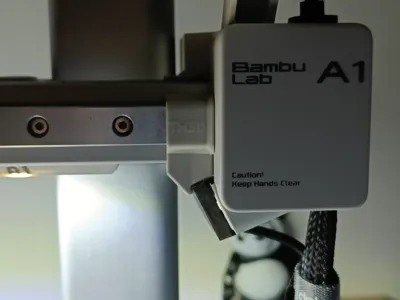
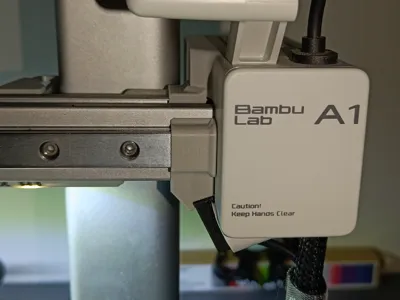

Attachment for the Panda Lux LED light sensor on the Bambu Lab A1
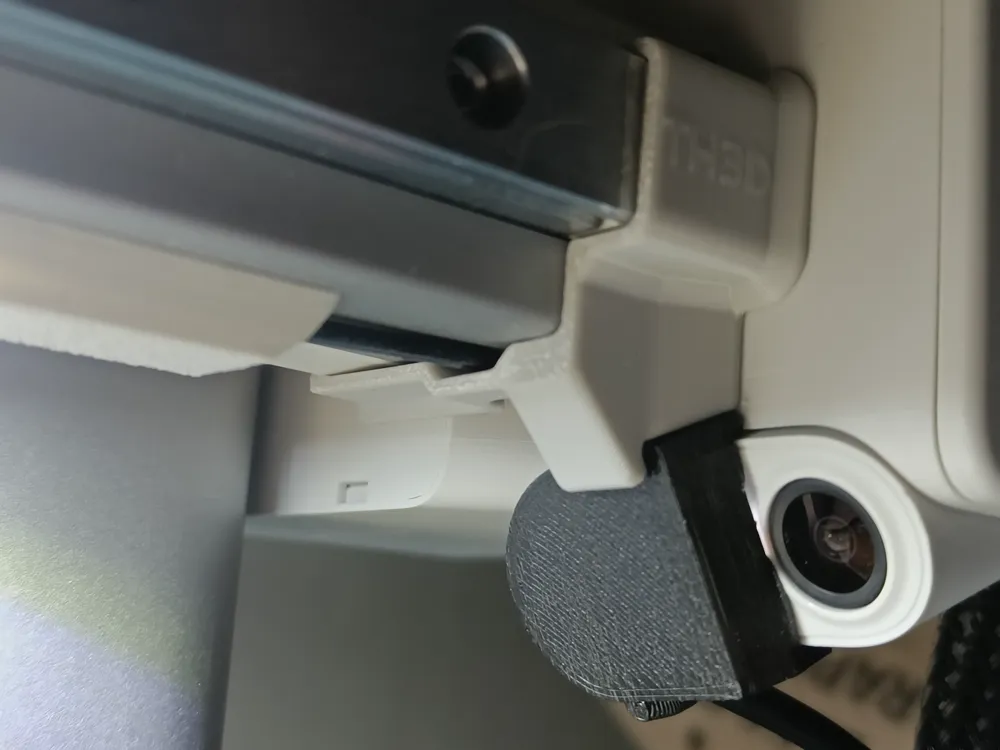
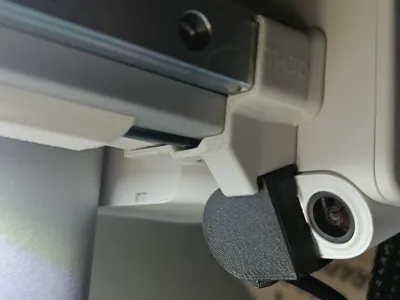
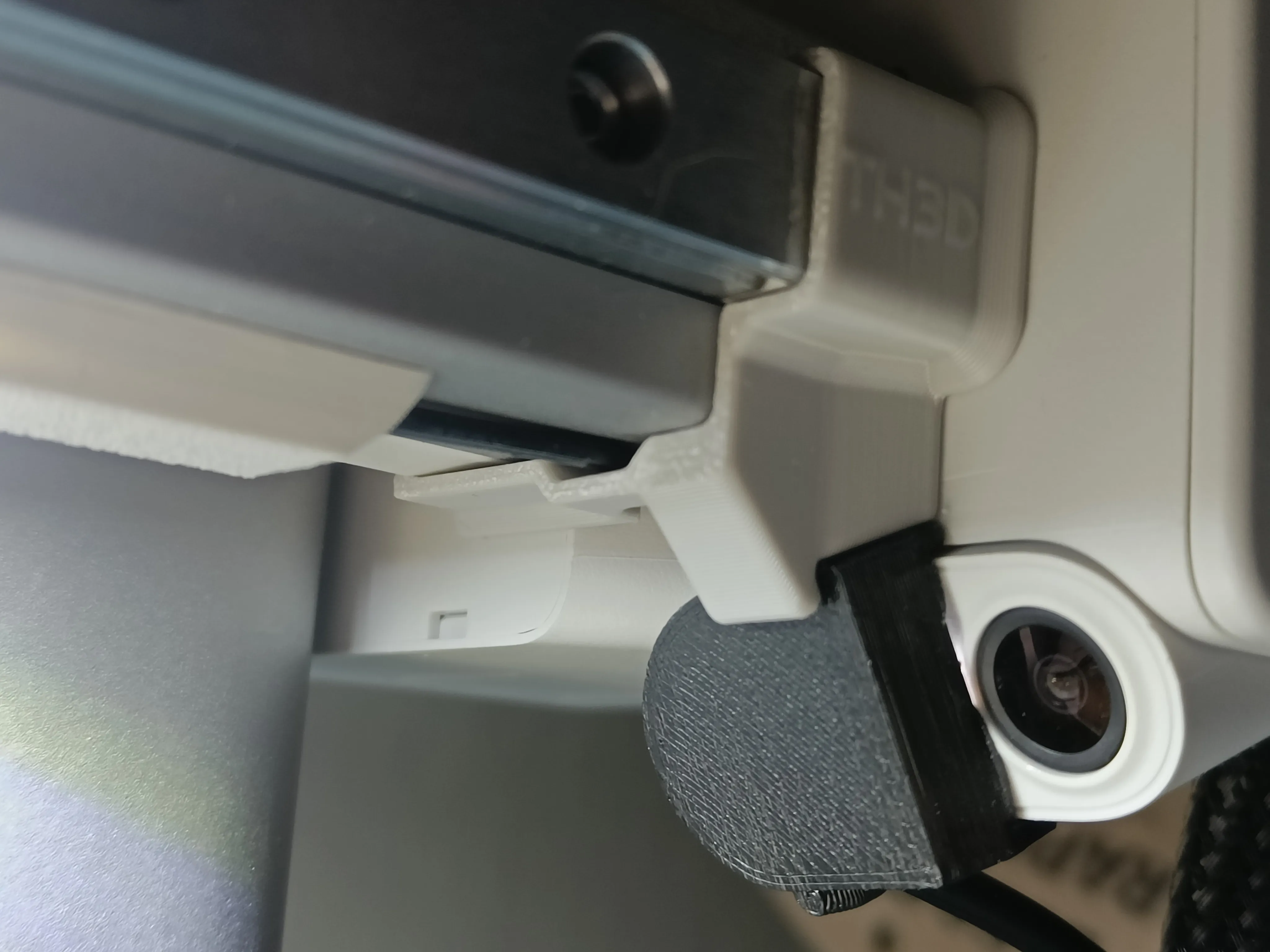
The clip presses the light sensor cover against the top edge, preventing it from detaching
Not suitable for the Bambu Lab A1 Mini
Boost Me (for free)
Thank you
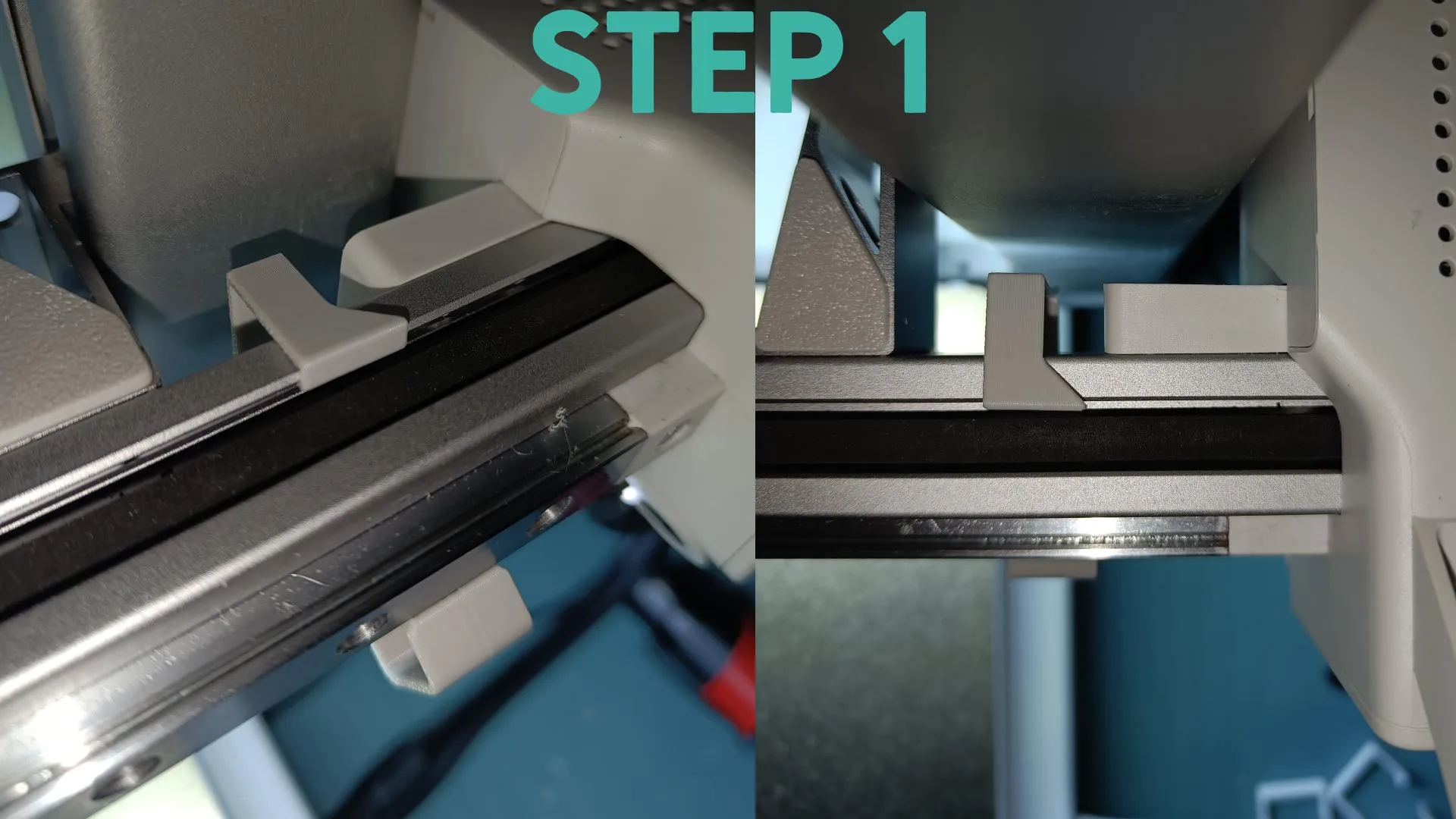
Instructions for correct attachment:
Step 1: Hook the clip into this position at the rear Do not yet fully engage the front
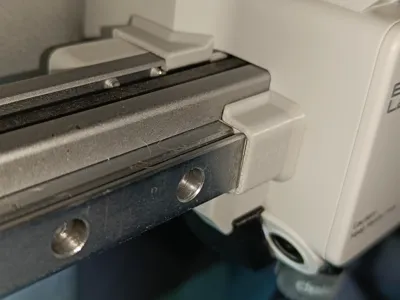
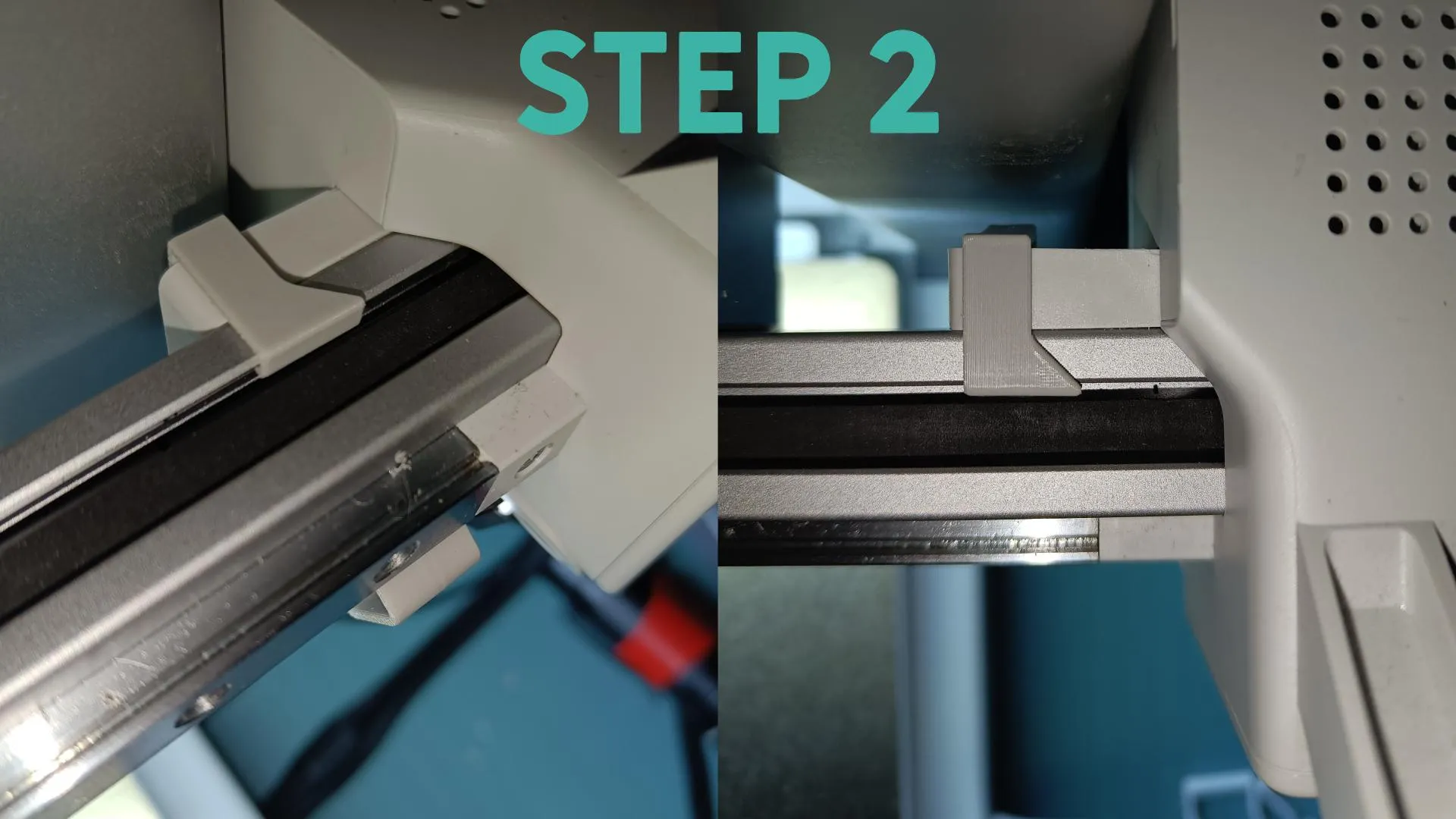
Step 2: Slide the hooked clip to the right over the rectangle
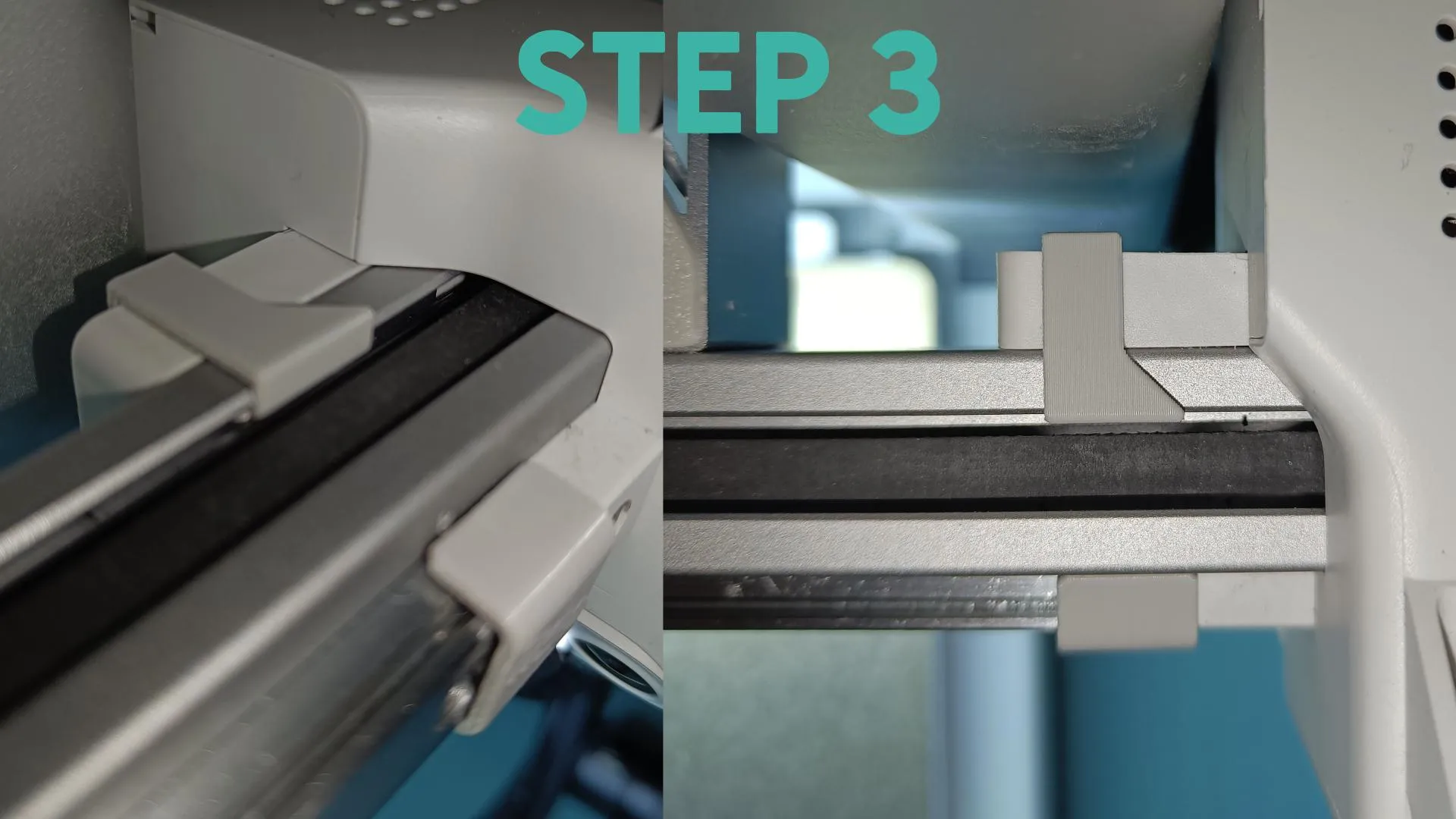
Step 3: The clip can now engage on the front side above the guide rail
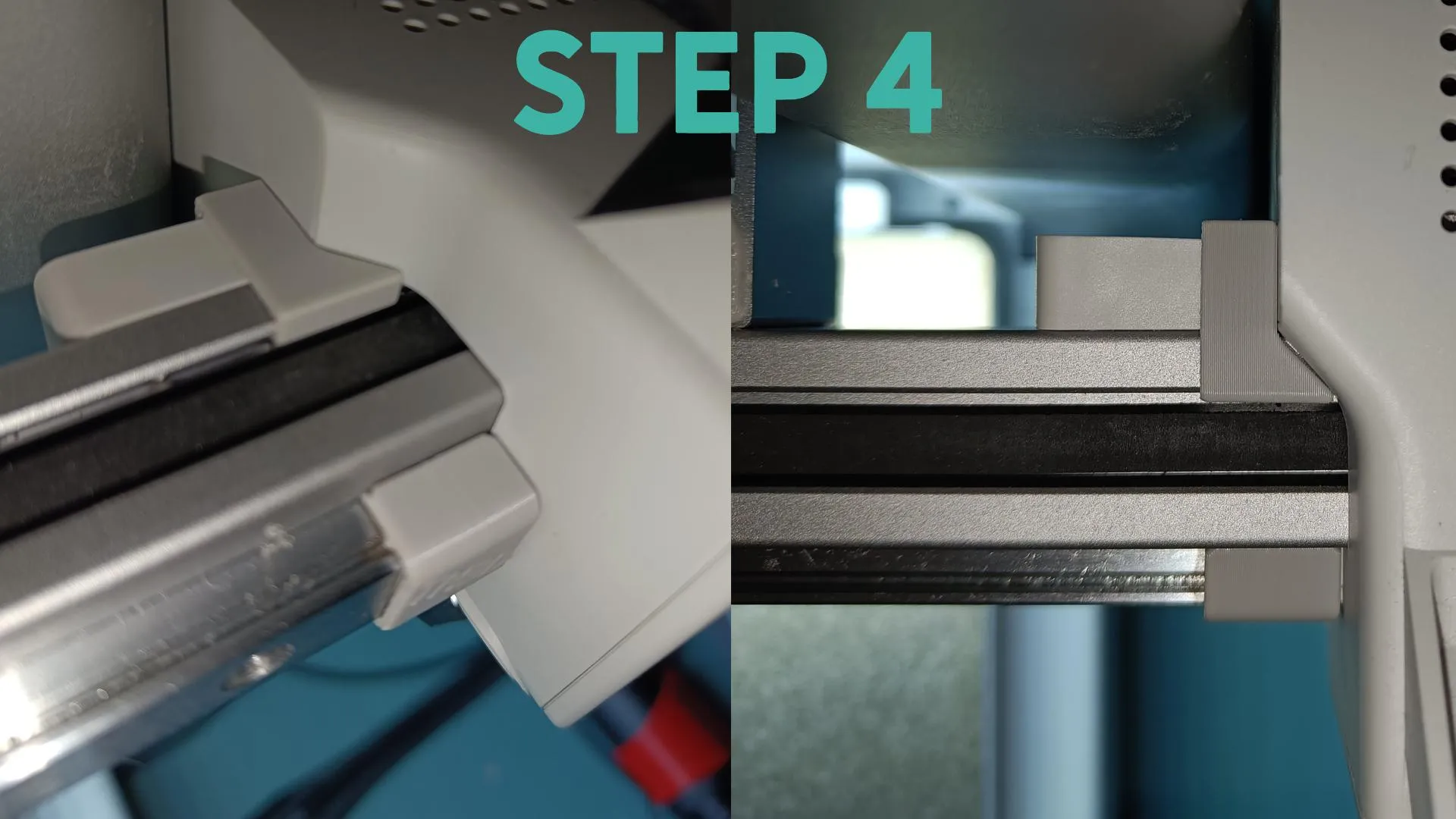
Step 4: The clip can now be fully slid to the right
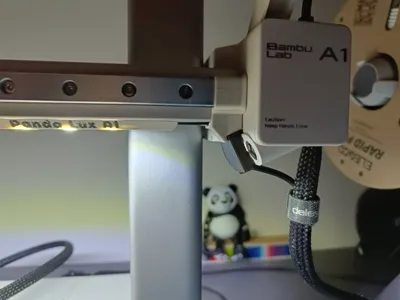
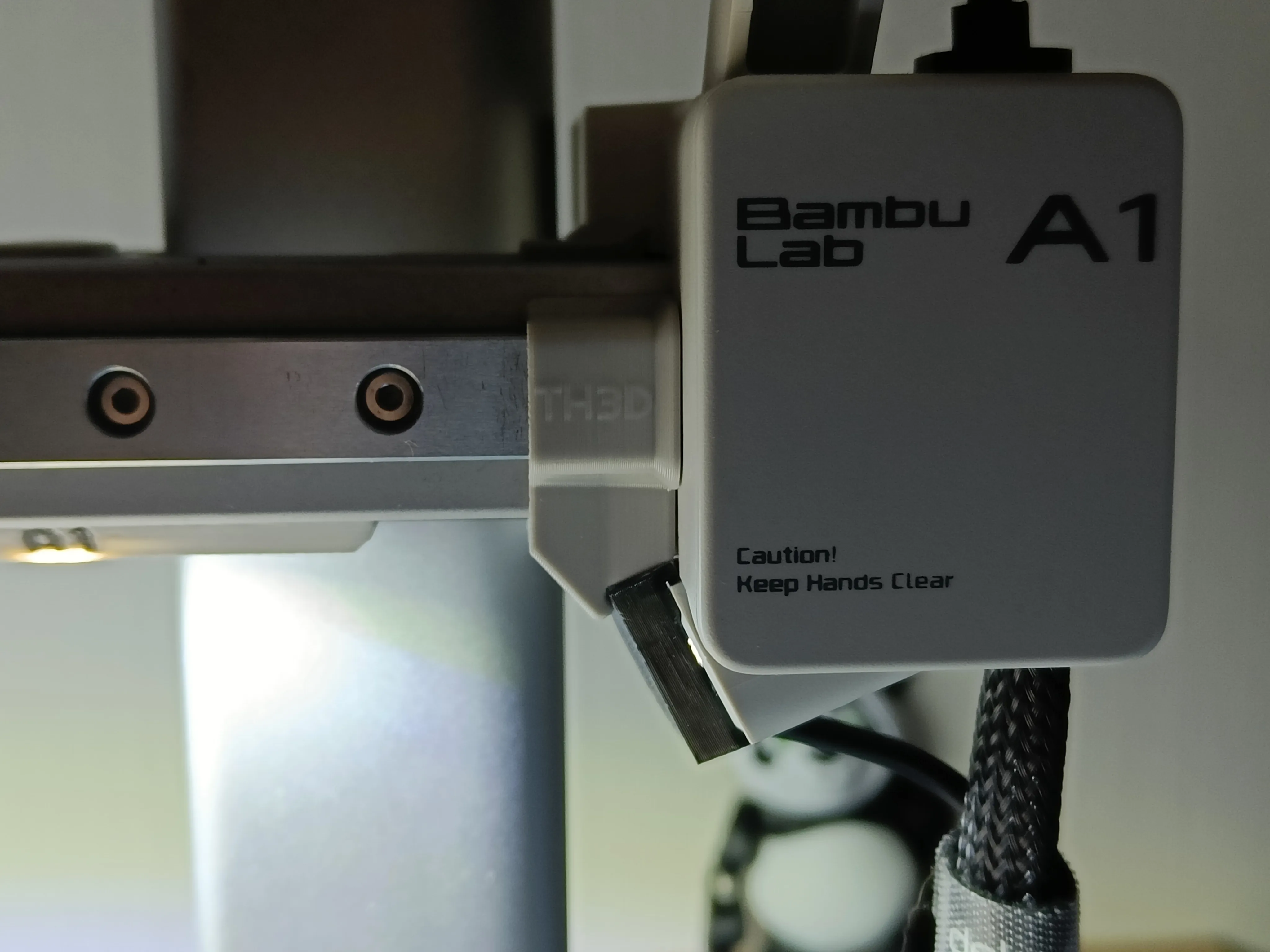
Ensure the light sensor is in the correct position This is evident when minimal light from the original LED is visible
Pay particular attention to the cable length between the LEDs and the light sensor
There appear to be variations here
Secure the supply cable quite high up with a (velcro) cable tie This pulls the light sensor downwards against the original LED
If you like the content, please leave a rating and a comment
Don't forget to give it a thumbs up! 👍💬🌟
My other designs:
https://makerworld.com/en/models/1181868-panda-lux-cover-a1-mini
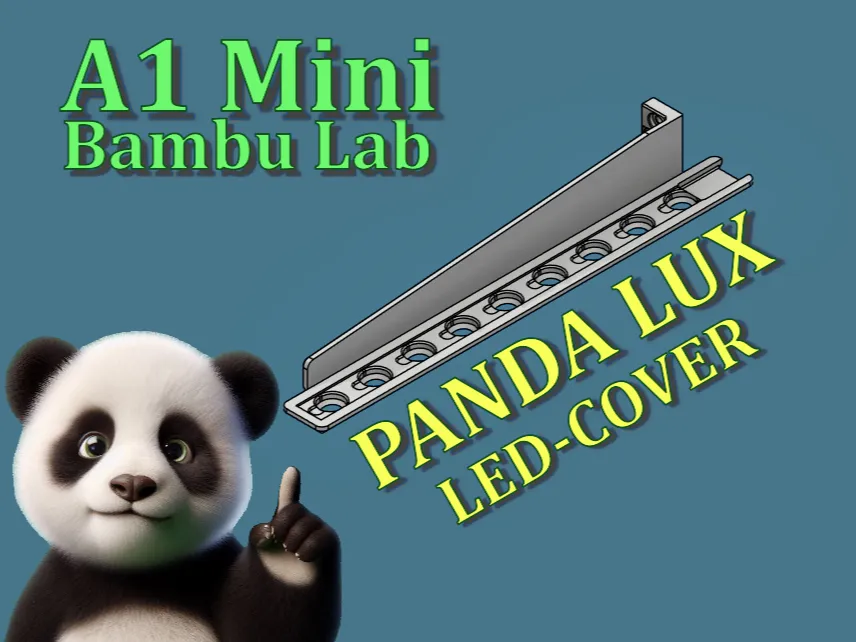
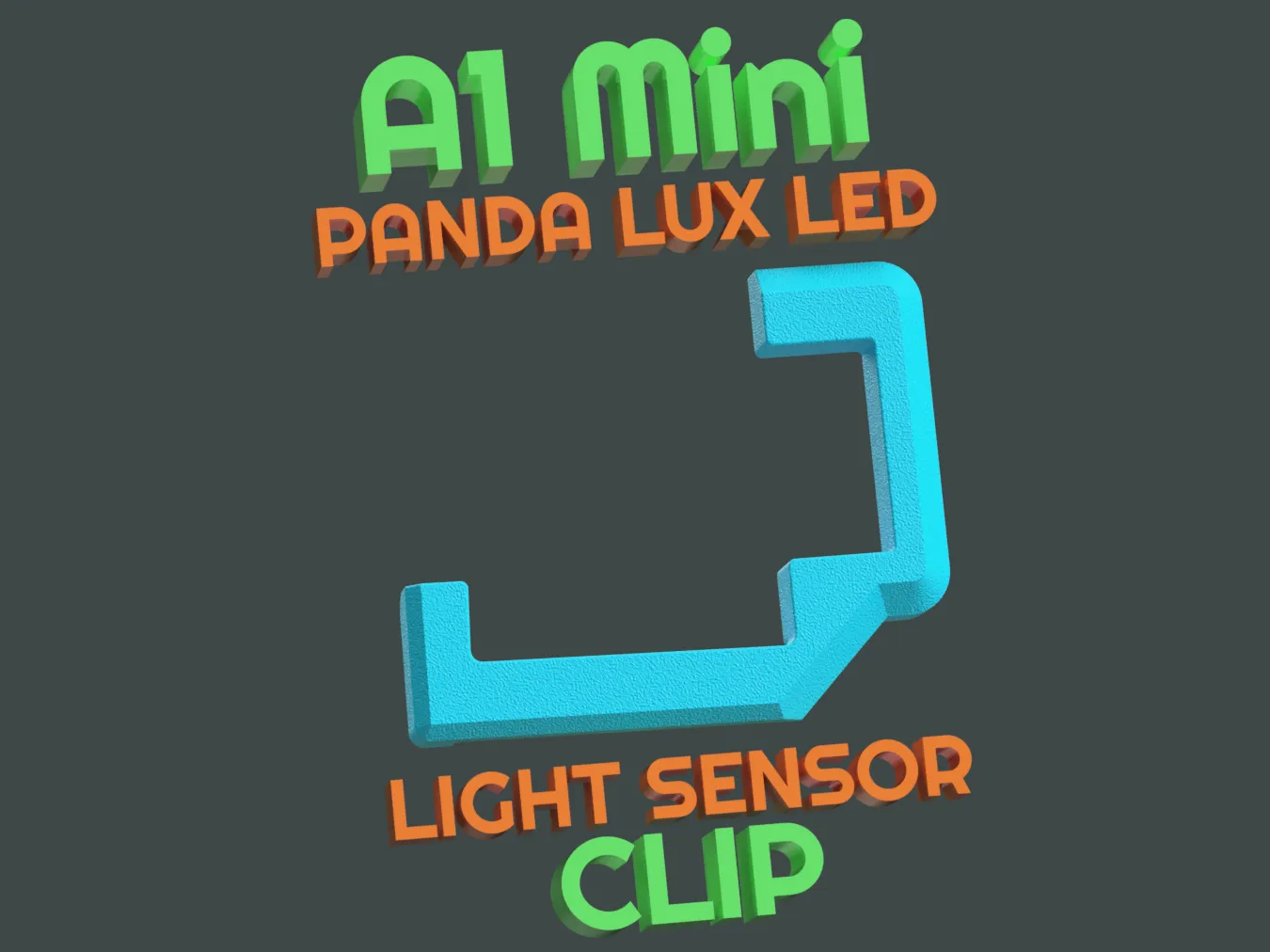
A1 MINI - Panda Lux Light Sensor Clip

NEW SUNLU SPOOL ADAPTER by Hottentotten - MakerWorld
A1 - BIQU Panda Lux LED Cover by Hottentotten - MakerWorld

A1-AMS LITE - PTFE-Tube-Clip by Hottentotten - MakerWorld
License

You shall not share, sub-license, sell, rent, host, transfer, or distribute in any way the digital or 3D printed versions of this object, nor any other derivative work of this object in its digital or physical format (including - but not limited to - remixes of this object, and hosting on other digital platforms). The objects may not be used without permission in any way whatsoever in which you charge money, or collect fees.


Comment & Rating (204)