
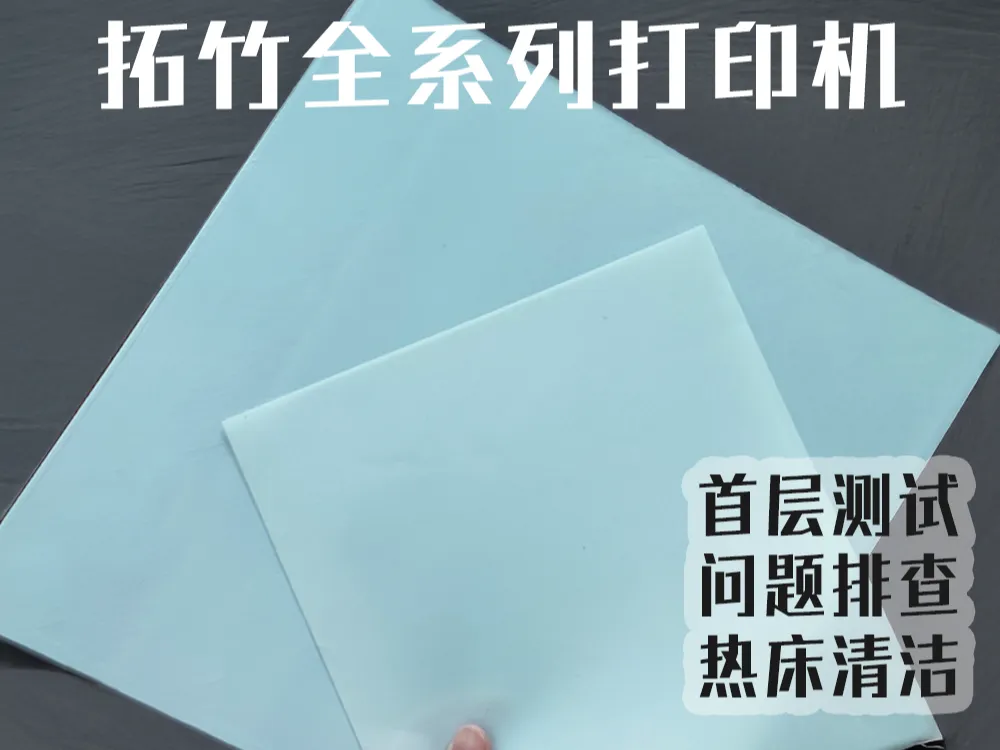
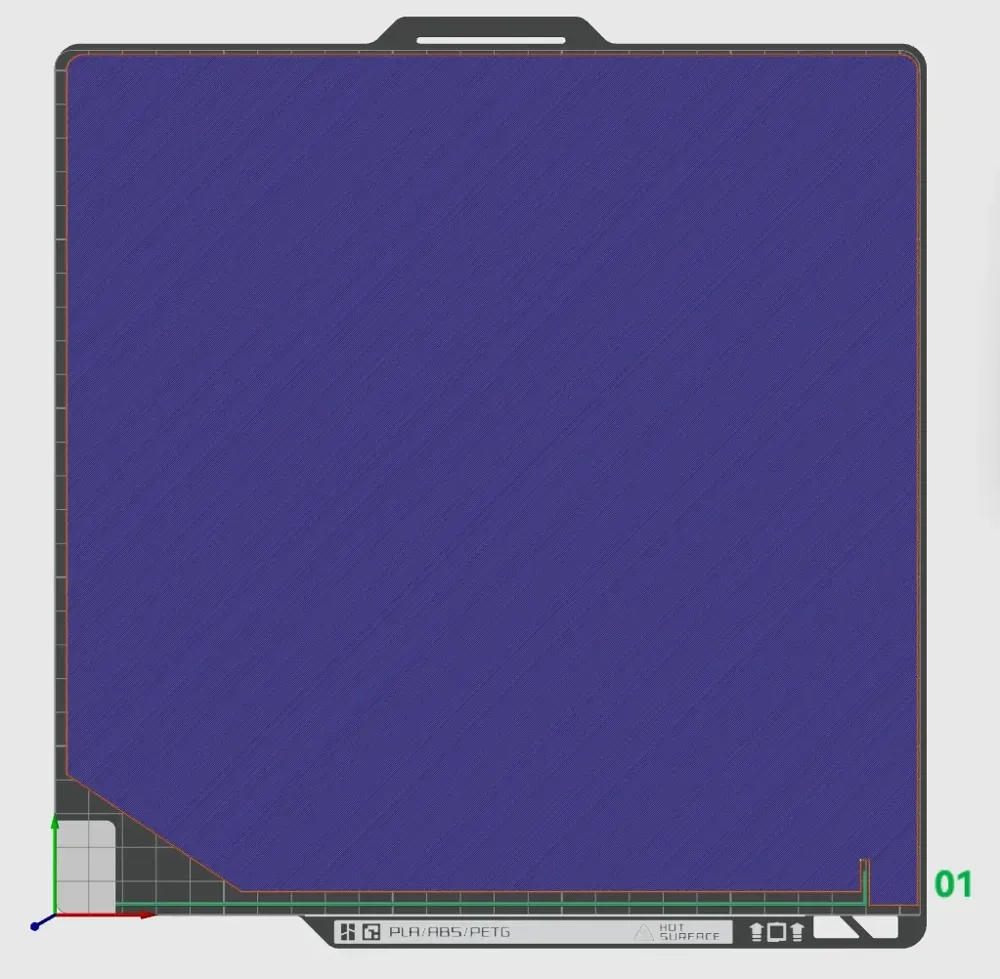
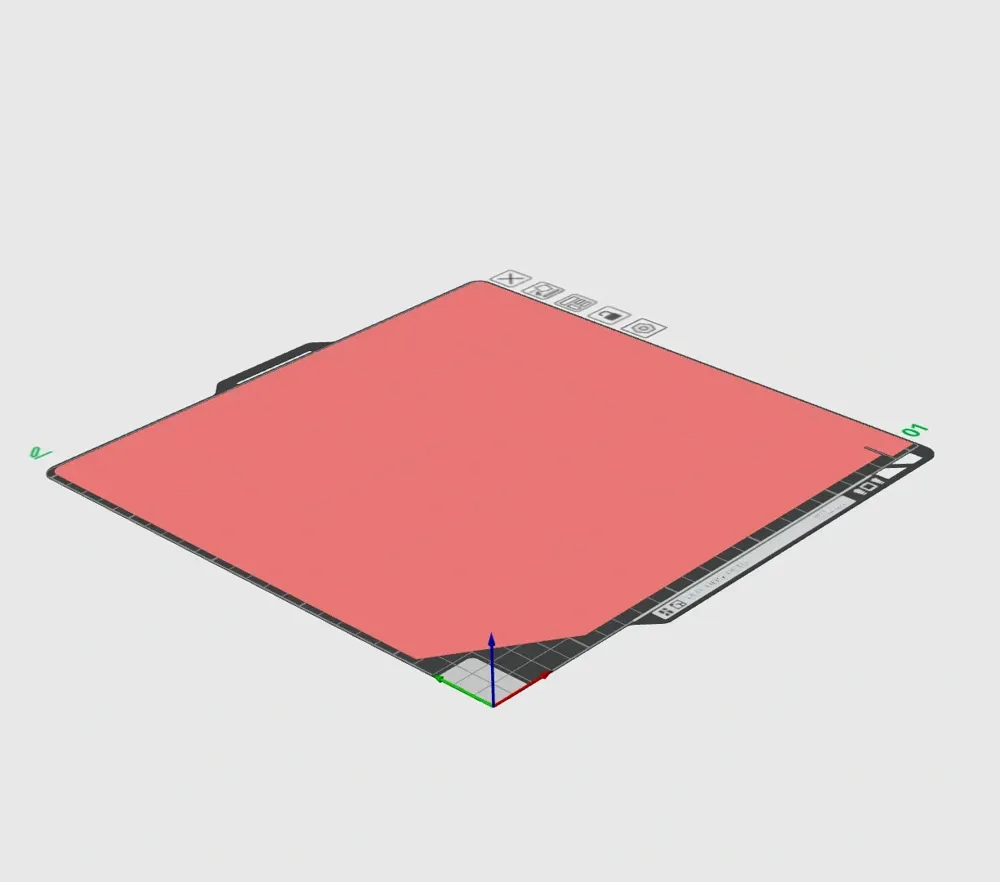
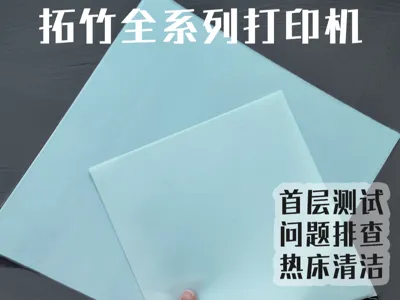
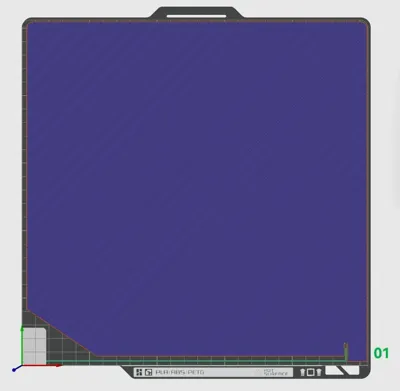
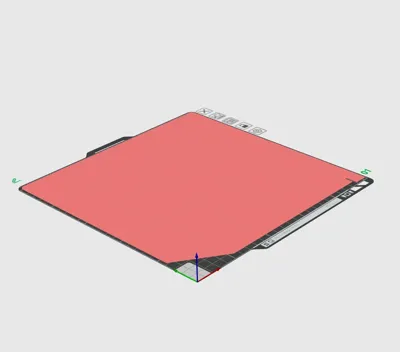
(Added X2D/P2S/H2C/H2S/H2D) First layer test + build plate cleaning, a first layer essential print for new machines
Print Profile(10)


Description
Boost Me (for free)
Should you encounter any printing issues or possess valuable modeling or printing insights, feel free to engage in the comments section. If you appreciate this content, kindly show your support through likes, saves, and boosts. Thank you
Below, I have compiled common first layer challenges and their corresponding remedies, integrating information from the Bambu Lab Wiki and other platforms with my personal experience. I hope this comprehensive guide proves beneficial to all (Note: Some images are sourced from the Bambu Lab Wiki):
First Layer Too High: Nozzle Too Far From Build Plate
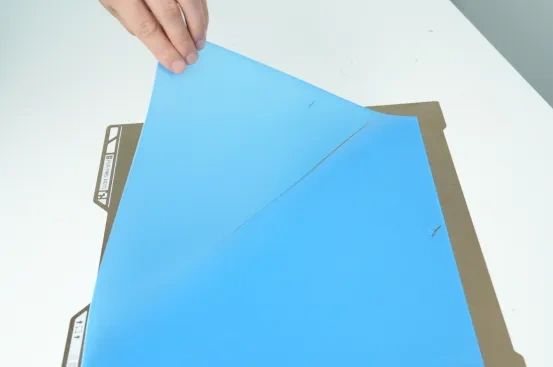
Sparse lines with noticeable gaps, detaching with a light touch 1. Adverse Outcomes:
- The bottom layers of the model appear sparse, compromising both aesthetic appeal and structural integrity
Insufficient adhesion of the first layer to the heated bed can lead to the model collapsing or shifting during printing, resulting in filament spaghetti or nozzle encapsulation, ultimately causing print failure
2. Causes and Corresponding Remedies:
① Widespread high/sparse first layer – potentially due to residual material on the nozzle, leading to an inaccurately high leveling measurement. Please verify that the nozzle wiper (whether a rigid steel plate or a soft silicone brush) is thoroughly clean, and confirm that the hard steel plate is not bent or deformed (a concave center would prevent the nozzle from contacting the plate during wiping). Replacement is advised if it has been used for an extended period, ensuring the nozzle is immaculate before calibration
② Localized sparseness – a temporary increase in first layer flow may help, though this is a symptomatic treatment and places specific demands on model placement, potentially causing localized over-extrusion
First Layer Too Low: Nozzle Too Close to Build Plate
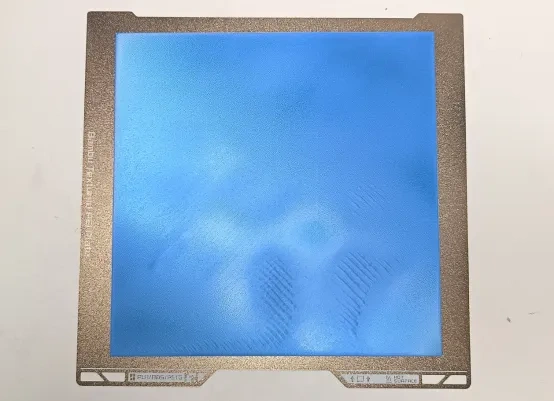
Peeling, raised ridges, wavy patterns 1. Adverse Outcomes:
- Continuous scraping of the heated bed by the nozzle may damage both the nozzle and the build plate
- The print adheres excessively to the heated bed, making removal difficult or even tearing the model
Insufficient extrusion on the first layer can lead to nozzle clogs (material accumulation at the nozzle tip, obstructing extrusion)
2. Causes and Corresponding Remedies:
① Large-area/entirely low first layer – likely due to mechanical play at the nozzle. Attempt to tighten the front and back screws of the nozzle's ceramic base; check if the nozzle clip is securely fastened
② Localized low spots – for instance, in the H2D series, this often appears near the printer's front door. For specific methods, consult: H2D First Layer Print Quality Improvement Guide | Bambu Lab Wiki
③ Higher in the center, lower at the edges – a classic first layer anomaly, requiring adjustment of the heated bed screws
Poor First Layer Adhesion
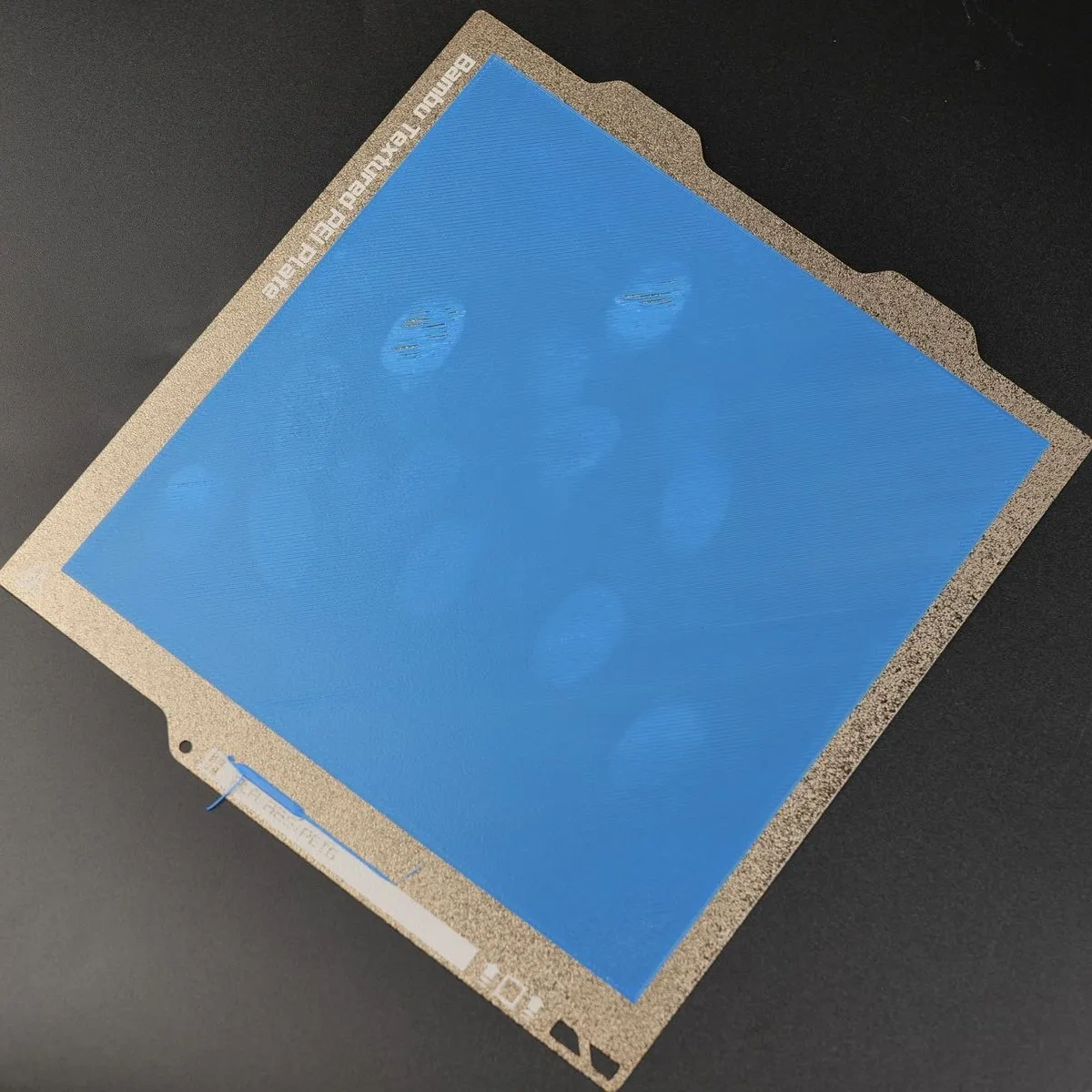
Localized damage and whitening. Some localized whitening may also be due to previously applied adhesive being peeled off 1. Adverse Outcomes:
- Localized or overall warping/lifting
- Filament wisps floating
Model shifting
2. Causes and Corresponding Remedies:
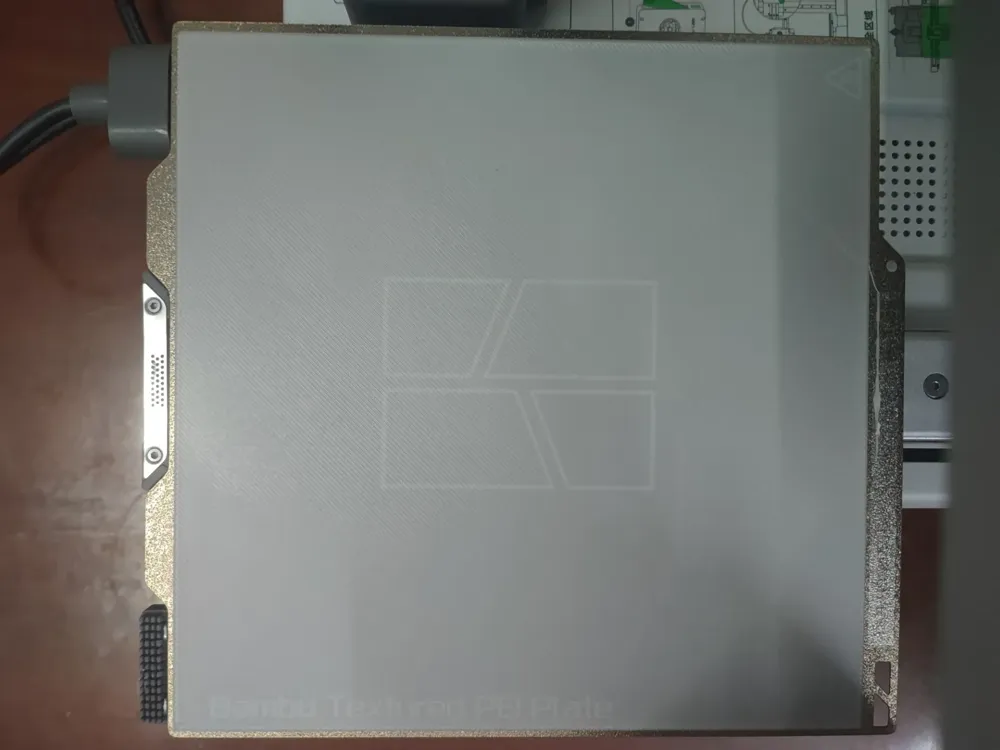
① Localized oil stains on the build plate – Clean the PEI plate with dish soap; routinely avoid touching it with hands to prevent leaving oily residues
② Incorrect build plate type selected – In Bambu Studio, selecting the wrong build plate type (different plates require different temperatures) can lead to insufficient first layer adhesion
Universal Solutions (To be attempted first):
① Enable "Automatic Bed Leveling" (or H2D's specific high-temperature bed leveling): If the machine has been moved, stored for an extended period, or if the heated bed has been disassembled and reassembled, the leveling calibration must be performed again② Perform a comprehensive machine calibration
Ultimate Troubleshooting Strategy:
Preheat the heated bed to the desired printing temperature and sustain it for 10-15 minutes prior to initiating the print job
When Leveling Proves Impossible:
① Consider machine replacement
② Secure a lattice glass plate onto the heated bed, then place the build plate on top, albeit at the expense of some Z-axis height. (I have only encountered this situation with other brands of printers…)
Printer Tools:
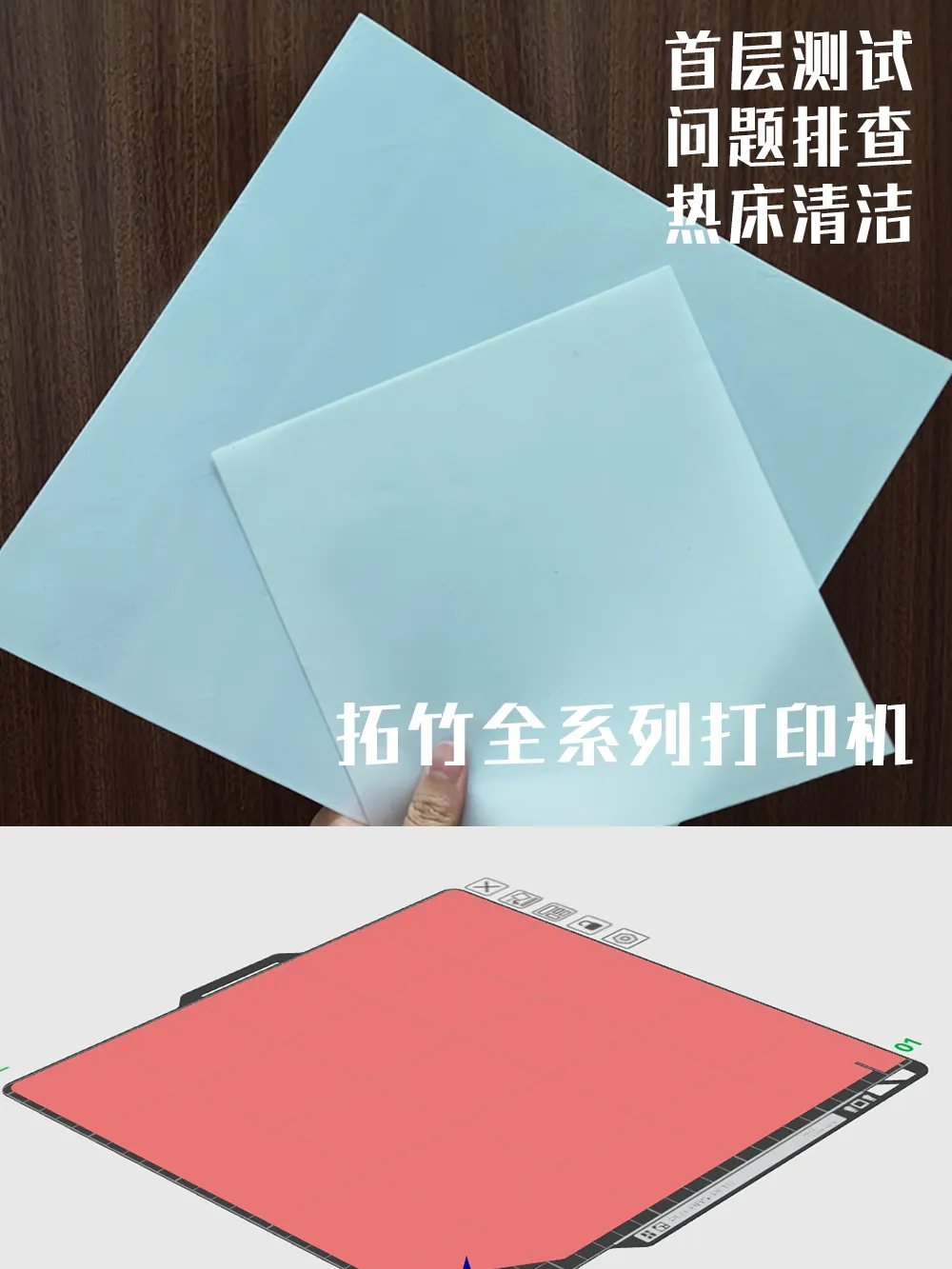 | 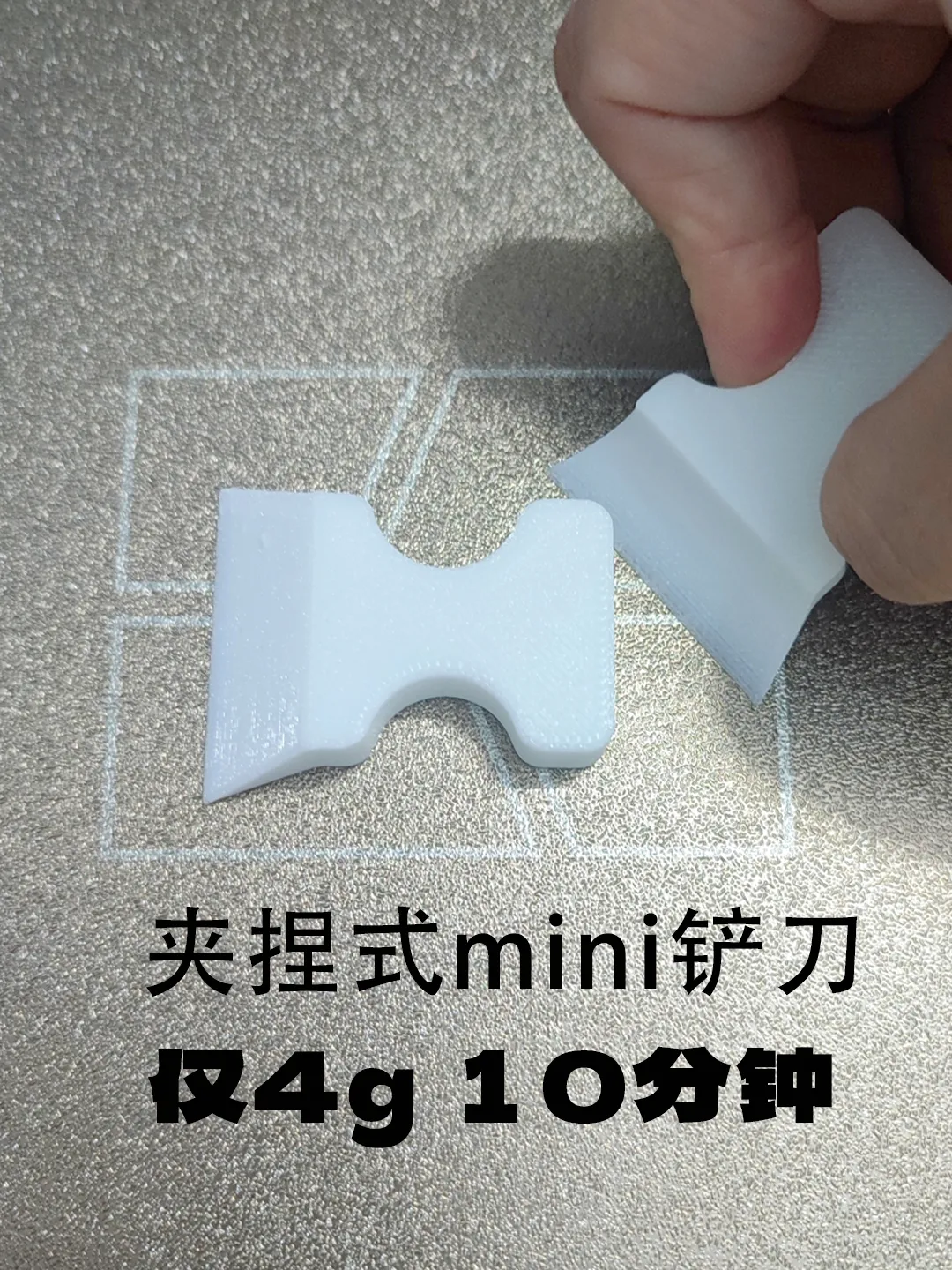 | 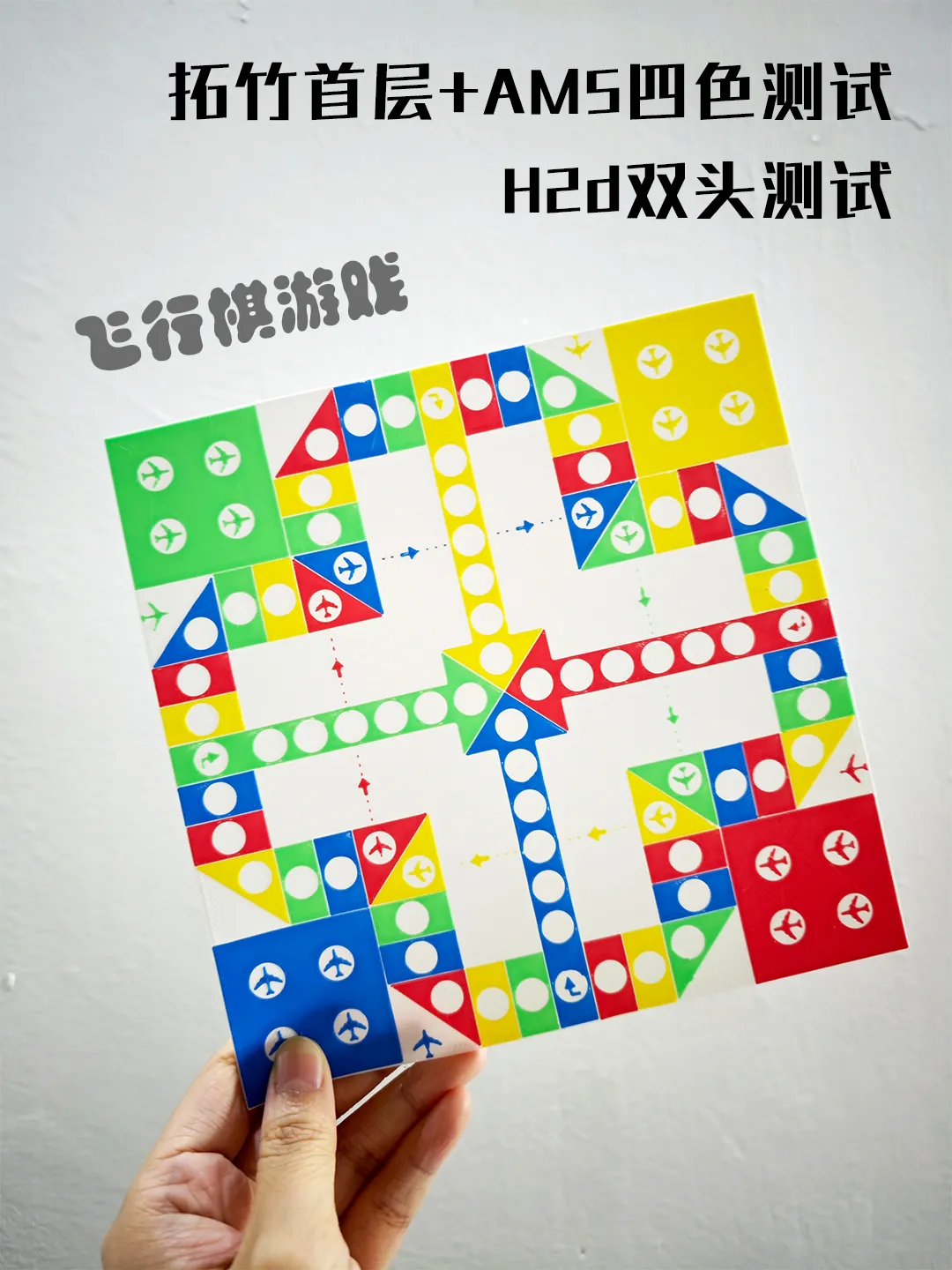 | 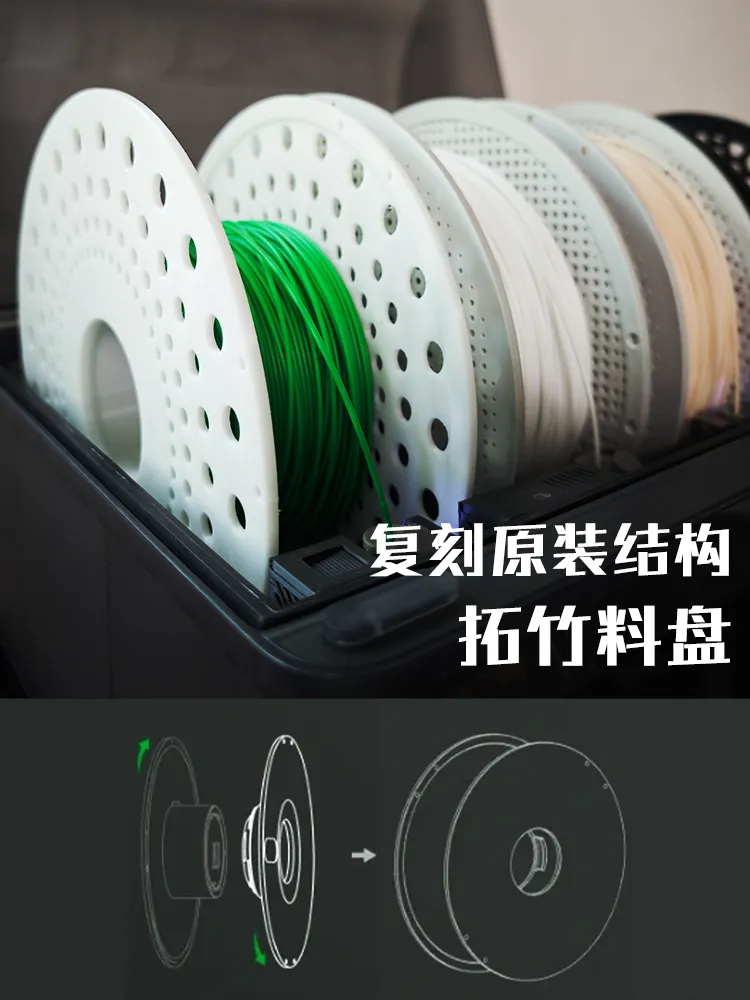 |
License

You shall not share, sub-license, sell, rent, host, transfer, or distribute in any way the digital or 3D printed versions of this object, nor any other derivative work of this object in its digital or physical format (including - but not limited to - remixes of this object, and hosting on other digital platforms). The objects may not be used without permission in any way whatsoever in which you charge money, or collect fees.


Comment & Rating (63)