
Monkey D Luffy HueForge
Print Profile(1)

Description
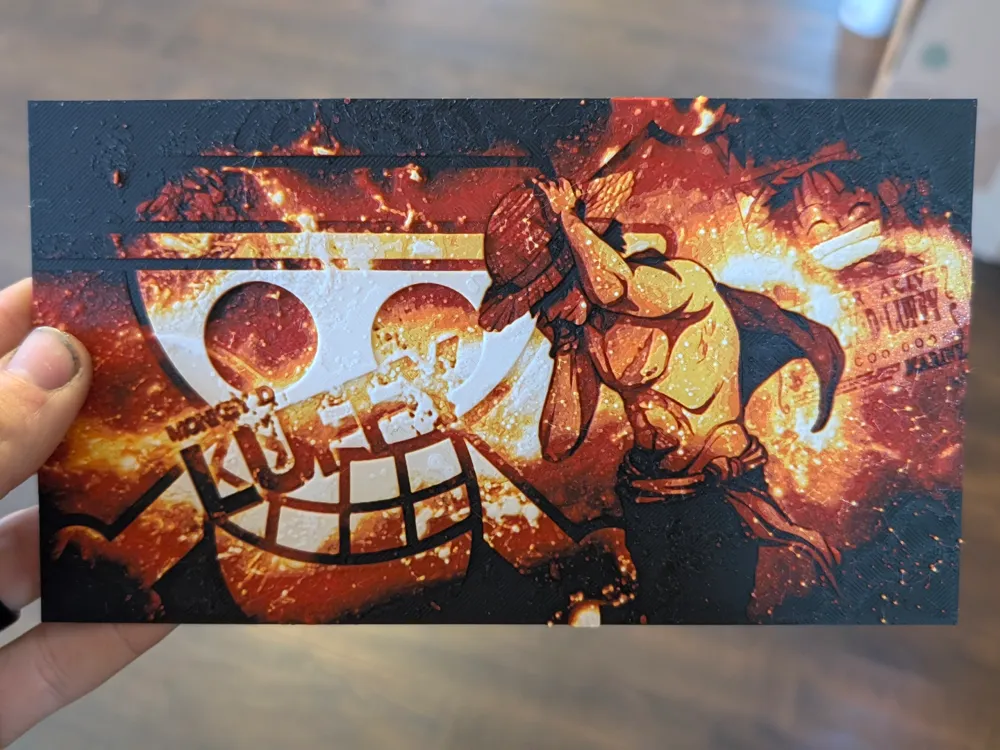
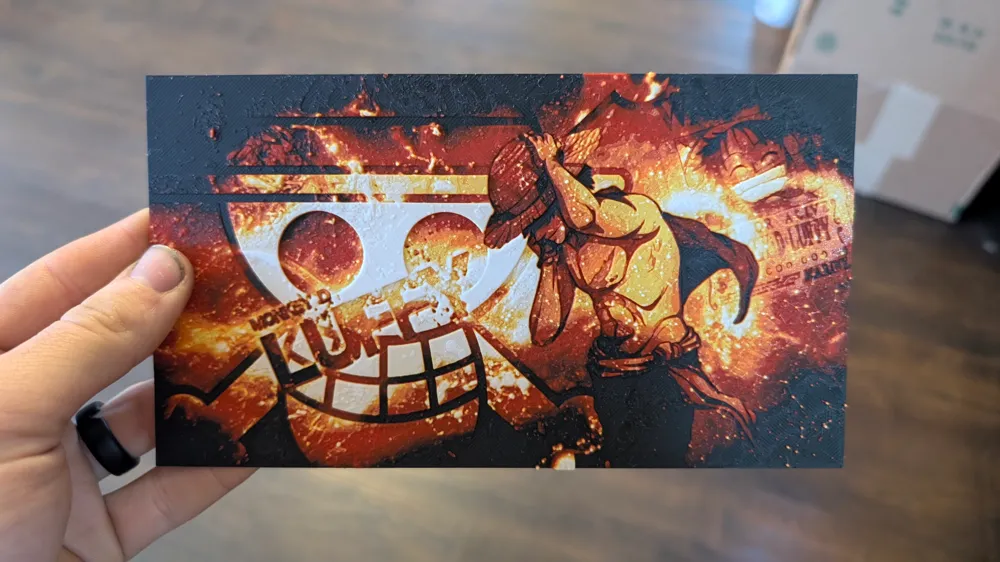
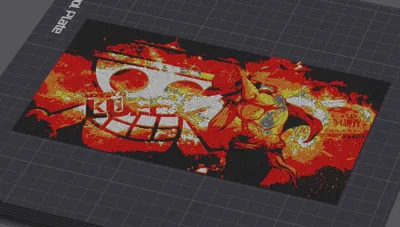
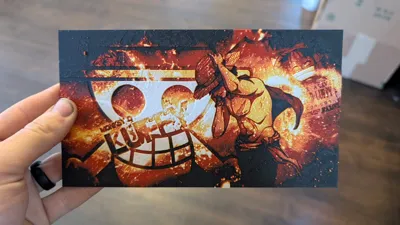
Monkey D Luffy HueForge art! If you love One Piece then you will love printing this for your house, work space, or even your desk at work!
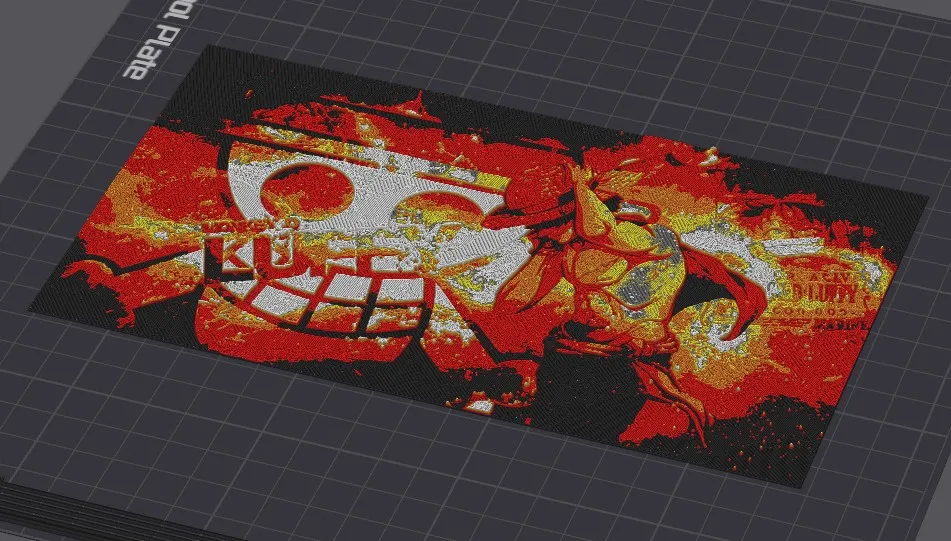
The included 3mf file has everything set up and ready to go for you. If you want to change anything on the profile, go for it! Just make sure that you leave the Initial Layer Height @ 0.16mm, Layer Height @ .08, and if you scale the model leave the Z Height the same (only change X and Y). If you change any of those three things, the color change layers will be off and it will not come out the same.
You will need 5 colors for this print. You will need black, red, orange, yellow, and white. If you do not have an AMS you can manually change the filament (you may need to add in a pause print instead of color change at the appropriate layer height). If you have an AMS you will need to assign the white color (the last one printed) to the A1 slot when you click print and can choose your colors. I have the 3mf set up to pause right before the last layer of yellow so you can switch out the black with white. all filaments used are either PLA+ or PLA.
Swap Instructions:
Start with Black
At layer #8 (0.72mm) swap to Red
At layer #14 (1.2mm) swap to Orange
At layer #19 (1.6mm) swap to Yellow
At layer #22 (1.84mm) swap to White for the rest.
License



Comment & Rating (0)