
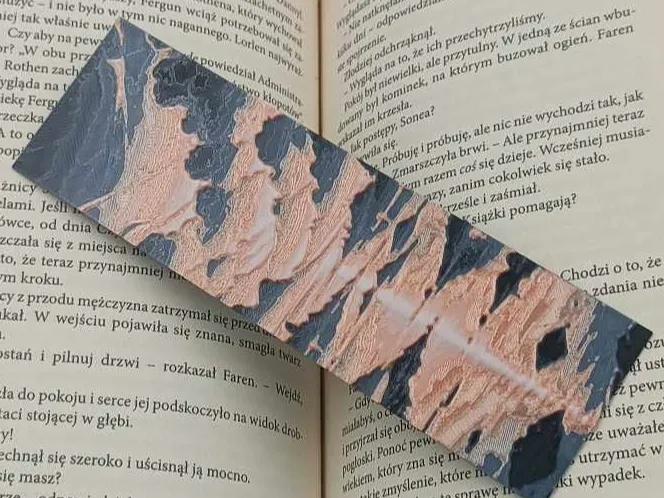
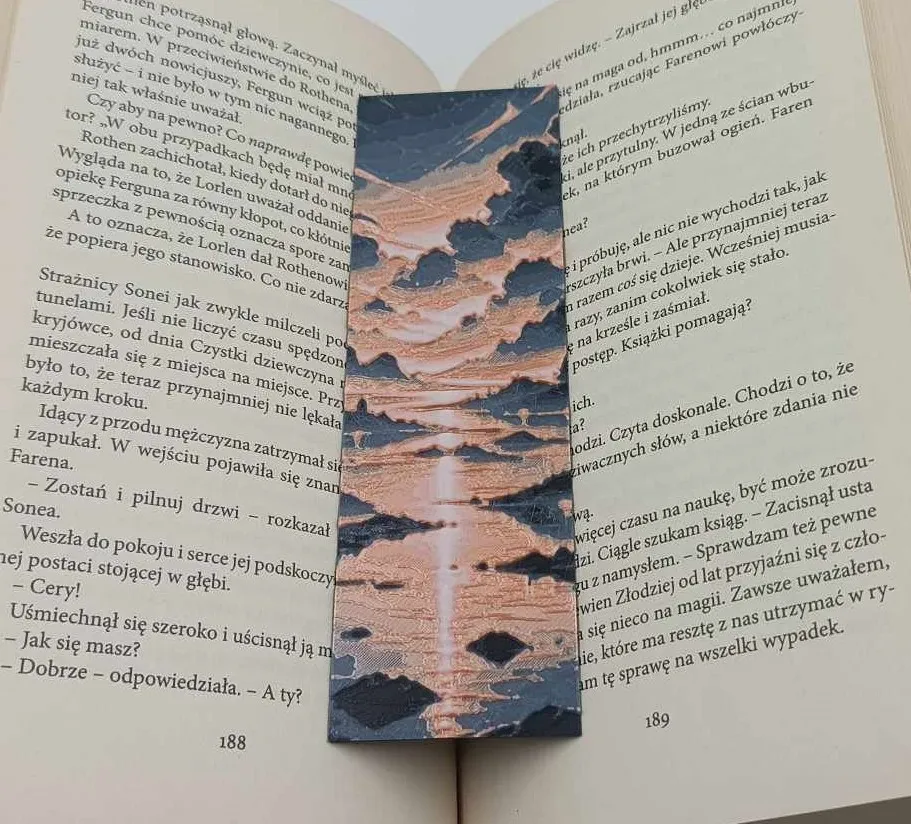
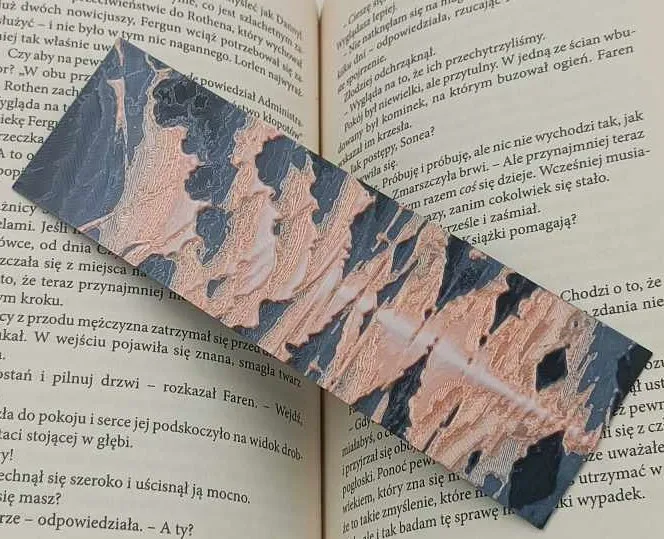
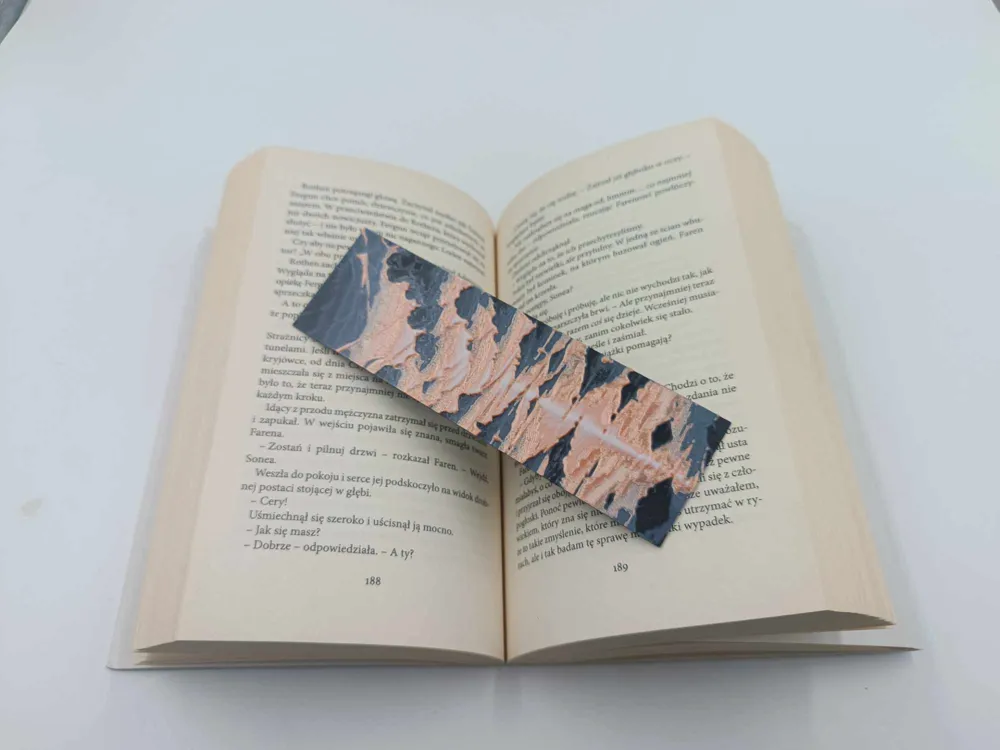
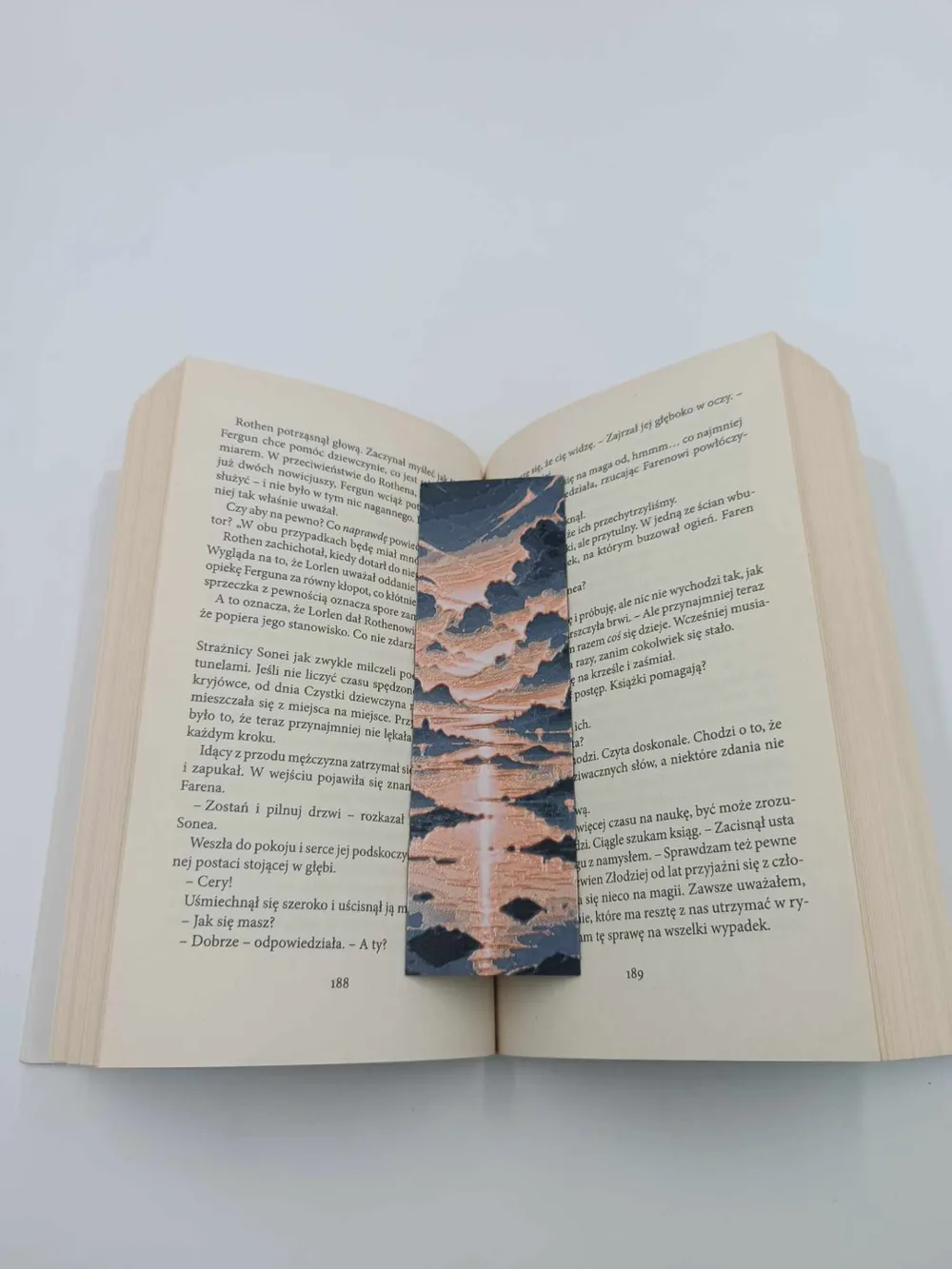
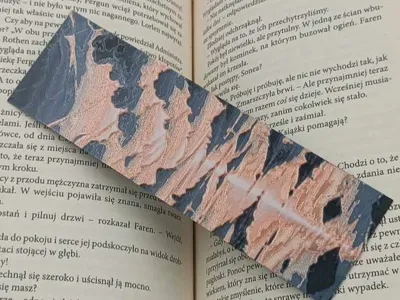
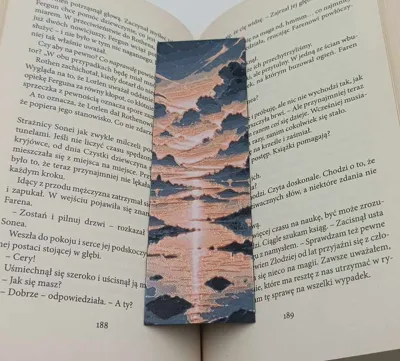
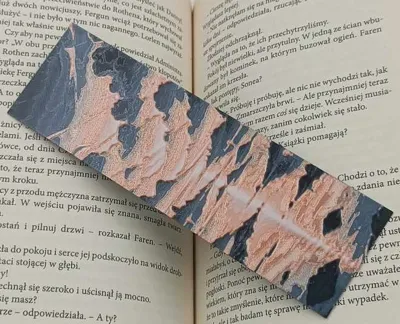
Sunrise Bookmark - Hueforge 150x50
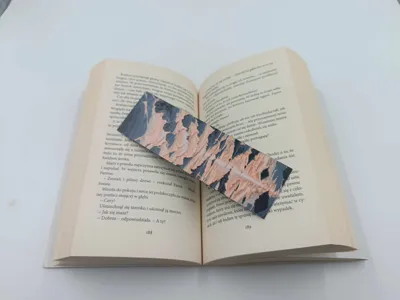
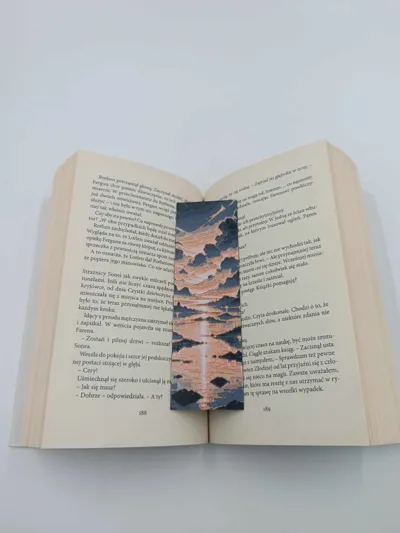
Print Profile(1)

Description
Boost Me (for free)
Thank you all very much for your support, if you like this model and my work please leave a boost ^^
Thank you all for your support. I'm always happy to hear your opinions and suggestions for new models. So please share them in the comments.
You can offer me a coffee and support my work here >>> https://ko-fi.com/drakeforge3d If you like my work and want to support me, I appreciate any support. The website also includes a commercial license that allows you to sell all my existing models.
Boost Me (for free)
Support the adventure with 3D printing
Sunrise Bookmark - Hueforge
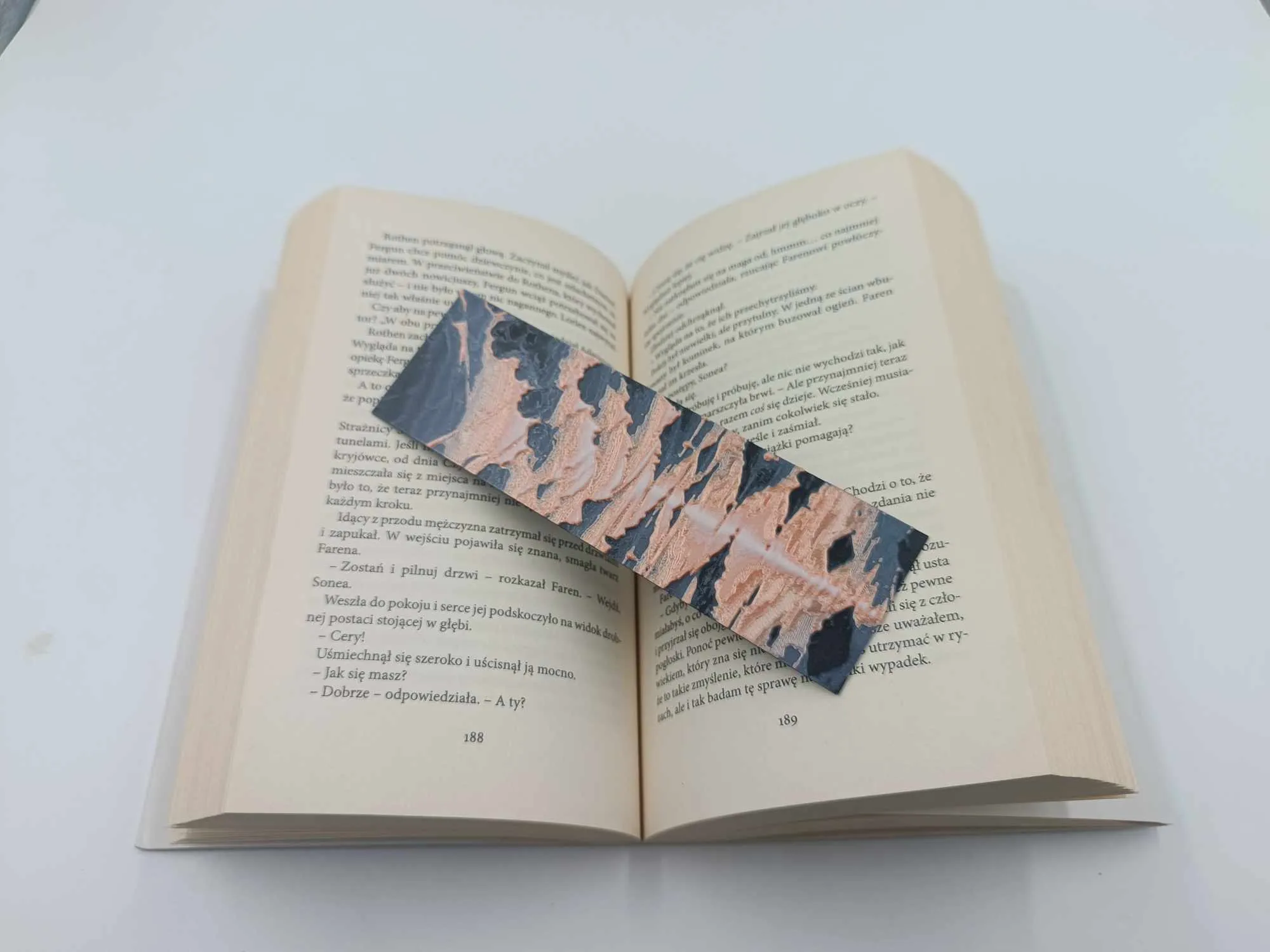
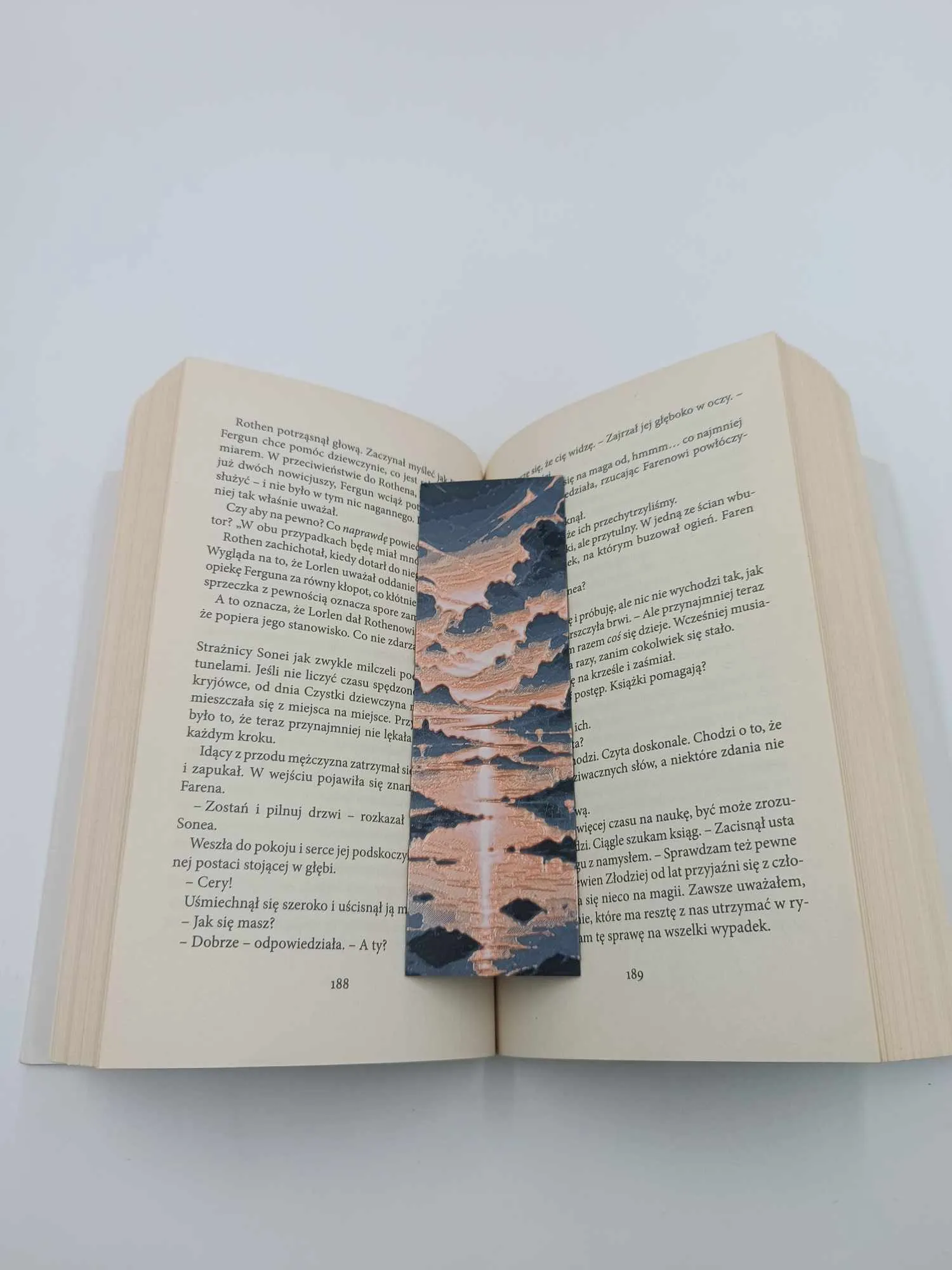
Print at 100% infill with a layer height of 0.08mm with a base layer of 0.16mm
The Model is 46.15x149.99mm in size
You may print at higher layer heights below the Min Depth of 0.48mm
The Max Depth is 2.2mm and the Actual Depth is 2.2mm
Filaments Used:
PLA PolyLite Black Transmission Distance: 0.3
PLA BambuLab Basic Blue Gray Transmission Distance: 3
PLA Silk BambuLab Pink : 3.5
PLA PolyLite White Transmission Distance: 5
This print uses 4 unique filaments
Swap Instructions:
Start with Black
At layer #8 (0.72mm) swap to Blue Gray
At layer #13 (1.12mm) swap to Silk Pink
At layer #20 (1.68mm) swap to White for the rest.
Guide
Each of my models is printed 2-3 times before releasing the profile. So if you have a problem with printing:
1. DRY THE FILAMENT
2. CHANGE THE NOZZLE TO A NEW ONE.
Recommendations Guide : In case of a problem with damage to the supports, I recommend reducing the printing speed of the supports by 30-50% and the travel speed to 400mm/s. When removing the supports, I recommend first cutting off the pieces right next to the character, but not removing them, just cutting them off. Remove the remaining larger pieces and only then detach the remaining smaller pieces. This reduces the risk of damaging delicate elements.
Please note that if you use a different filament than the recommended one, the effect may be different from my print. For example, printing in silk PLA will look better but the supports and the print itself will be more brittle and less durable.
Recommendations:
- 0.08-0.2. In the event of changing the original height, the height of the supports should be changed.
PLA+HS, PLA+, PLA, PLA silk Recommended materials are listed in order from best to good.
- Clean the plate thoroughly before printing.
Make sure the filament is dry and free from dirt. This can damage the print or weaken the support
License

You shall not share, sub-license, sell, rent, host, transfer, or distribute in any way the digital or 3D printed versions of this object, nor any other derivative work of this object in its digital or physical format (including - but not limited to - remixes of this object, and hosting on other digital platforms). The objects may not be used without permission in any way whatsoever in which you charge money, or collect fees.


Comment & Rating (0)