
Lovecraftian Charzard HueForge
Print Profile(1)

Description
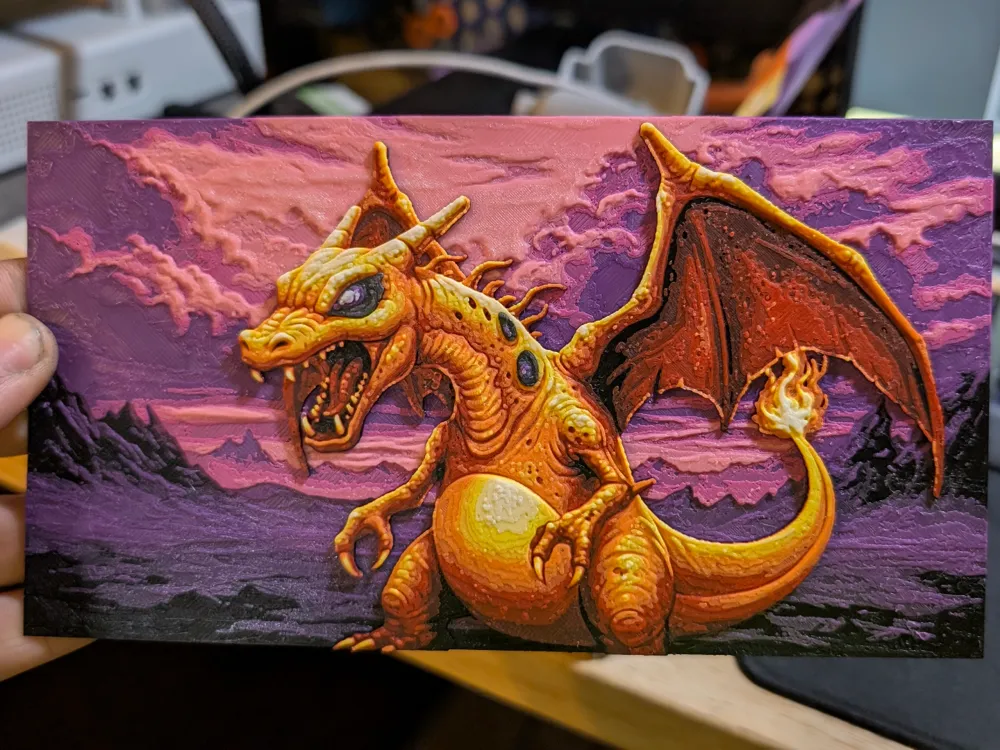
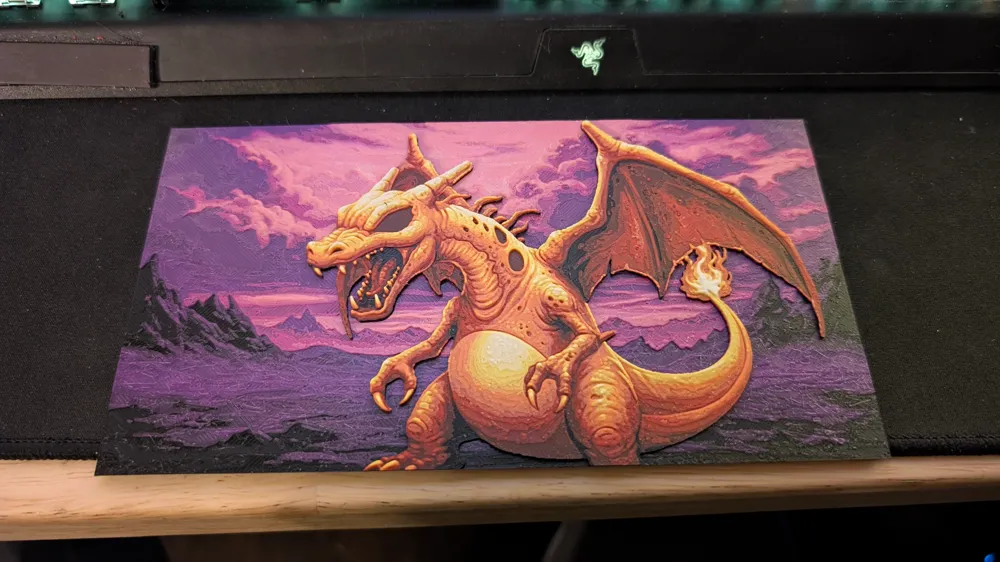
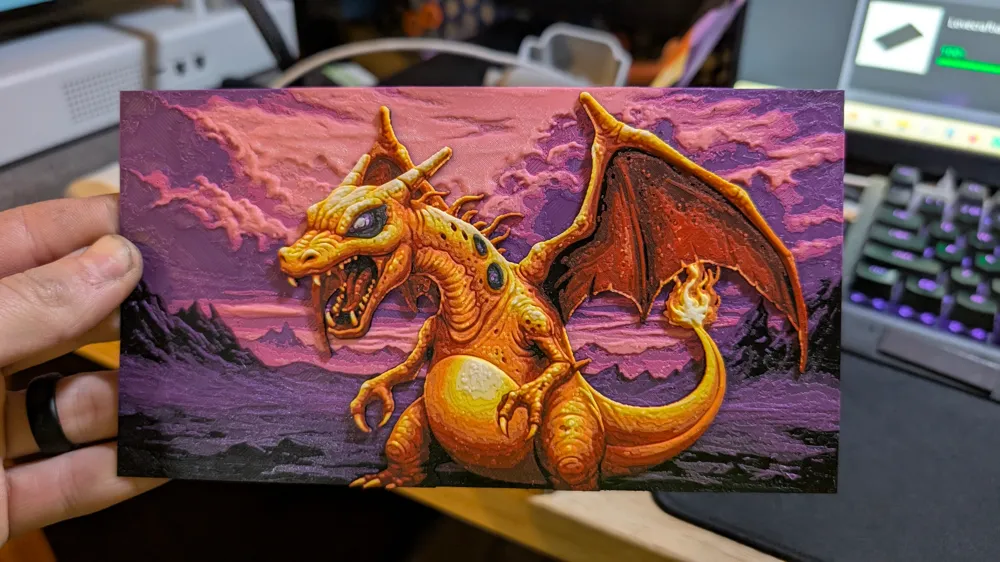
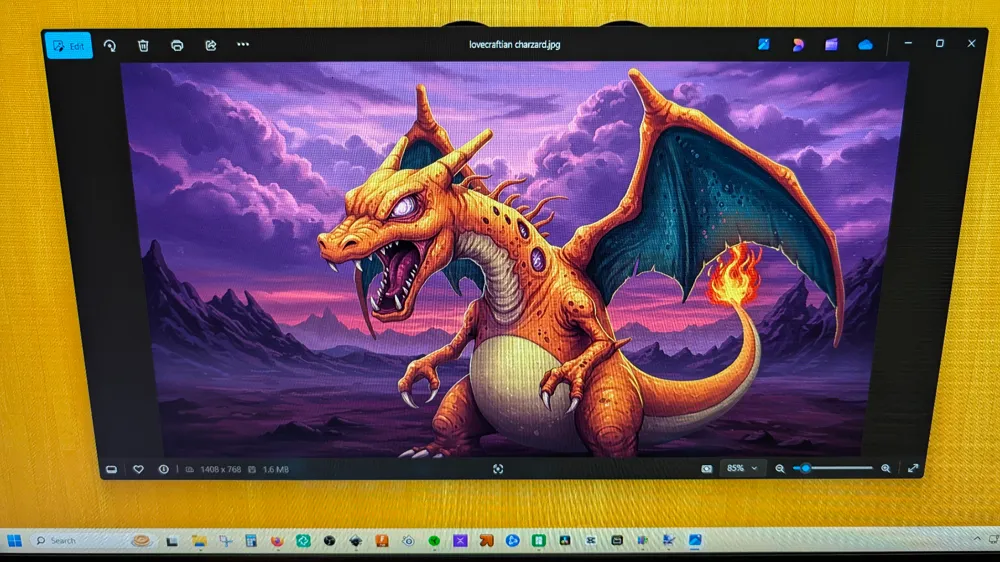
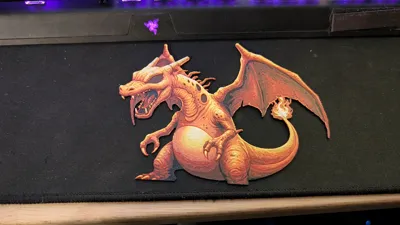
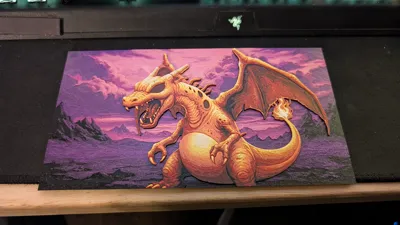
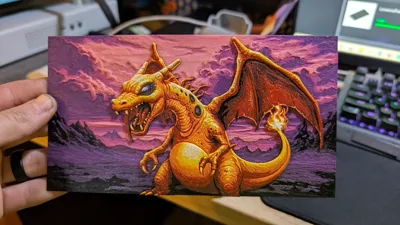
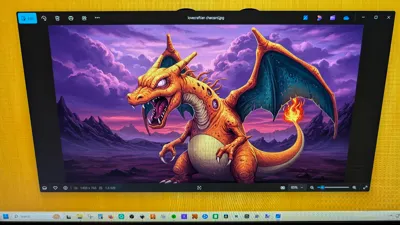
This is a Lovecraftian (cosmic terror/horror) Charzard Hueforge.
If you love horror and you love Pokemon then this Hueforge is for you!
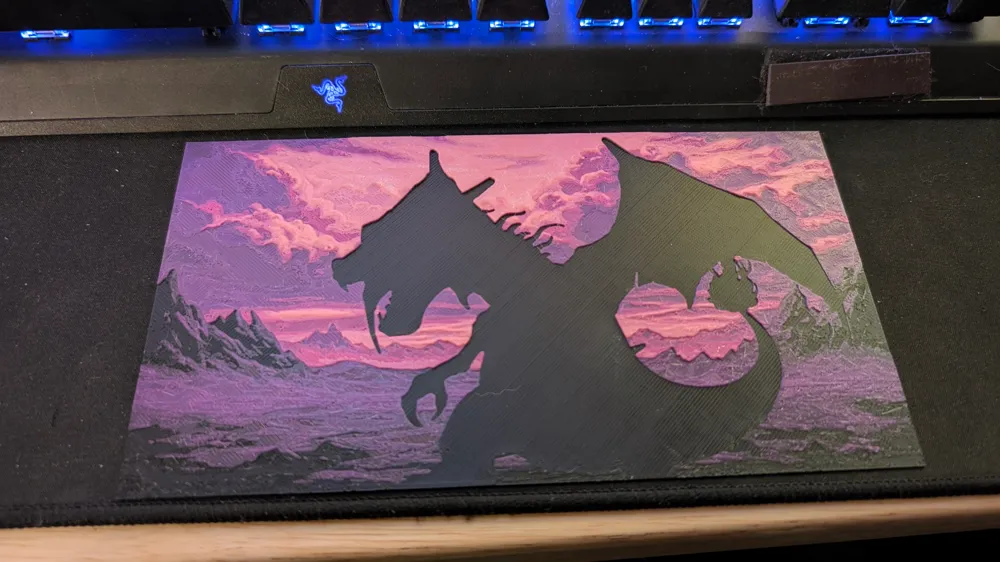
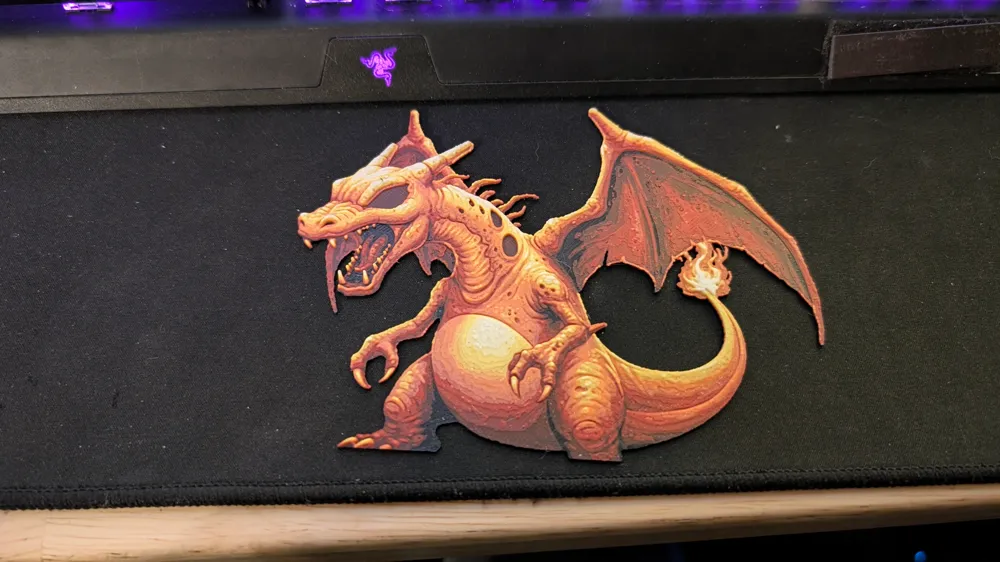
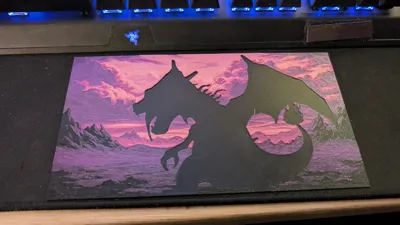
The 3mf file has everything set up for you ready to go across three build plates. It's three separate plates that you will have to super glue together. You don't have to use the specific brands or even colors that I used. Make it your own combination of colors to come up with something you love.
If your printer is calibrated and running correctly then you'll be good to print as is. If things are a little off for you then i would suggest lowering the X and Y (scaling) down to 99% on the plate labeled “Charzard” and the plate labeled “eyes and spots” down to 98%-98.5%. Do not use uniform scaling. This will alter the Z height then your layer will be off which will throw off what layers you change filaments at.
STL settings for you:
0.16 initial layer height
0.08 layer height
999 bottom layers
999 top layers
ironing off
classic wall generator
0.15 elephant foot compensation
0 - 2 wall loops (no more than 2)
100% infill
rectilinear infill pattern
Background Plate Swap Instructions:
Start with Black
At layer #8 (0.72mm) swap to Purple
At layer #13 (1.12mm) swap to Magenta
At layer #15 (1.28mm) swap to Pink
At layer #20 (1.68mm) swap to Natural (white)
Charzard (body) Plate Swap Instructions:
Start with Black
At layer #8 (0.72mm) swap to Red
At layer #12 (1.04mm) swap to Orange
At layer #17 (1.44mm) swap to Yellow
At layer #22 (1.84mm) swap to Natural (white)
Eyes and spots Plate Swap Instructions:
Start with Black
At layer #8 (0.72mm) swap to Grey
At layer #10 (0.88mm) swap to Purple
At layer #15 (1.28mm) swap to White
The colors used:
Sunlu matte black
Sunlu pla pro grey
Sunlu metta white
Sunlu pla magenta
Sunlu pla yellow
eSun pla+ purple
eSun pla+ pink
eSun pla+ orange
Bambulab PLA Basic red
PolyMaker pla natural (high TD white which you can substitute for white. It will just pop more as white)
License



Comment & Rating (3)